Start with the original observation
Read the worker’s original shift or progress note alongside the caution. Keep the recorded facts visible rather than relying on the AI flag alone.


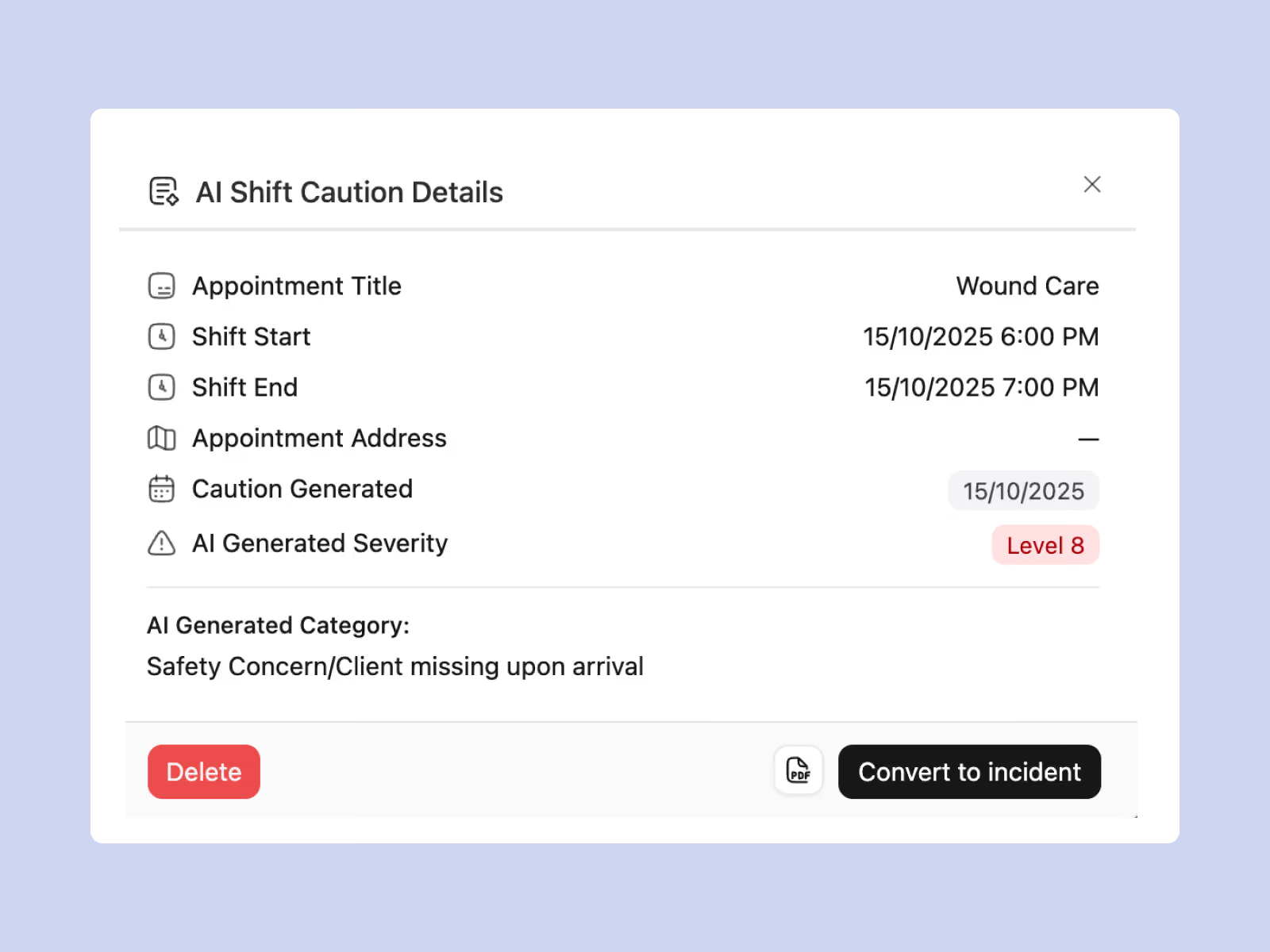
Imploy’s AI Shift Cautions surface potential concerns in shift and progress notes, with severity and risk category beside the original context. Review the flag, then turn it directly into an incident when follow-up is needed.
Trusted by leading providers







Shift Cautions help reviewers see potential concerns recorded in everyday notes. Keep the original wording, client and appointment context in view, check the AI assessment and decide the appropriate action for the situation.
Review the worker’s original note alongside the client, appointment and timing.
See the AI-determined severity and risk category to support review.
Turn a reviewed caution into an incident and continue the follow-up workflow.
Use the AI flag as a starting point. Read the original observation, assess the situation and decide whether an incident or another follow-up action is needed.


When the concern needs action, turn the caution directly into an incident. Review the investigation details and continue the follow-up in Imploy, keeping the original note as context for the team.
Shift Cautions add a review step between everyday documentation and incident follow-up. Staff check the source information and determine the action, with severity and risk context to help guide their review.
Read the worker’s original shift or progress note alongside the caution. Keep the recorded facts visible rather than relying on the AI flag alone.
See the AI-determined severity and risk category with the note context. Use them to support your team’s assessment of what needs attention.
Understand which participant, appointment and timing the flagged note relates to. Follow the record back to the shift when reviewing the surrounding service details.
Convert a reviewed caution directly into an incident when the concern needs follow-up. Use Imploy’s incident workflow for the investigation and subsequent actions.
After conversion, use the incident’s Pulse tab to review time in status and dated staff activity. See the steps recorded as the team works through the incident.
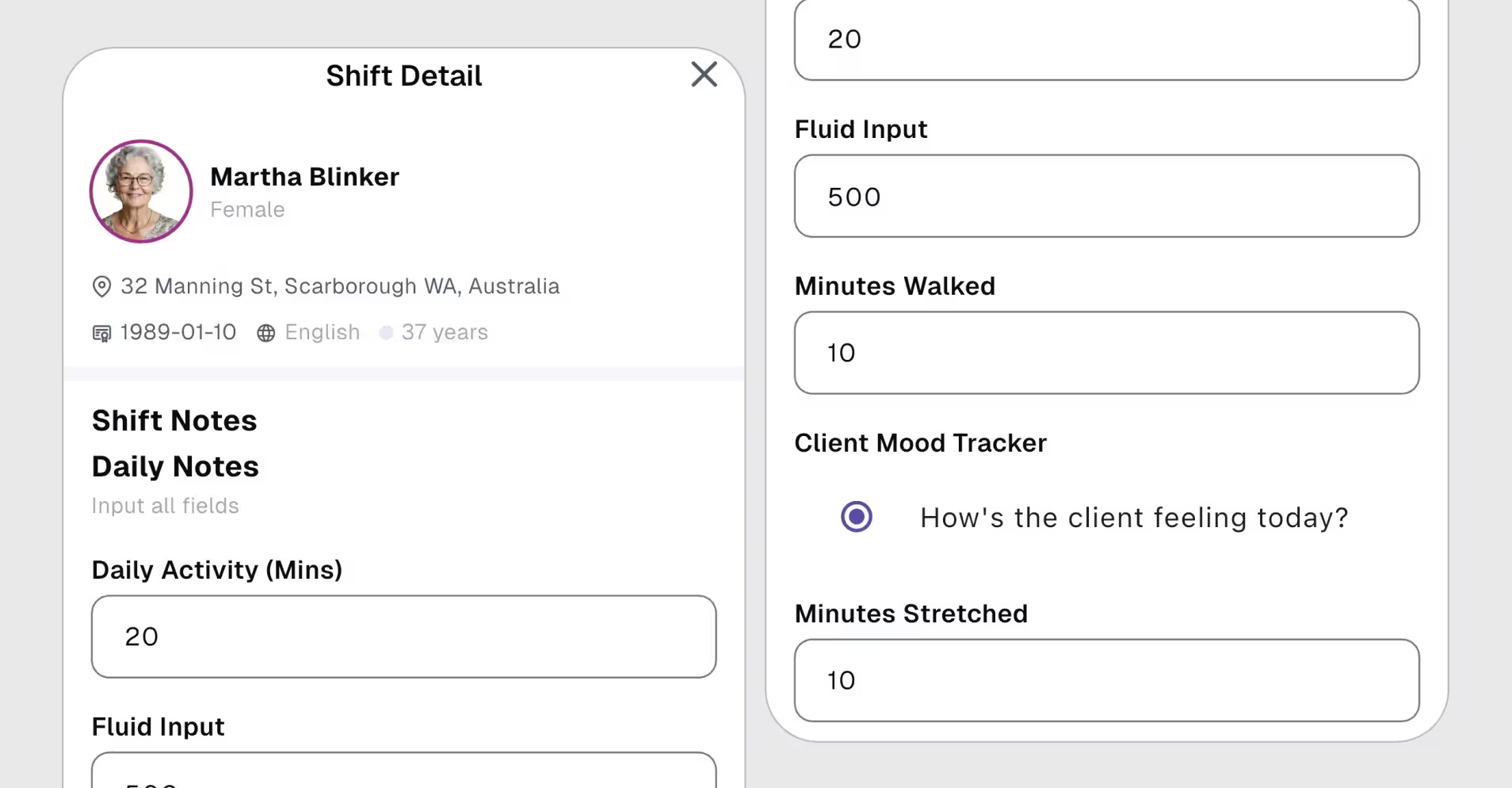
Give carers client-specific form prompts so important observations and follow-up are recorded consistently. Templates support note capture; Shift Cautions support the review that follows.
Progress or shift notes can trigger AI Shift Cautions when potential concerns are identified in the recorded text. Reviewers can examine the original note with the AI-determined severity, risk category and relevant client and appointment context.

Yes. Your team can review the caution and turn it directly into an incident when follow-up is needed. The incident workflow then supports investigation and subsequent actions, with the source note providing context.
No. AI note improvement helps refine the wording of a worker’s note, which the worker checks before using. Shift Cautions surface potential risks from recorded notes for review, with severity and risk context.
Your team reviews the source note, checks the context and decides the response. AI Shift Cautions support that review. Creating an internal incident does not itself submit an external notification, and staff must follow the organisation’s escalation procedures.
Get ready to experience how AI can transform the way you work,and unlock smarter, more efficient workflows.