


Trusted by leading providers









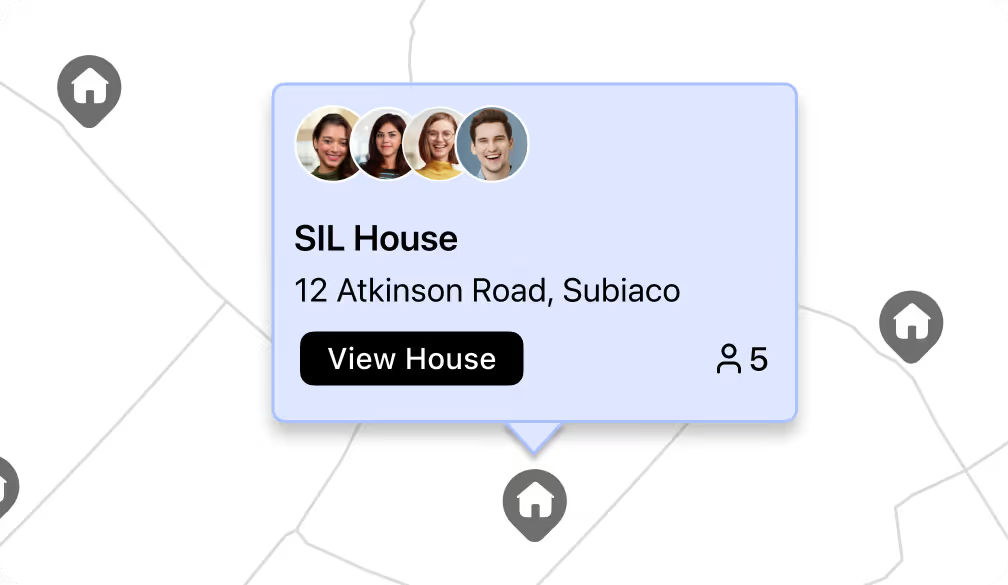
Turn each shared home into a Site with its own details, notes, capacity, and status. Keep property information out of participant records while still seeing everything you need about the house.

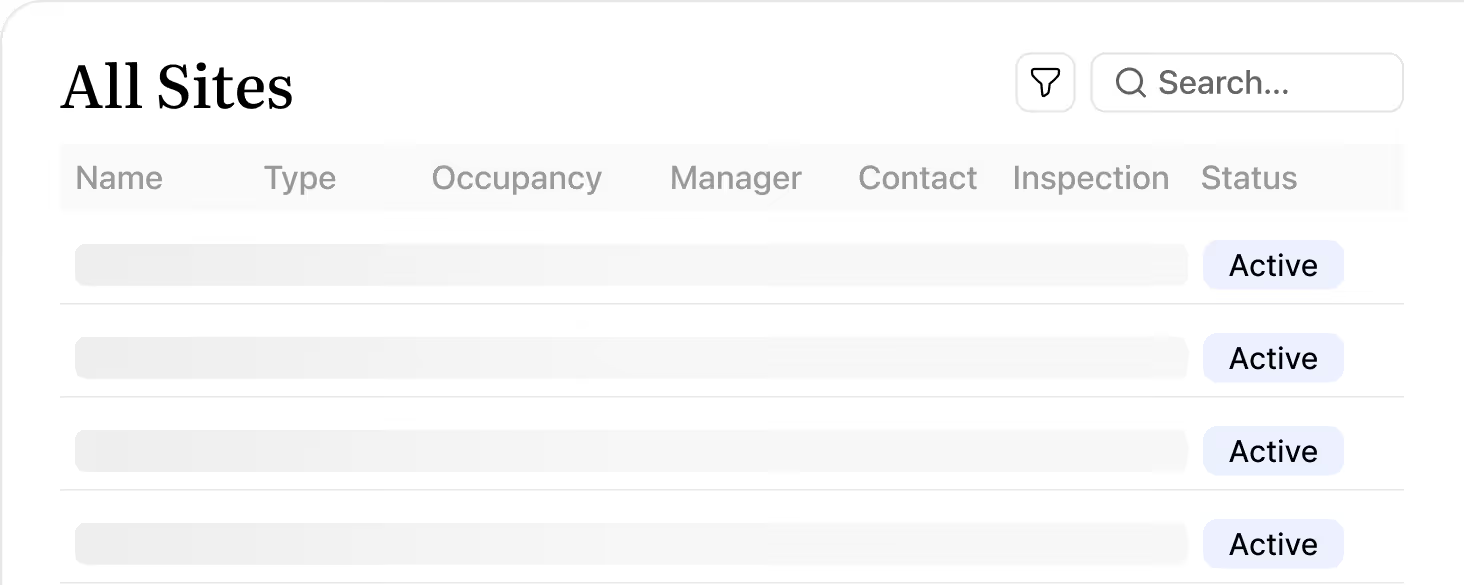
See exactly who lives or stays at each Site, and how that compares to capacity. Update associations as people move in or out so occupancy always reflects what’s happening on the ground.
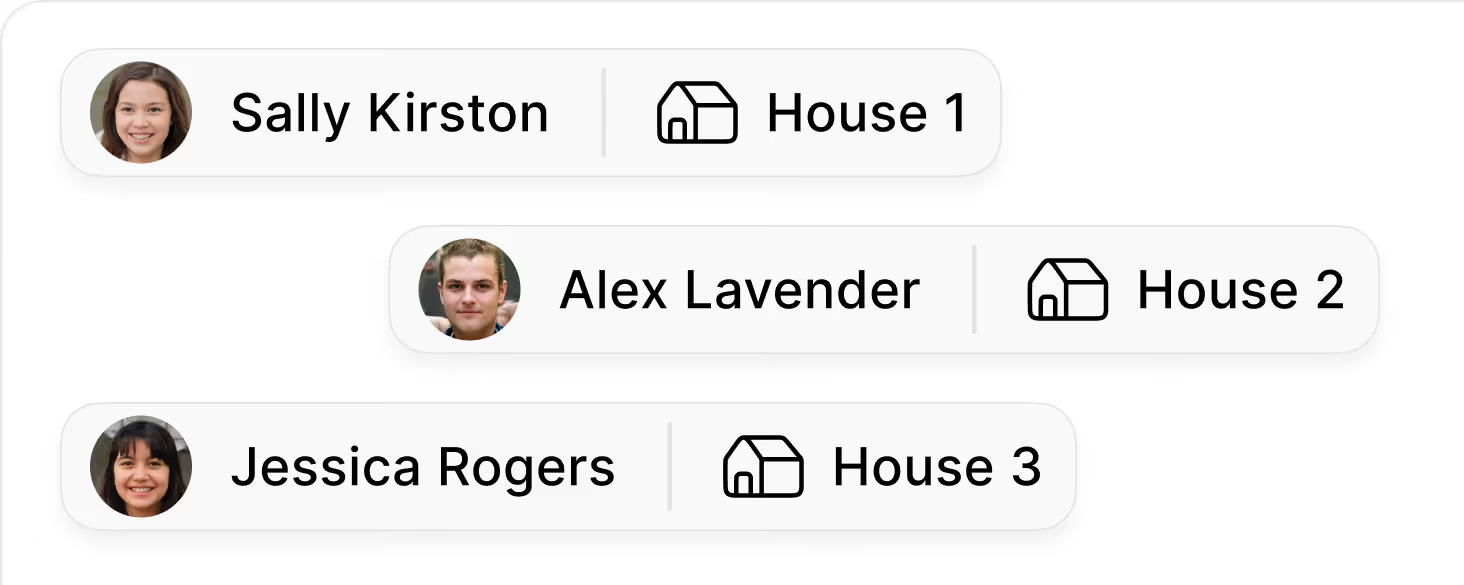
Maintain separate lists for support staff and admin owners at each Site. Give teams a single “who supports this house” view for handovers, escalation, and day‑to‑day coordination.
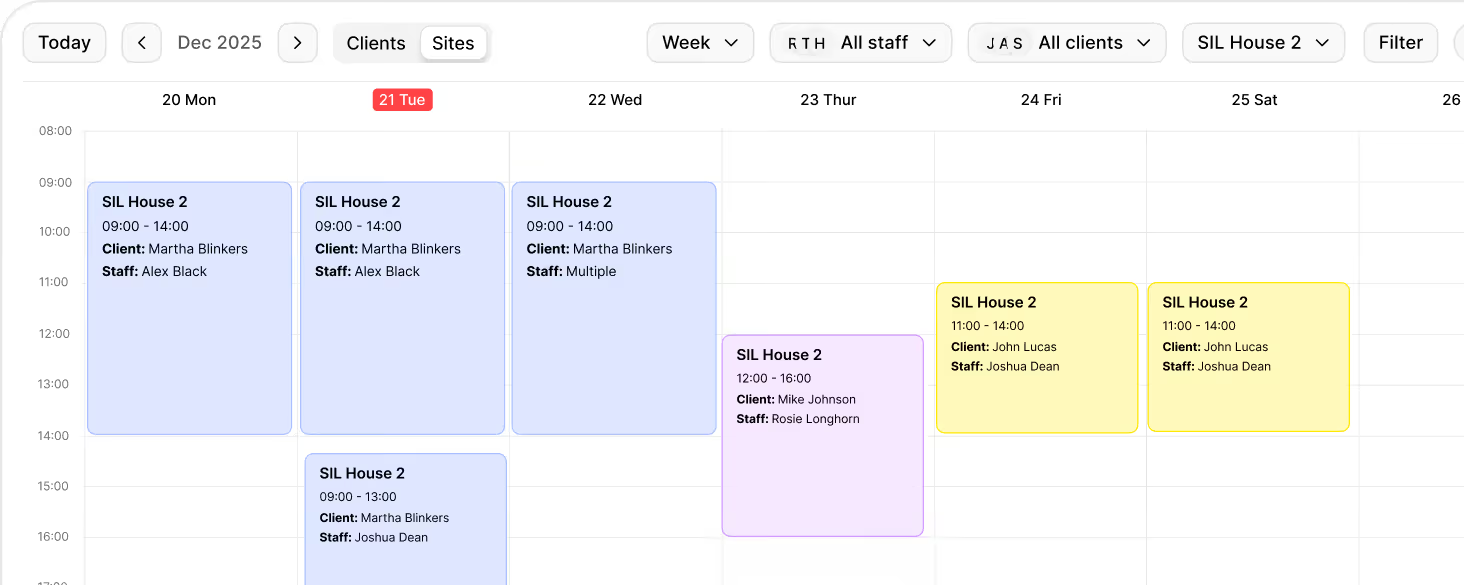
Build rosters from a Site view so shifts are planned around the house, not just individuals. Switch between clients and Sites in scheduling, align coverage to occupancy.
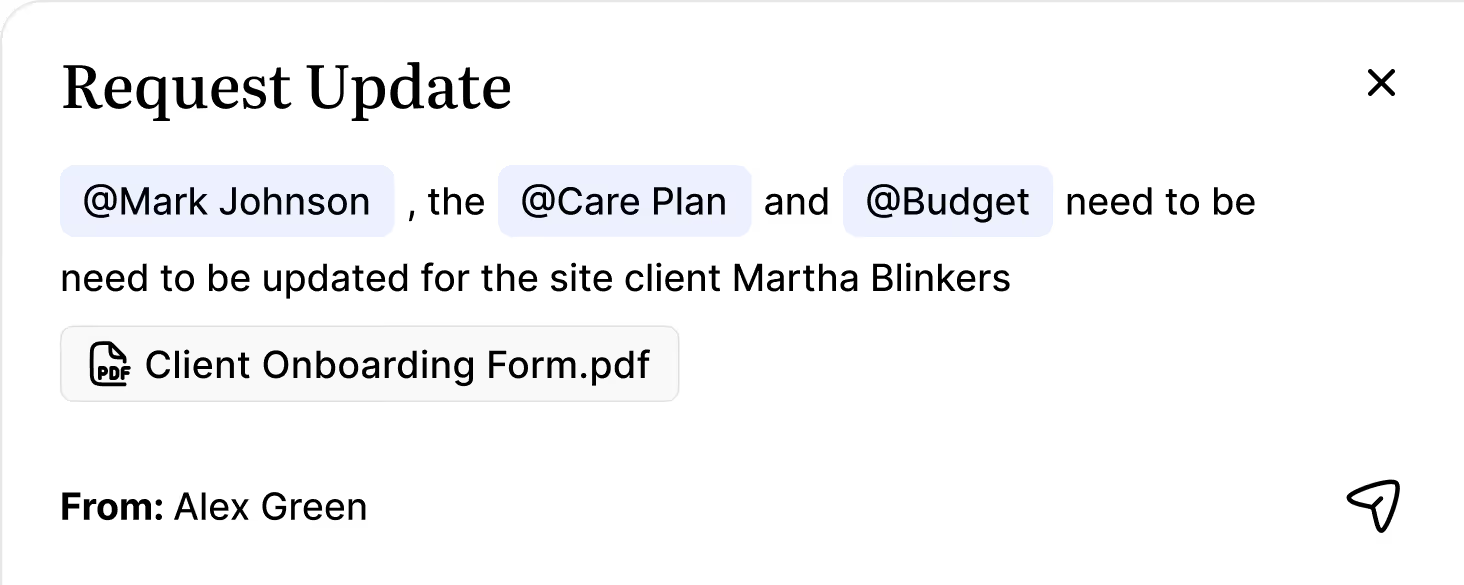
Store site notes, requests, inspection dates, and documents against the house instead of scattered folders. Use Overwatch to see shift notes, cautions, and incidents linked to each Site in one place.
View billable entries and revenue by Site to understand how each house is performing. Bring together occupancy, shifts, and billing so finance, operations, and compliance teams are looking at the same picture.

A Site is a shared location like a SIL home, SDA property, or STA house that sits alongside your client list. Instead of treating the property as a “client”, the Site holds the house details, who lives there, who supports it, and the key notes, documents, and billing linked to that address.

Use Sites whenever multiple participants live or stay at the same address and your team needs one place to manage what happens there. This is ideal for SIL, SDA, and other shared homes where occupancy, staff coverage, inspections, and site‑level billing all need to be tracked together.
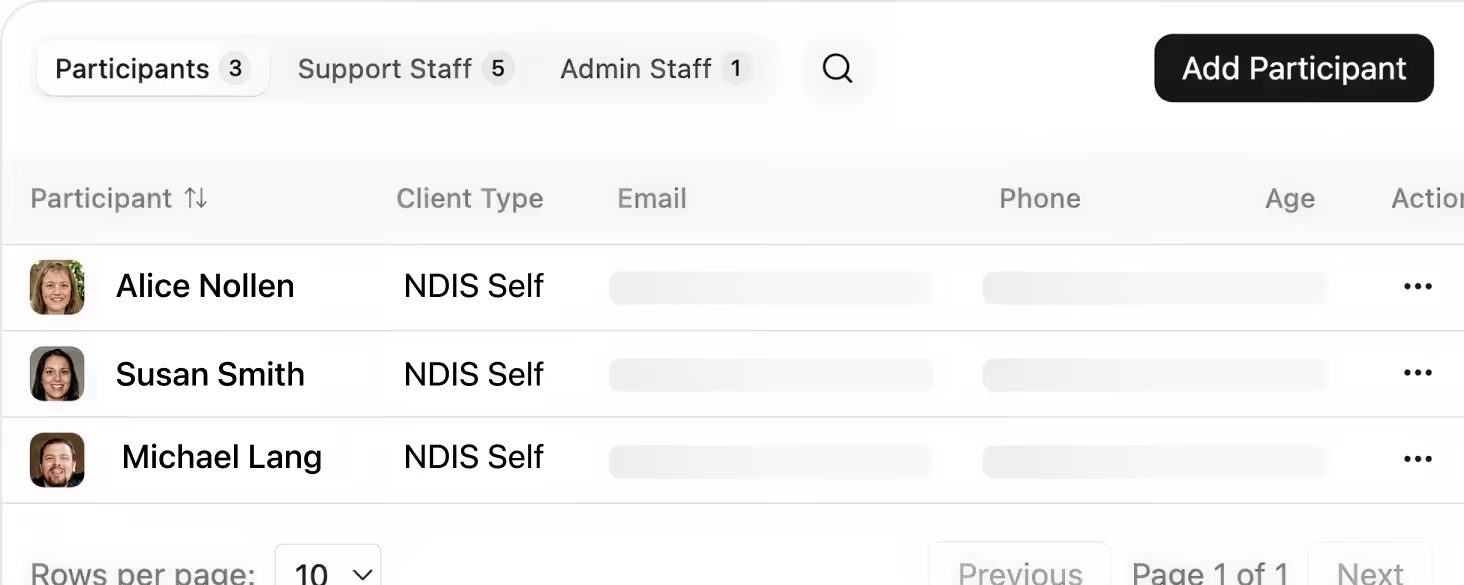
On the Associated tab, you add participants, support staff, and admin staff to the Site. Participants drive occupancy, support staff represent who delivers services at the house, and admin staff are the coordinators or managers who oversee it. These associations stay linked to their underlying profiles.
Yes. In the Scheduler you can switch to a Sites view and plan shifts from the house first. This lets you match coverage to occupancy, keep rosters aligned to each Site, and still ensure shifts are correctly mapped back to participants and funding.
Each Site can hold property details, internal notes, key contacts, inspection dates, risk or caution information, and documents like tenancy agreements or compliance files. Overwatch then brings together shift notes, cautions, and incidents connected to that Site.
Billing still follows your participants and funding rules, but the Billing tab on a Site gives you a financial view rolled up by house. You can see billable entries and revenue linked to that Site, making it easier to review performance, occupancy, and costs at a property level.
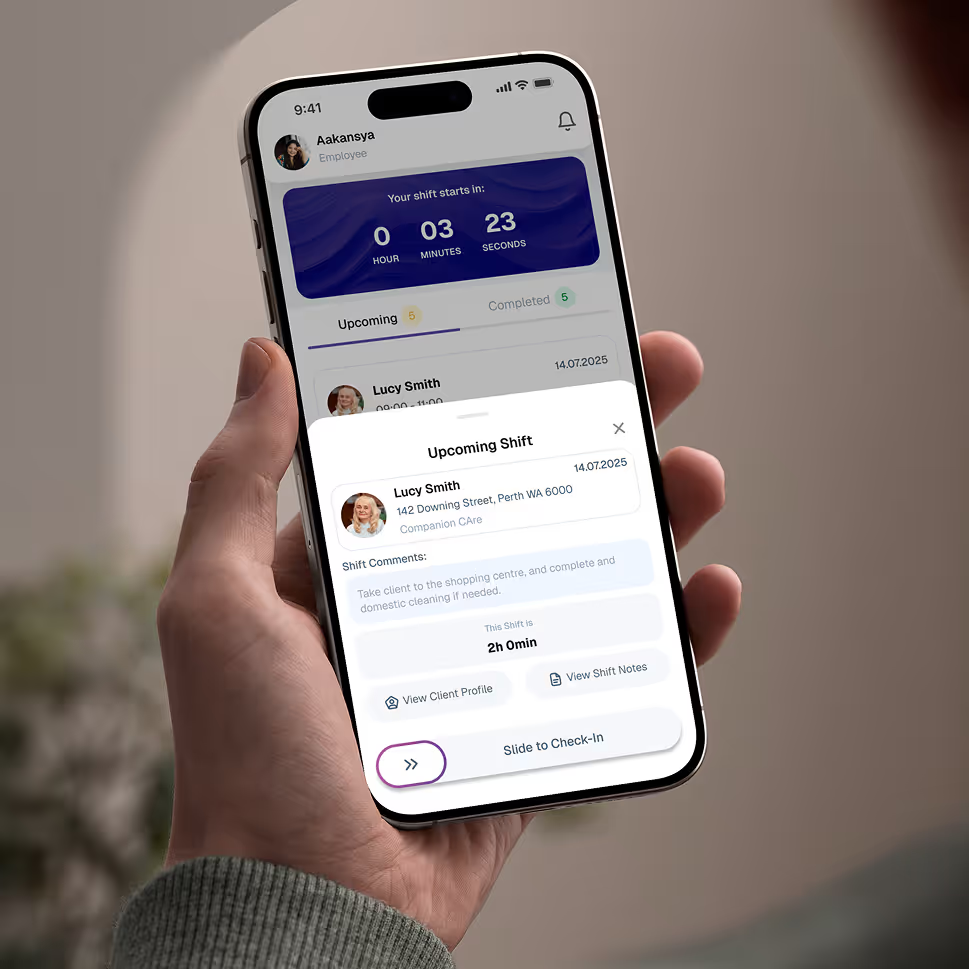
Empower your workforce on the go. Clock in, check schedules, and manage care notes from anywhere. Available for iOS and Android.


Get ready to experience how AI can transform the way you work,and unlock smarter, more efficient workflows.