


Trusted by leading providers









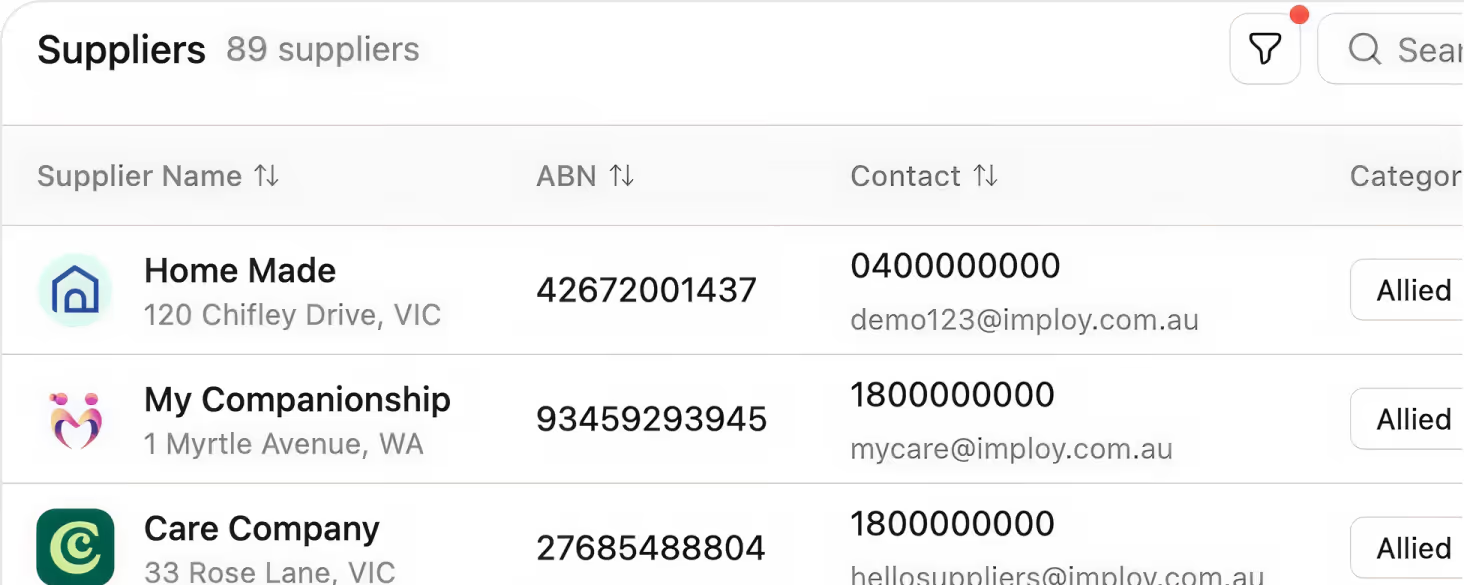
Keep every supplier’s ABN, contacts, services, documents, and invoices in one live profile, so your team always works from a single, up‑to‑date source of truth.

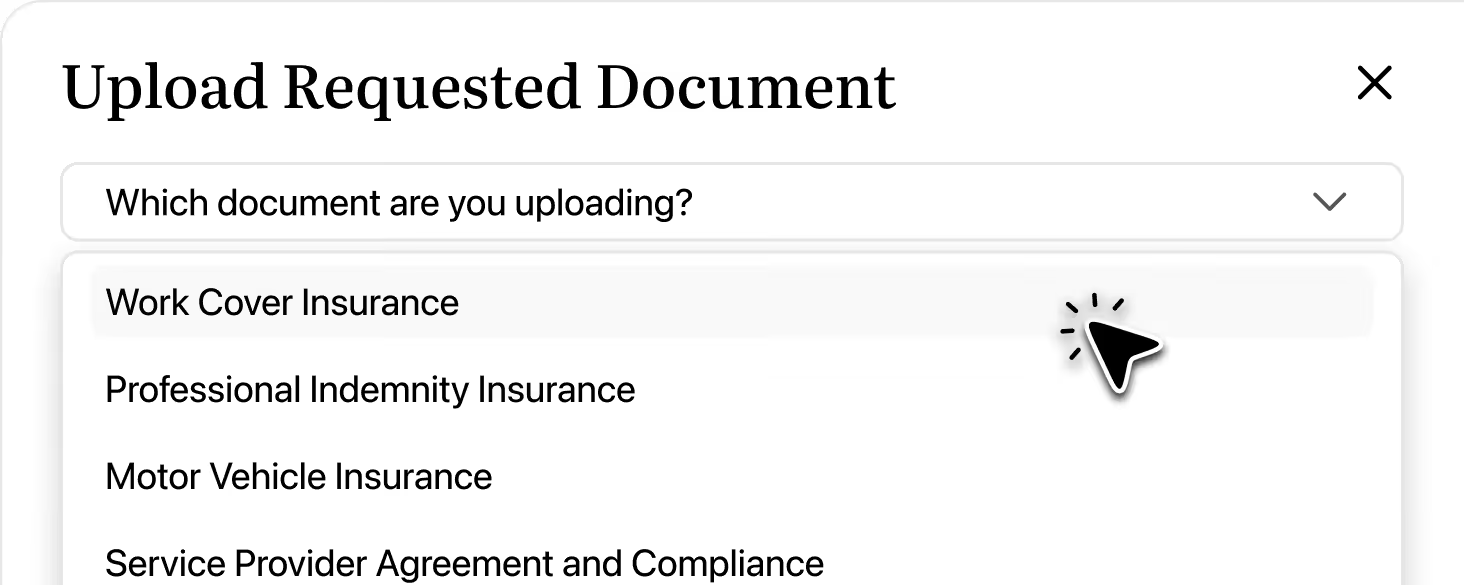
Give approved suppliers their own secure login to upload documents, submit invoices, update services, and manage contacts, reducing email back‑and‑forth and speeding up approvals.
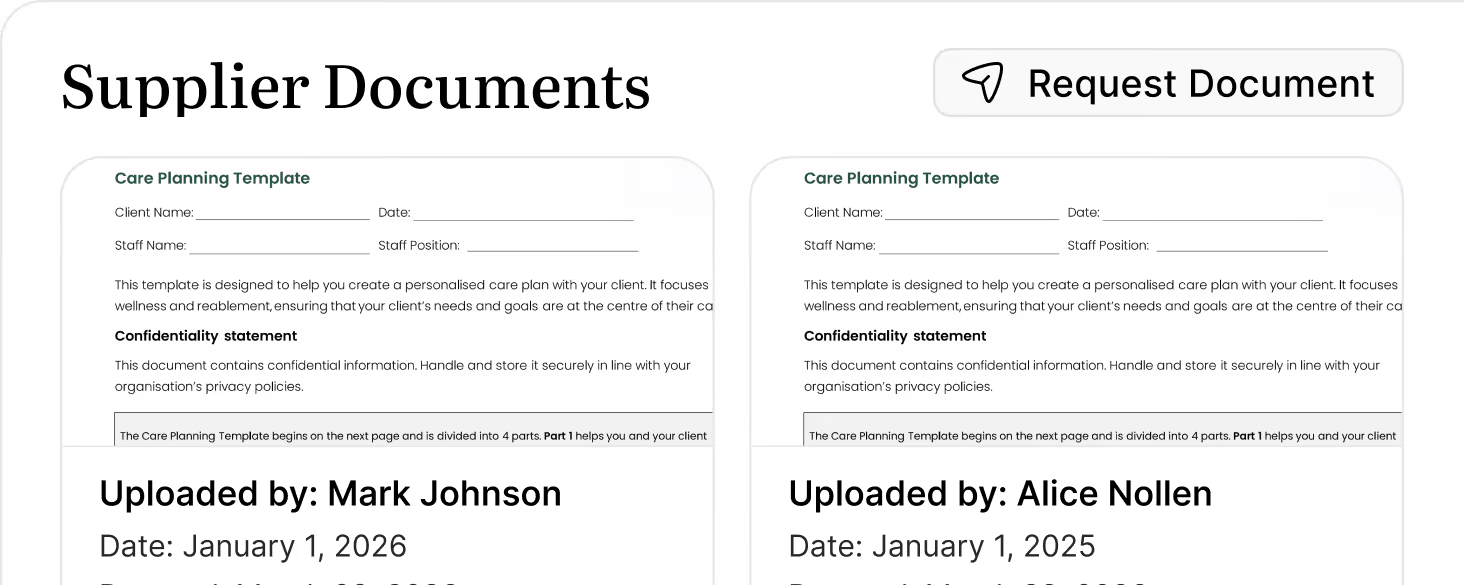
Stay audit‑ready with document requirements, submission statuses, and expiry dates clearly tracked, so you know exactly what’s missing and what needs updating before it becomes a risk.
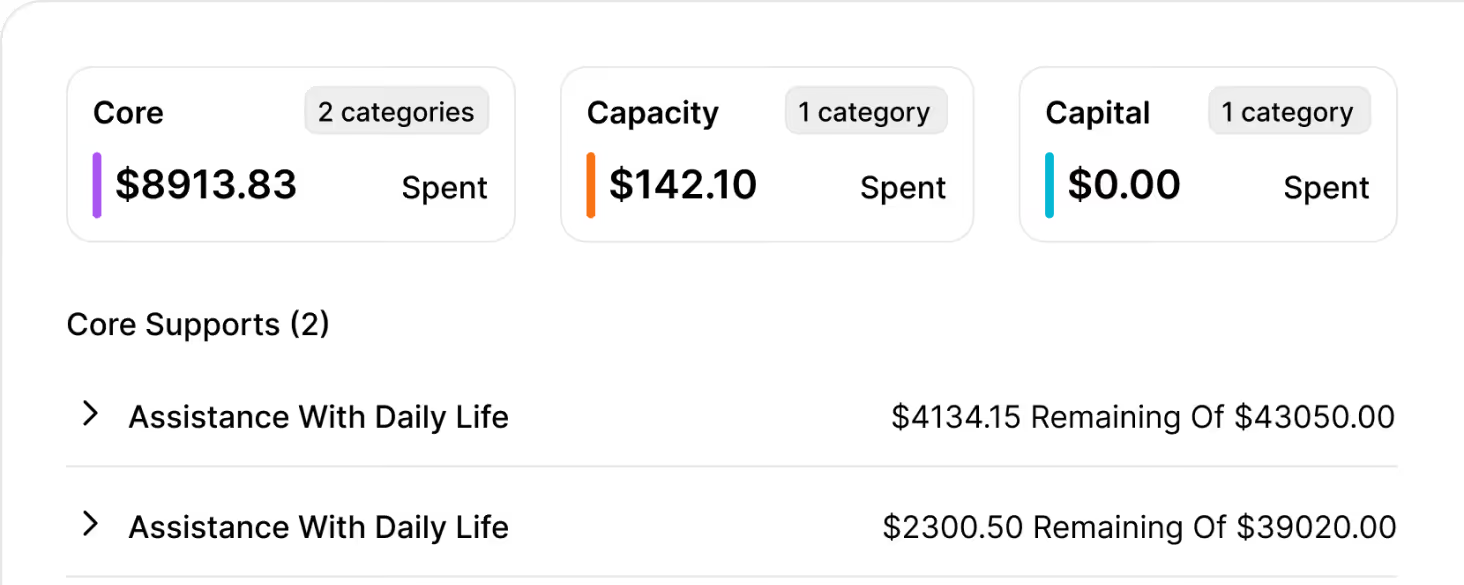
Track every invoice against the right client and funding category, with clear statuses for paid, pending, and overdue, so you can see where money is going and what’s still outstanding at a glance.
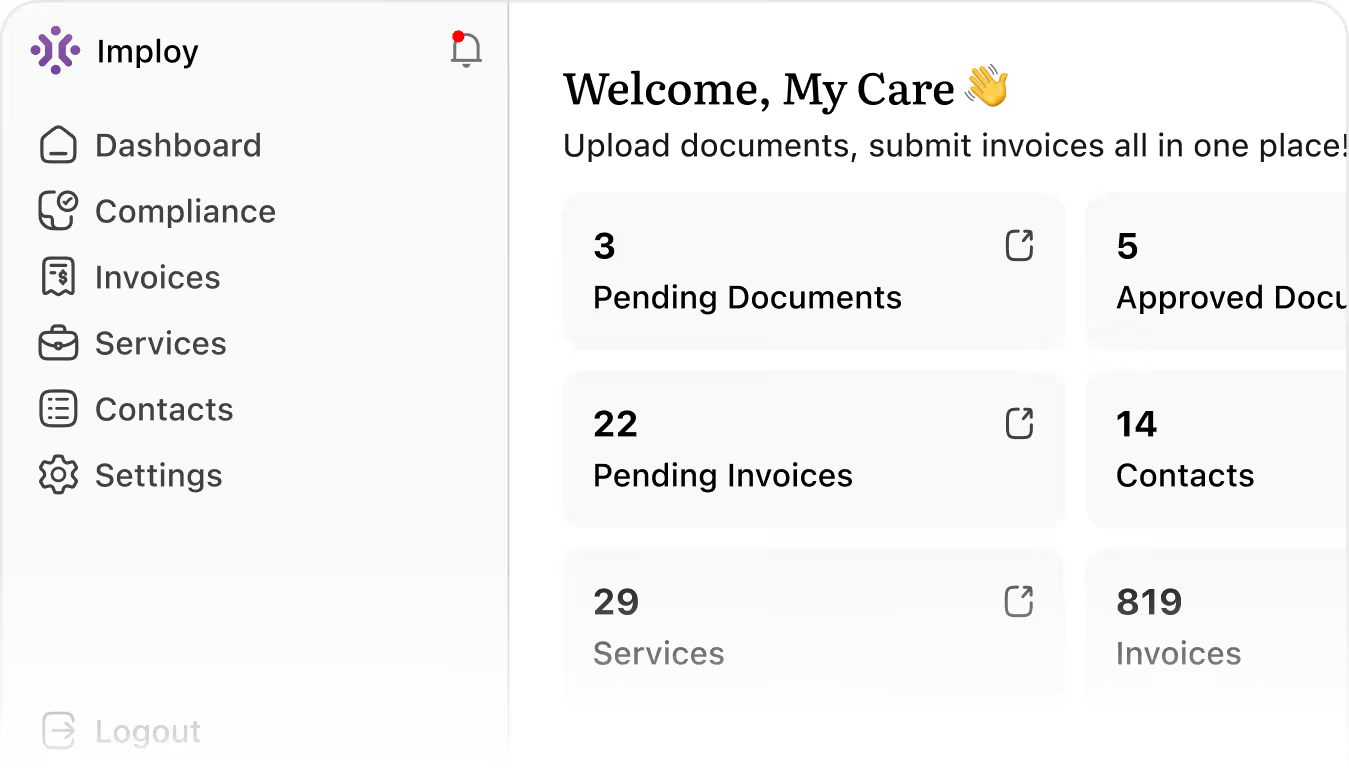
The Suppliers Portal is a secure online area where your external providers can log in to manage their compliance documents, invoices, services, and contacts, all linked back to your clients and funding in Imploy.

Only approved suppliers that your organisation has added to Imploy can access the portal. You control which suppliers are active, and they receive their own secure login to manage their information.
Suppliers can upload and update compliance documents, submit and track invoices, maintain their contact details, and manage the services they offer (including rates and availability), reducing email back‑and‑forth.
All supplier documents are tracked with statuses (Required/Optional, Submitted/Not Submitted) and expiry dates. This means you can easily see what’s missing, what’s due to expire, and have everything ready for internal or external audits.
No. Suppliers only see the information relevant to the services they provide (such as service details and related invoices). Sensitive client and funding data remains controlled by your organisation within Imploy.
Suppliers submit invoices directly through the portal, which are then visible in Imploy against the relevant client and funding category. You can track invoice status (Paid, Pending, Overdue) and keep a clear record of all supplier billing.
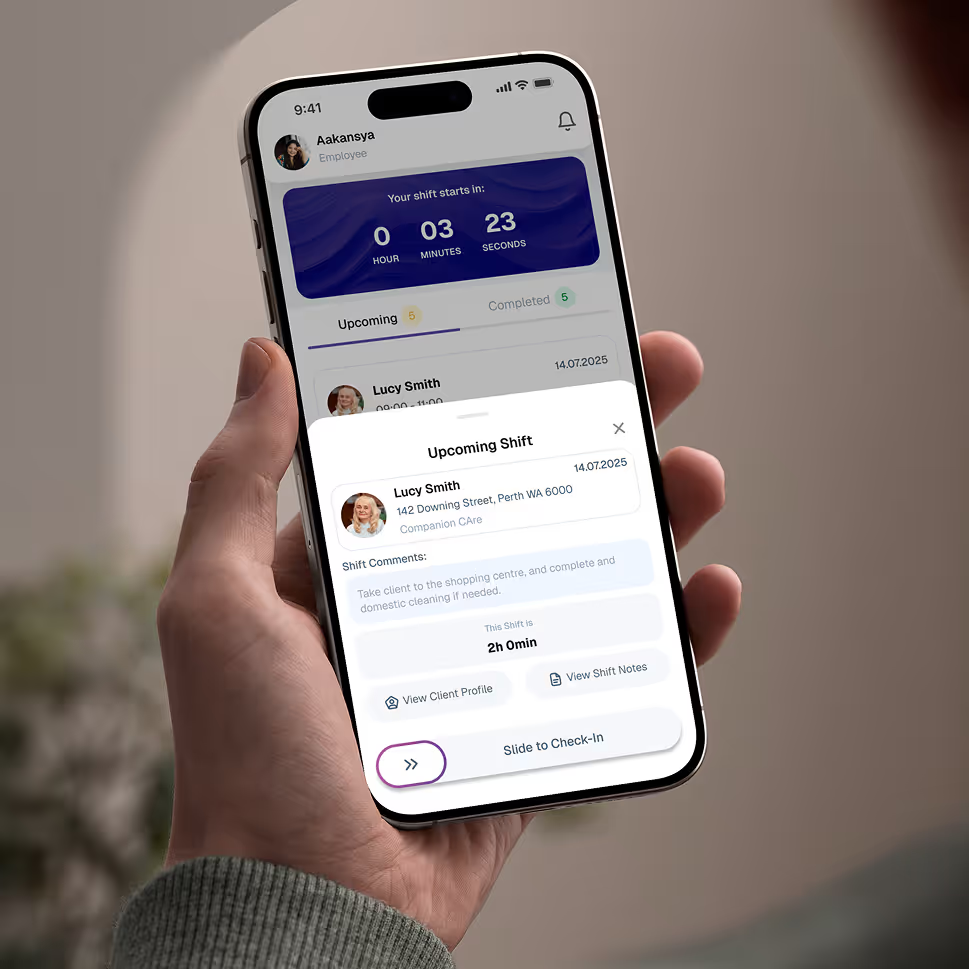
Empower your workforce on the go. Clock in, check schedules, and manage care notes from anywhere. Available for iOS and Android.


Get ready to experience how AI can transform the way you work,and unlock smarter, more efficient workflows.