
Trusted by leading providers







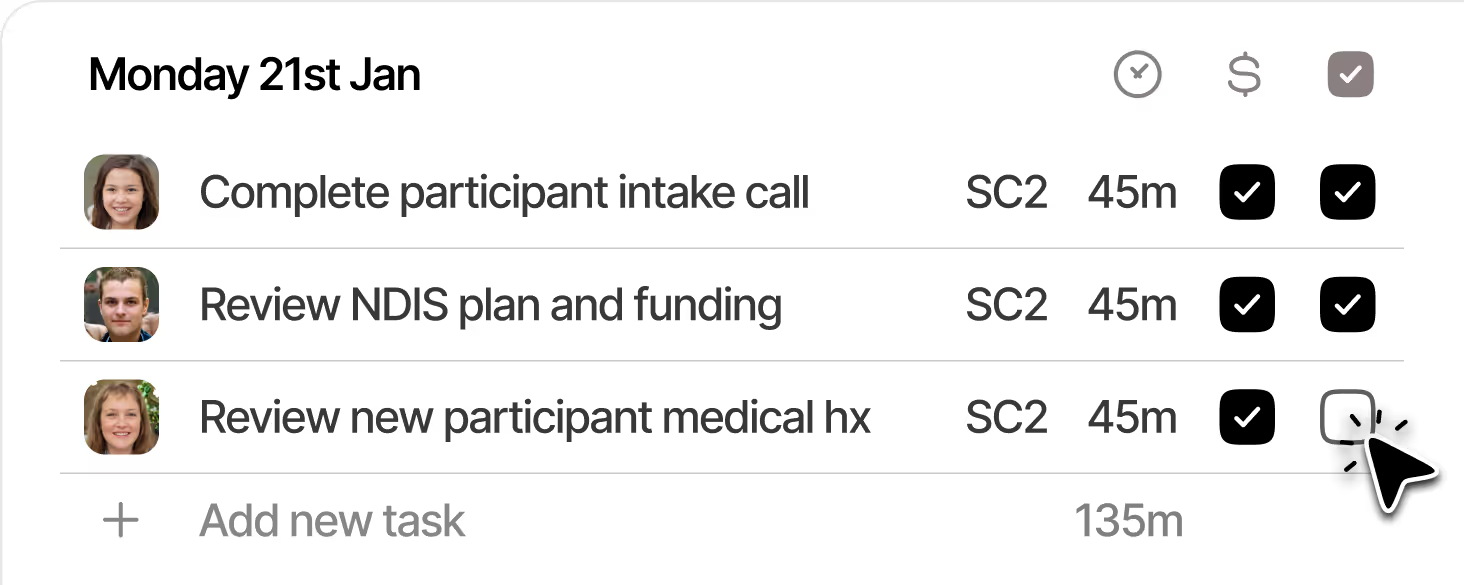
See and manage billable tasks for every Participant from one central board.

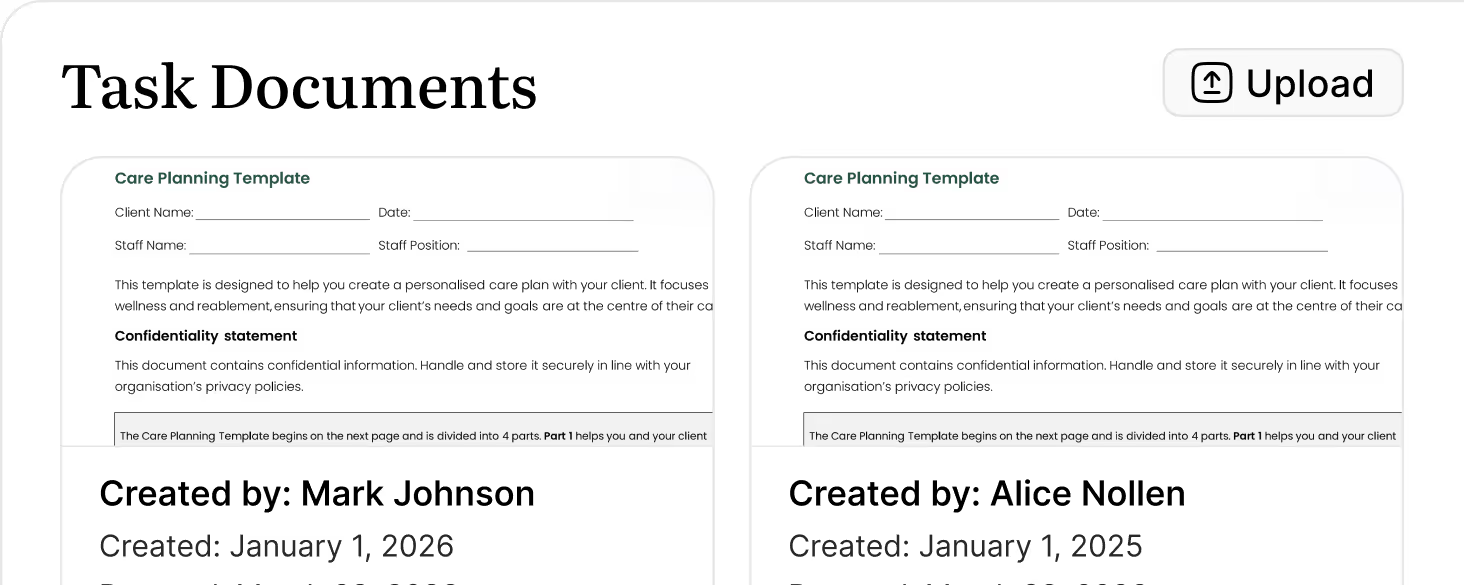
Add case notes & documents directly from each task without switching screens or losing context.
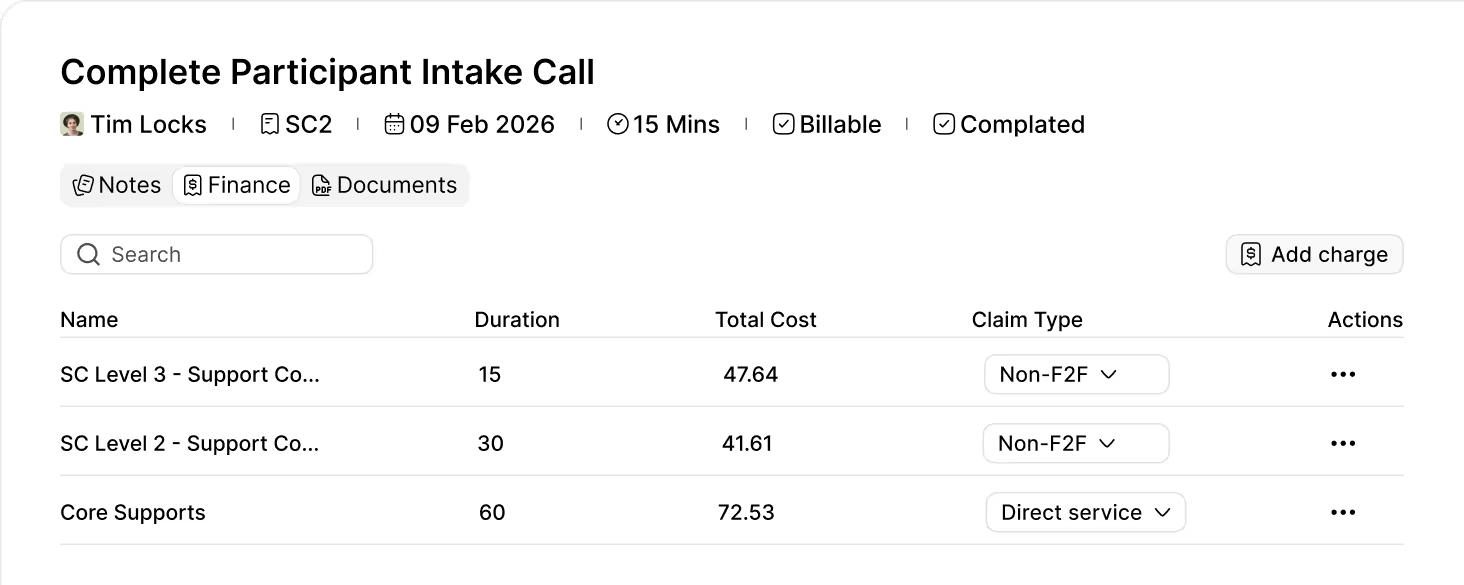
Capture the right NDIS line item as you work, so tasks are billing-ready without extra data entry.
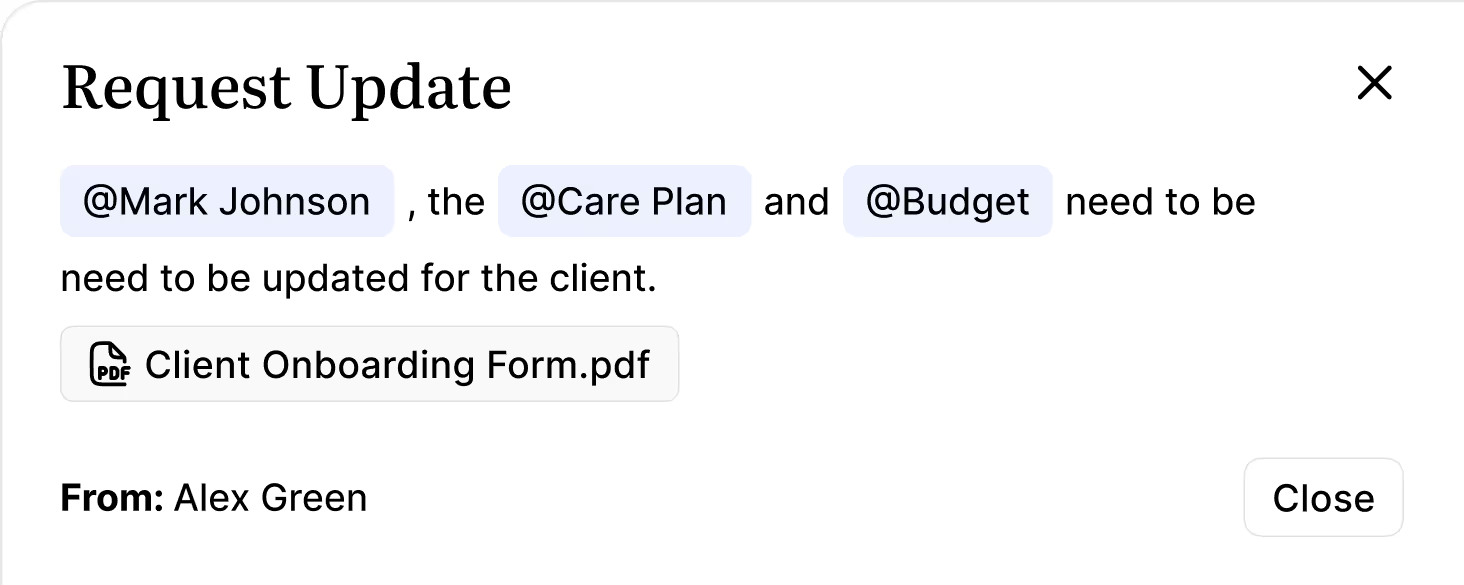
Request updates from other coordinators, or team members for client information needing to be updated, edited, or reviewed.
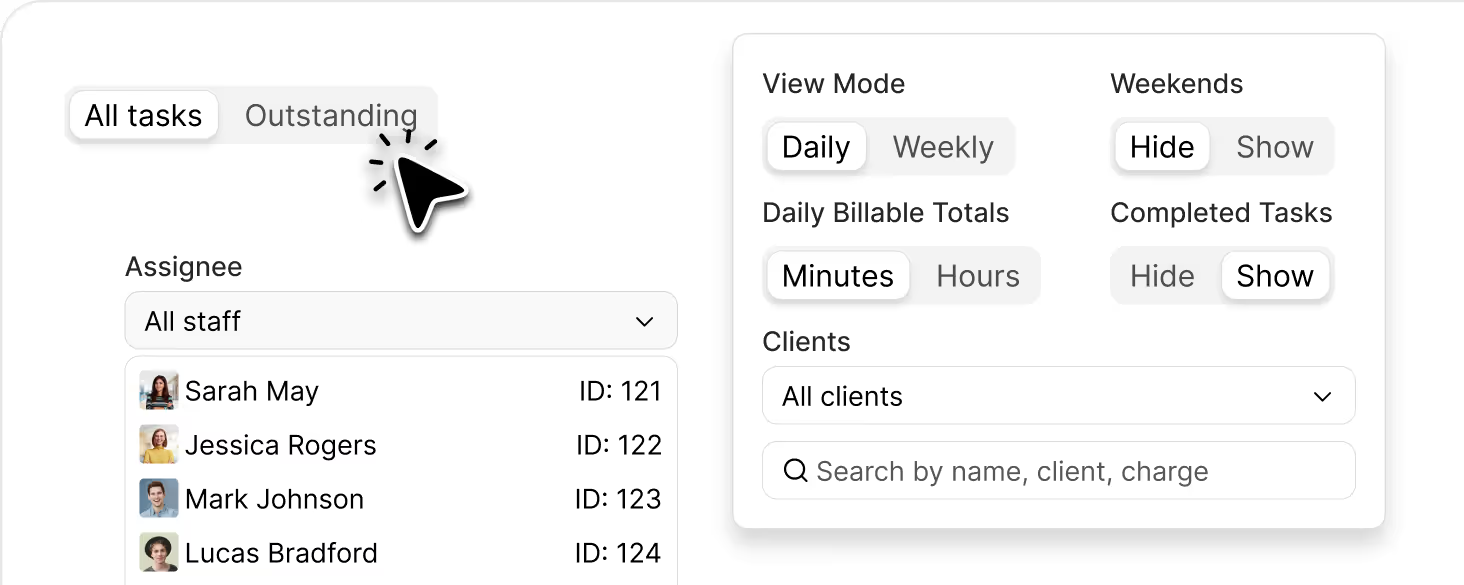
Instantly see outstanding and overdue billable tasks so nothing slips through the cracks.
Cut down admin and context‑switching so more time is spent on billable participant support.
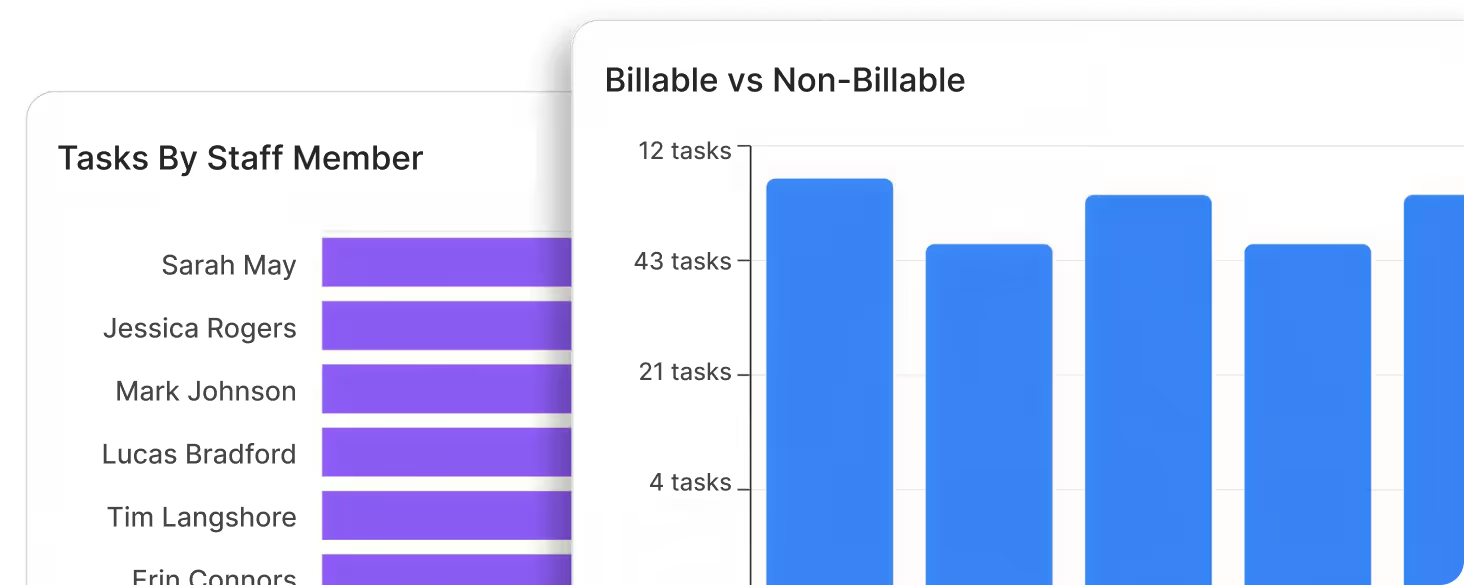
The Billable Task Board connects tasks, time, case notes, and NDIS line items in one workflow. As Support Coordinators work through tasks, they capture the correct line item, time, and notes, so everything is ready to flow straight into billing and claim files without double‑handling.

Yes. You can open a task, record the support delivered, and write your case note in the same view. Notes stay linked to the specific task and Participant, making billing, audits, and reporting much easier.
The board gives you clear visibility of outstanding, overdue, and non-billable billable tasks. You can quickly see what needs attention today so nothing slips through the cracks across your caseload.
Yes. The Billable Task Board is designed for busy teams. You can view and manage billable tasks across multiple Participants and coordinators, with a single source of truth for what’s been done, what’s billable, and what’s still outstanding.
You can change assignee view, and filter by Participant, status, or due date. This lets each coordinator work from a clear, focused list instead of jumping between spreadsheets and tabs.
Every billable task includes dates, notes, and the linked NDIS line item. Because tasks, notes, and claims stay connected, you have a clean audit trail showing what was done, for whom, when, and under which funding line, making compliance checks and audits much simpler.
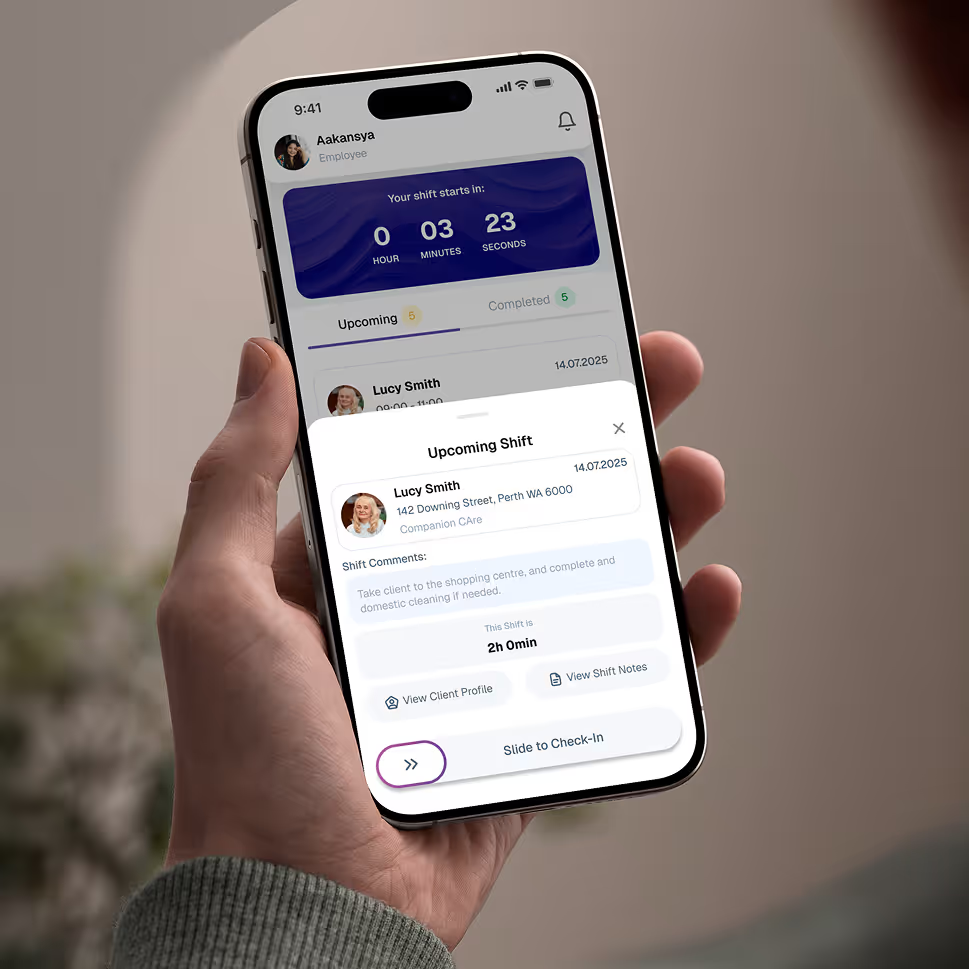
Empower your workforce on the go. Clock in, check schedules, and manage care notes from anywhere. Available for iOS and Android.


Get ready to experience how AI can transform the way you work,and unlock smarter, more efficient workflows.