


Trusted by leading providers








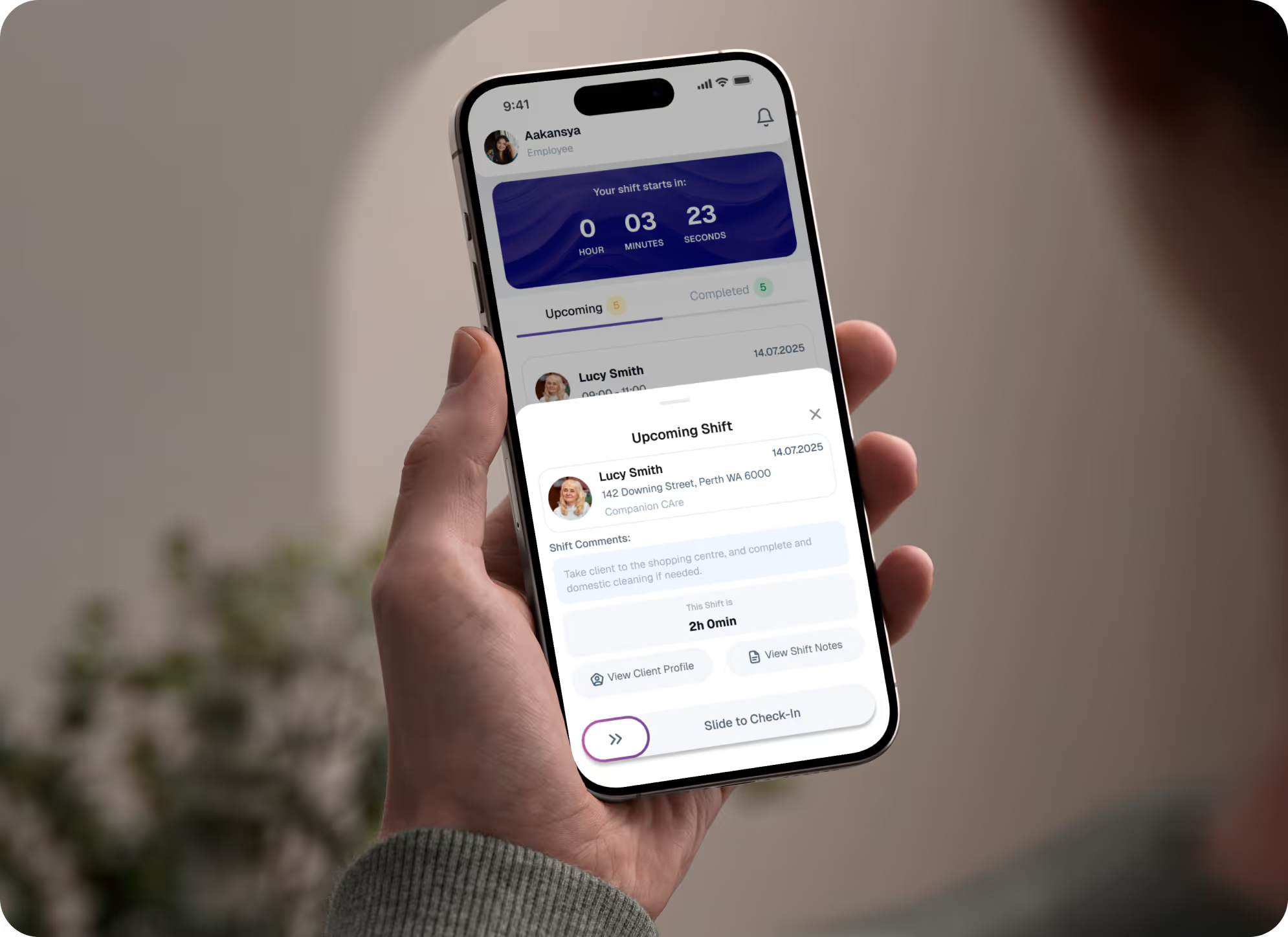
Give workers one place to see upcoming shifts, set availability, and slide to clock in and out with GPS-stamped times, reducing missed shifts, manual time corrections, and payroll disputes.


Let staff safely access key client details, care plans, preferences, and previous shift notes from their phone for a limited time window around each shift, so they always arrive prepared and compliant.
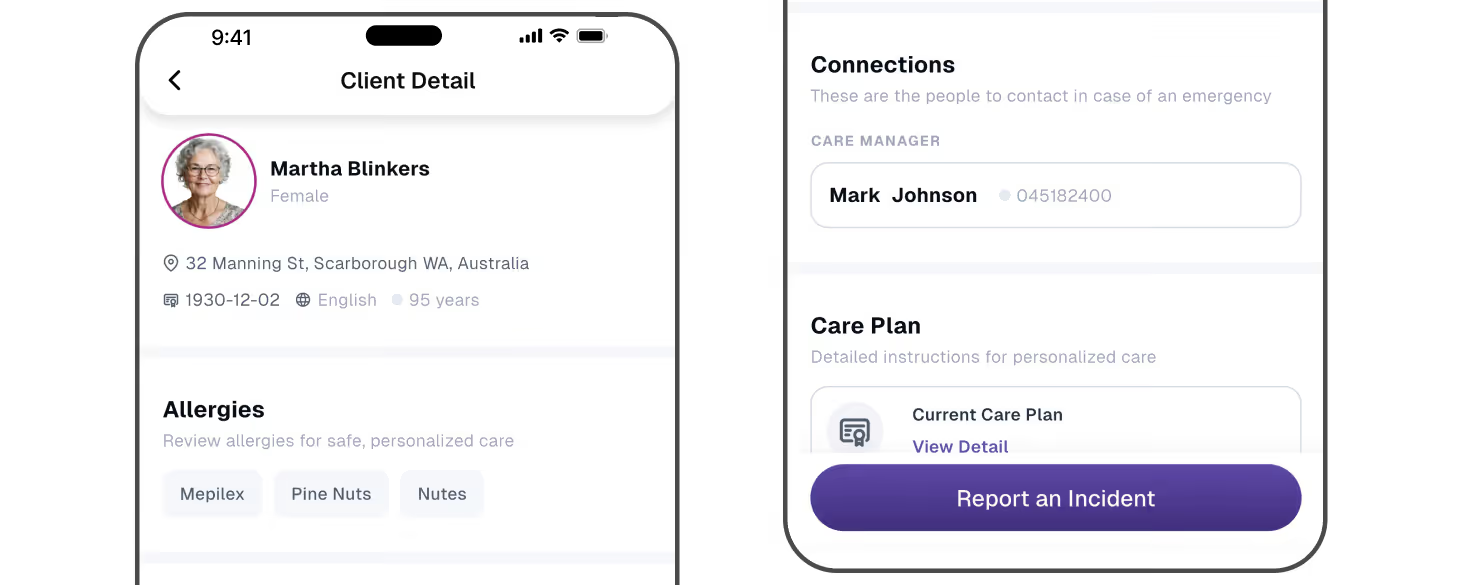
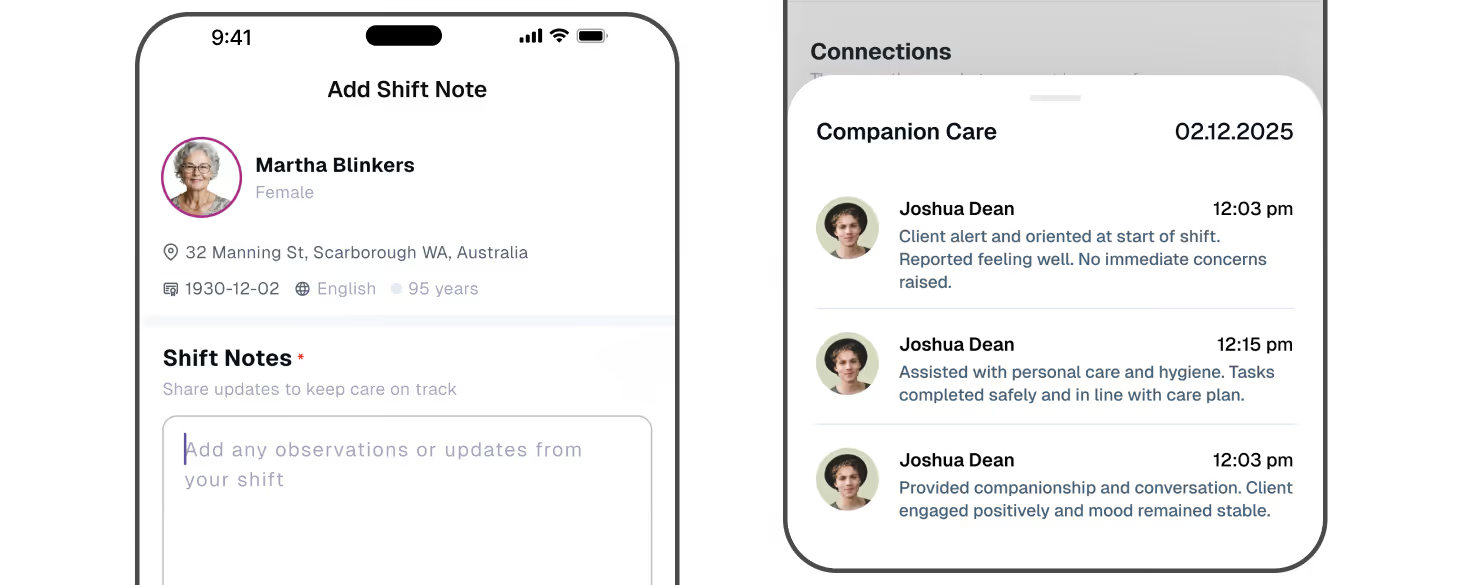
Capture everything at the point of care - shift notes, photos, documents, travel claims, reimbursements, and incidents. Sync it all straight back to Imploy with no paper or duplicate entry.
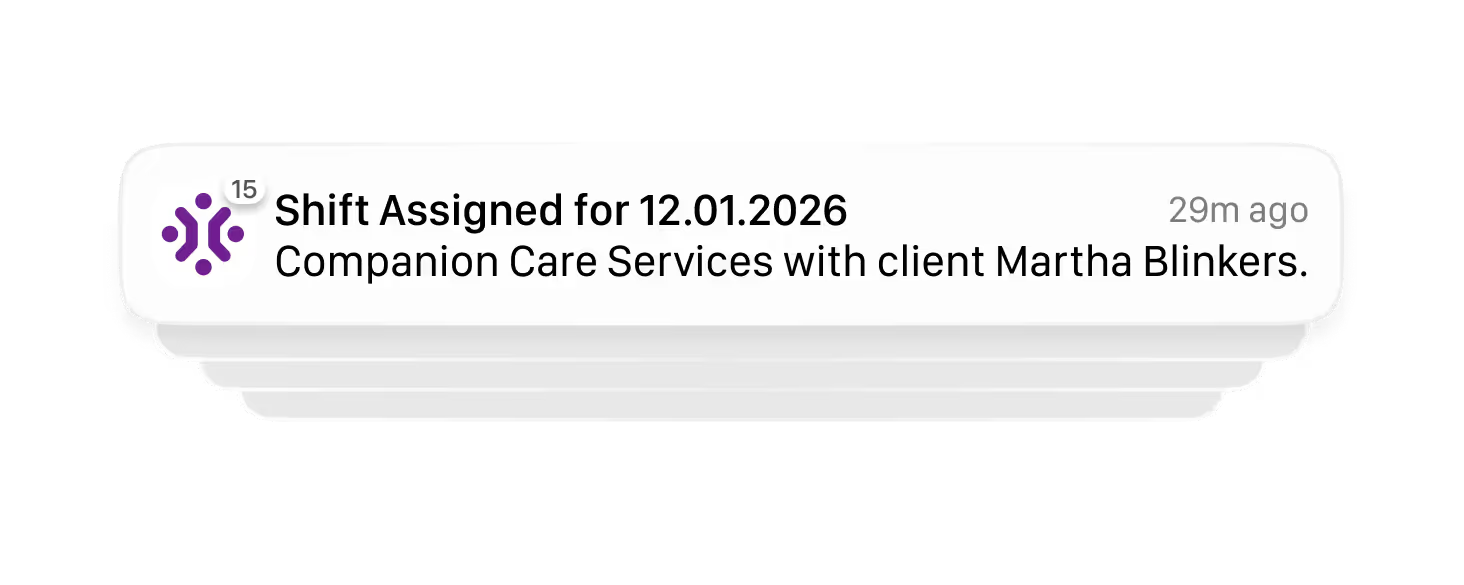
Keep teams accountable with real time notifications for new shifts, changes, reminders, and document requests, while staff manage their own details, certifications, and availability to reduce admin follow-up.
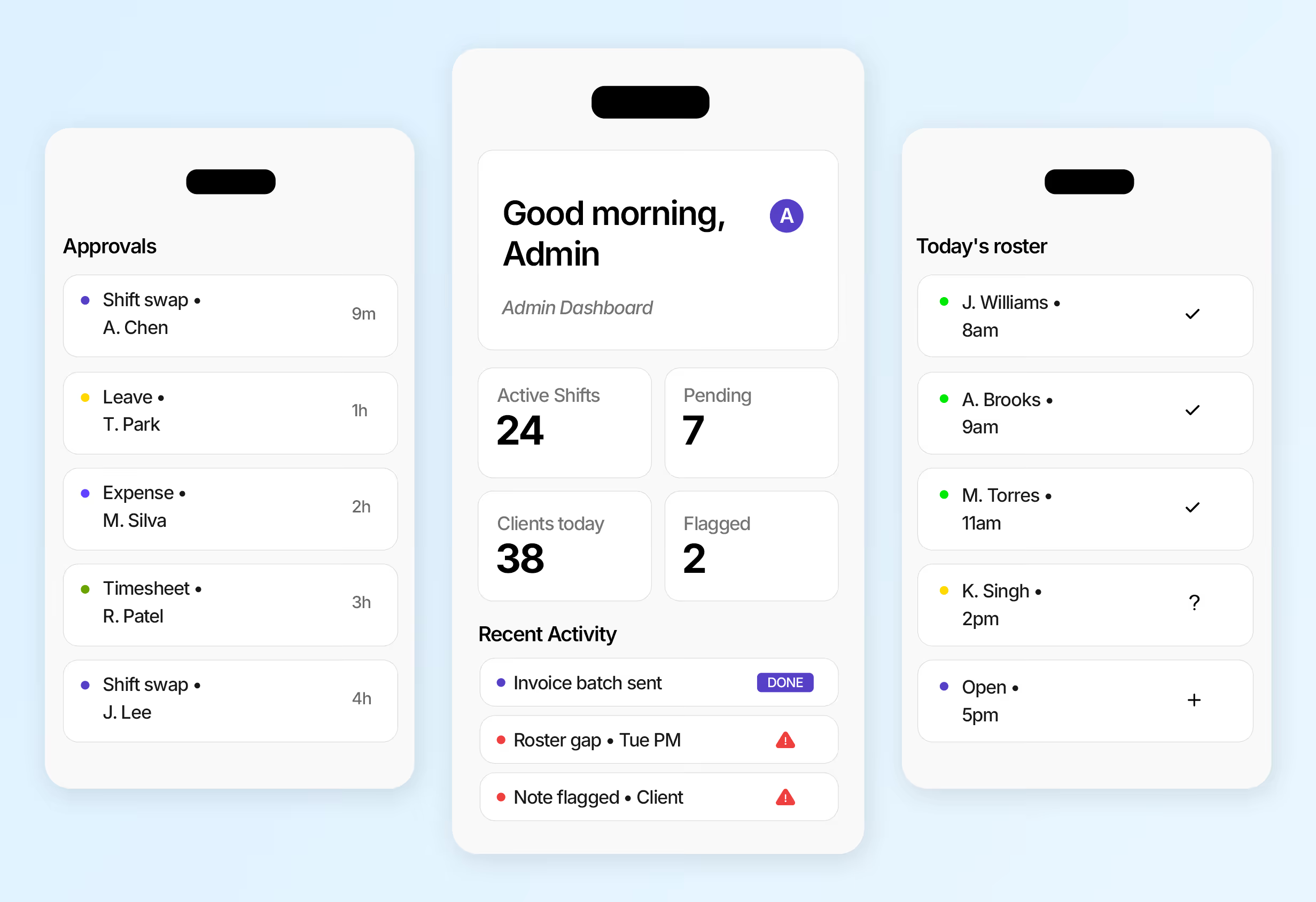
Everything you manage on desktop — approvals, rostering, client oversight, and compliance — now in your pocket. Built for NDIS & HCP coordinators.






Staff can check rosters, clock in and out, view client details, add shift notes, submit travel claims, and report incidents, all from one secure app that syncs straight to the web-app.

Workers see their upcoming shifts on the dashboard, tap the client card, review shift details, then slide to clock in or out. Times are recorded in real time with GPS.
Client profiles are only visible to staff who are assigned to a shift with that client. Access opens before the shift so they can prepare, remains available during the shift, and is limited to a short window afterwards for follow‑up notes or incident reporting.
Yes. Staff can add notes during an active shift or at check‑out, including attaching photos or documents. All notes are grouped against the shift and sent back to Imploy for care records, billing, and compliance.
The app sends notifications for new shifts, changes or cancellations, and a reminder 2 hours before a shift starts. Staff are also notified when a shift is extended or reduced, when an open shift is available to claim, and when an admin requests a document upload. Admins can choose which notifications go to mobile, web, or email.
Yes. Staff can update personal details, upload required certifications, and access payslips from their phone, helping keep records current while reducing admin chasing and manual updates.
Get ready to experience how AI can transform the way you work,and unlock smarter, more efficient workflows.