

Run your care business with confidence
Imploy: one platform for NDIS & HCP/SaH Providers


Trusted by leading providers









One platform
All your operations
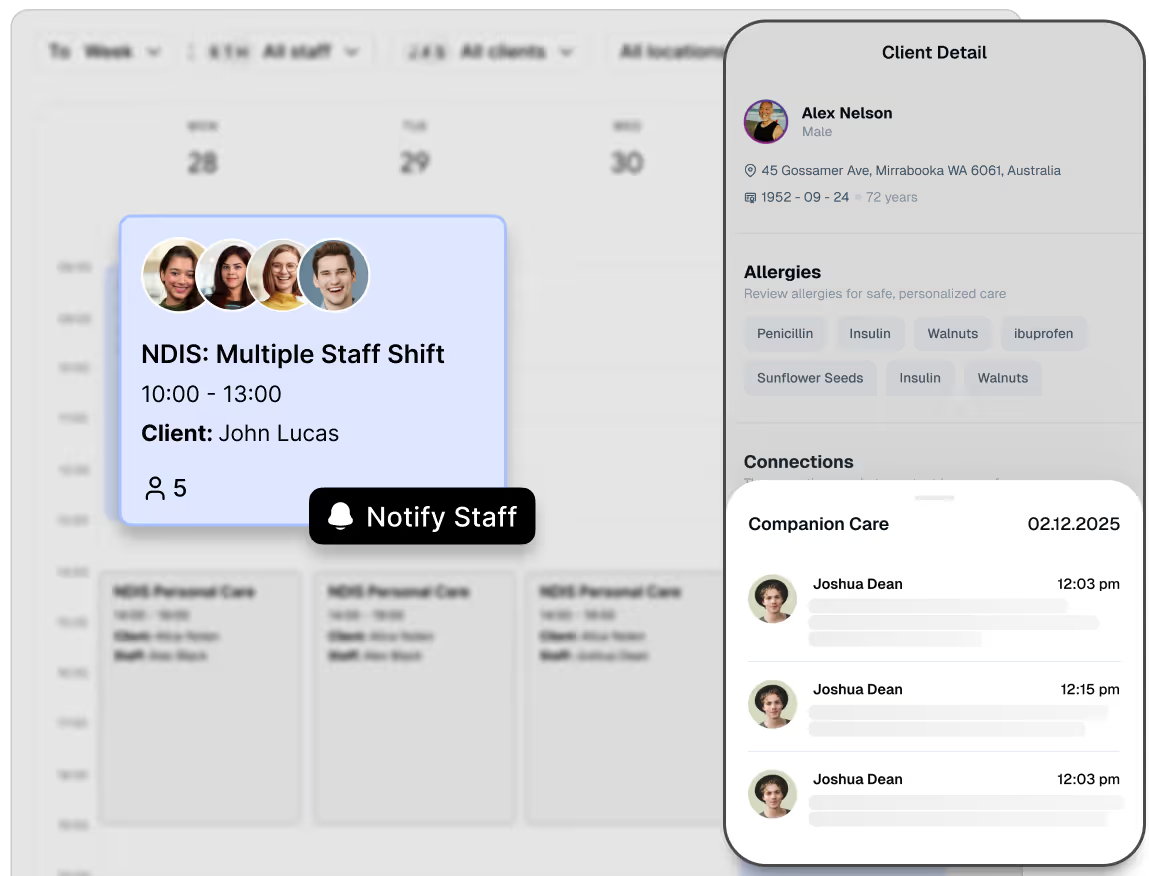
Create care plans, track client progress, and streamline communication between carers, families, and managers.

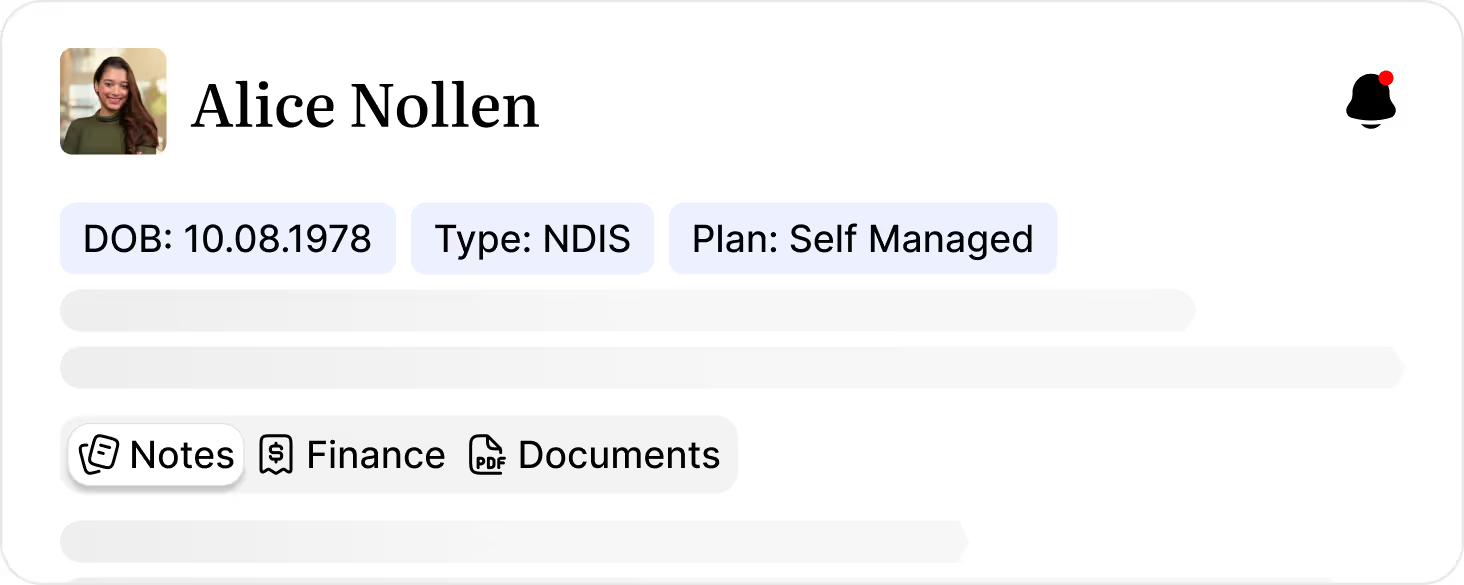
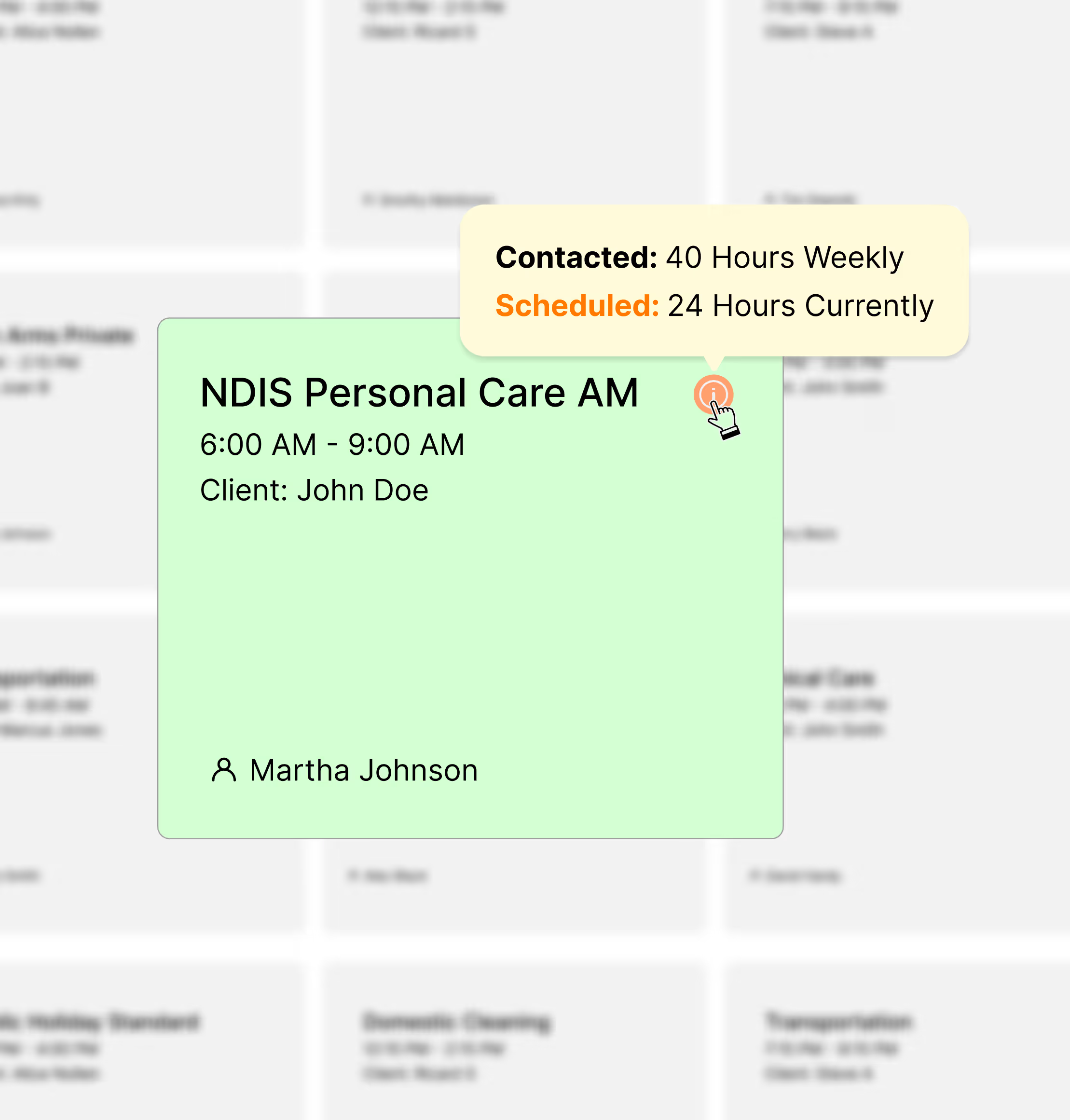
Quickly create, adjust, and distribute rosters to client's, assign shifts, and manage worker availability.
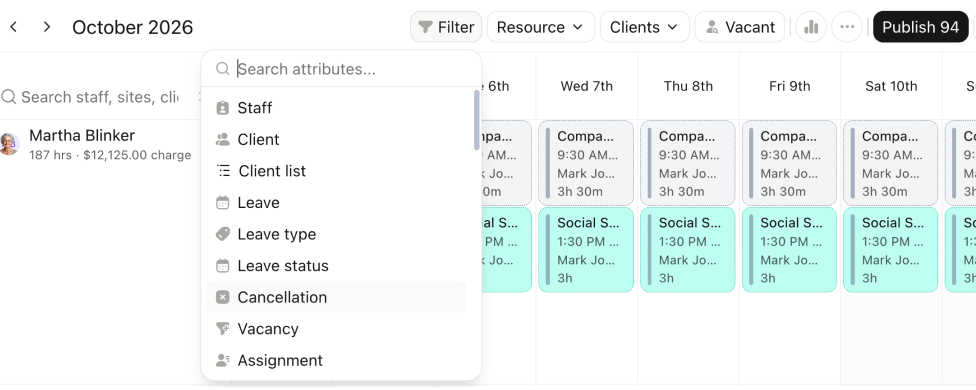
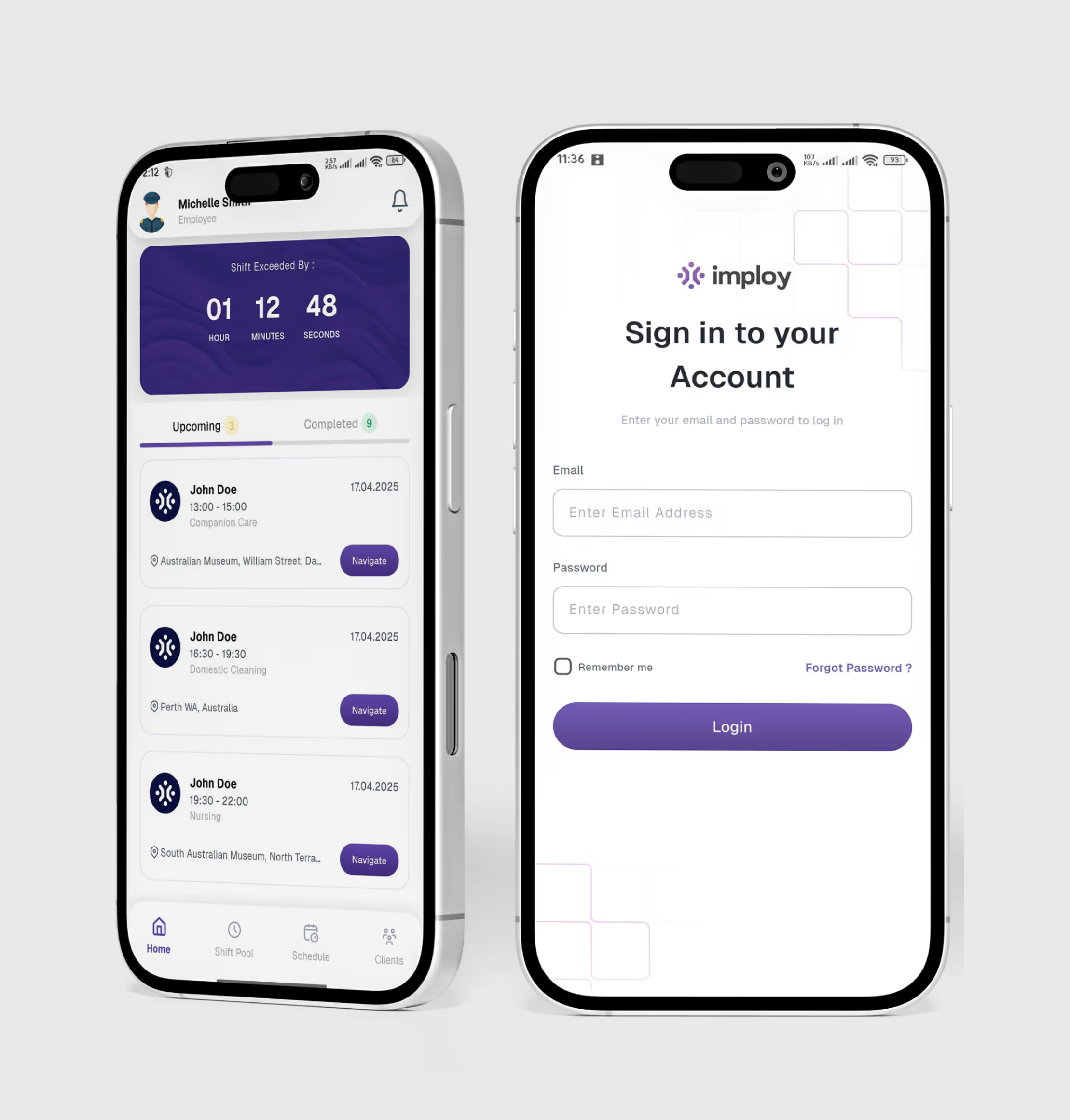
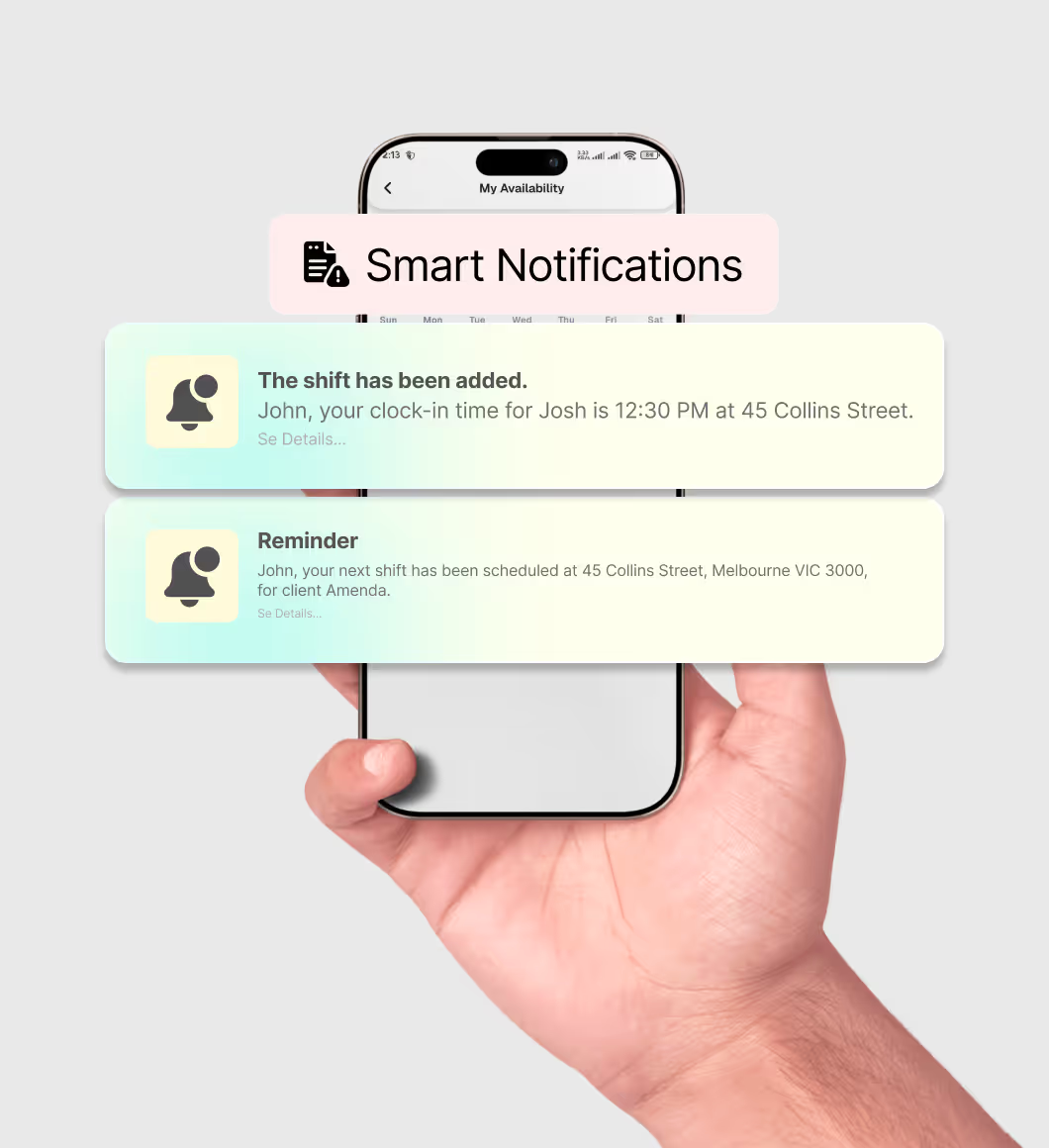
Clock in/out, view schedules, submit progress notes, recieve realtime notifications, and manage availability.
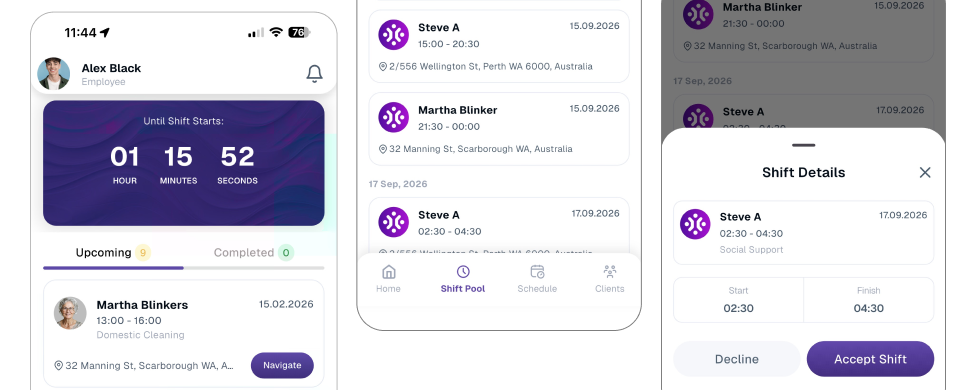
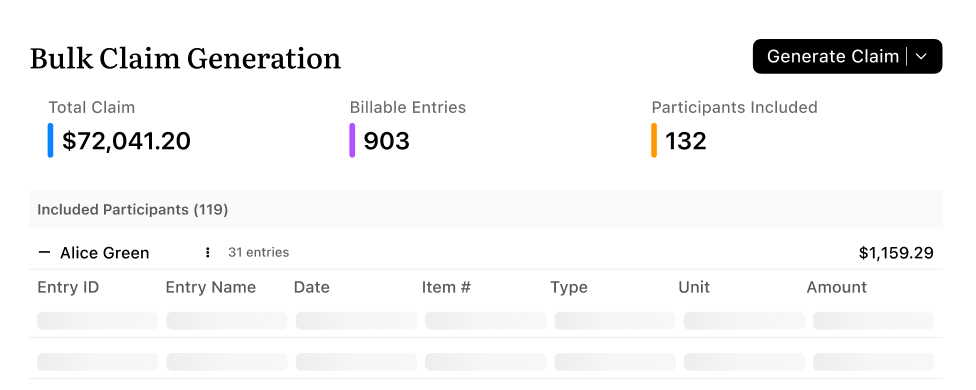
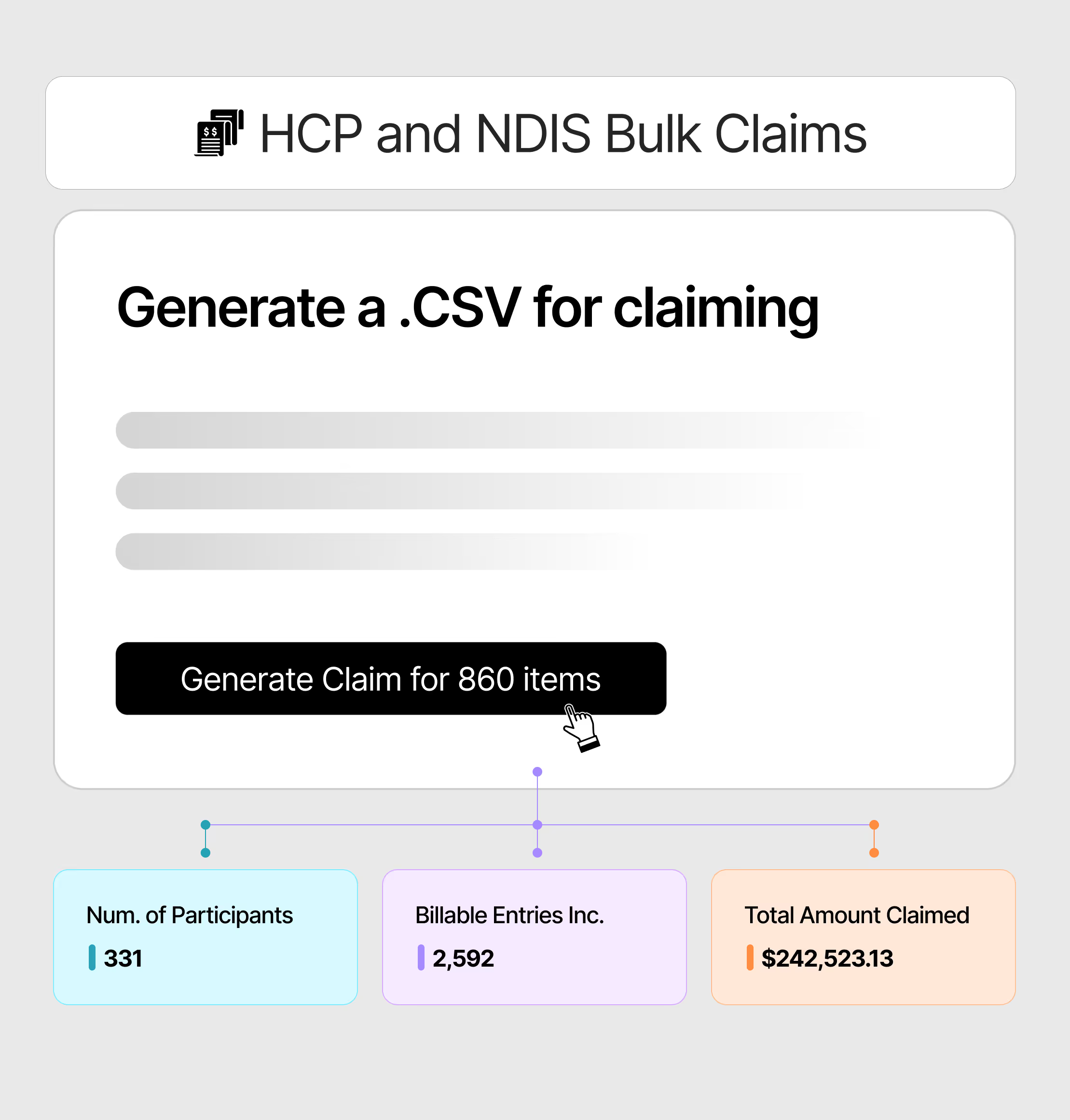
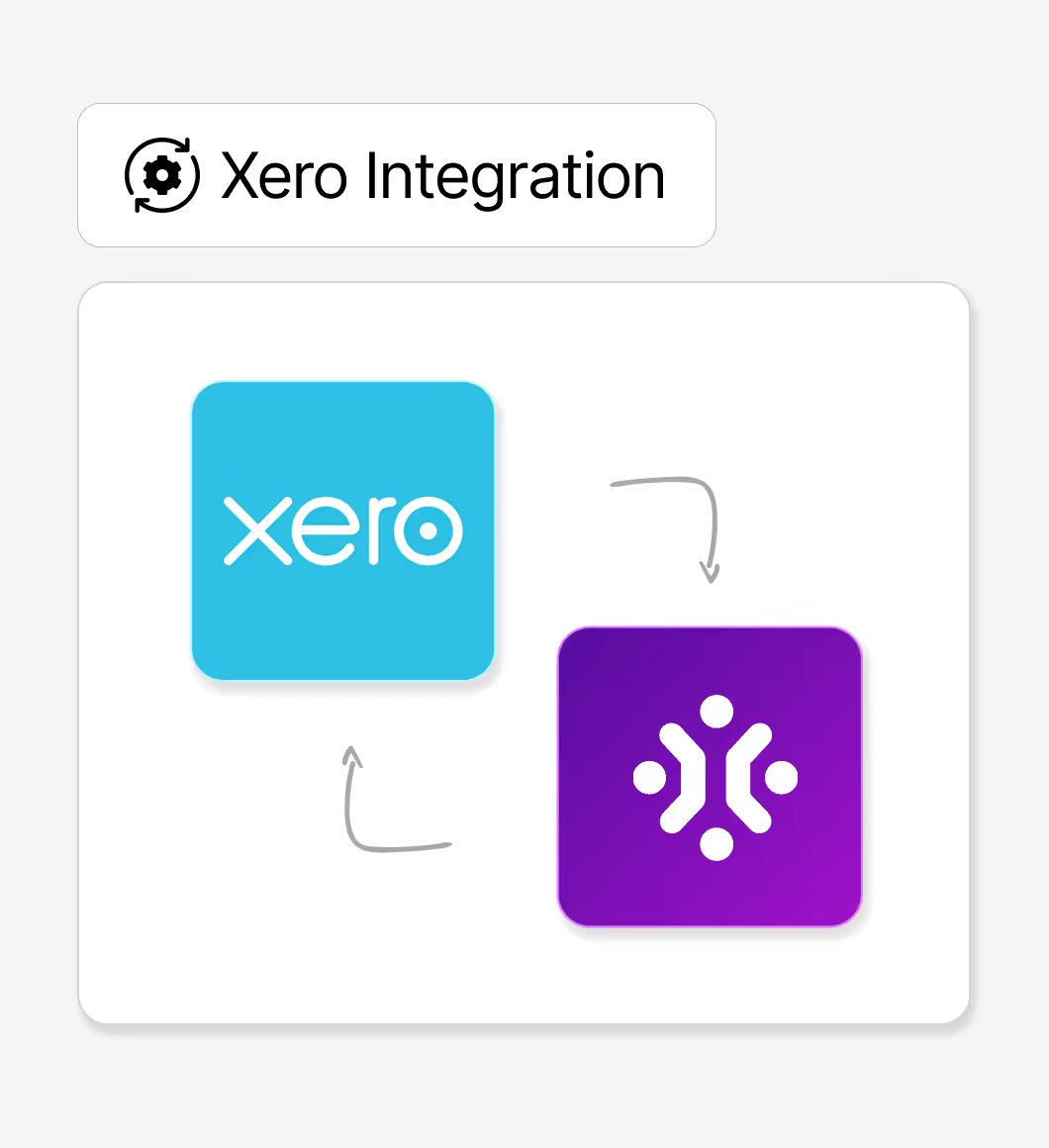
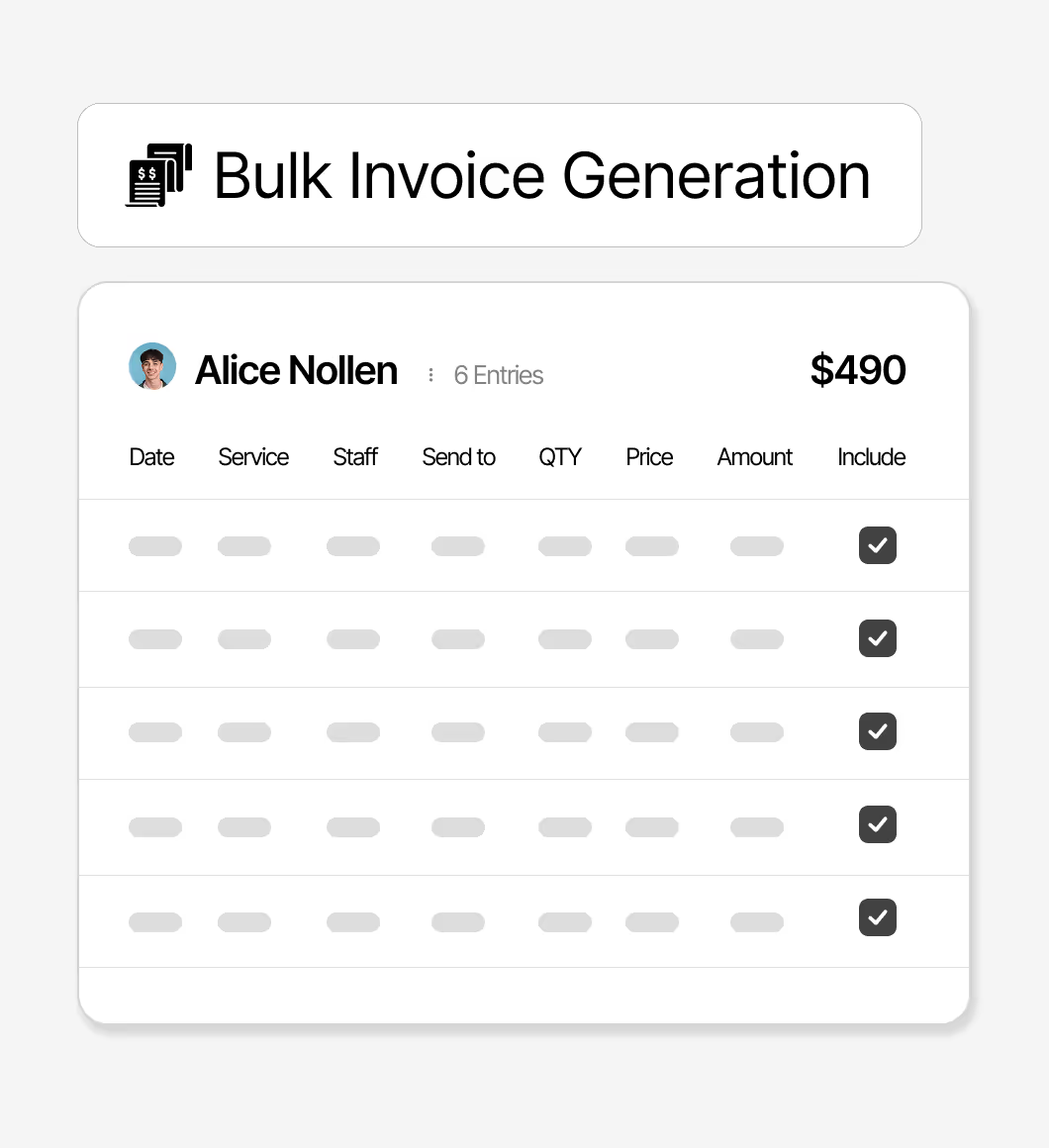
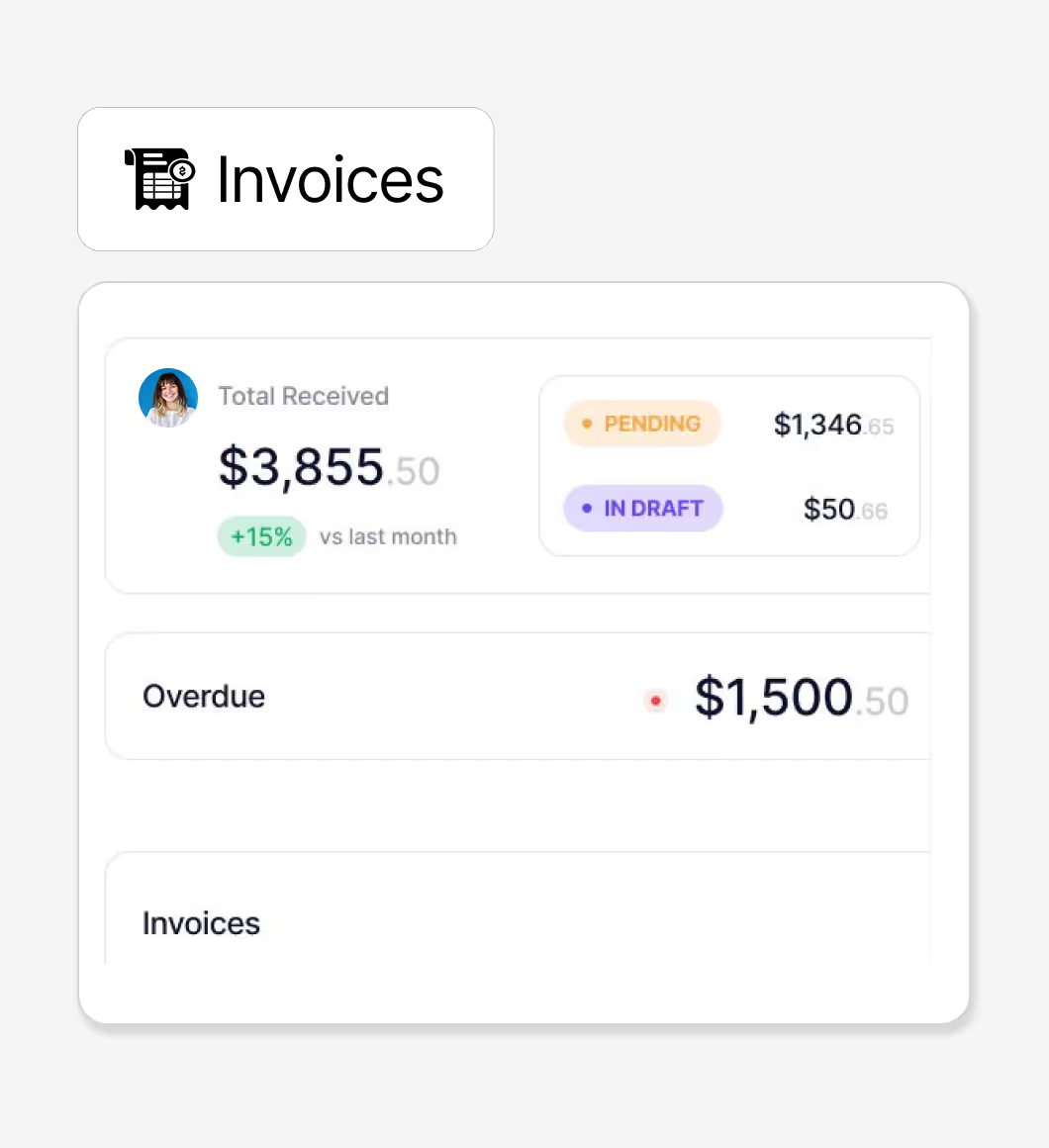
Generate invoices automatically based on events and shift schedules, seamlessly integrating with Xero & QuickBooks.
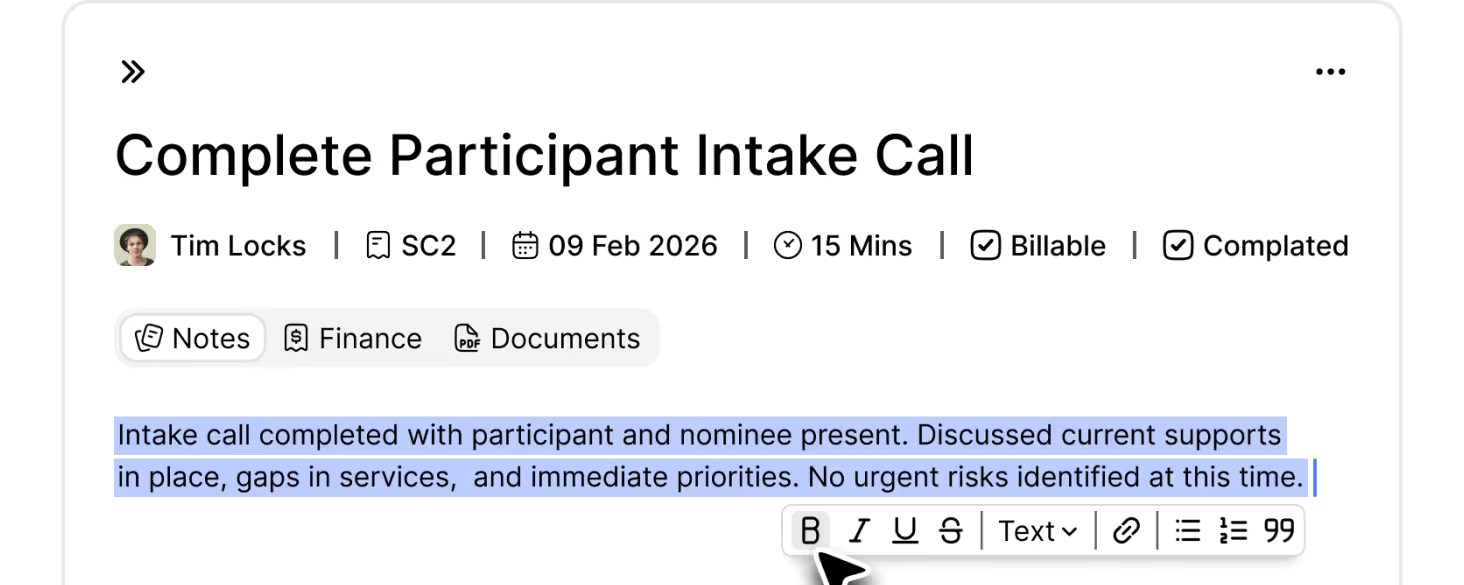
A central Task Board gives you control of your caseload, with billing and time management per task.
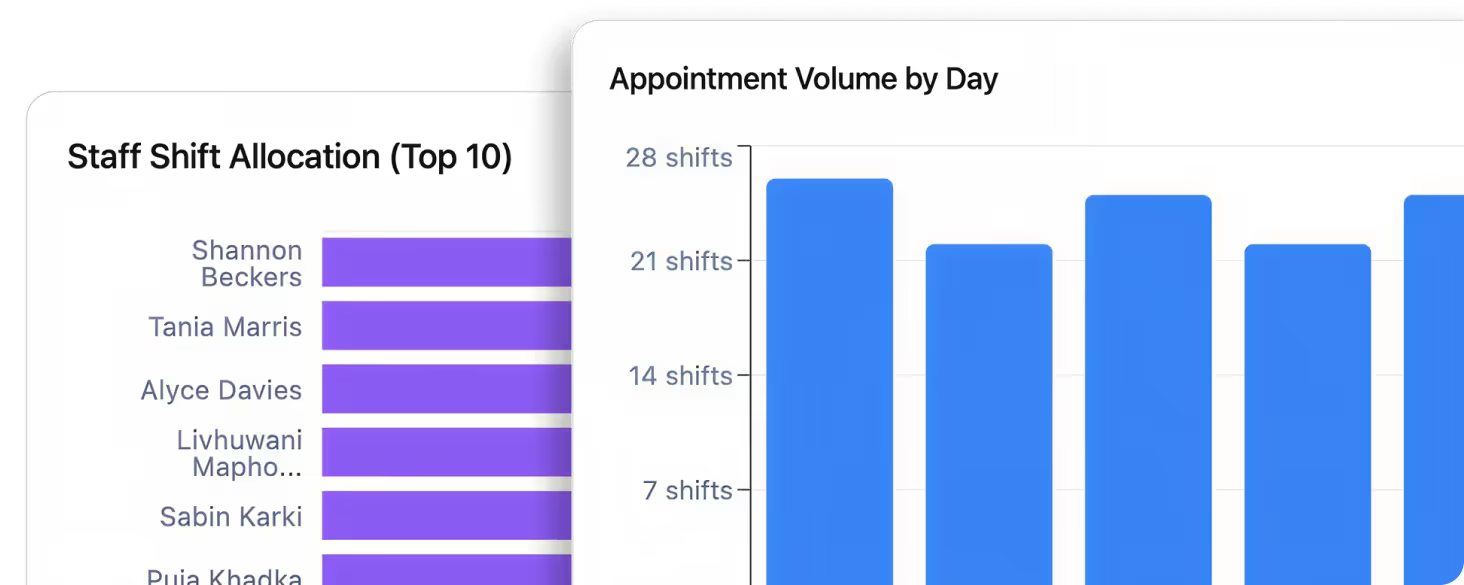
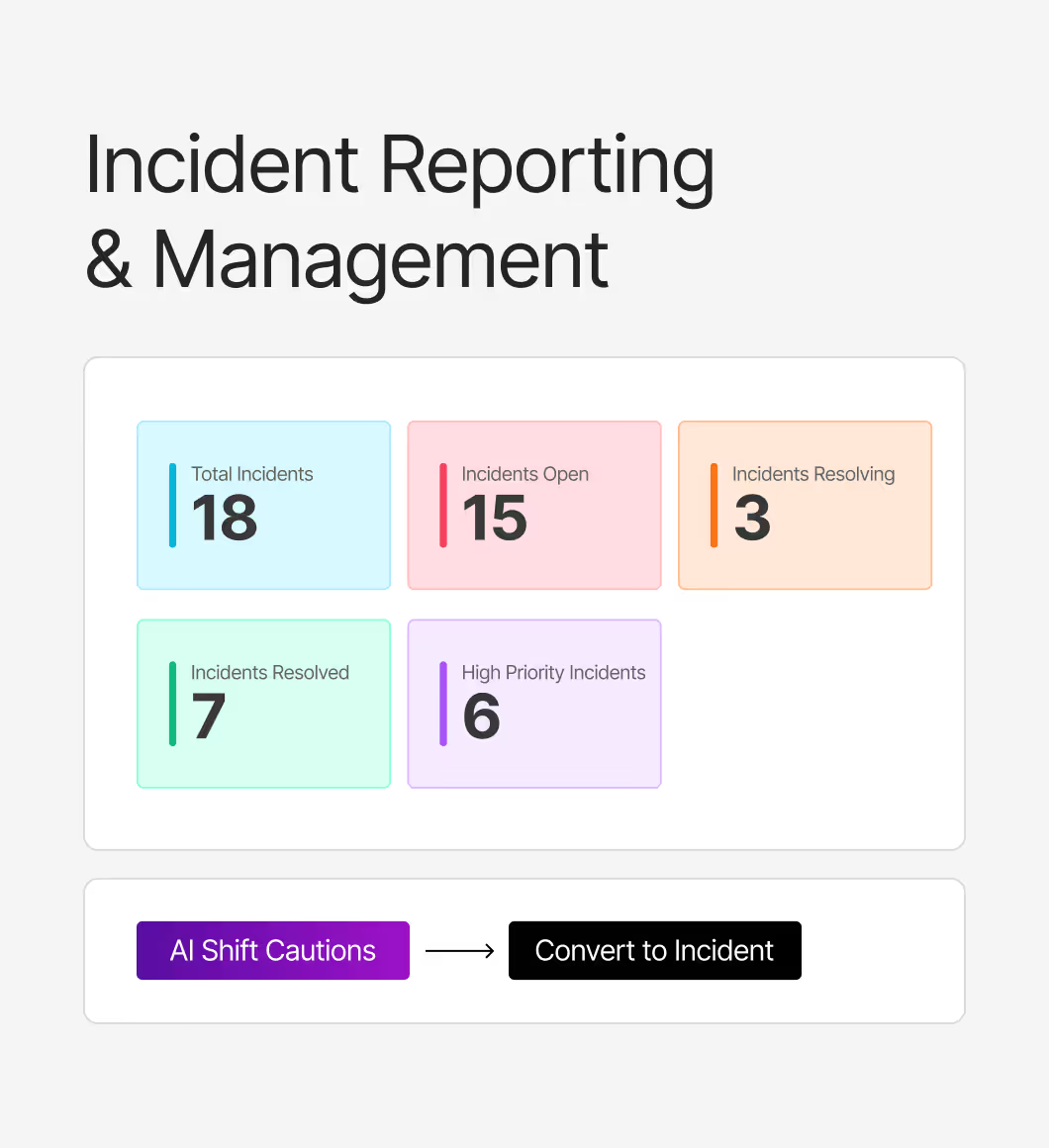
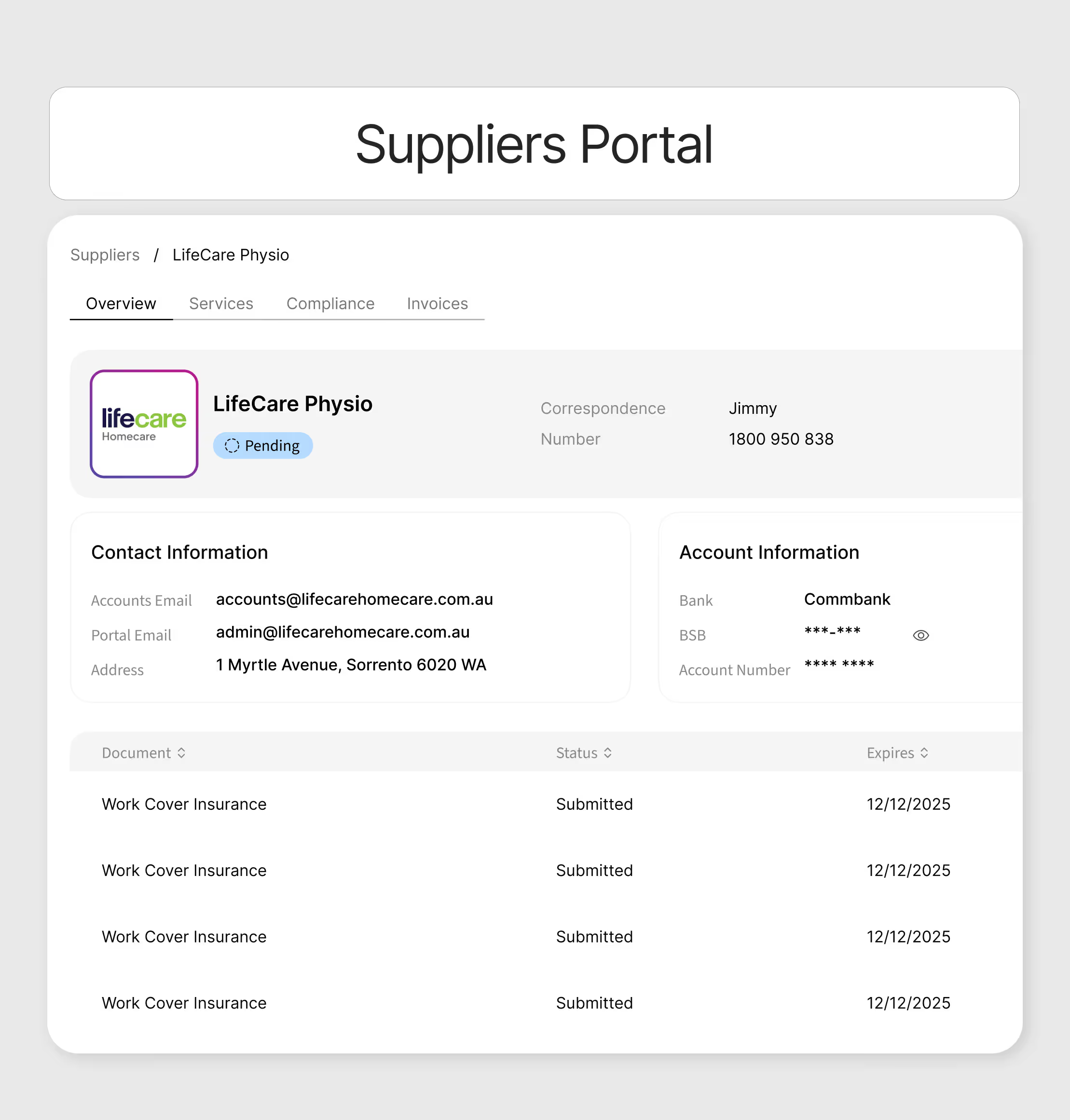
Providing real-time insights and robust recordkeeping to meet compliance obligations with ease.
.avif)
.avif)
Built for every type of provider
Imploy is designed to support the unique workflows of Home Care Providers, NDIS providers, and Support Coordination. Whether you're delivering services in homes, communities, or residential settings, imploy helps you stay organised, compliant, and connected.

SaH / Home Care Providers
Easily manage care plans, track goals, and coordinate services with ease.

NDIS Providers
Monitor budgets, manage service delivery, and automate NDIS reporting.

Support Coordination
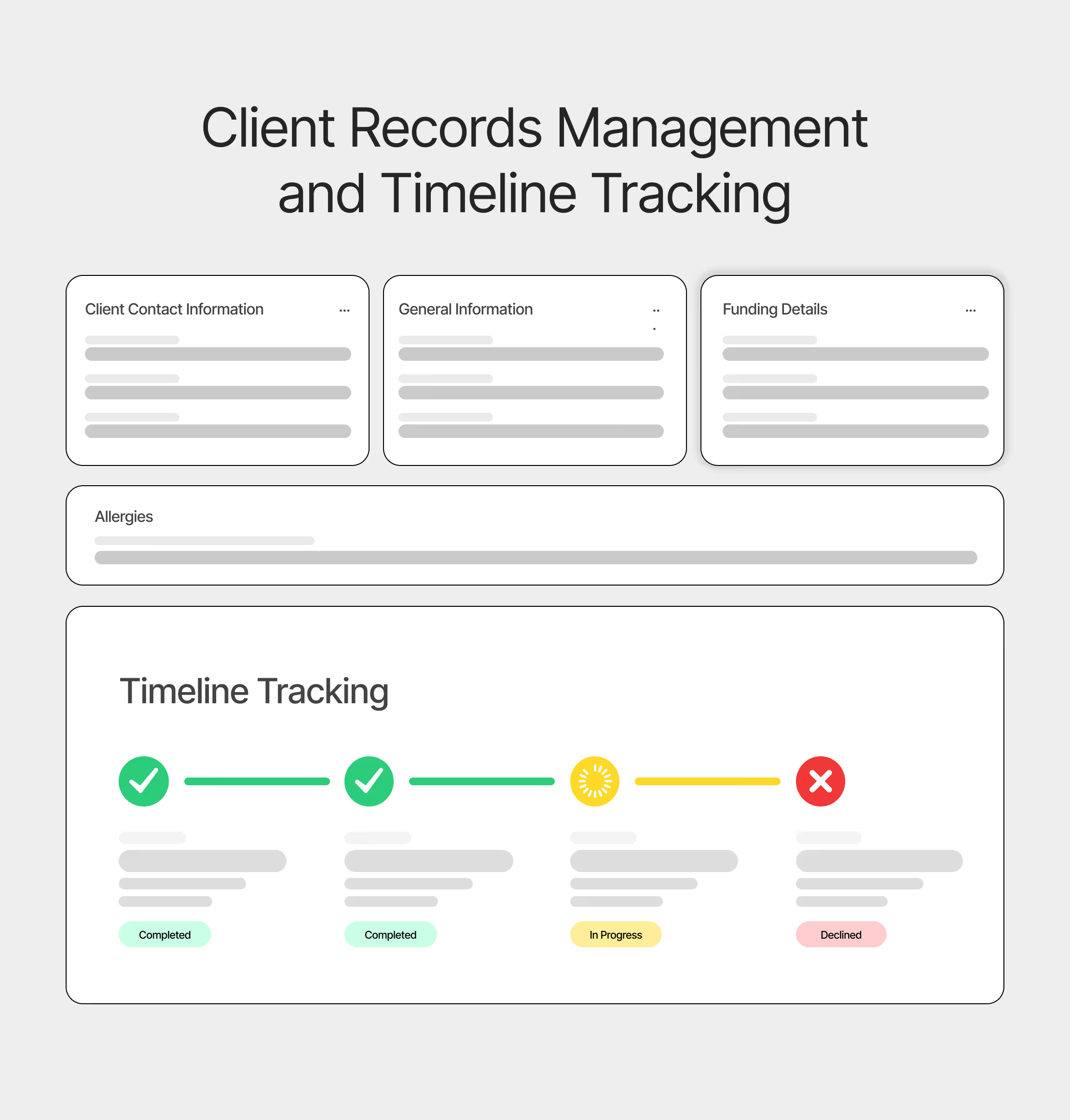
Handle shift allocation, client records, and field reporting in one place.
AI oversight means less admin work
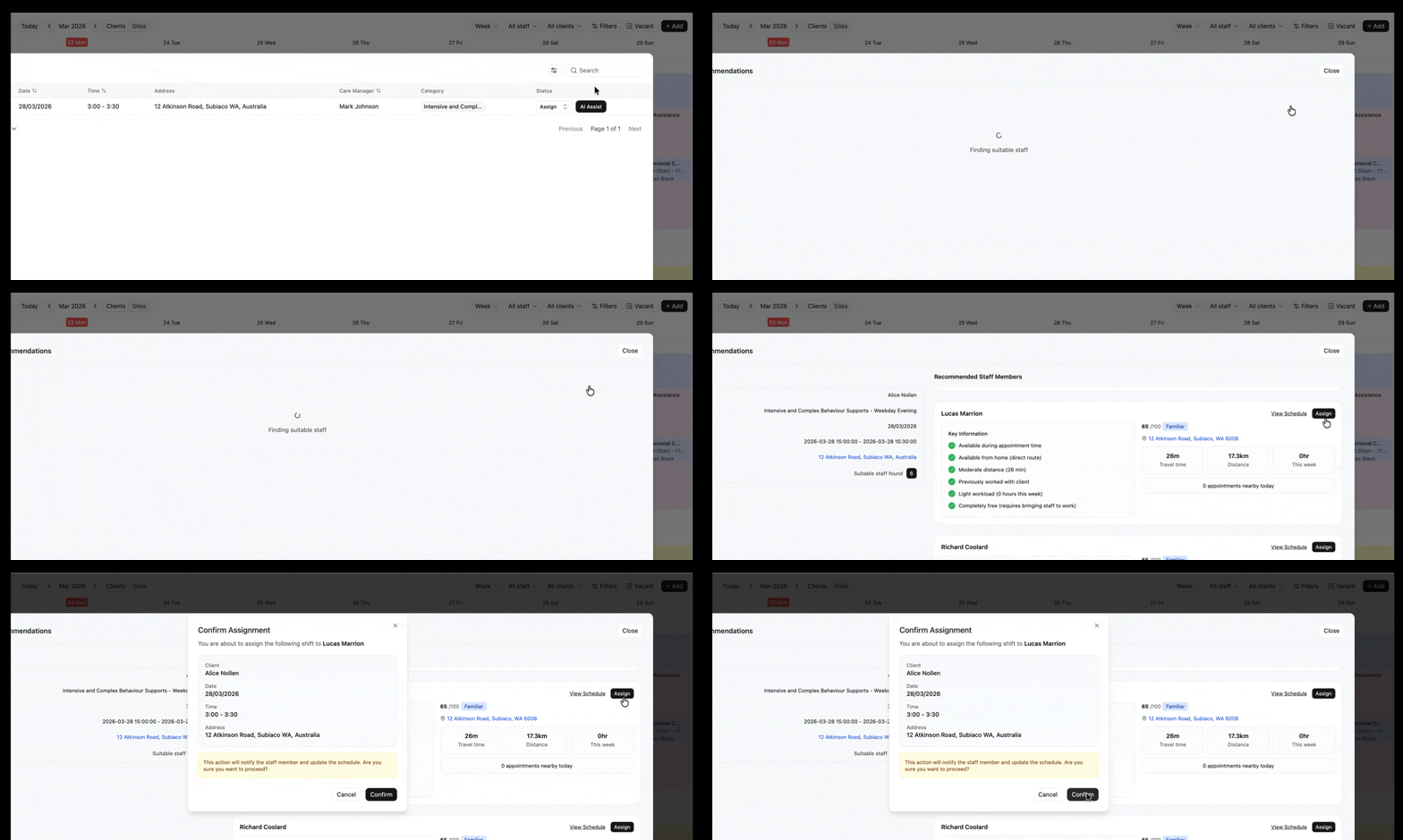
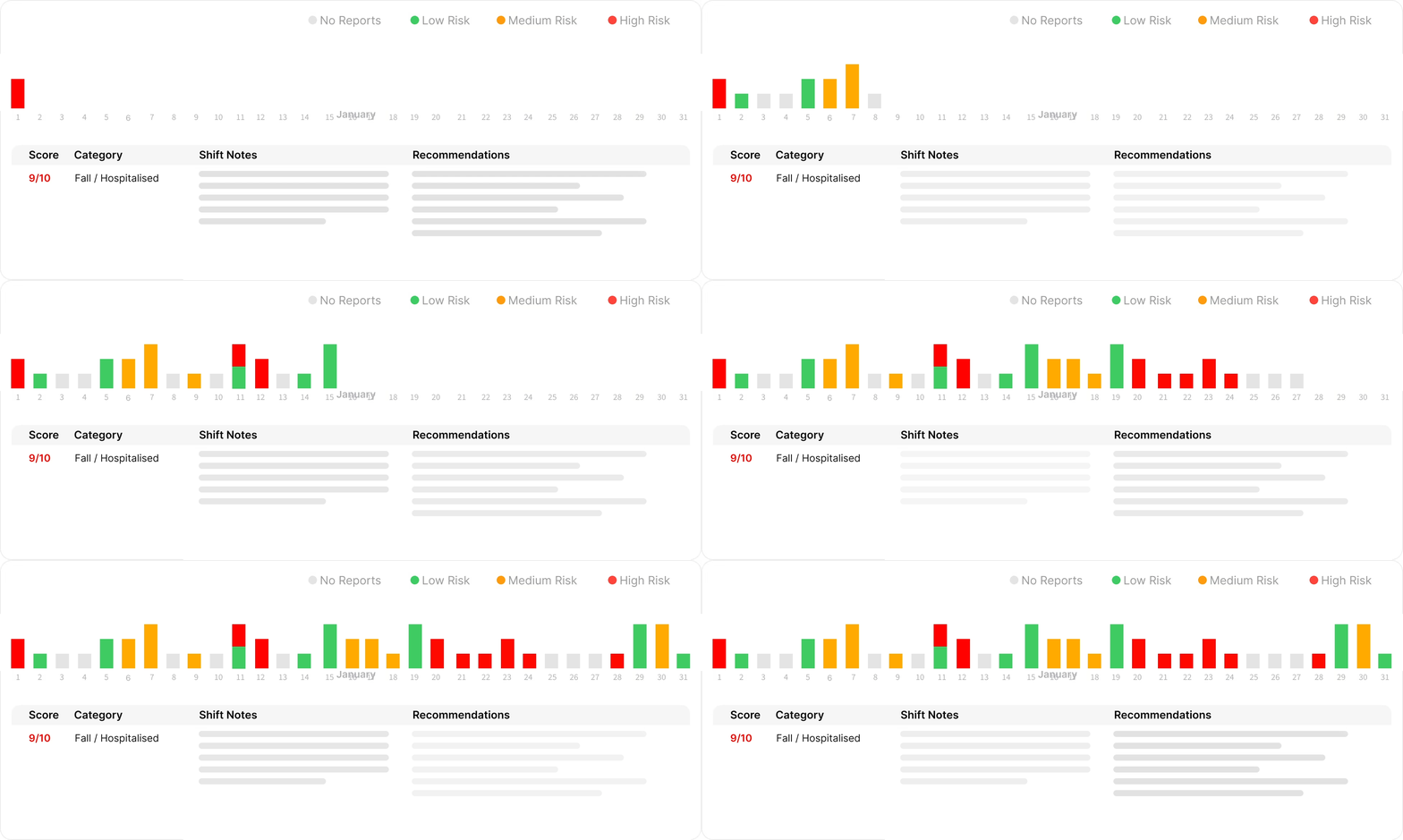
Stop drowning in spreadsheets and manual phone calls. Imploy’s new AI capabilities work in the background to fill shifts, ensure compliance, and match the perfect support worker to every client automatically.
AI Vacant Shift Manager
AI Shift Note Monitoring
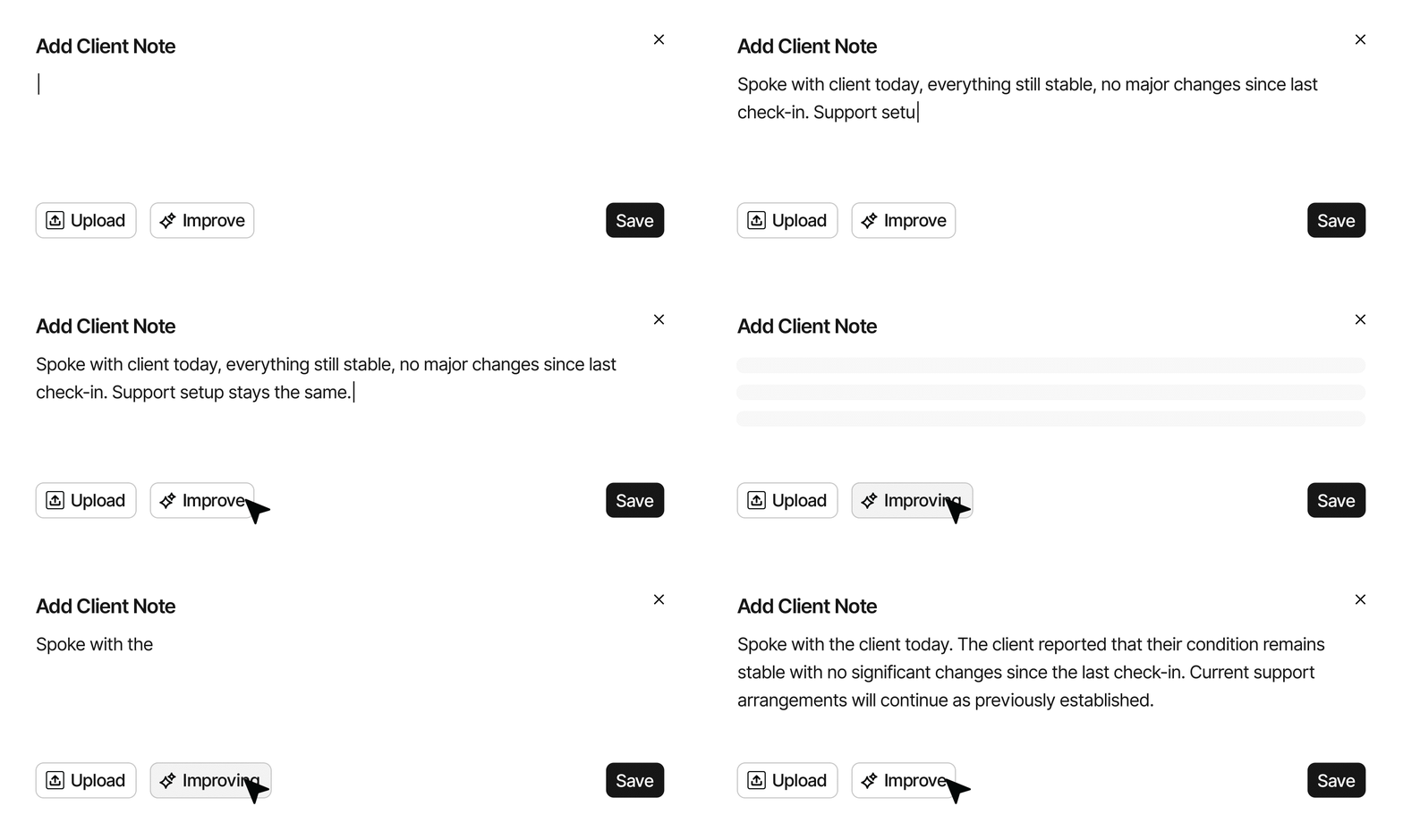
AI Note Improvement
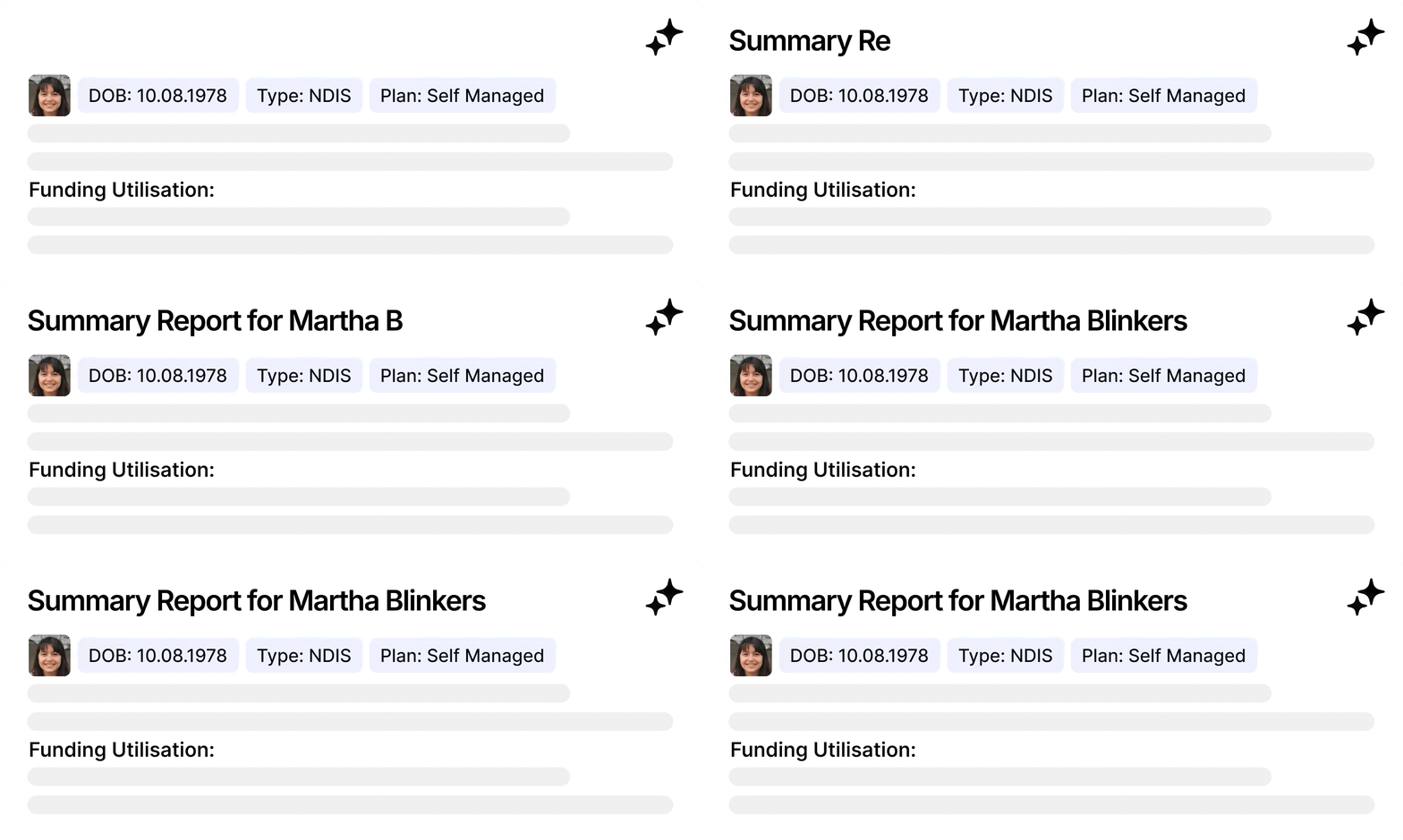
AI Compliance Oversight
Software shaped by the people who deliver care
Imploy started with a group of co-workers who were tired of juggling disconnected systems. We're an Australian-built platform for NDIS, aged care and home care providers, designed with direct input from nurses, support workers and coordinators.
Rostering, care plans, notes, payroll, and compliance now sit in one AI-powered connected system, so your team spends less time on paperwork and more time with people.
Our Journey
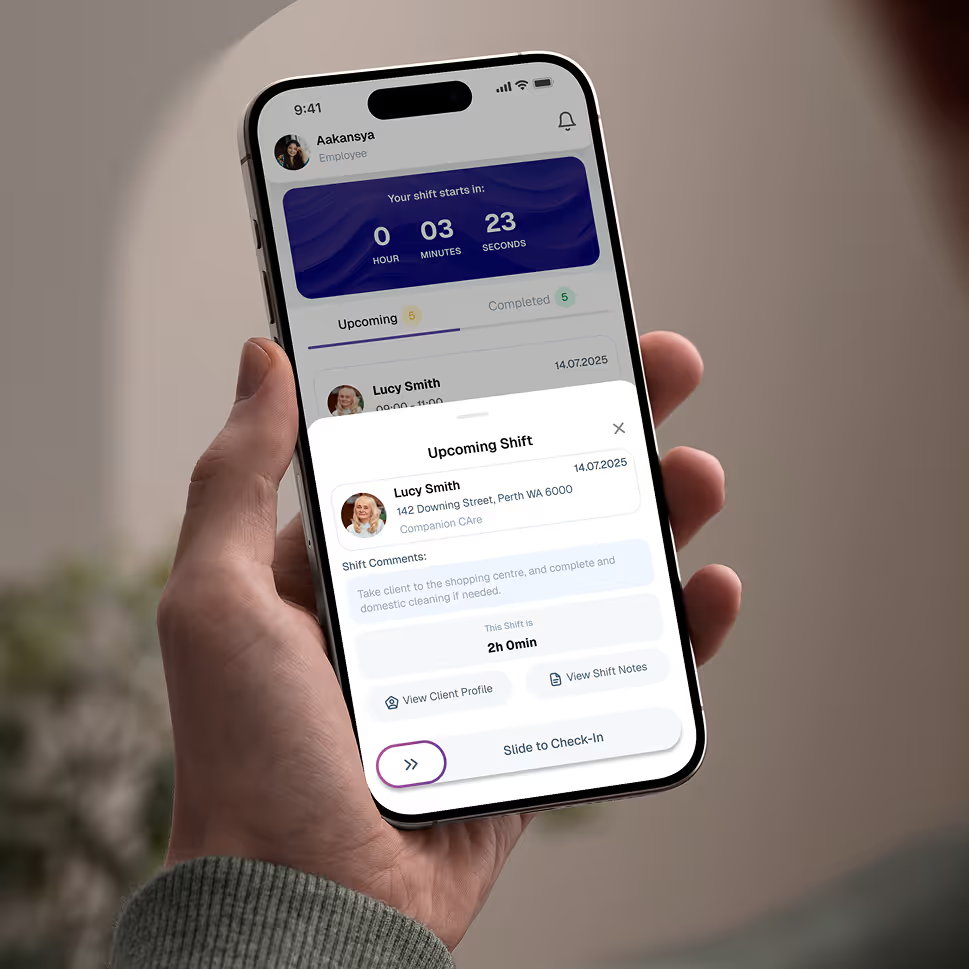
Give your team the tools they need on the road, with quick access.
Empower your workforce on the go. Clock in, check schedules, and manage care notes from anywhere. Available for iOS and Android.


Frequently asked questions
What should I look for in an aged care software?
Look for software that is easy to use, offers flexibility, and integrates essential features like rostering, compliance tracking, client management, and invoicing. imploy combines all these features, helping you manage care efficiently in one platform.

Can staff view their schedules and access client details on the move?
Yes, with Imploy's dedicated app, staff can access their schedules, view client details, and make updates in real time from anywhere.
Can staff use the Imploy app to add notes, kilometers, and expenses?
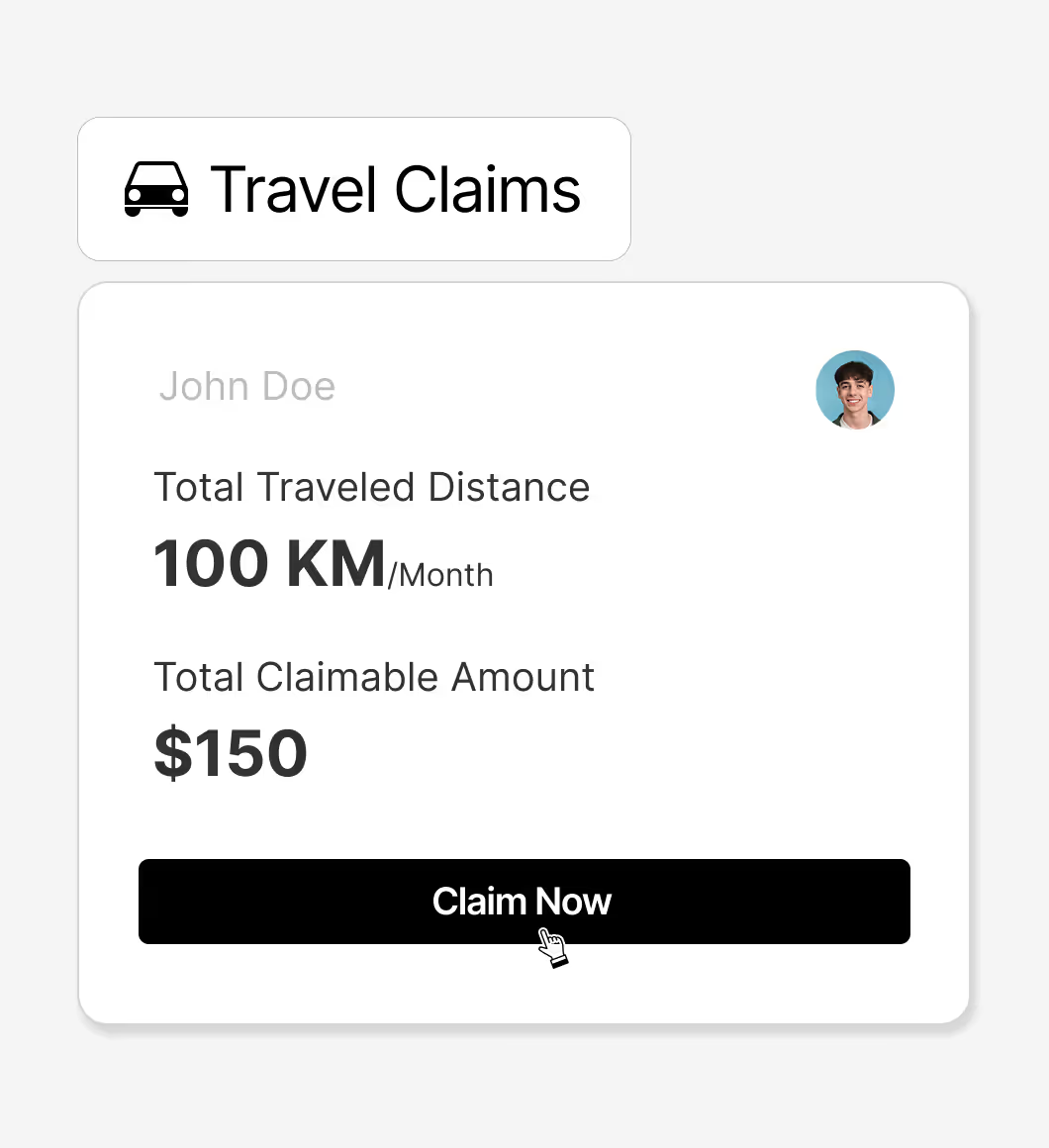
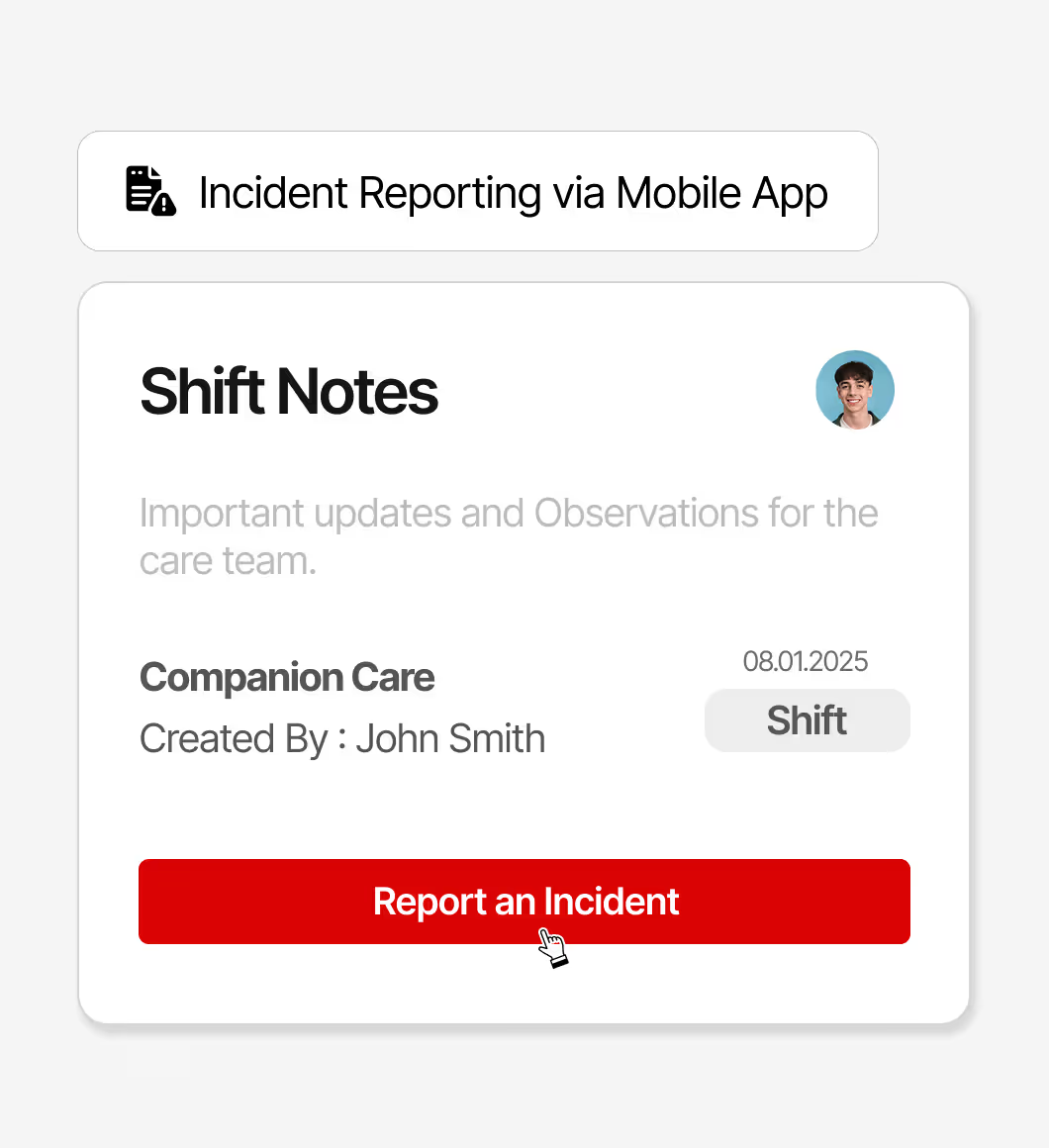
Absolutely! Imploy allows staff to log notes, track mileage, and submit expenses directly through the app, ensuring everything is recorded accurately and conveniently.
Can Imploy be used to schedule group shifts?
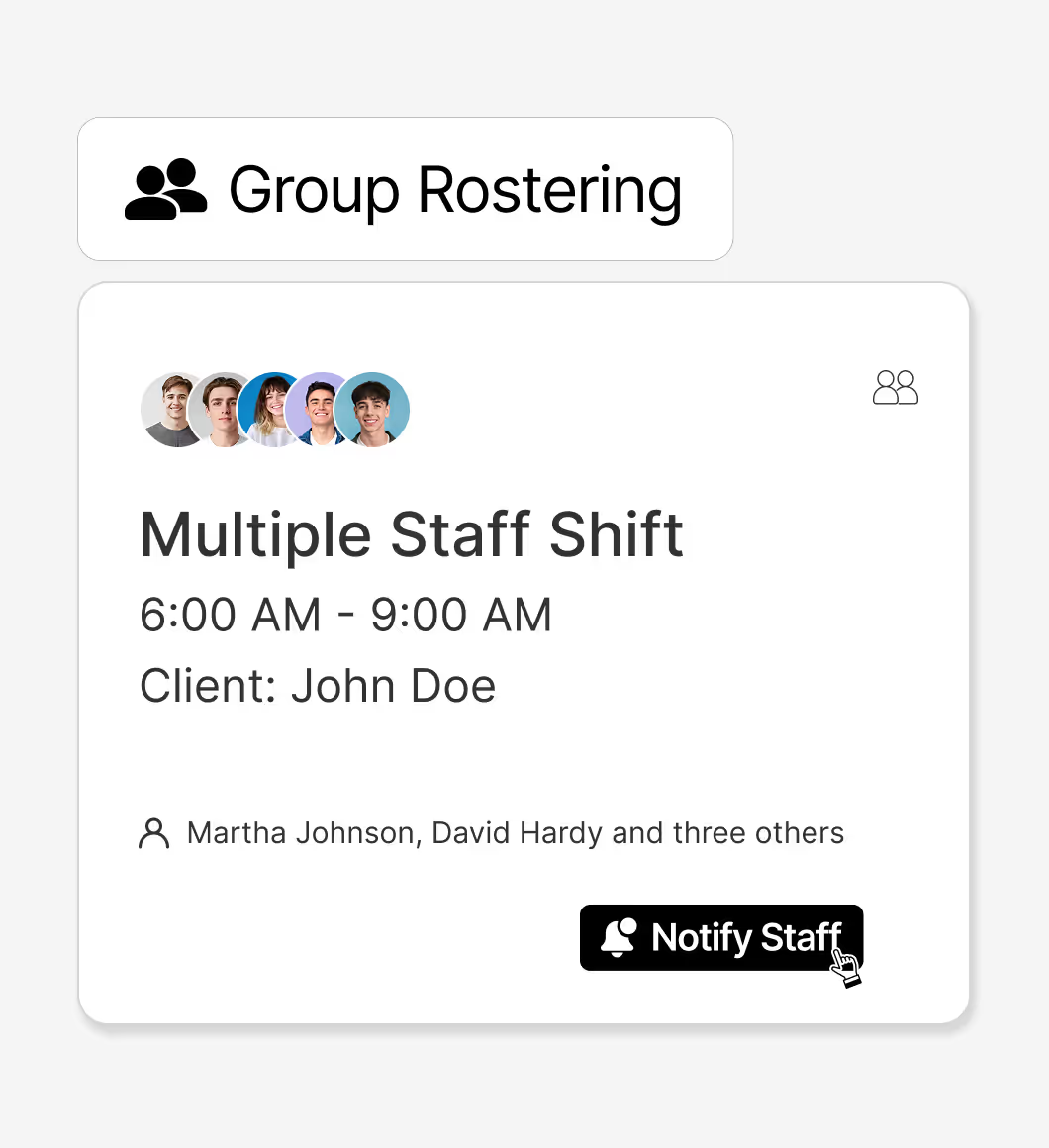
Yes, Imploy supports group shift scheduling, making it simple to manage multiple staff assignments for group activities or shared services.
Does Imploy allow clients or their family to view schedules and notes from their care workers?
Yes, Imploy provides client and family access through a secure portal, enabling them to view care schedules, notes, and updates from their care workers.
Does Imploy have its own accounting service?
Yes, Imploy comes with an in-built accounting service that handles payroll, invoicing, and financial reporting, eliminating the need for third-party software.



.webp)
