

Trusted by leading providers









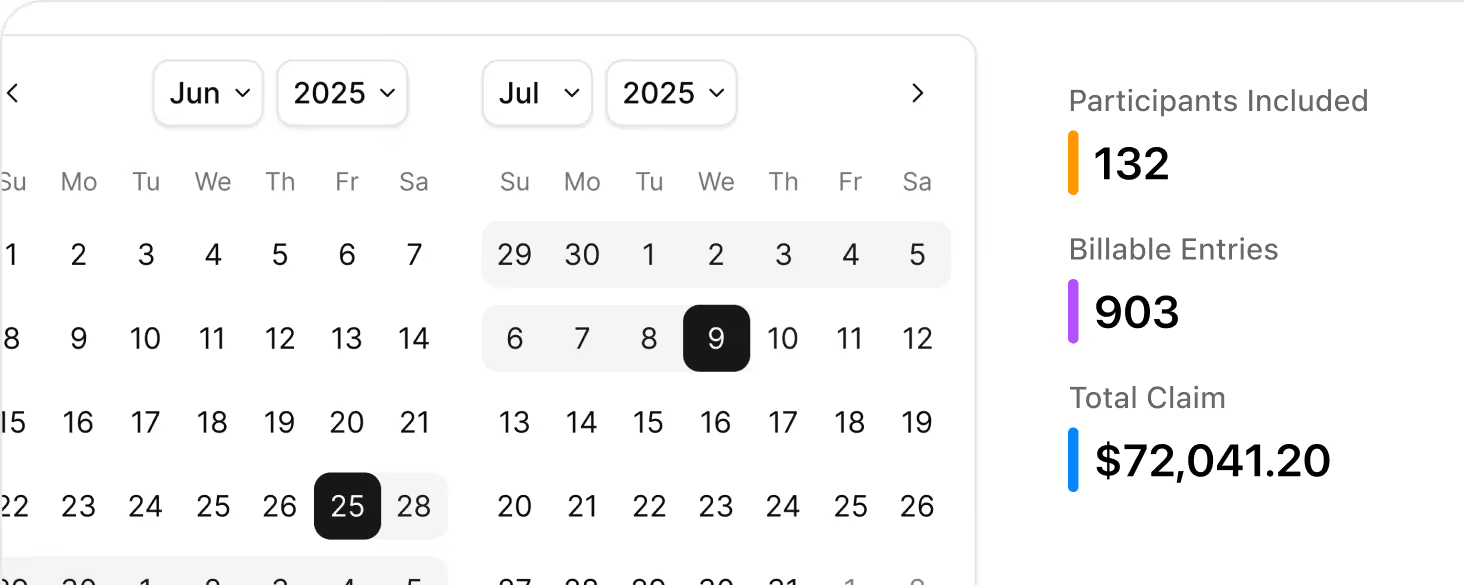
Select a date range and Imploy automatically groups all eligible billable entries, shifts, tasks, travel, and reimbursements, into a single NDIS claim period.

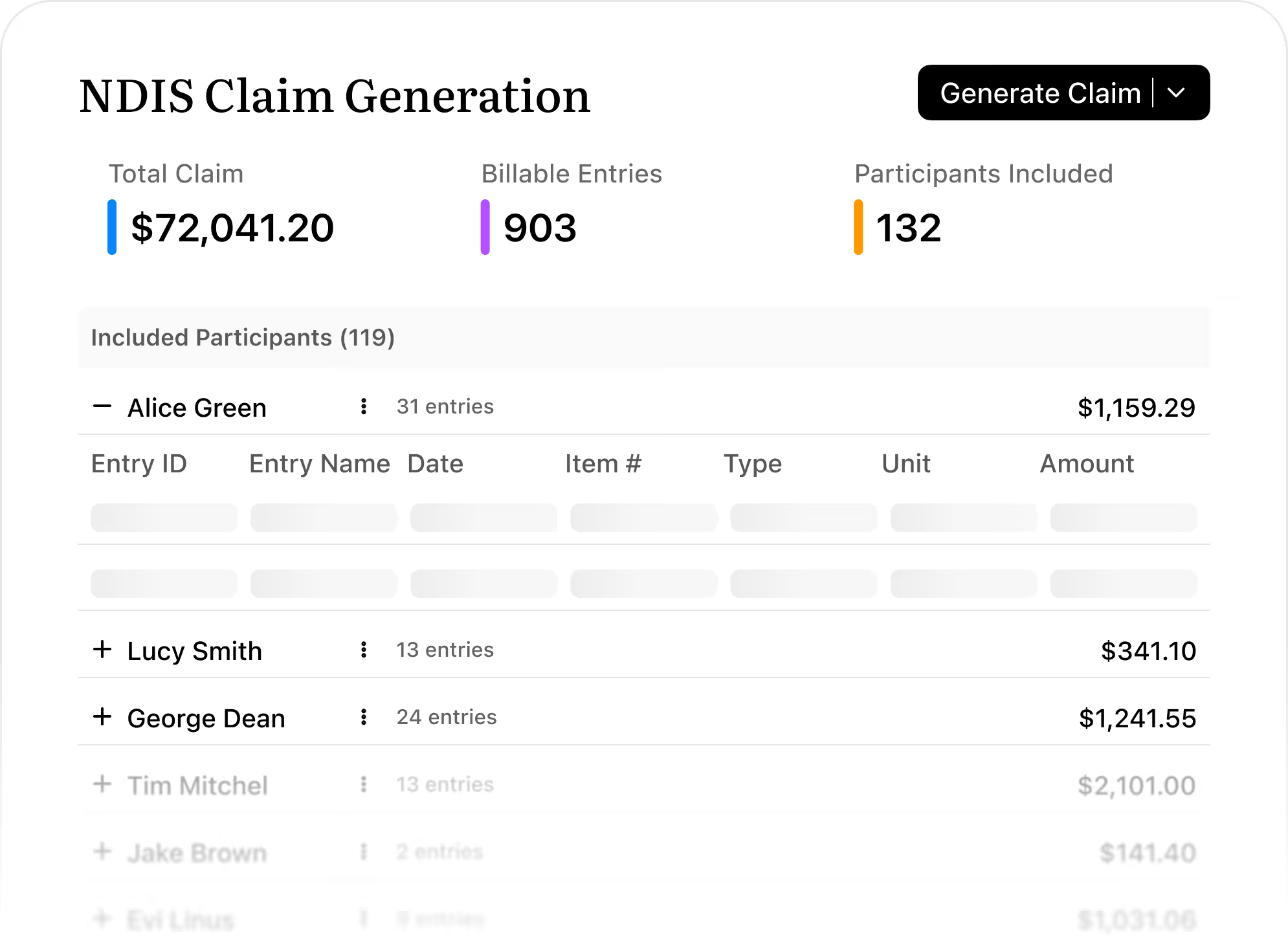
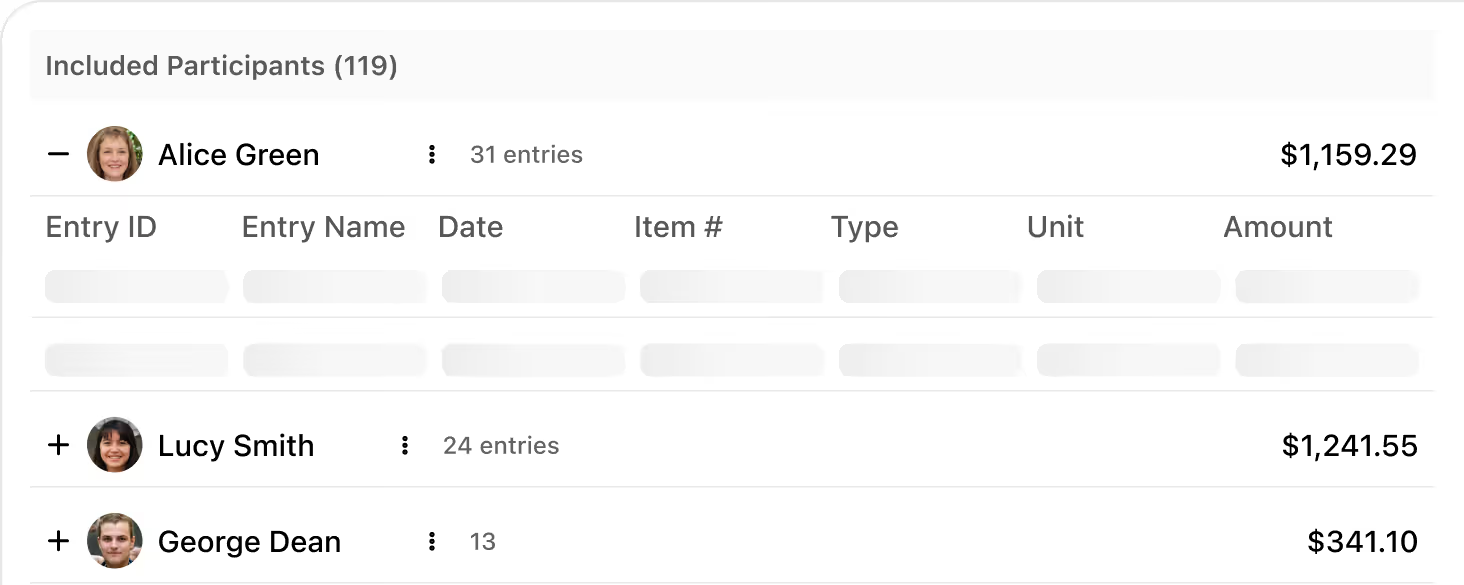
See total amount, number of entries, and participants at a glance, then expand any participant to check every line item before you export.
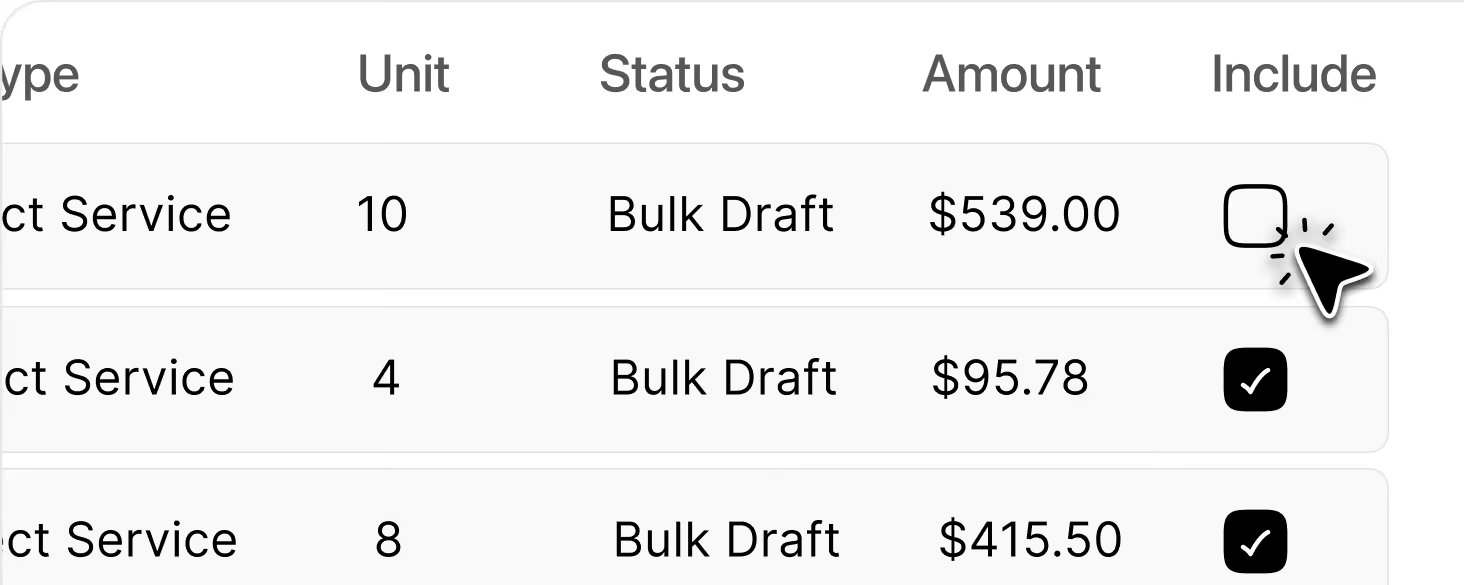
Quickly uncheck individual services or exclude whole participants from a claim, with summaries updating instantly so you always know what’s being submitted.
When a claim period is updated, linked client billable entries automatically sync to match its latest status, so your claims and funding records always stay aligned.
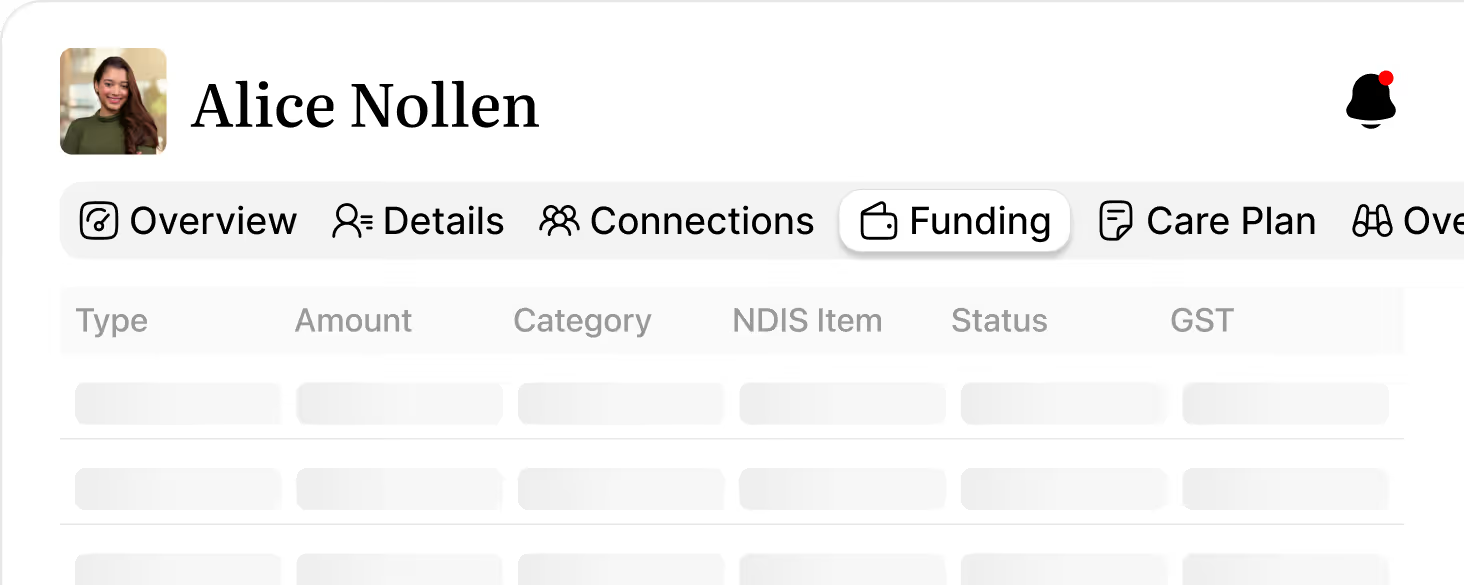

The integration will connect Imploy to My Aged Care and the NDIS portal so you can track live HCP and NDIS funding, accept and manage referral codes, and sync claims data without leaving the platform.
You’ll receive real‑time updates on package changes and plan adjustments, with PRODA‑compliant records stored in one secure place for audits, reviews, and day‑to‑day coordination.
Imploy uses your selected date range to pull in all eligible billable entries for that period, completed shifts, billable tasks, manual entries, travel claims, and reimbursements. Anything that falls inside the claim dates and is marked billable will appear in the claim for review.

Yes. On each claim you can expand a participant to see every line item, uncheck individual entries you don’t want to submit, or exclude an entire participant. Totals and summaries update instantly so you always know exactly what’s being claimed.
If more billable's are added or updated after the claim is created, use Sync on the claim. Imploy will scan the claim’s date range, pull in any new eligible entries, and refresh the participant and amount totals so your export is always up to date.
No. Imploy exports a CSV that’s structured for NDIA bulk upload, registration number, participant NDIS numbers, support item numbers, quantities/hours, GST codes, claim types, and ABN are all included in the format PRODA expects.
You can export a claim as many times as you need; the claim will be marked as exported and the button will show that it’s been downloaded before.
No. Deleting a claim only removes that specific claim period. All underlying billable entries remain in Imploy and can be used to create a new claim with the same or different dates whenever you’re ready.
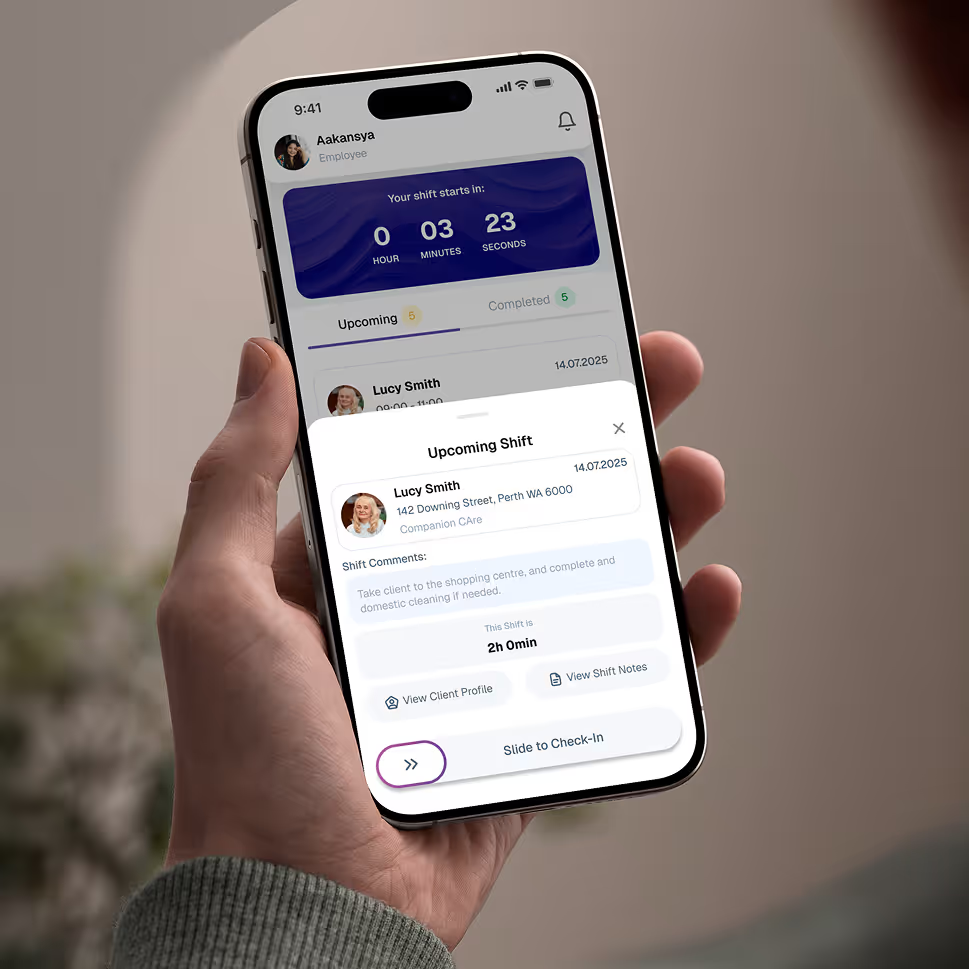
Empower your workforce on the go. Clock in, check schedules, and manage care notes from anywhere. Available for iOS and Android.


Get ready to experience how AI can transform the way you work,and unlock smarter, more efficient workflows.