
Trusted by leading providers









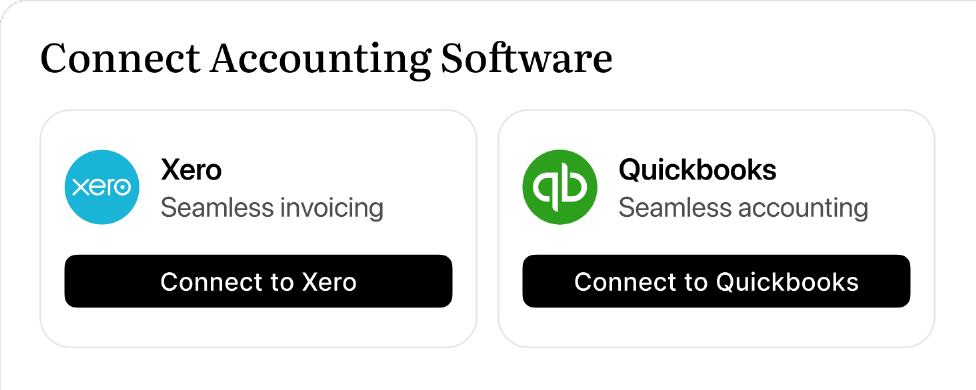
Connect Xero or QuickBooks and see invoices from your accounting system inside Imploy. Click through to view or manage the invoice at the source.

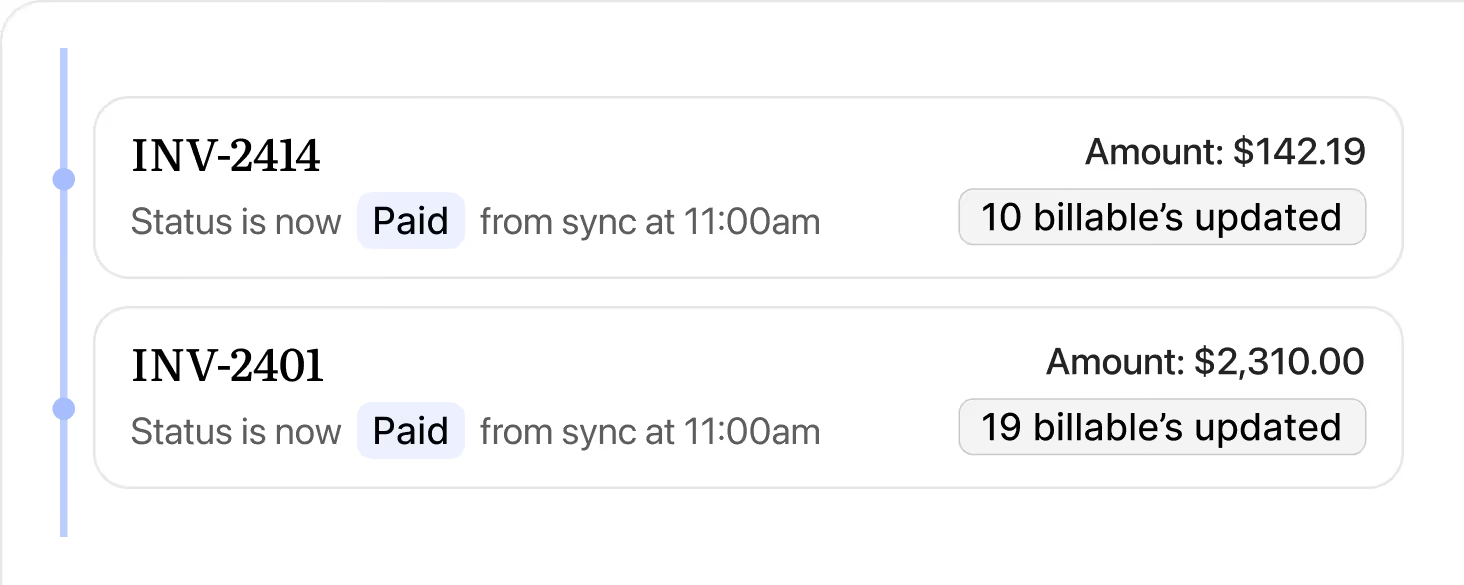
Bulk runs from Imploy and updates from Xero or QuickBooks stay in sync, so finance, coordination, and operations are all looking at the same numbers.
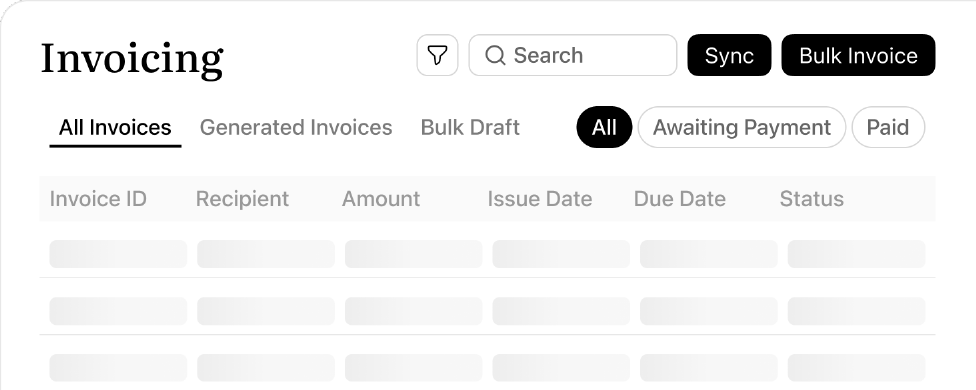
The Invoicing Dashboard shows all invoices synced, with client, amount, issue date, due date, and status, searchable and filterable.
Billable entries stay in lockstep with each invoice, automatically reflecting status changes as they happen.
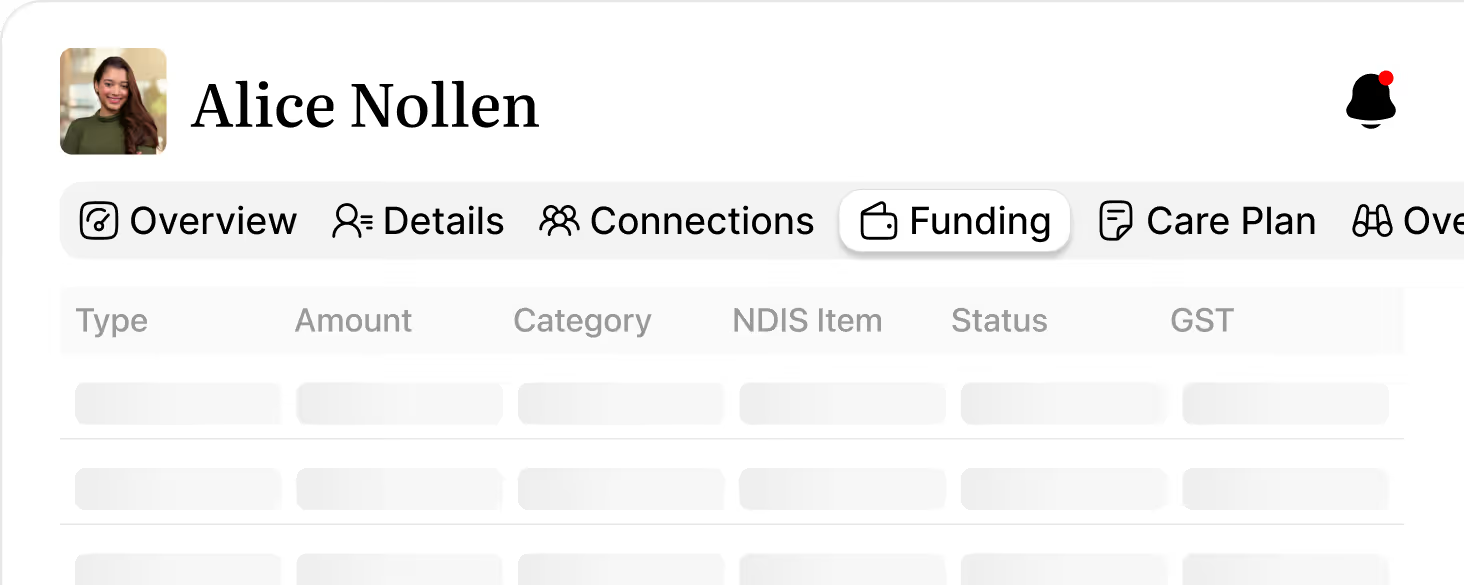
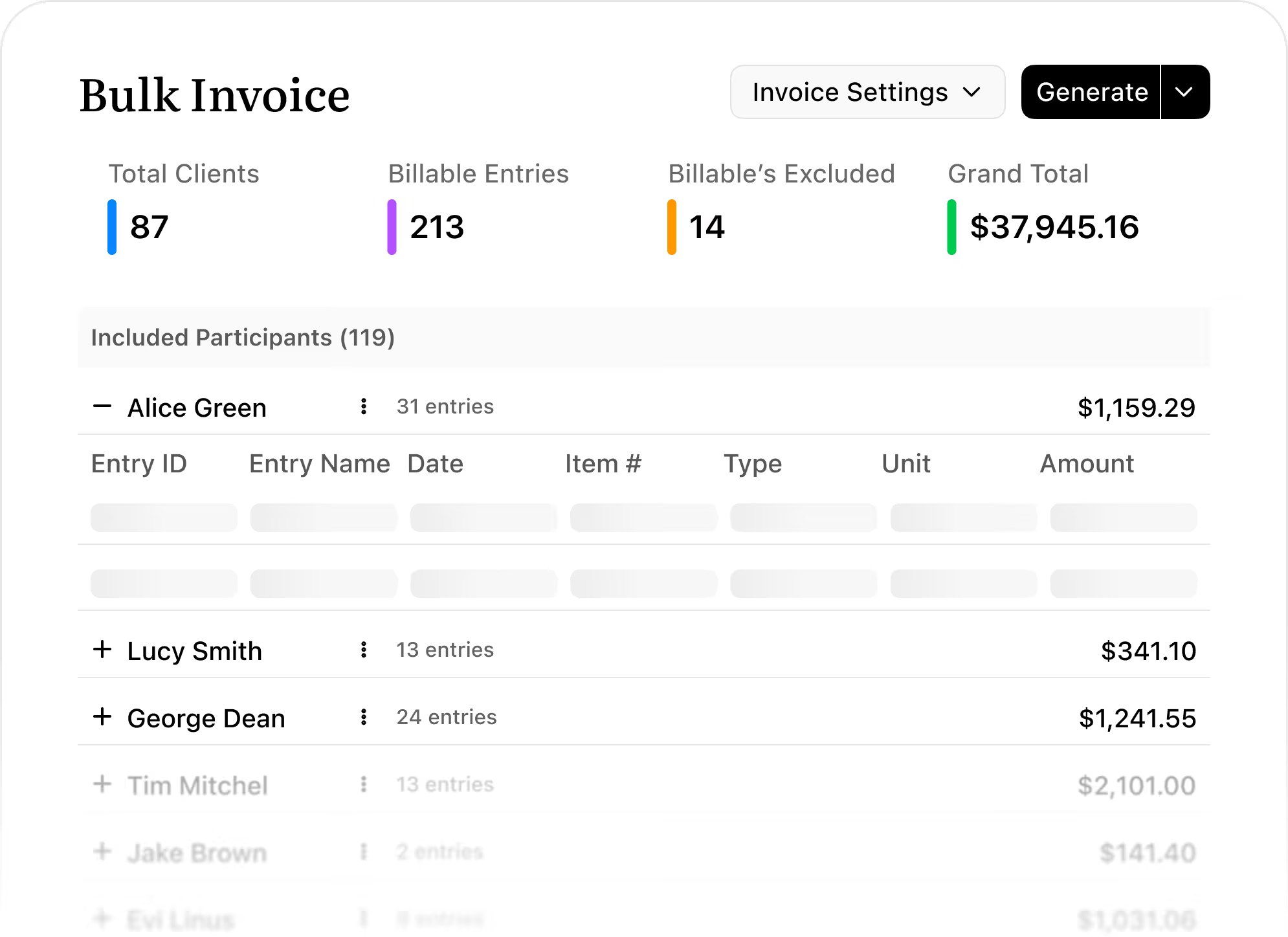
Bulk invoicing pulls in eligible billable entries (shifts, tasks, travel, reimbursements, manual entries) from each client’s billable entrie's list. These entries become the line items on invoices, so what you see in bulk invoicing is always based on the underlying client billable's.

Once a billable entry is attached to a bulk invoice draft or generated invoice, it’s “reserved” by that invoice. It can’t be included in another invoice or claim at the same time, which prevents double‑billing and keeps your accounting records consistent.
Billable's that are Unpaid or Draft may still be editable, but once they’re tied to invoices or claims and reach certain statuses (e.g. Paid or locked types), editing and voiding is restricted. If a billable needs to move into a different invoice or claim, it will be voided first so it’s no longer attached to the original invoice.
When invoices are reconciled or synced via your accounting integration (e.g. Xero or QuickBooks), the linked billable entries are updated to reflect the latest invoice status. This keeps billable statuses aligned with invoice-side changes for audit and reporting.
You can still generate and manage billable entries and use them for billing workflows inside Imploy. However, to be able to generate invoices, you’ll need an active Xero or QuickBooks connection.
Bulk invoicing uses billable entries as the single source of truth. Once a billable entry is attached to a bulk draft, invoice, or NDIS claim, it’s reserved and can’t be reused elsewhere unless it’s voided or released. This keeps invoices, claims, and client funding in sync and prevents the same service from being billed twice.
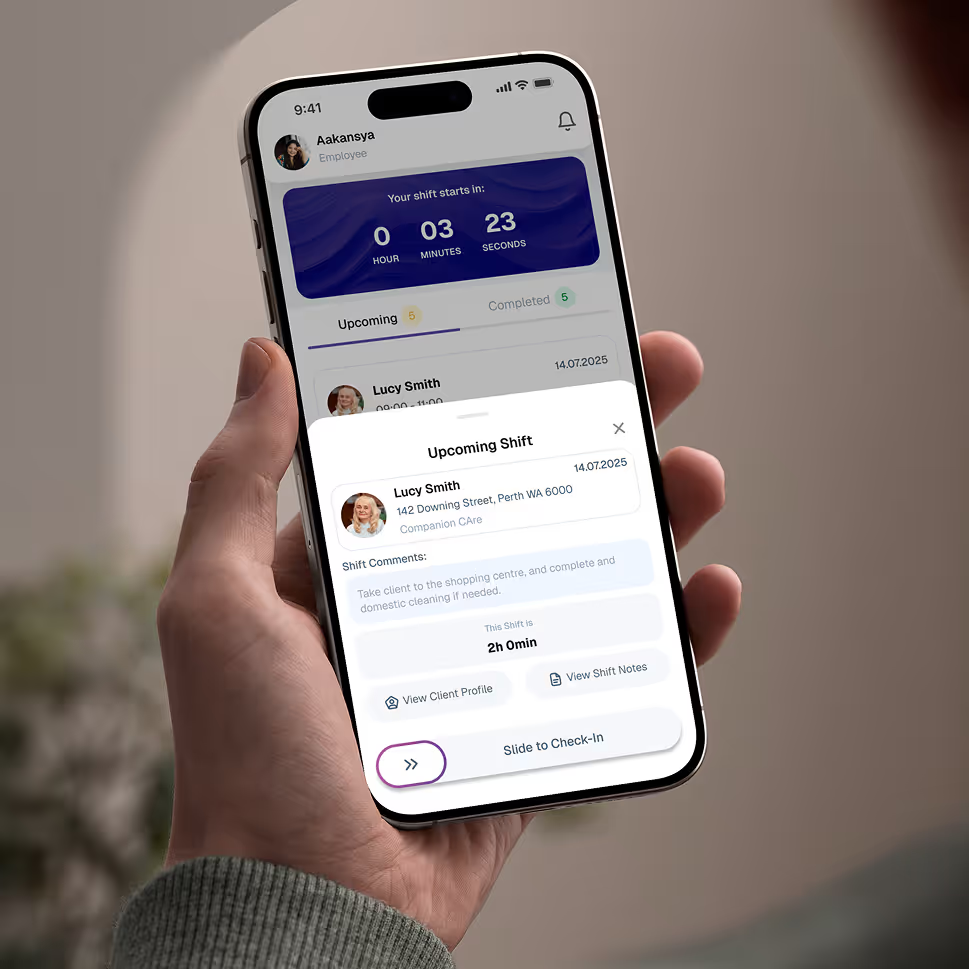
Empower your workforce on the go. Clock in, check schedules, and manage care notes from anywhere. Available for iOS and Android.


Get ready to experience how AI can transform the way you work,and unlock smarter, more efficient workflows.