


Trusted by leading providers









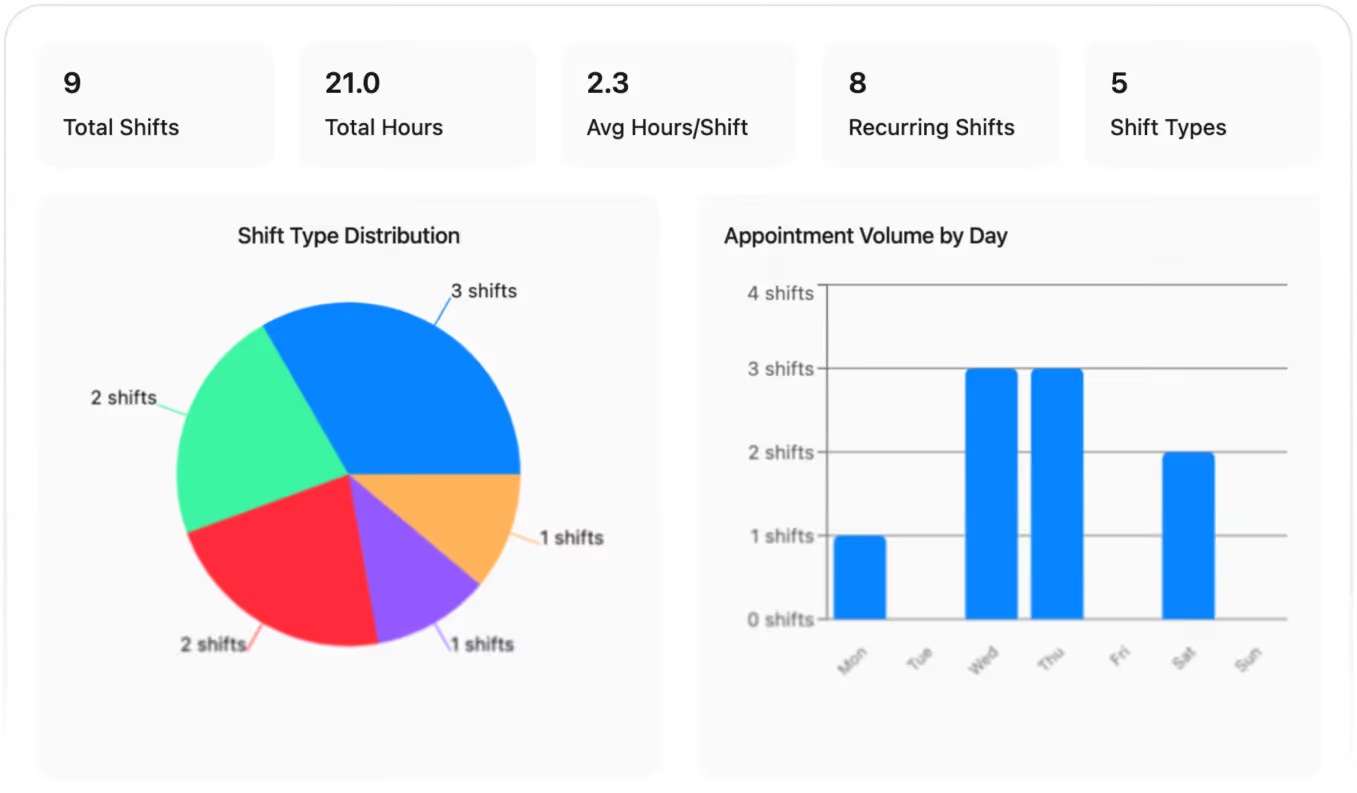
Turn rostered shifts into clean, review‑ready timesheets in seconds, catch issues faster and spend less time chasing missing details or correcting errors every pay run.

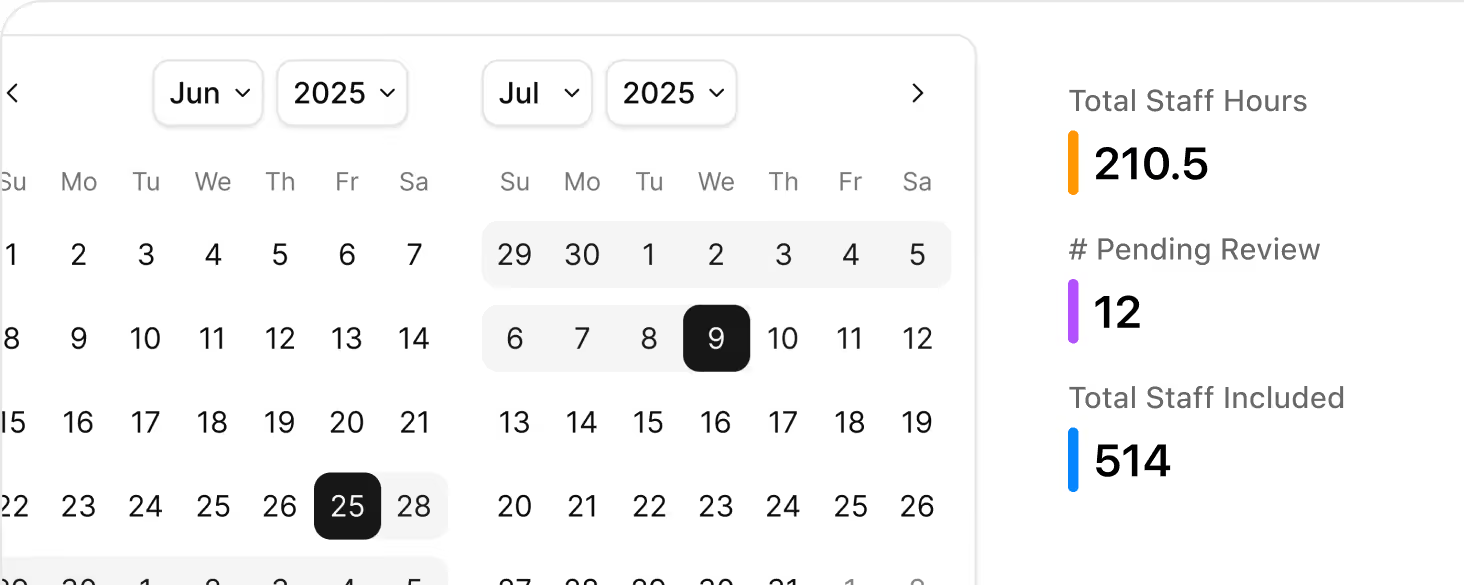
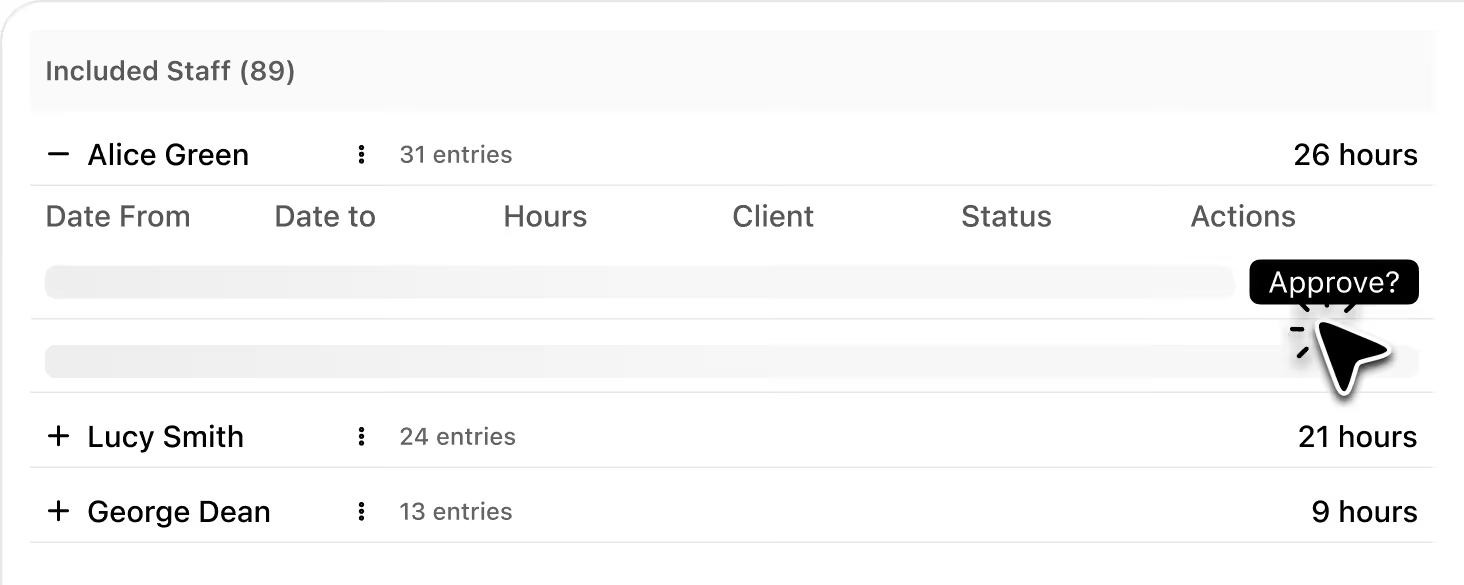
Review, edit and approve timesheets from a single view, spending less time chasing staff and paper and more time quickly resolving issues before each pay run.
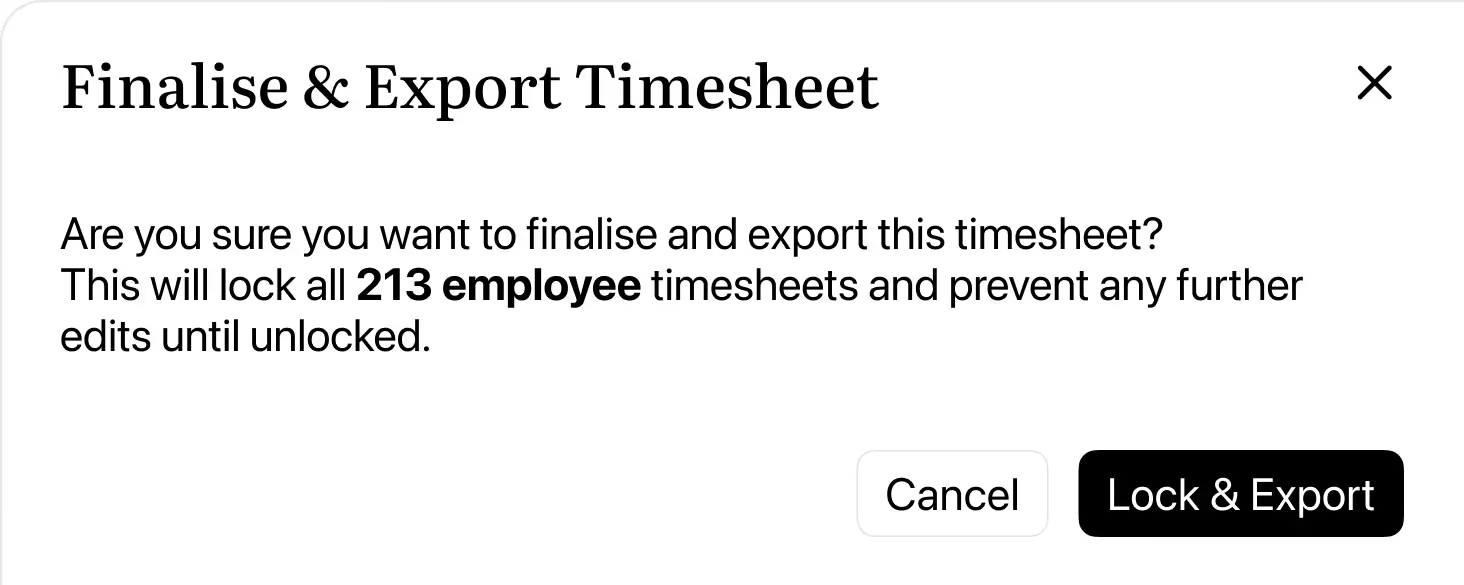
Send approved timesheets straight to payroll in a structured format that reduces manual re‑entry and helps cut down on pay errors, saving your finance team time every pay run.
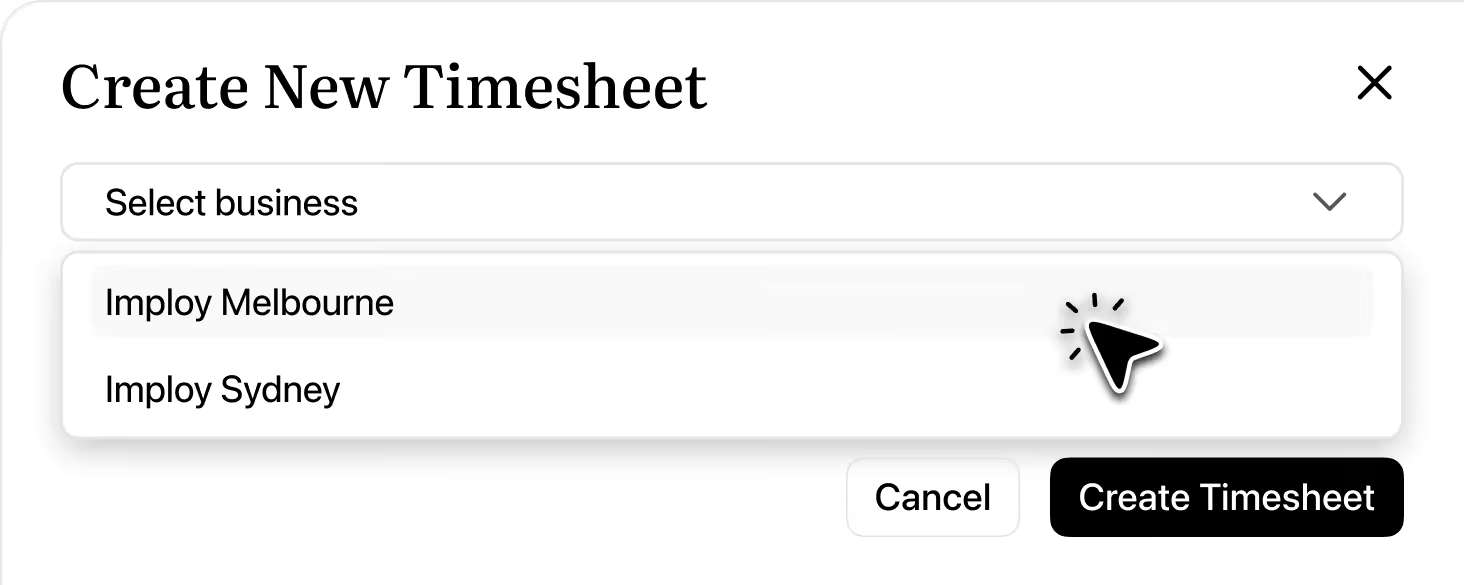
Create by location, so payroll processing staff instantly see all entries for staff assigned to that site, making reviews and approvals much faster for multi-location providers.
Imploy’s Single Touch Payroll solution will connect your timesheets directly to the ATO, so approved hours flow through in a compliant, STP‑ready format without extra spreadsheets or manual uploads.
You’ll be able to submit payroll events from the same platform you use for rostering and timesheets, with clear audit trails, status updates, and employee records kept in one place.
Timesheets are generated directly from the roster, so once a shift is scheduled it appears as a draft timesheet with the client, worker, and hours already linked.

Yes. You can review, edit and approve timesheets from a single view, adjusting hours, locations or notes before sending them through to payroll.
Yes. You can unlock an employee or the full timesheet, edit the relevant entries (for example, adjusting start/end times), then lock and export again as a CSV. Each unlock requires a reason and your password, so any post‑export corrections remain fully traceable.
You can filter timesheets by worker, date range and locations, making it easy for multi‑site providers to review entries for a specific branch or service.
Once approved, timesheets are exported in a structured format ready for your payroll system, reducing manual re‑entry and the risk of pay errors each pay run.
Locking marks the timesheet (or an individual employee) as ready for payroll and prevents further edits without an unlock reason and password. Exporting creates a CSV file of the locked period that you can share with payroll or finance for processing and record‑keeping.
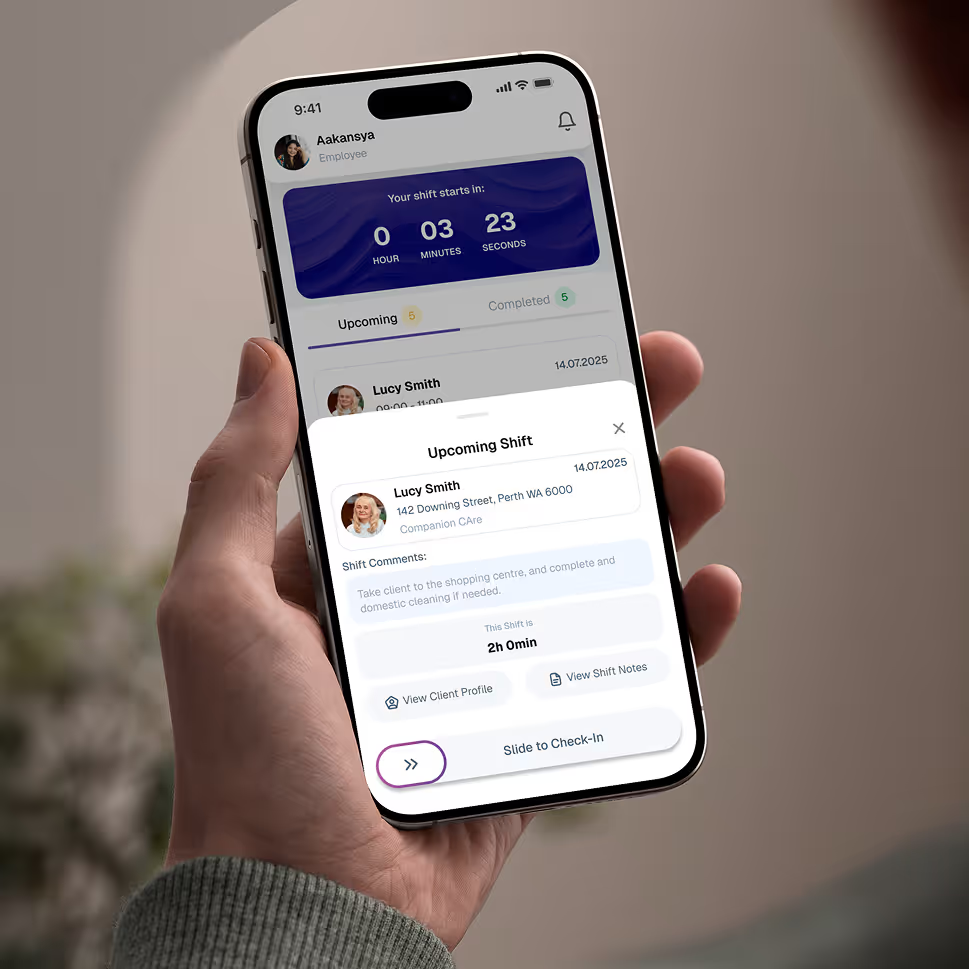
Empower your workforce on the go. Clock in, check schedules, and manage care notes from anywhere. Available for iOS and Android.


Get ready to experience how AI can transform the way you work,and unlock smarter, more efficient workflows.