⚠️ Prices going up soon—lock in today’s rate for 1 year!
Prices rise in
00
Days
00
Hours
00
Minutes
00
Seconds
Save Now!

Ditch the static templates. Build forms that actually works for you.
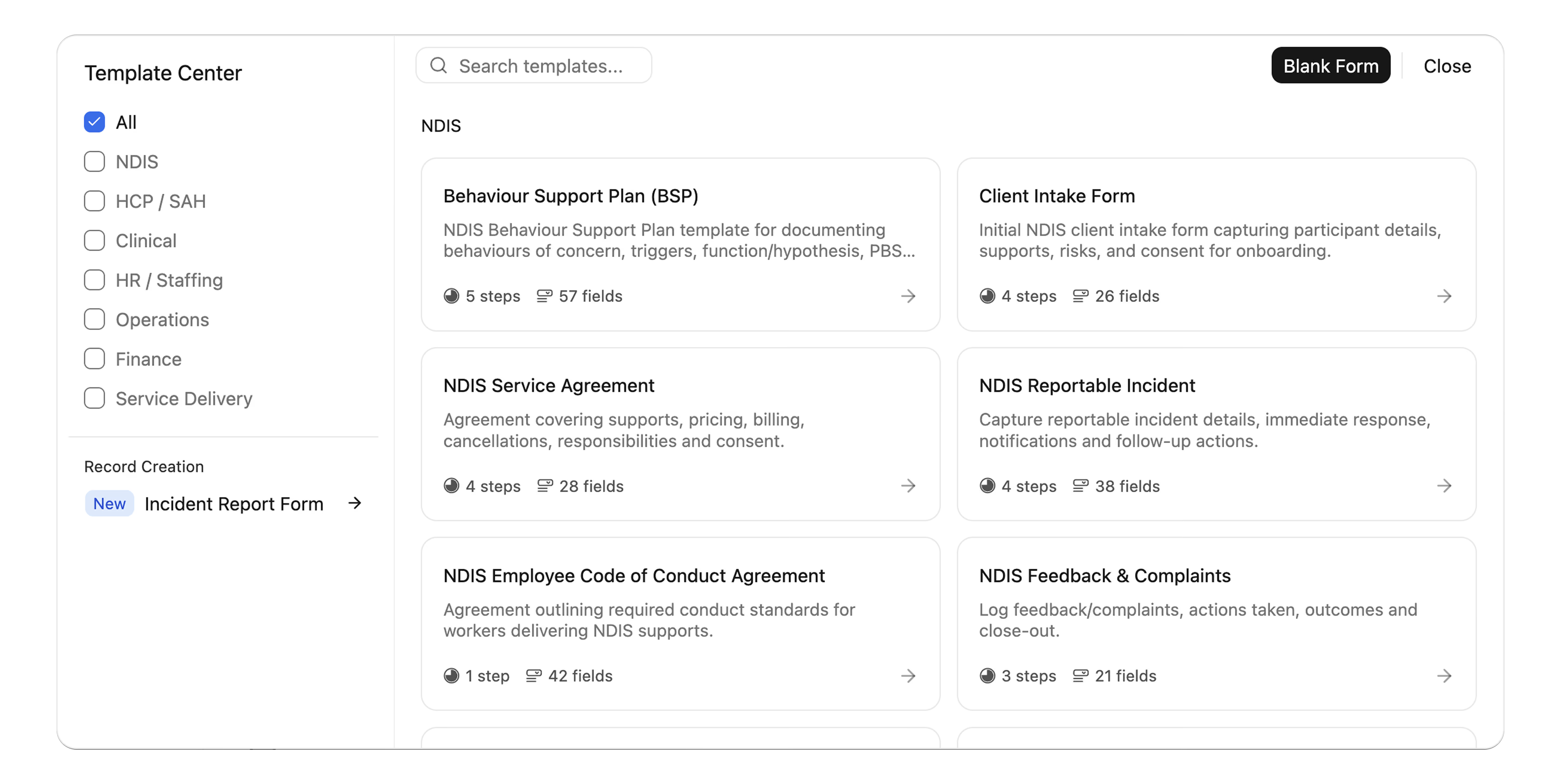
Replace messy paper, rigid Word docs, and static PDFs with interactive, sector-specific digital intake engines. Capture field notes, assessments, or onboarding info, and watch your platform update itself instantly.
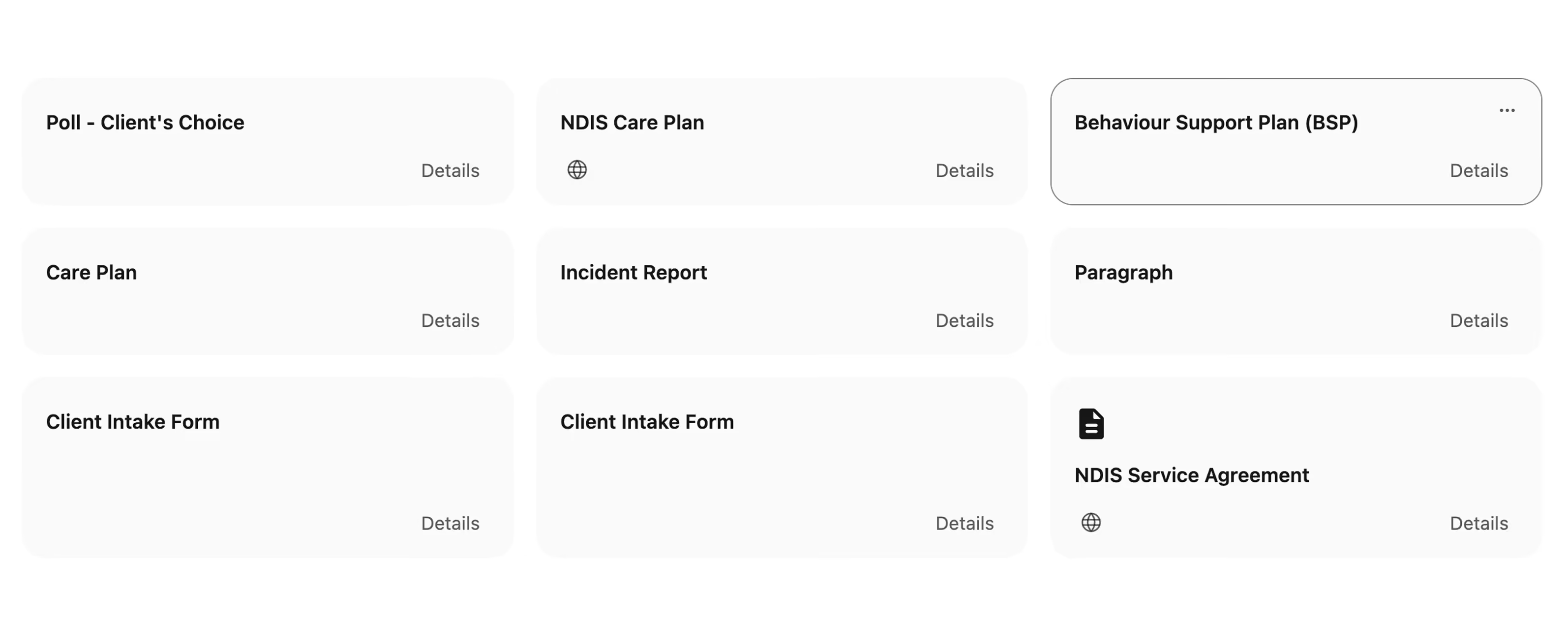
Template Center interface with NDIS forms and filters for form categories and record creation.

Trusted by leading providers

My Companionship logo
Circle of Kindness logo
Aspire Ability logo
Apex Services Australia logo
Connection Community Services logo
Crescent Care logo
Unity Aid logo
Murray Darling Supports logo
Noble Roots Support Services logo
Bynd logo
My Companionship logo
Circle of Kindness logo
Aspire Ability logo
Apex Services Australia logo
Connection Community Services logo
Crescent Care logo
Unity Aid logo
Murray Darling Supports logo
Noble Roots Support Services logo
Bynd logo
Everything paper-based forms can't do.
Six capabilities that make Imploy Forms a genuine replacement, not just a digital copy of the templates your team relies on.
DEPLOY IN SECONDS

Sector-Specific Templates

Ready out-of-the-box for NDIS, HCP, Aged Care and Allied Health. Access digitalised versions of essential templates built right into your dashboard.

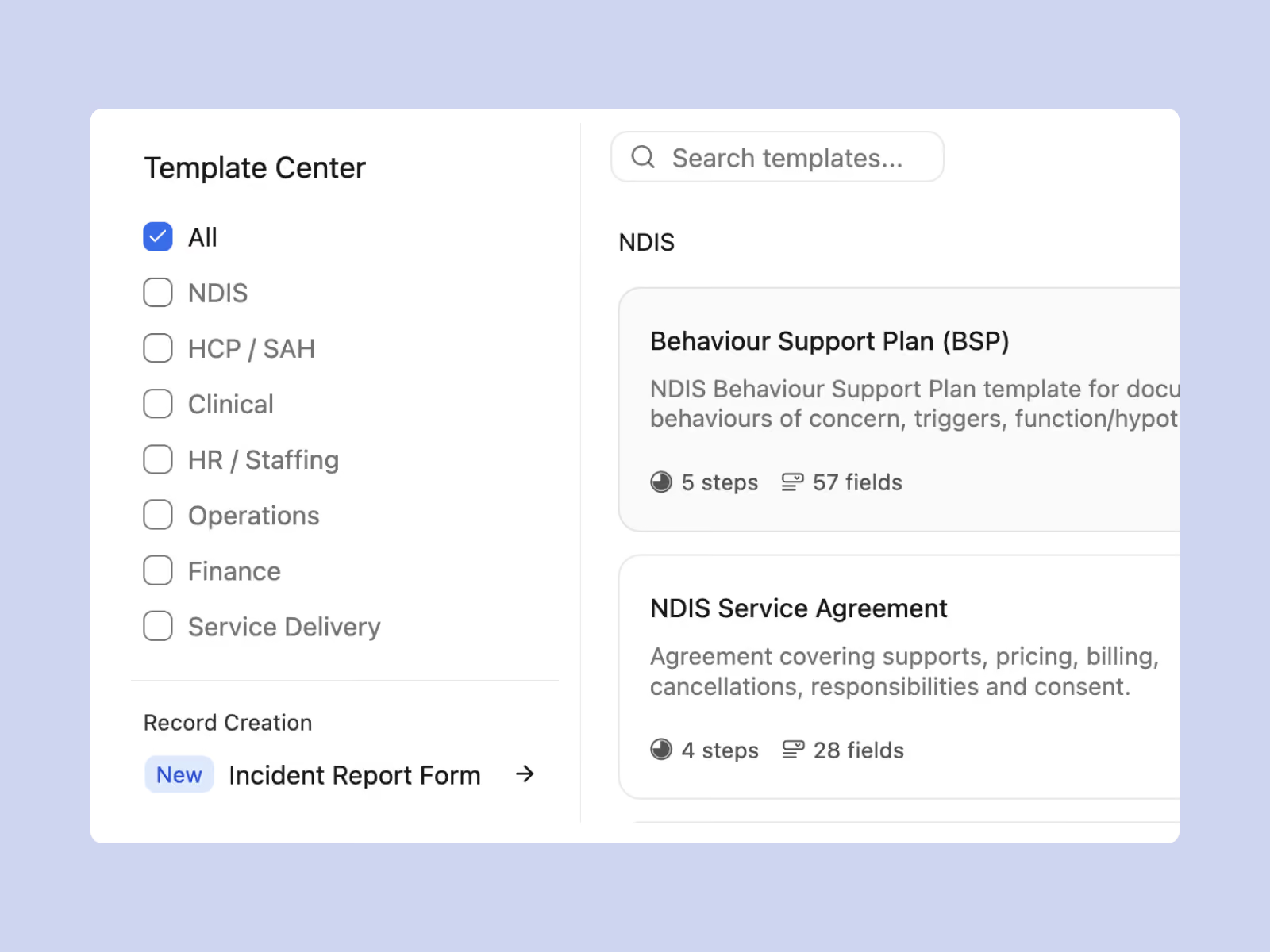
NDIS & HCP / SAH Templates: Instantly launch Behaviour Support Plans (BSP), Service Agreements, and Client Care Plans.
Clinical & Operational Templates: Deploy Falls Risk Assessments (FRAMP), Wound Management Plans, and Shift Handover Notes.
Incident form template of Imploy for NDIS providers
Imploy custom care plan for NDIS providers
LIVING CARE PLANS

Turn Any Form Into a Client Care Plan

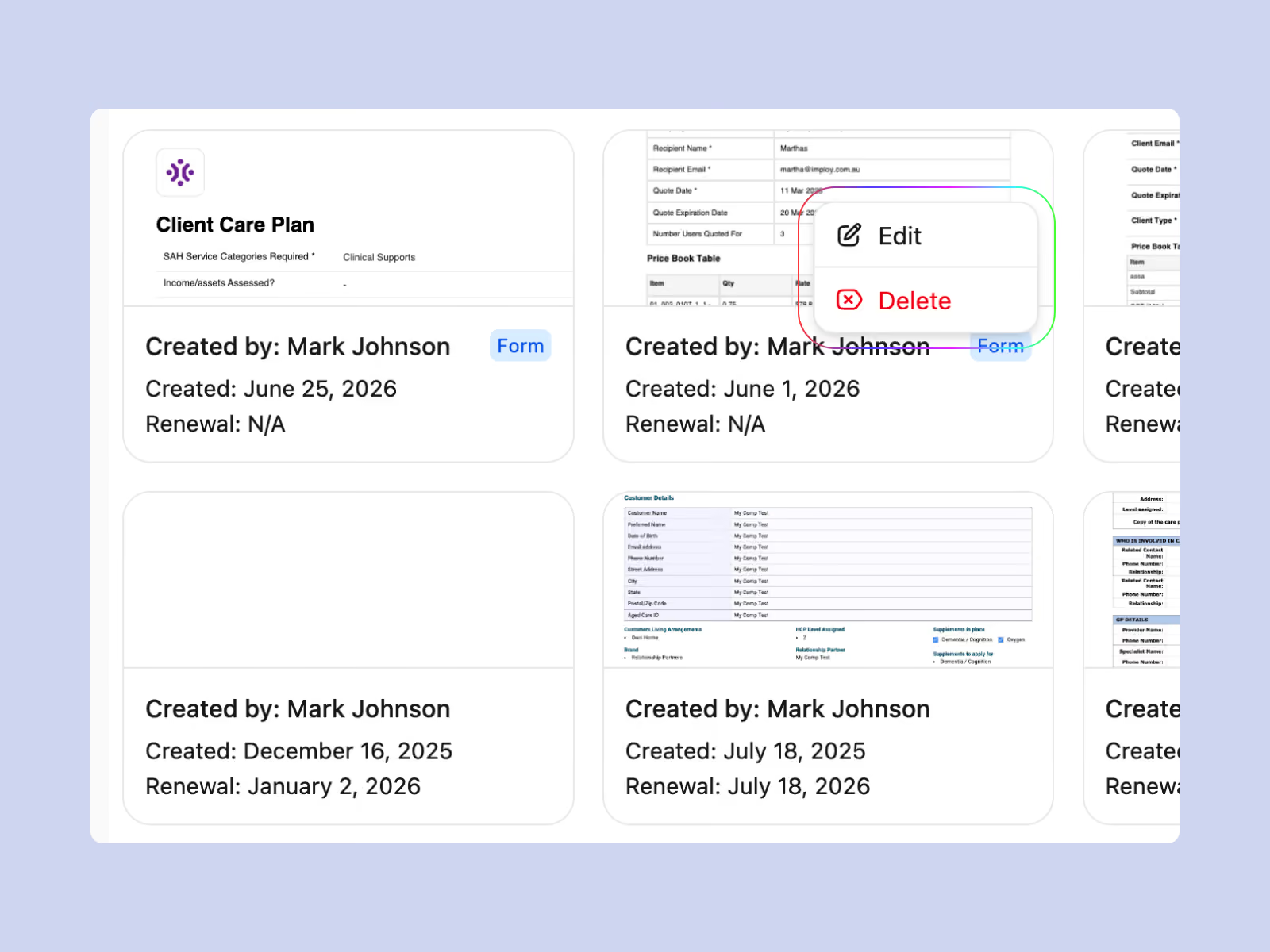
Stop rebuilding care plans in Word every review cycle. Pick a form from the client's Care Plan tab, fill it out, and it's saved against their record instantly

Create From Your Templates: Search forms by name or category and save the completed form directly as a care plan, or build a new template from scratch.
Edit Without Duplicates: Updating a form-based care plan saves to the same entry, not a new copy — one client, one current plan, with creation and renewal dates on every card.
SECURE SUBMISSION CONTROL

Gather Data Internally or Publicly

Control exactly how your data is captured with a simple security toggle built into your builder dashboard.
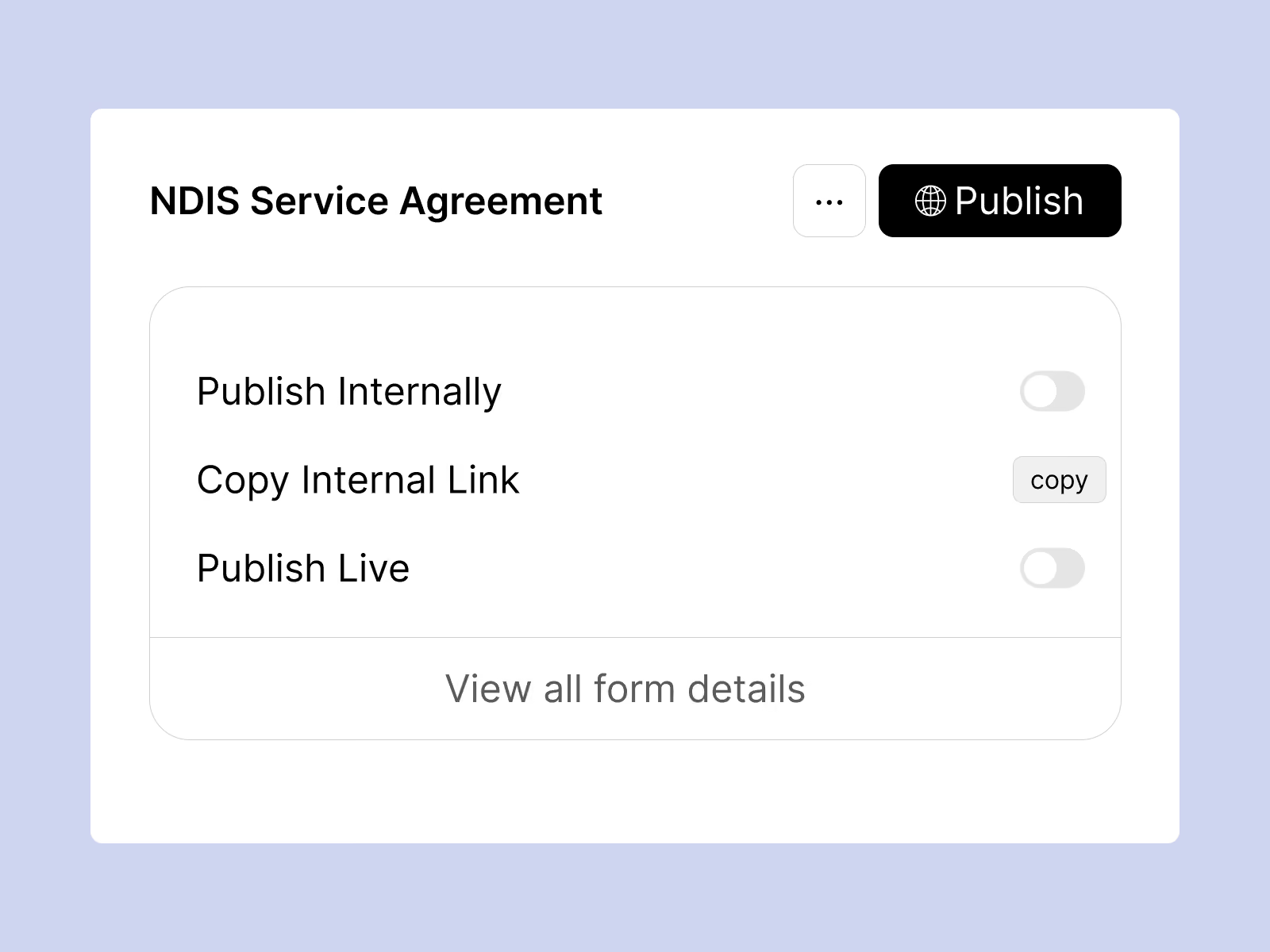
Internal Mode:  Locked to your support staff for sensitive, in-the-field logging.
Public Mode: Generate secure links to quickly collect feedback and intakes from external families.
Try Now
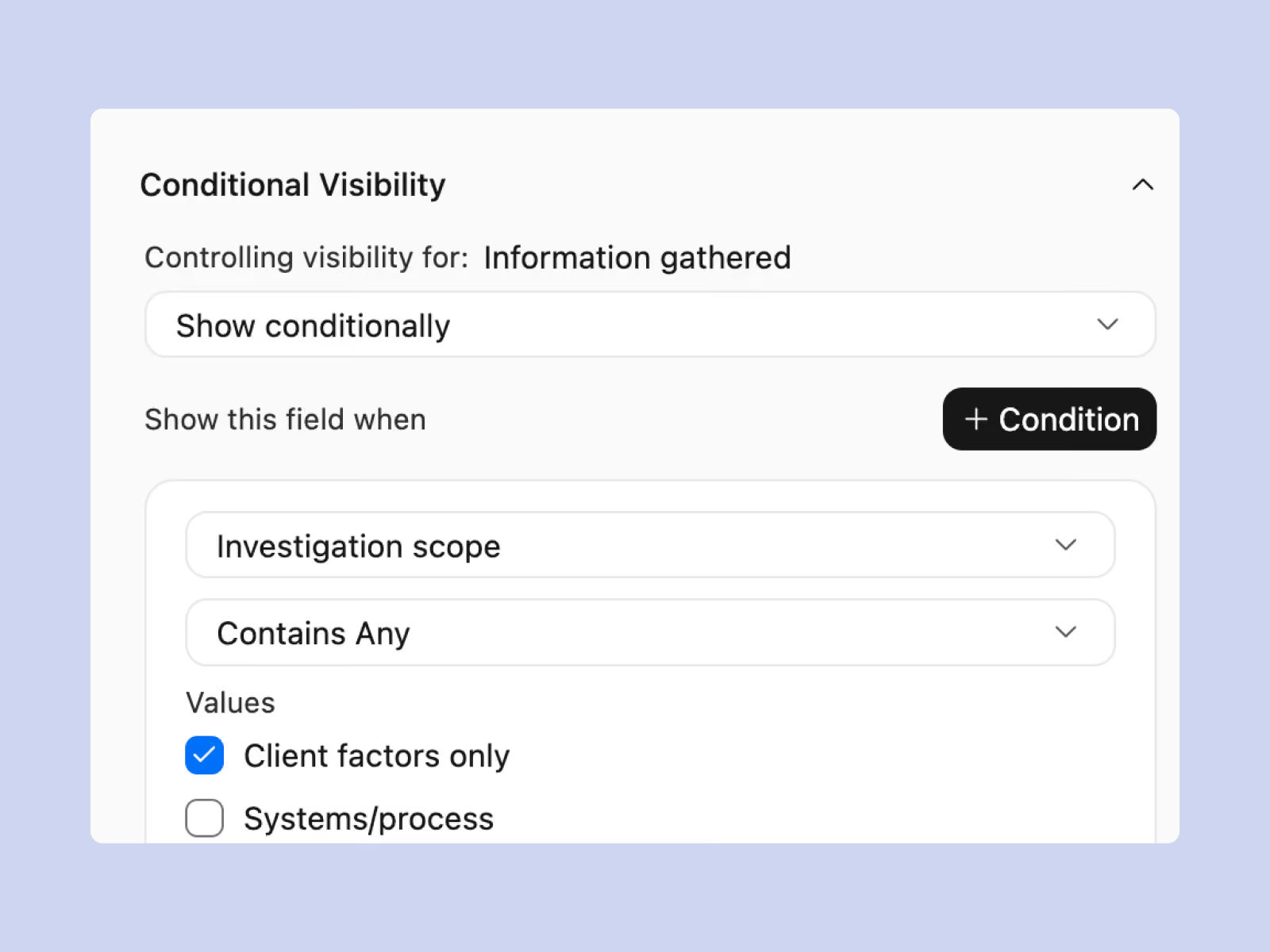
Imploy conditional logic for dynamic NDIS digital forms
SMART UX

Show Only What’s Relevant to the User

Keep data collection clean and reduce form fatigue. Use conditional visibility rules to automatically hide or reveal specific sections based on real-time responses.

Show & Hide Fields: Sections appear only when they're relevant, based on answers given in real time.
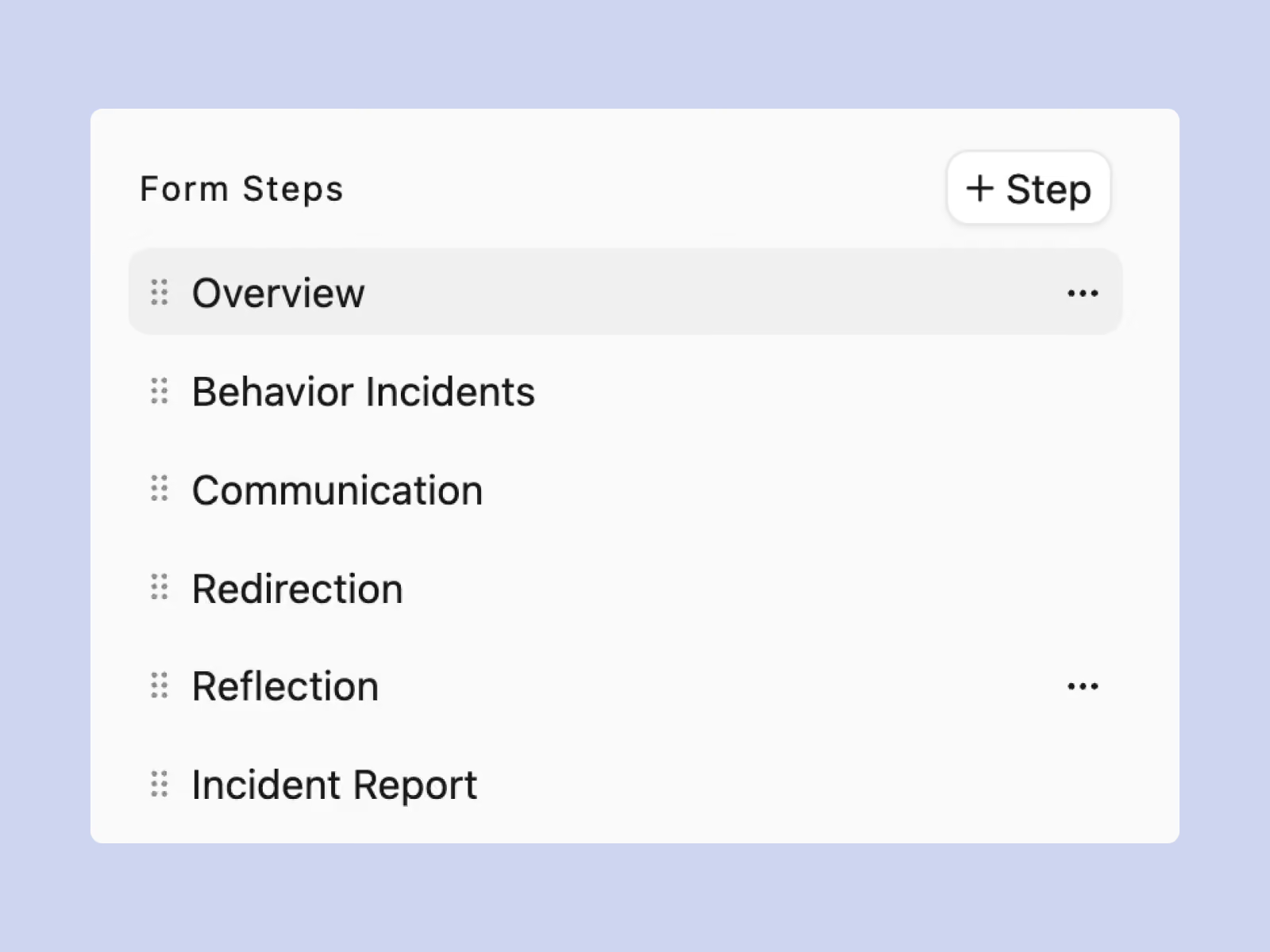
Smart Step Routing: Send each person to the right next step automatically, so they skip anything that doesn't apply.
Try Now
AUDIT COMPLIANCE

Convert Any Form Into an Incident Record Form

Point any form at your incident workflow, and each submission becomes a structured incident record no retyping a report after the shift.

Submissions route automatically into your incident register and save against the client's record.
Each incident opens with an Open status on the central dashboard for review and follow-up.
Try Now
Imploy converts custom forms into NDIS incident report forms automatically
Imploy multi-step digital forms with guided progress tracking
USER EXPERIENCE

Complex Forms Broken Into Progress Paths

Whether it’s a quick 2-step shift note or a detailed 6-step clinical matrix, long forms are automatically split into clear progress paths to improve completion rates.

Clear Progress Steps: Long forms split into simple steps from a quick 2-step note to a detailed multi-step assessment.
Guided Navigation: Preview and step controls keep people moving through each section without feeling overwhelmed.
Try Now
How Imploy Forms Transform Daily Operations
Static Templates
Previous static forms
Red Cross

Download & print

Coordinators manually email PDF agreements to families for onboarding.

Red Cross

Manual transcription

Support staff carefully retype handwritten field notes into the CRM system after each shift

Red Cross

Fragmented records

Scrappy clinical logs and assessments are scattered across separate Word files.

Red Cross

Chasing compliance

Spending hours gathering and formatting report files for an upcoming quality audit.
Imploy Forms
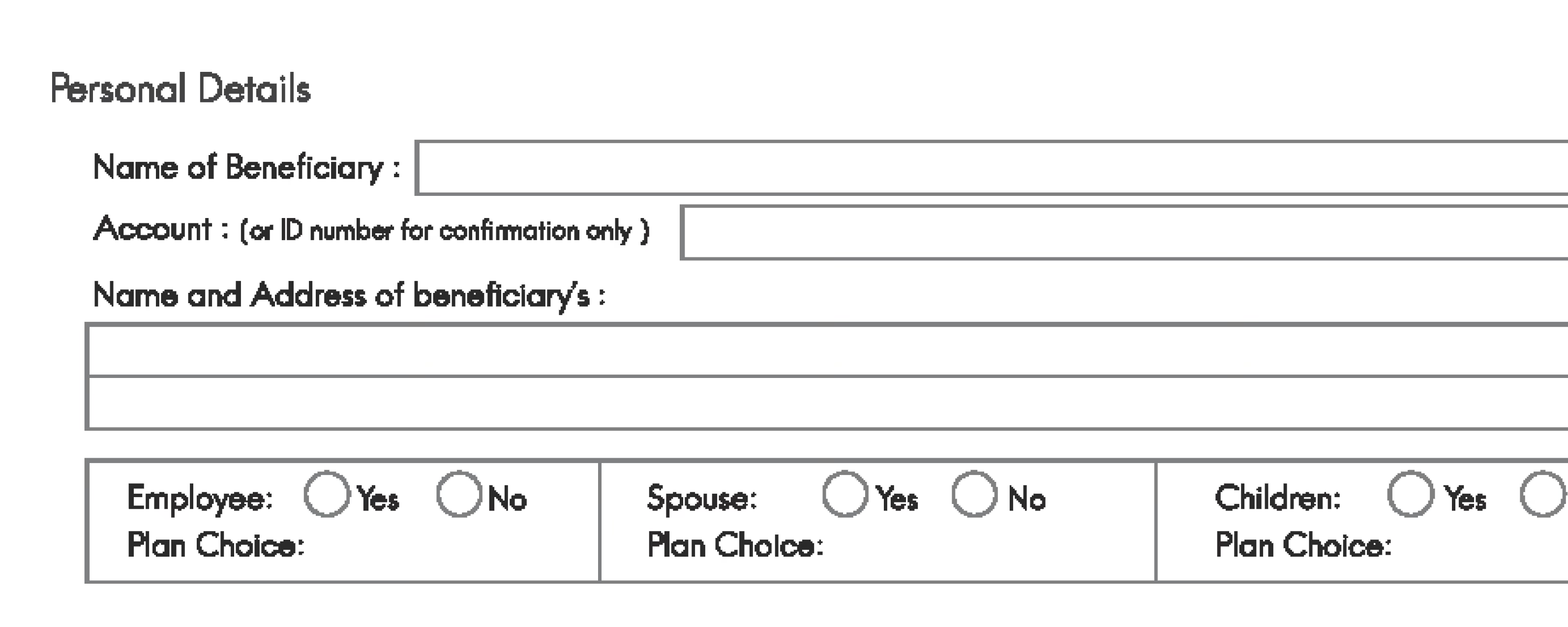
Custom form of Imploy for NDIS and Home Care
Normal green tick

Instant link

Families, staffs or anyone can complete a secure public link from any mobile or desktop device.

Normal green tick

Incident Tracking

Get incidents auto submitted for reporting on form submission.

Normal green tick

One-Click Export

Instantly download clean, beautifully formatted, audit-ready PDF and Docs summaries.

Normal green tick

Centralised Ledgers

Pre-built clinical forms sit directly on the client's live timeline.

Experience the Imploy difference with AI

Get ready to experience how AI can transform the way you work,and unlock smarter, more efficient workflows.