
Build and adjust staff rosters, fill vacant shifts and keep workers and clients informed. Imploy brings recurring schedules, mobile updates and SCHADS compliance checks together for NDIS and home care teams.
Trusted by leading providers









Build the week around participant needs, worker availability and travel between visits. Use the visual timeline to spot gaps and overlaps, then adjust the roster as services change.


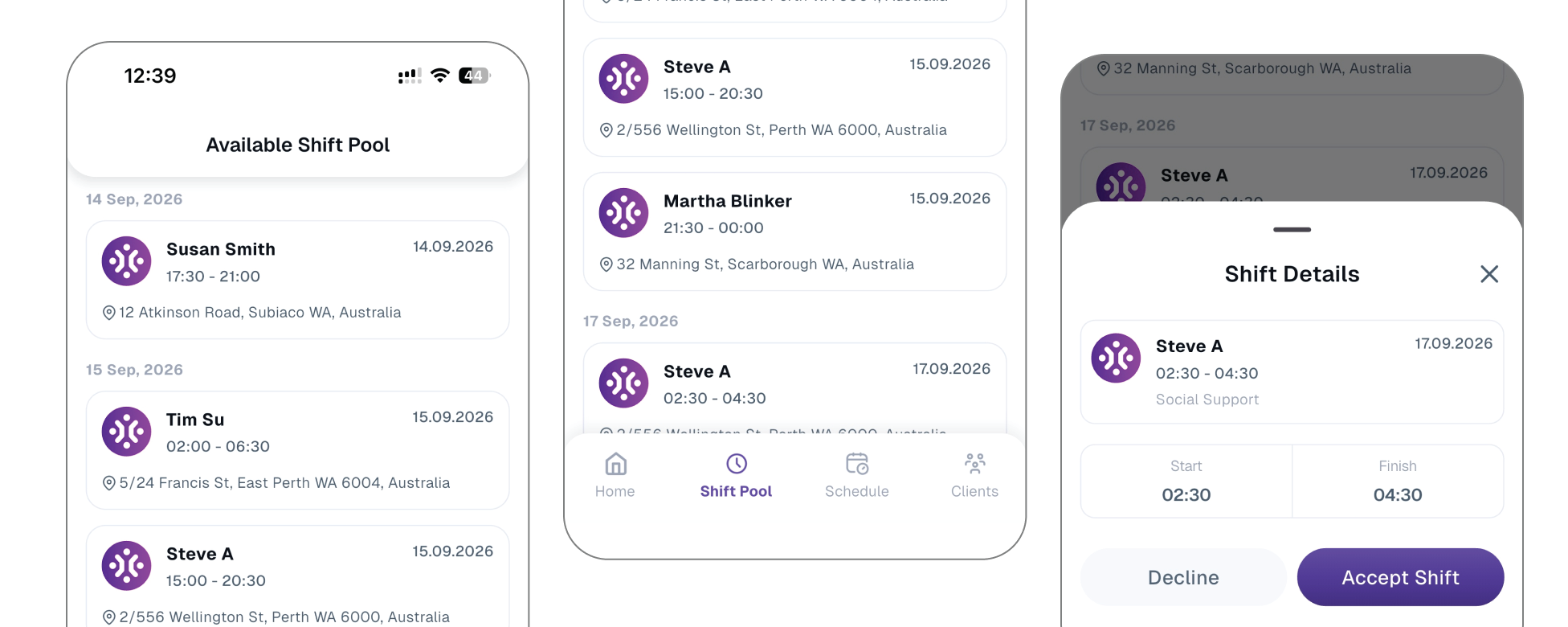
When a worker becomes unavailable, offer the vacant shift to selected staff or groups through the mobile app. Use AI-powered matching to review suitable replacements with less manual calling and messaging.

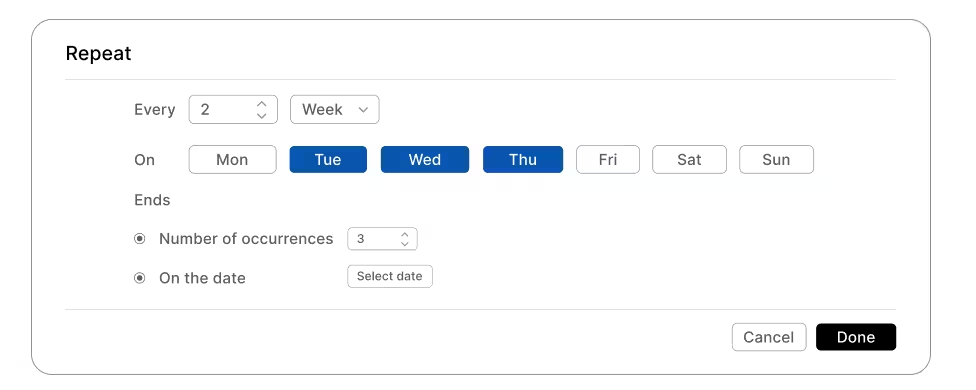
Set daily, weekly, fortnightly or monthly shifts for regular supports. Review conflict and SCHADS alerts before publishing, and adjust the pattern when participant needs or worker availability change.
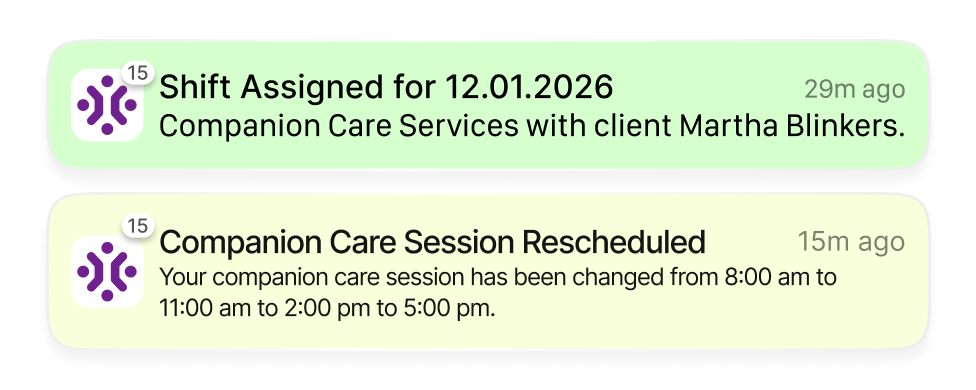
Push live changes, reminders, and alerts so workers always see the latest roster, reducing missed shifts and keeping everyone aligned on where they need to be and when.
Email clear schedules to clients or representatives with services, times, and staff names, so everyone knows exactly who is attending, when they’re arriving, and support being provided.

Automatically match vacant shifts with the best‑fit workers using AI that considers availability, skills, location, and client preferences, so gaps are filled faster with less manual chasing.

New shifts are created as "Unpublished" by default, giving schedulers a draft stage to build rosters before pushing them live to the mobile app.

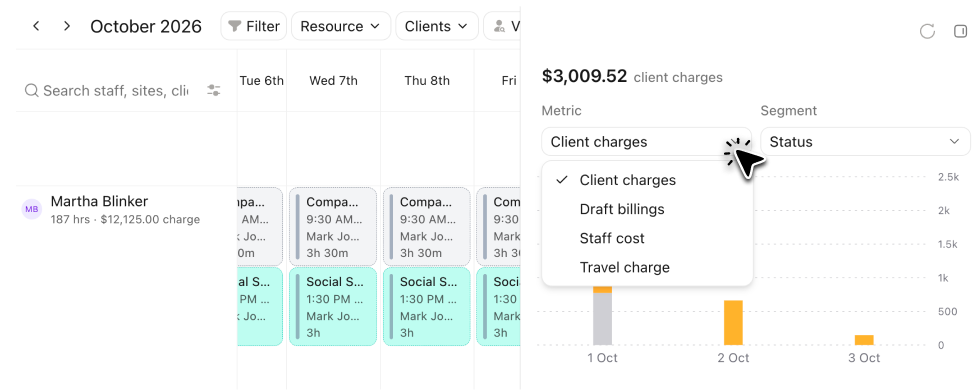
See staff costs and NDIS funding totals while creating a shift. Review the financial effect of travel, staffing and service changes before publishing the roster.
At shift check-in, the system flags off-site GPS locations outside a 100-metre radius, requiring reason logging and giving admins live route maps and full audit trails.

When support runs longer, update an active or completed shift. Extending it returns the shift to an unpublished state, updates timesheets and recalculates billables for review before republishing.

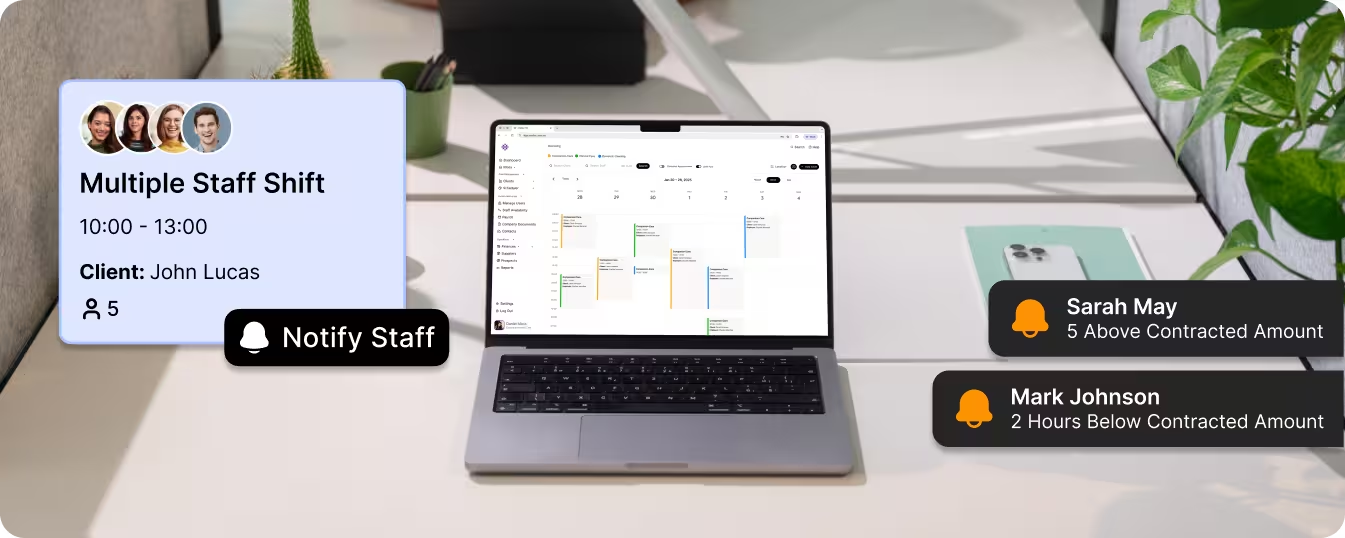
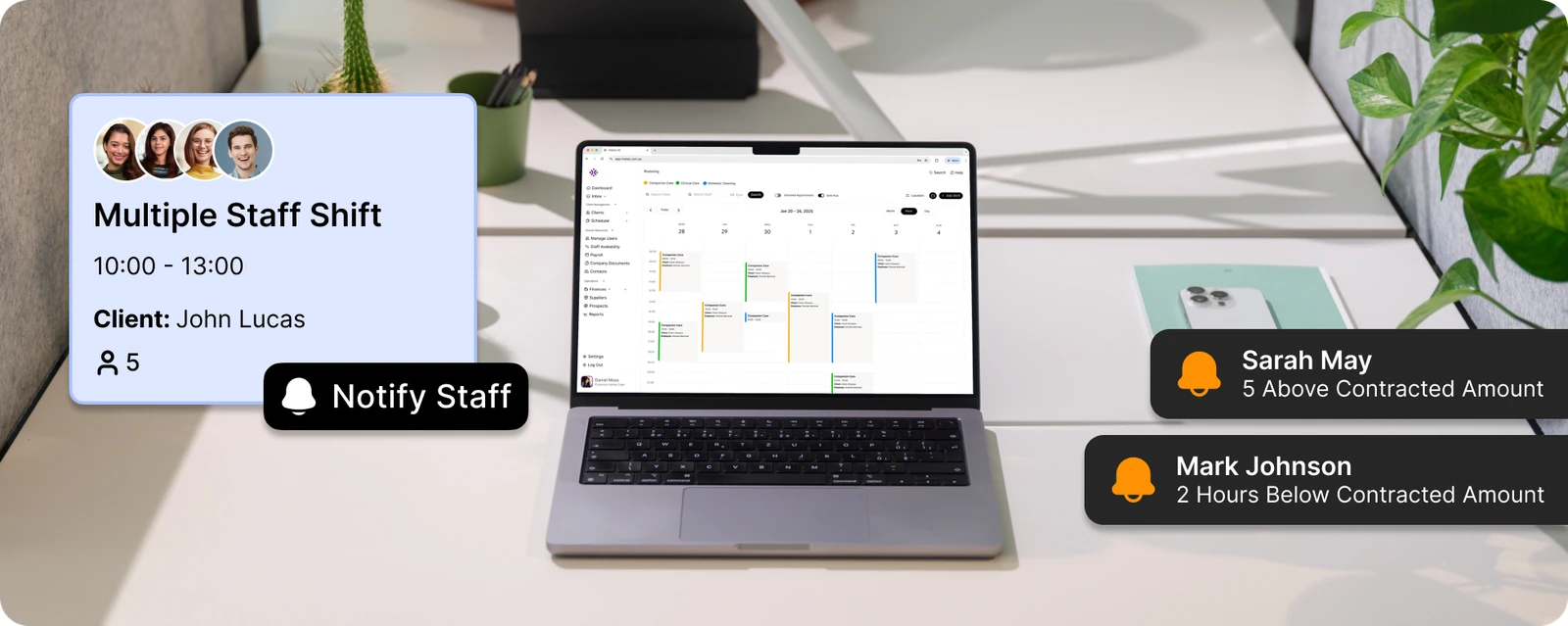
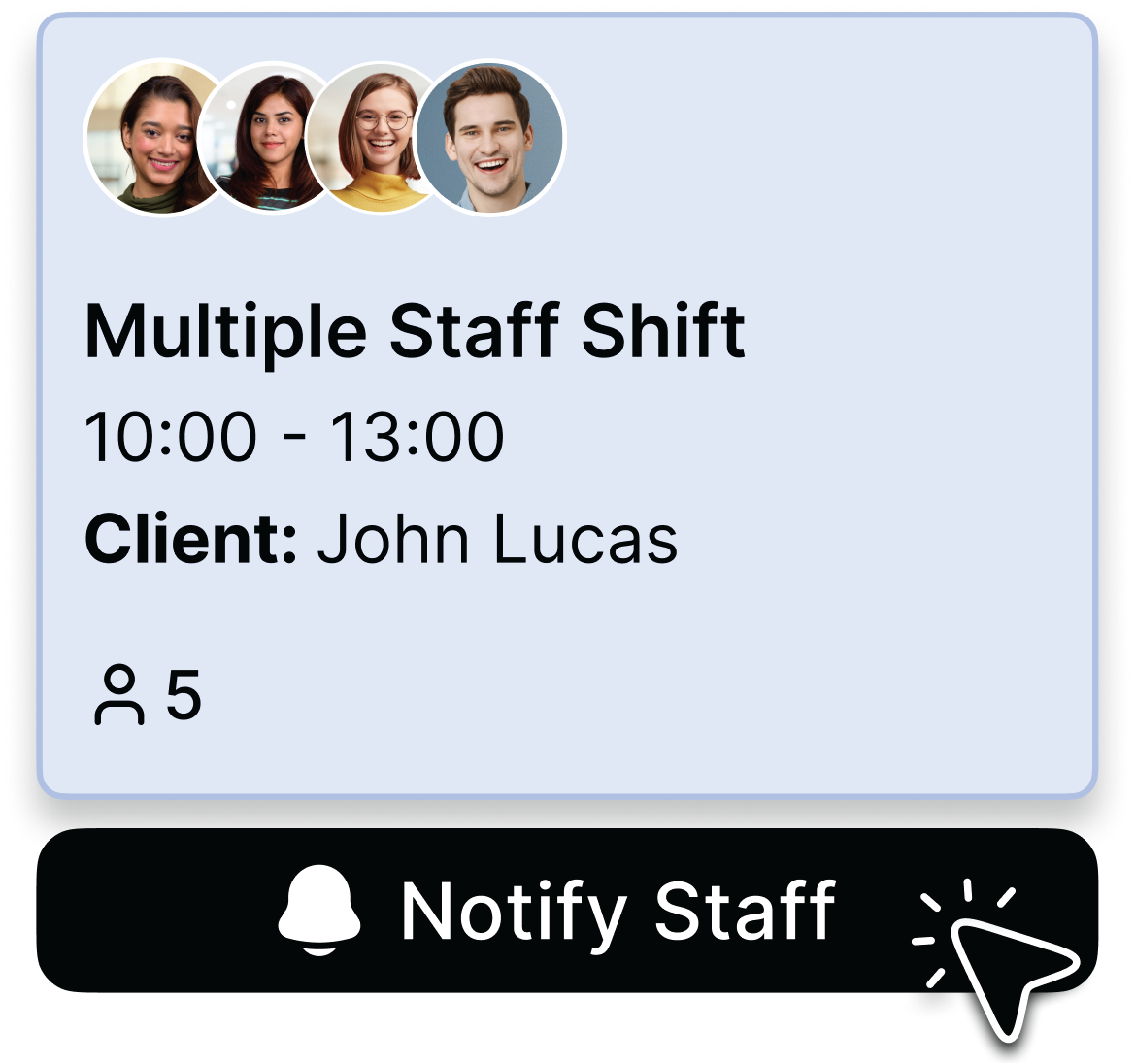
Coordinate shared group activities and multi-worker supports on the roster. Review worker assignments, participant allocations and the resulting billables within the same service workflow.
Roster multiple support workers to one participant, each with their own appointment type, price book, and independent mobile clock-in — built for two-person assists and complex manual handling.
Set up shared activities with flexible percentage splits across participants. Review each client’s funding impact and billable records before generating invoices or preparing claims.
Save recurring cohorts and their billing splits as reusable templates, so regular outings, day programs, and SIL routines don't need re-setting up every time.
Bring a recurring roster, a vacant shift and a group service to your demo. Follow each example through mobile updates, timesheets and billing, then discuss setup, training and the connections your team needs.
Identify suitable workers using availability, skills, location and client preferences. AI-powered matching helps coordinators review vacant shifts with less manual searching.

Use a normal week from your service: recurring supports, worker availability, travel between visits, a last-minute replacement and a shared or multi-worker shift. Check what coordinators, workers and clients each see, then trace a completed service through timesheets and billing. For larger teams, also test permissions and scheduling across sites.

Update the affected shift and review the replacement using availability, skills, location and client preferences. Offer the vacancy through the Shift Pool or review AI-powered matching suggestions. Confirm worker notifications and check the effect on service records and billing before finalising the change.
Yes. Create daily, weekly, fortnightly or monthly recurring shifts for regular supports. Review conflict and SCHADS alerts and adjust the pattern when the service changes, rather than rebuilding the roster from a spreadsheet.
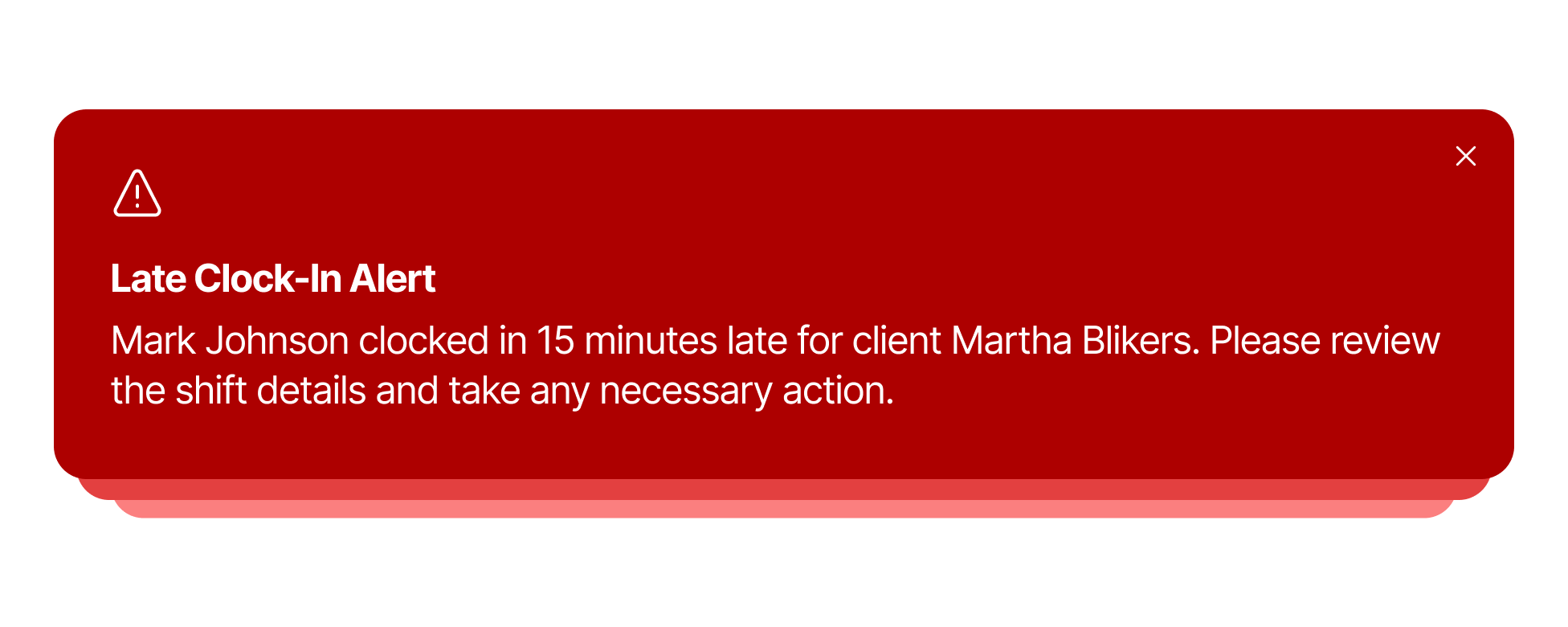
Yes. Staff receive real‑time notifications for new shifts, updates, and reminders via the mobile app, so they always see the latest version of their roster. Care Managers are also alerted automatically. If a worker has not checked in 15 minutes after their shift start time, an alert is sent by web notification and email. If a shift in the shift pool has not been accepted after 4 hours, admins are notified by email, so gaps are caught early.
Yes. You can send weekly, fortnightly, or monthly rosters to clients or their representatives with services, times, and carer names in a clear layout.
Imploy helps teams review shift patterns, staff costs, funding totals and SCHADS alerts while rostering. The roster connects with timesheets and billable service records, so changes can be reviewed before payroll and invoicing. NDIS bulk claims are prepared as a CSV export for upload; a roster is not itself a submitted claim. Providers remain responsible for checking the relevant rules and approving the final records.
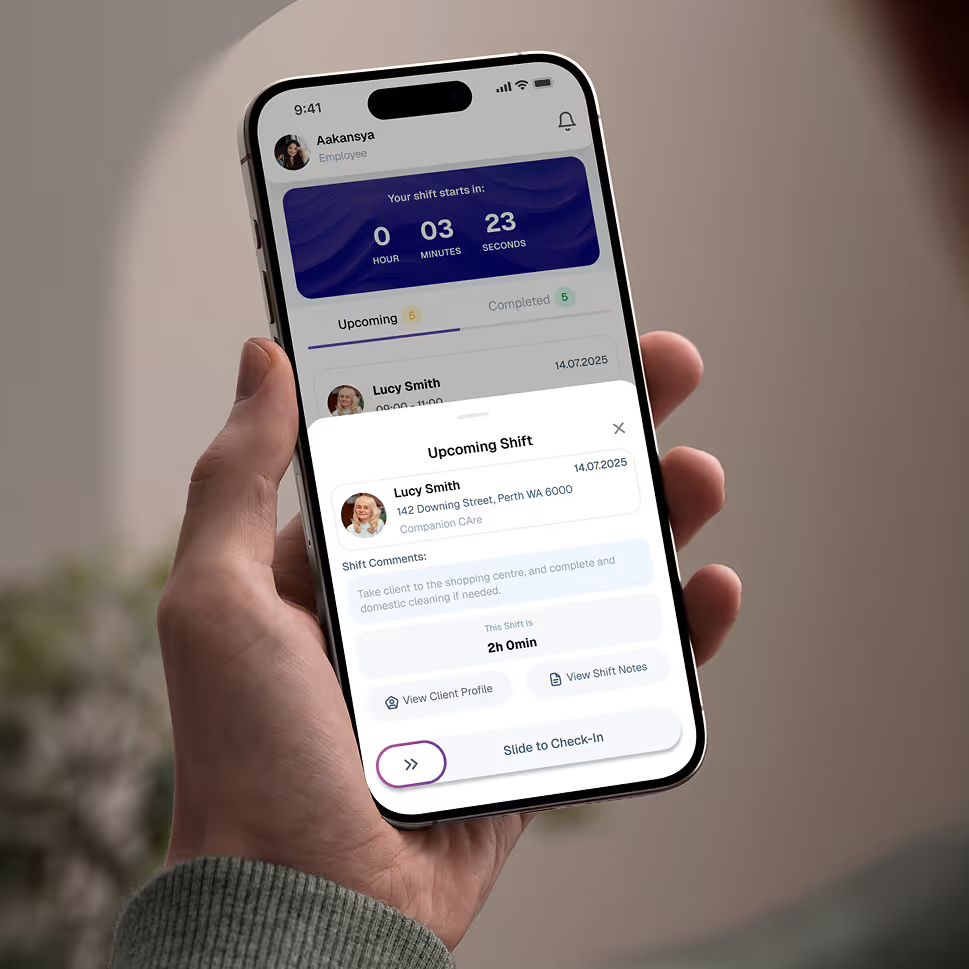
Empower your workforce on the go. Clock in, check schedules, and manage care notes from anywhere. Available for iOS and Android.


Get ready to experience how AI can transform the way you work,and unlock smarter, more efficient workflows.