
NDIS Software for Large Providers
Connect participant records, rostering, timesheets, billing and reporting across your teams and locations. Explore an enterprise setup around the way your organisation delivers support.

Connected operations for large NDIS providers
Keep care, coordination and finance teams working from connected records as participant numbers, staff and service locations grow.
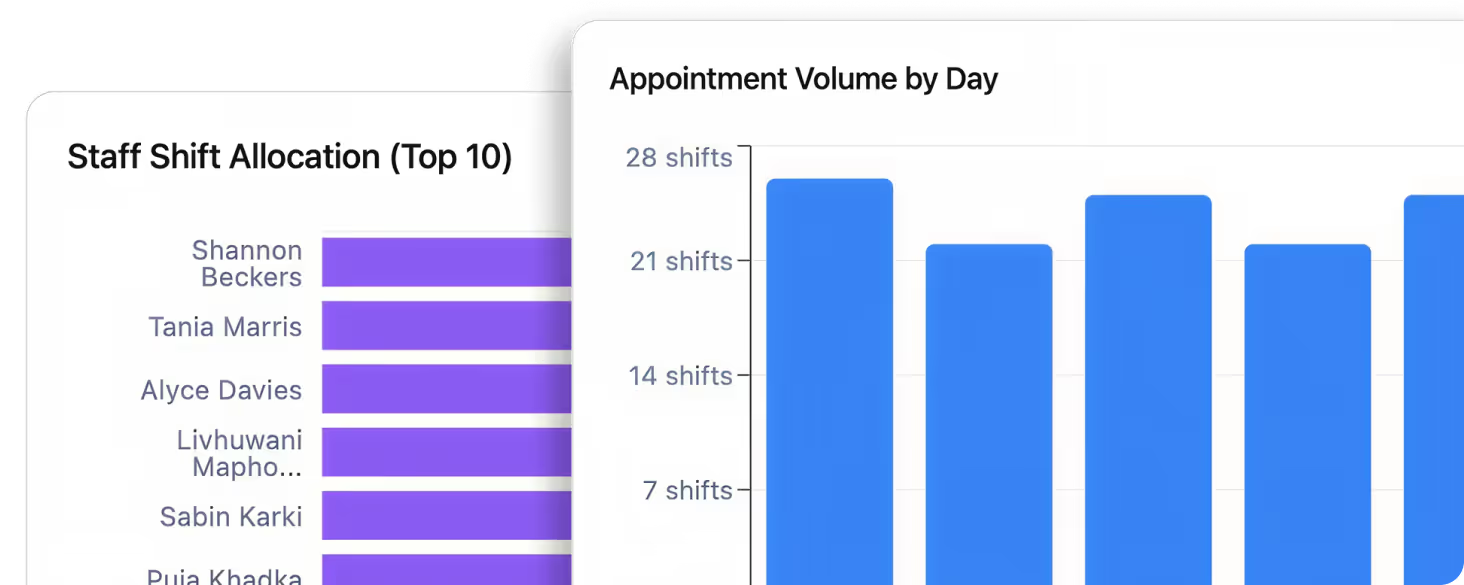
Keep an overview of staff, rosters and service activity across teams and locations, with reporting that helps managers review changes as the organisation grows.
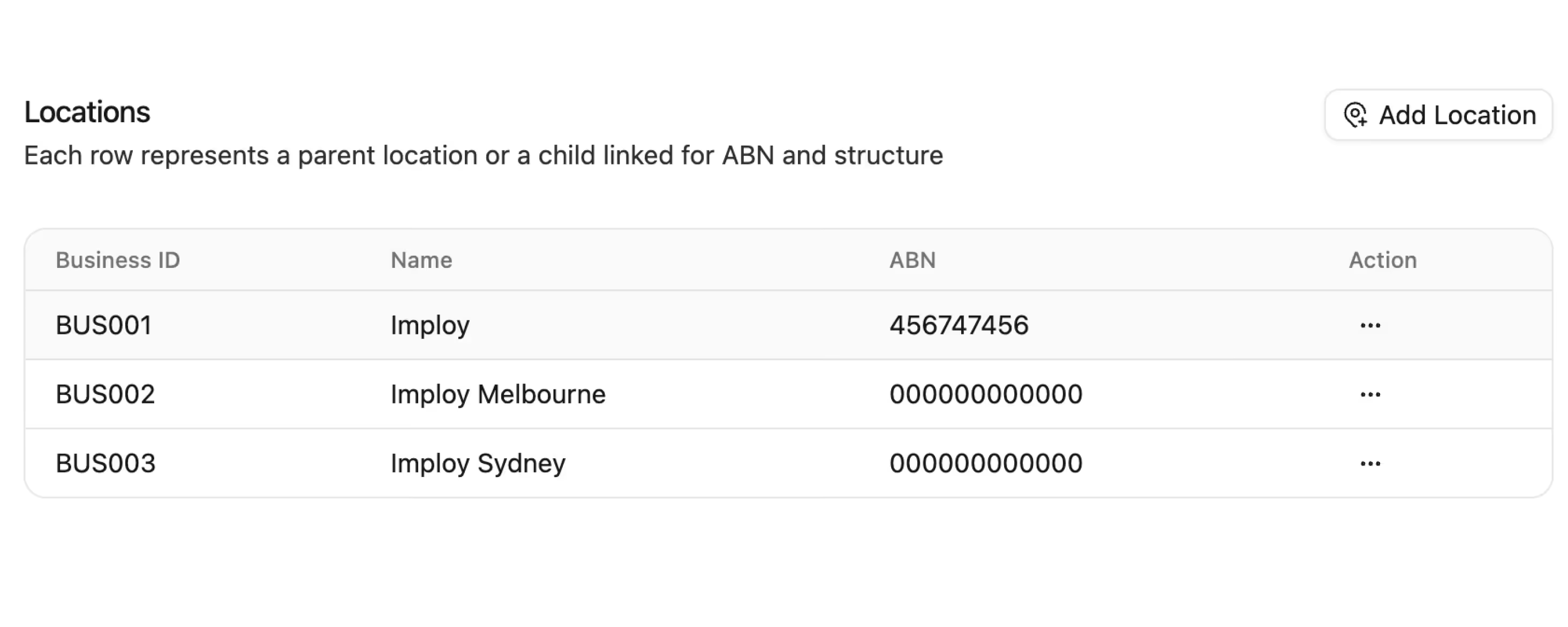
Bring completed shifts, billable tasks and split-billing entries into one review process. Prepare invoices and NDIS claim files from connected service records.
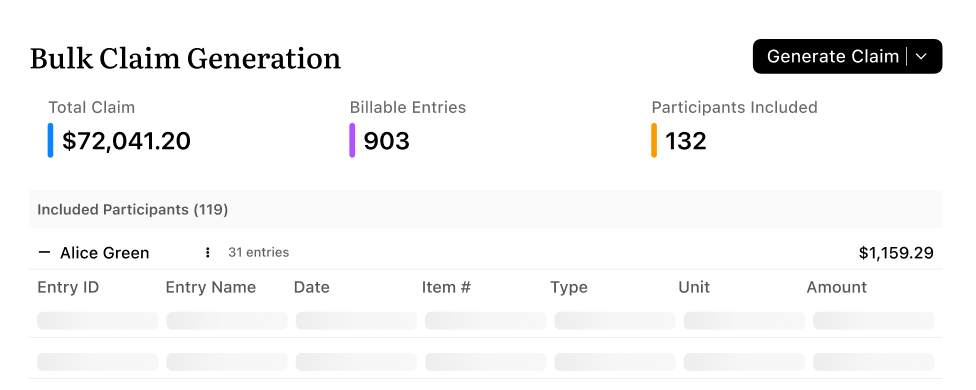
Roster large teams with real-time SCHADS alerts for minimum breaks, overtime, and award requirements.
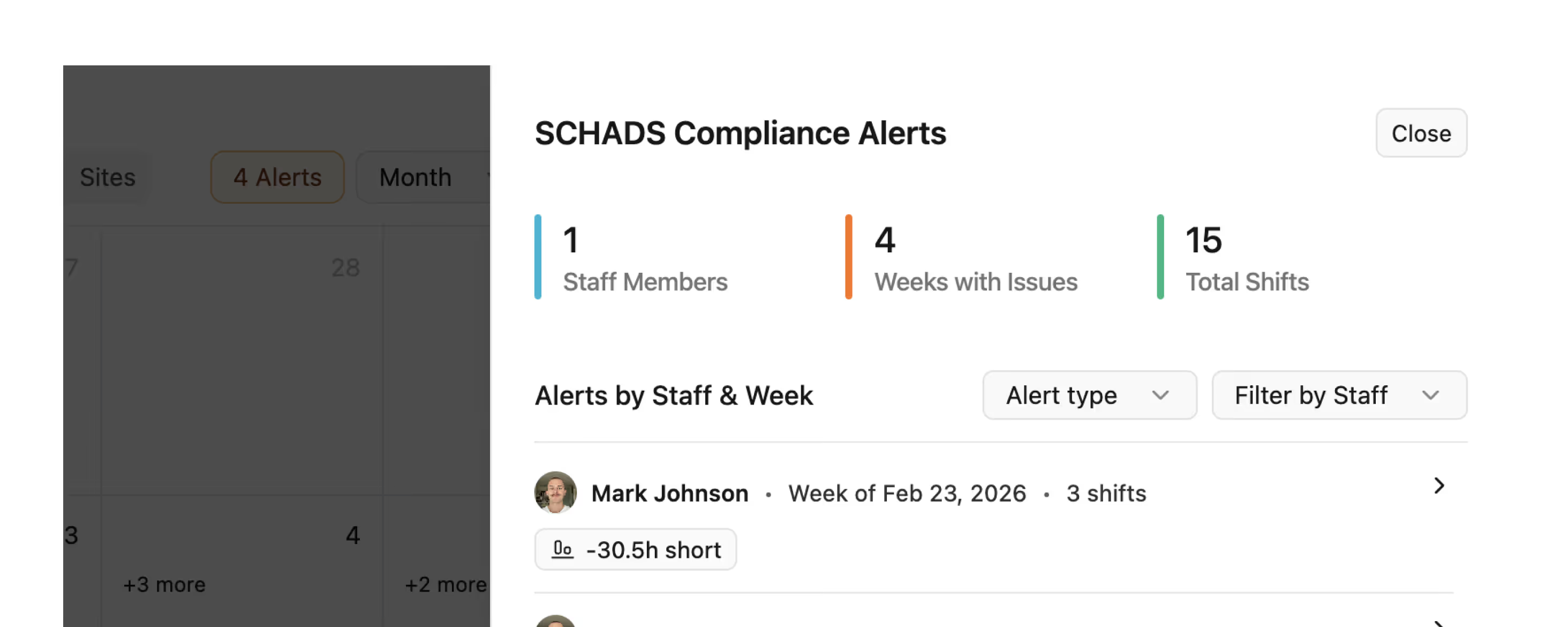
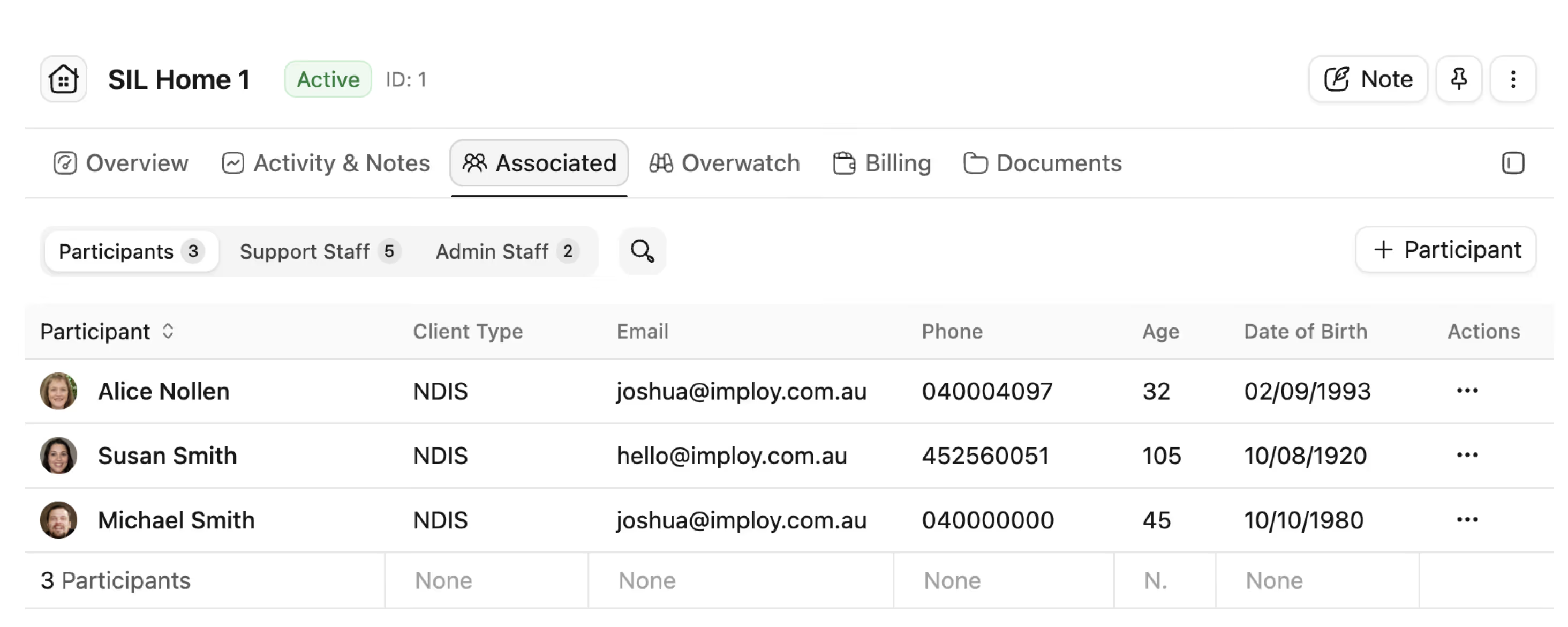
Keep participant details, plans, agreements and service records together. Connect that information with rosters, shift notes and SIL site workflows.
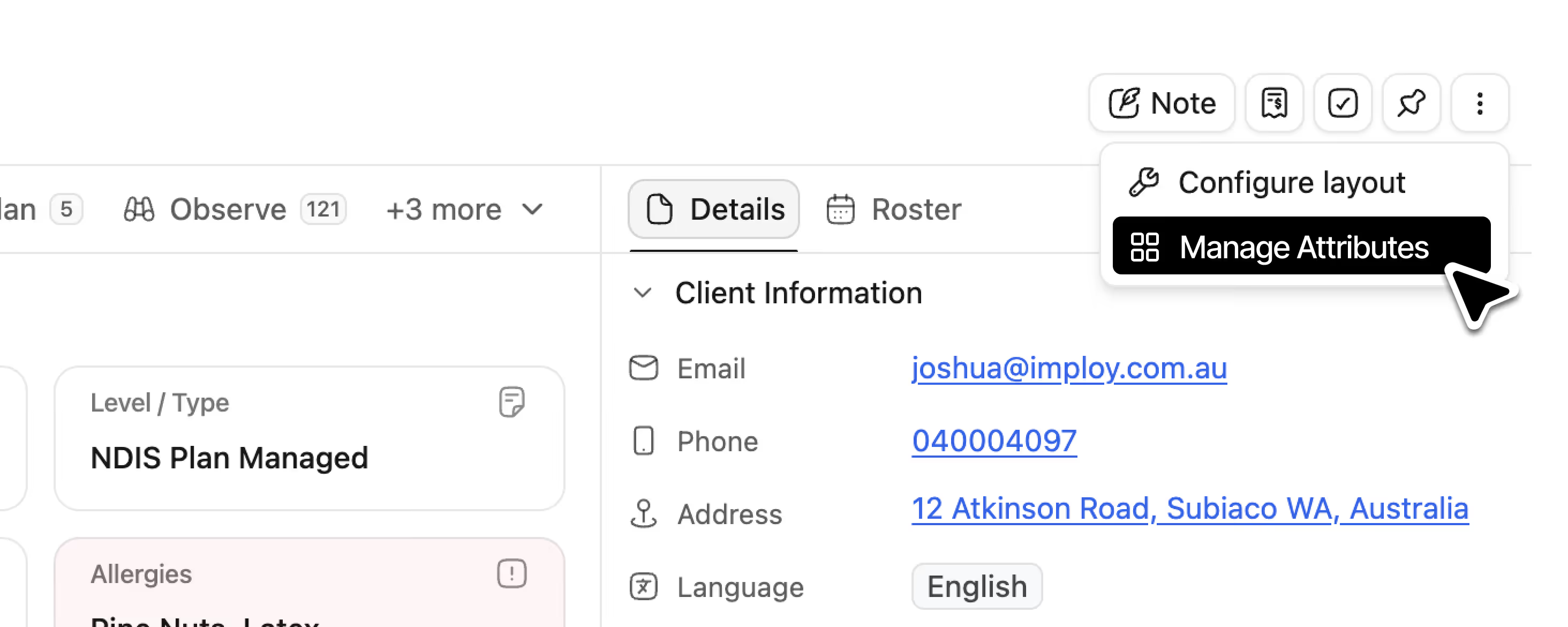
Adapt the platform to your specific needs. Create unique data fields and restructure sidebars to match your agency’s terminology.
Keep staff document expiry dates and supporting records visible to the team. Review alerts and follow up missing information as part of everyday operations.
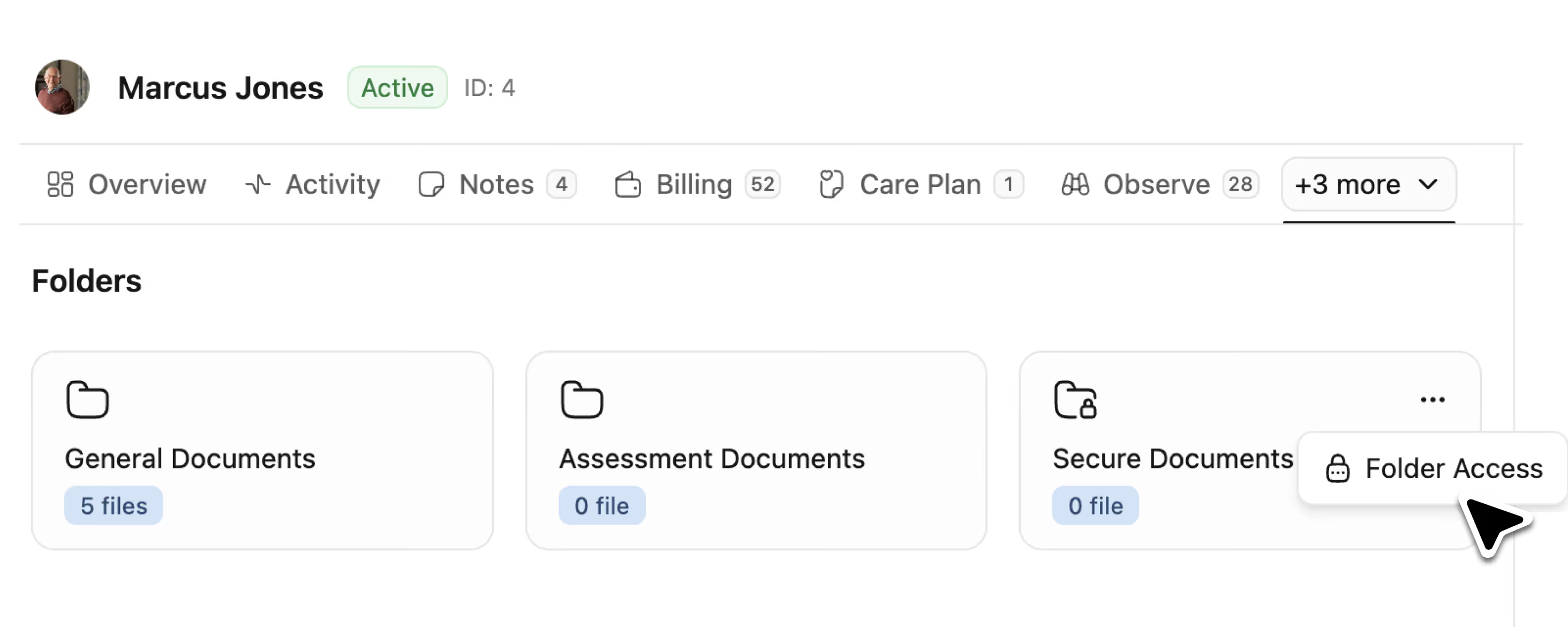
Protect sensitive information by setting granular permissions. Ensure staff only see the data required for their specific role, region, or team.

Keep participant and workforce information in a central platform with Australian data hosting and controlled access for your organisation.
Skip the queue with direct phone access to NDIS specialists to resolve complex billing and compliance hurdles with real-time guidance.
AI oversight means less admin work
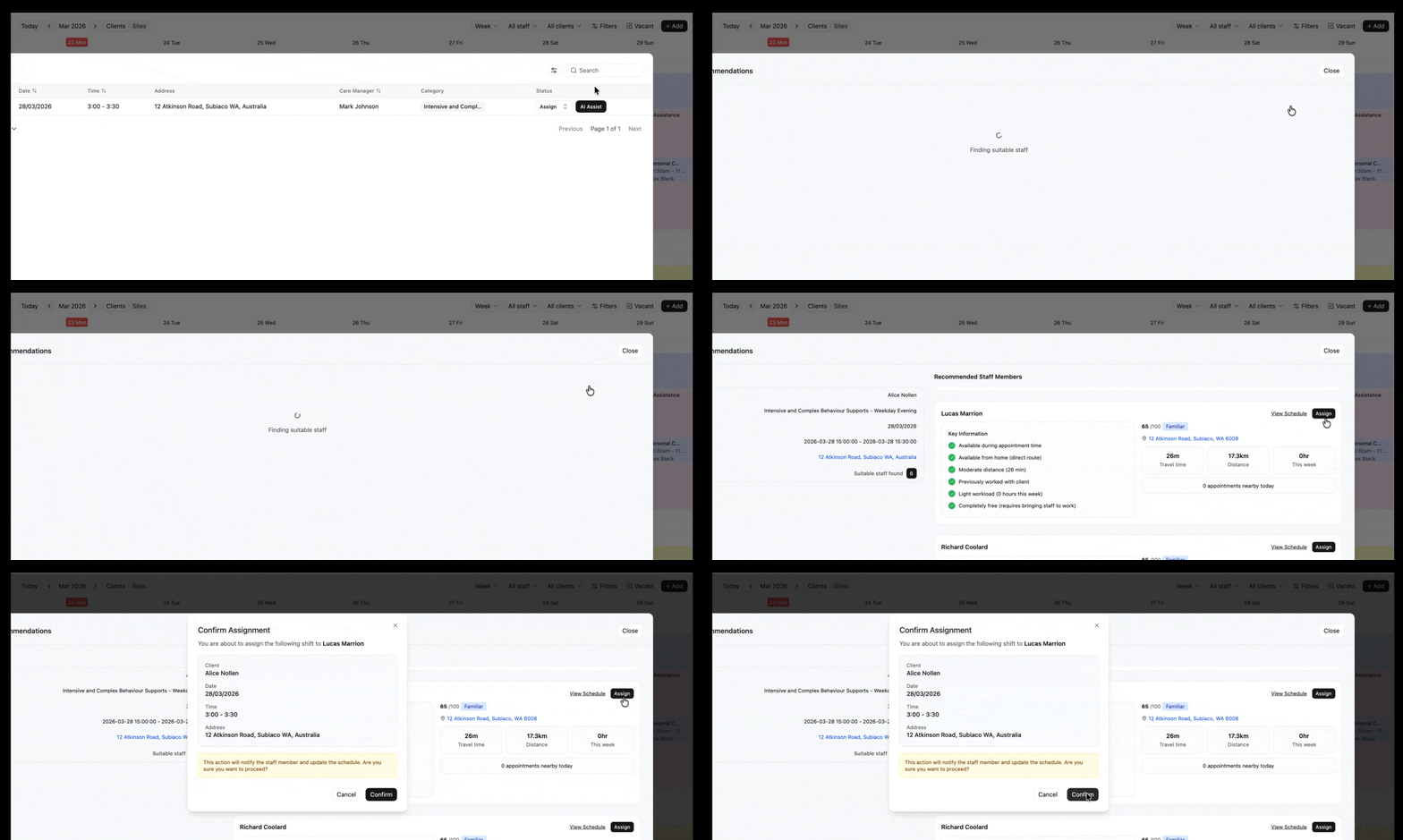
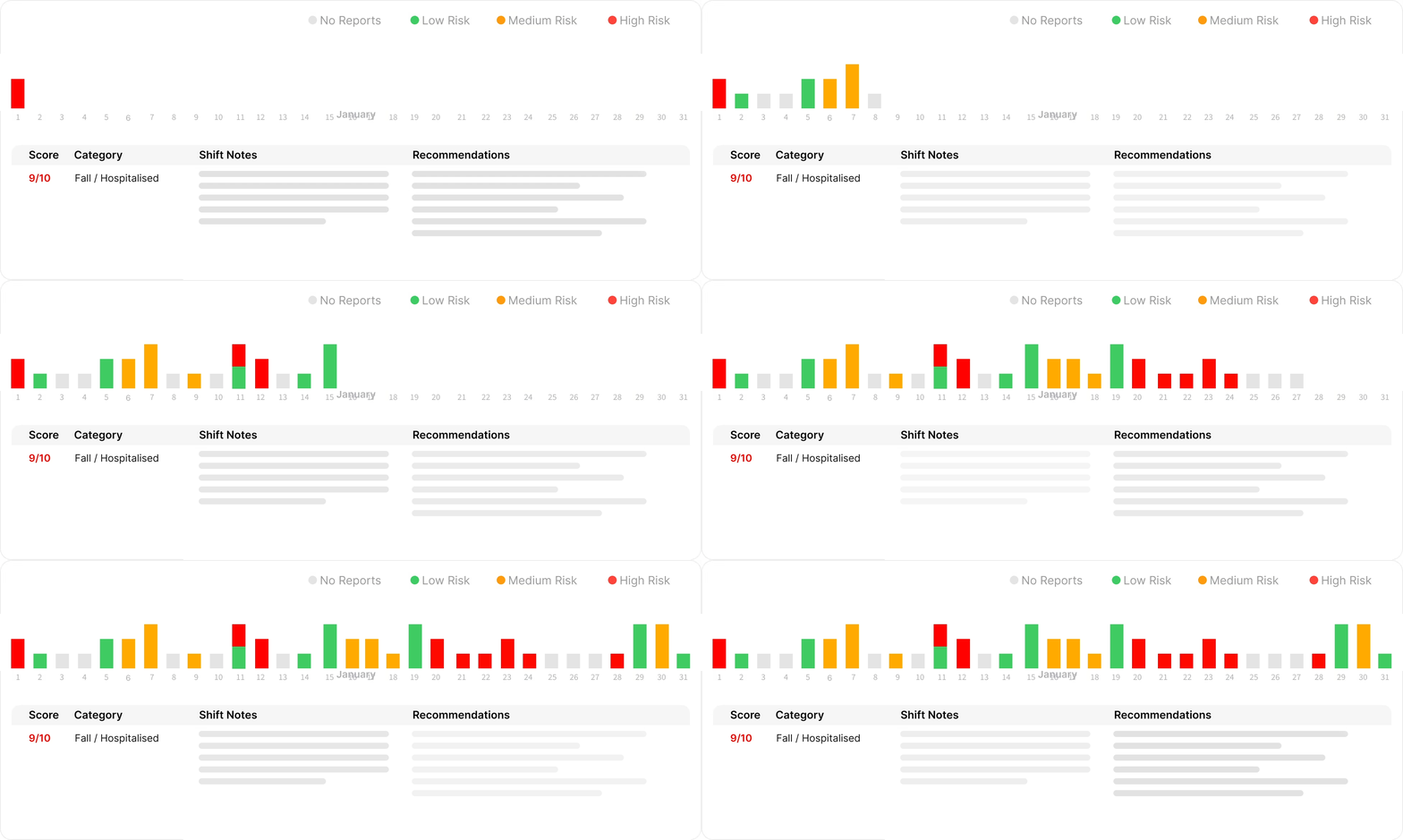
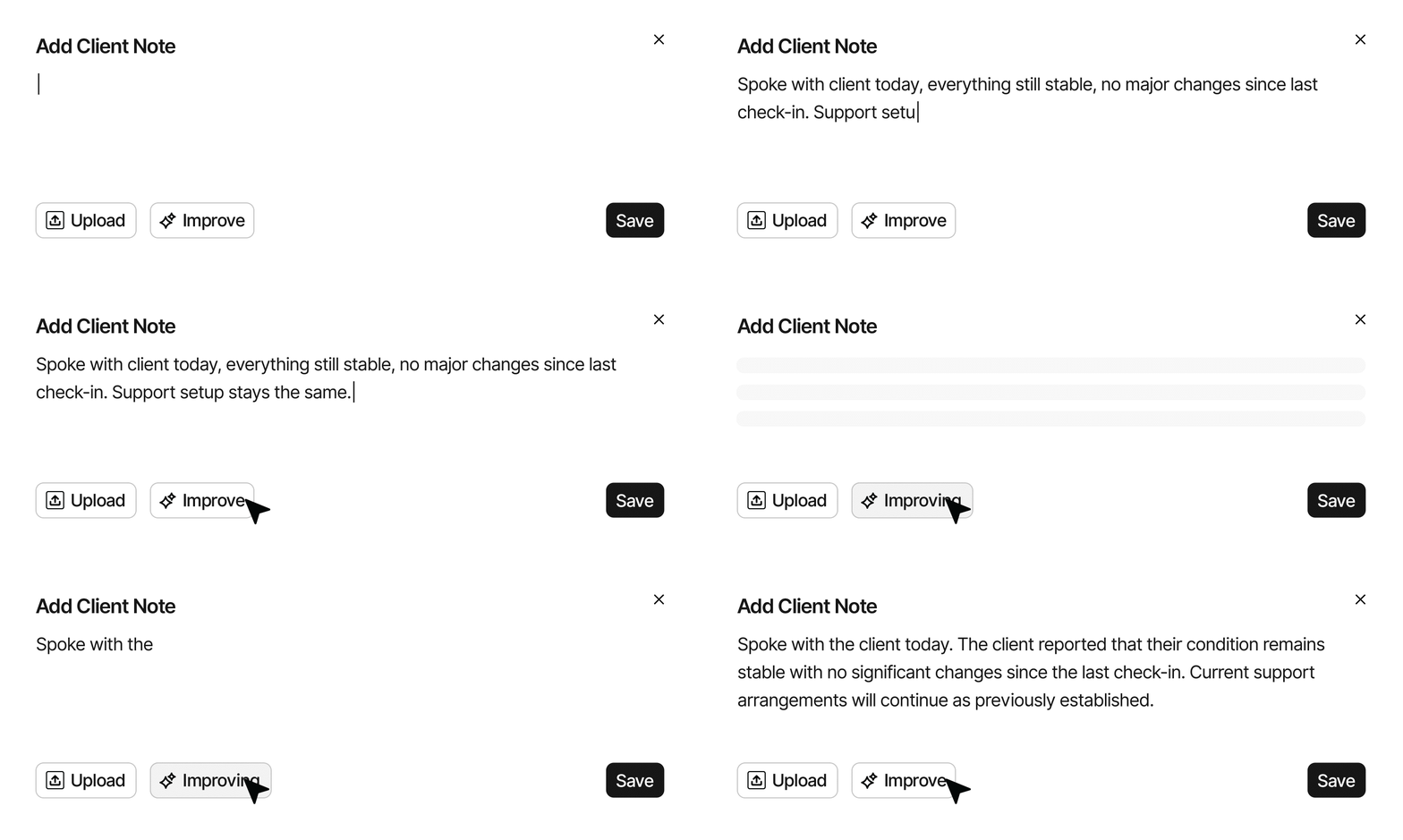
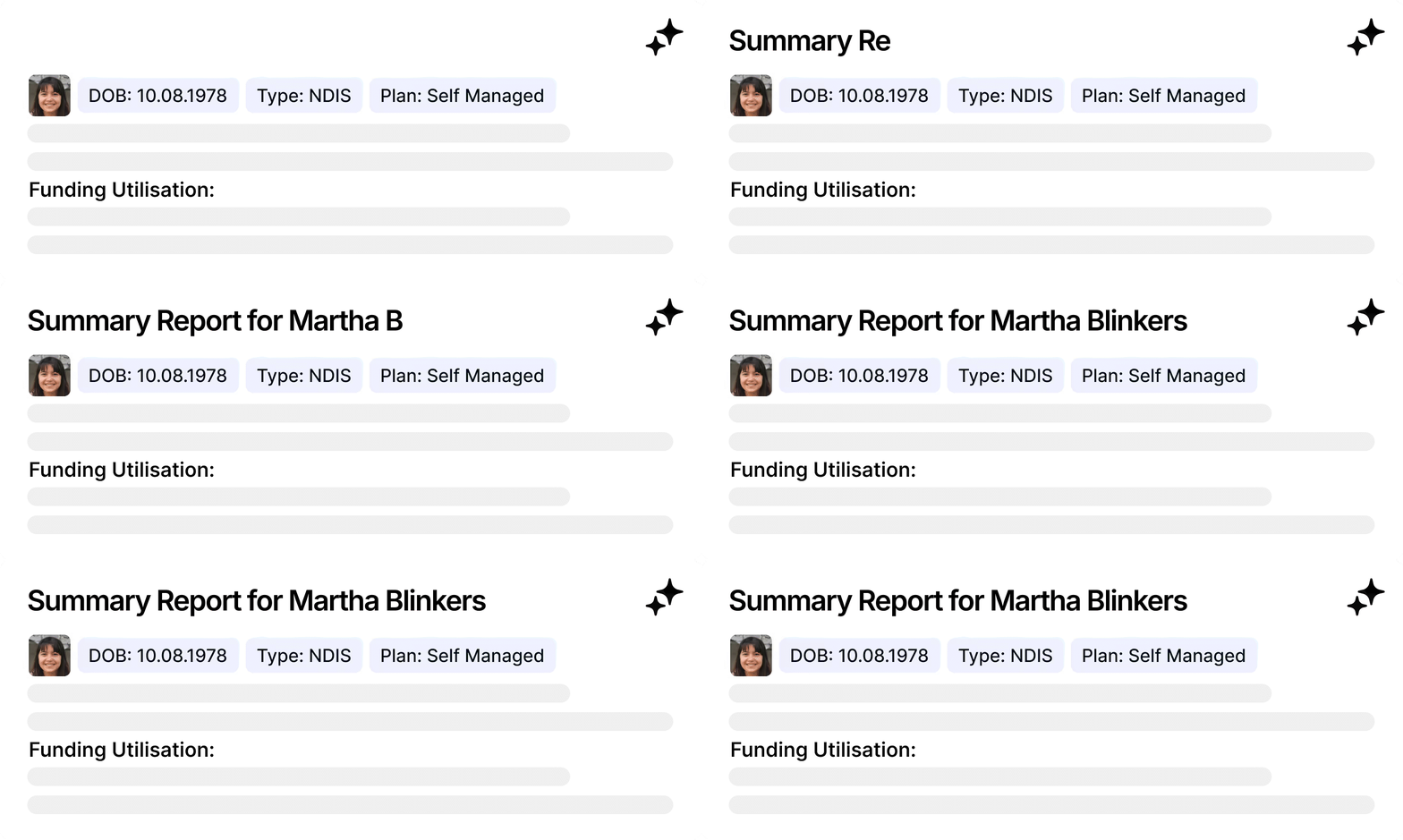
Stop drowning in spreadsheets and manual phone calls. Imploy’s new AI capabilities work in the background to fill shifts, ensure compliance, and match the perfect support worker to every client automatically.
AI Vacant Shift Manager
AI Shift Note Monitoring
AI Note Improvement
AI Compliance Oversight
Custom features, custom workflows
Every organisation runs differently. If your team needs custom integrations, bespoke reporting, or workflows built around the way you already operate, our Enterprise plan gives you a dedicated team to make it happen.
Consultation
We map out your existing internal workflows and identify the friction points slowing your team down.
Co-design
Our engineers build custom attributes, sidebars, or logic specifically for the way your organisation runs.
Deployment
The new features are integrated into your enterprise environment, with full training for your team.
The custom-built advantage
Data insights that exceed your expectations.
Experience the power of custom dashboards and real-time reporting designed specifically for NDIS enterprise operations.
See How Much You Save with Imploy
The average enterprise spends $50/user on fragmented tools. Imploy consolidates your operations for just $19/user.
Calculate your overhead reduction below.
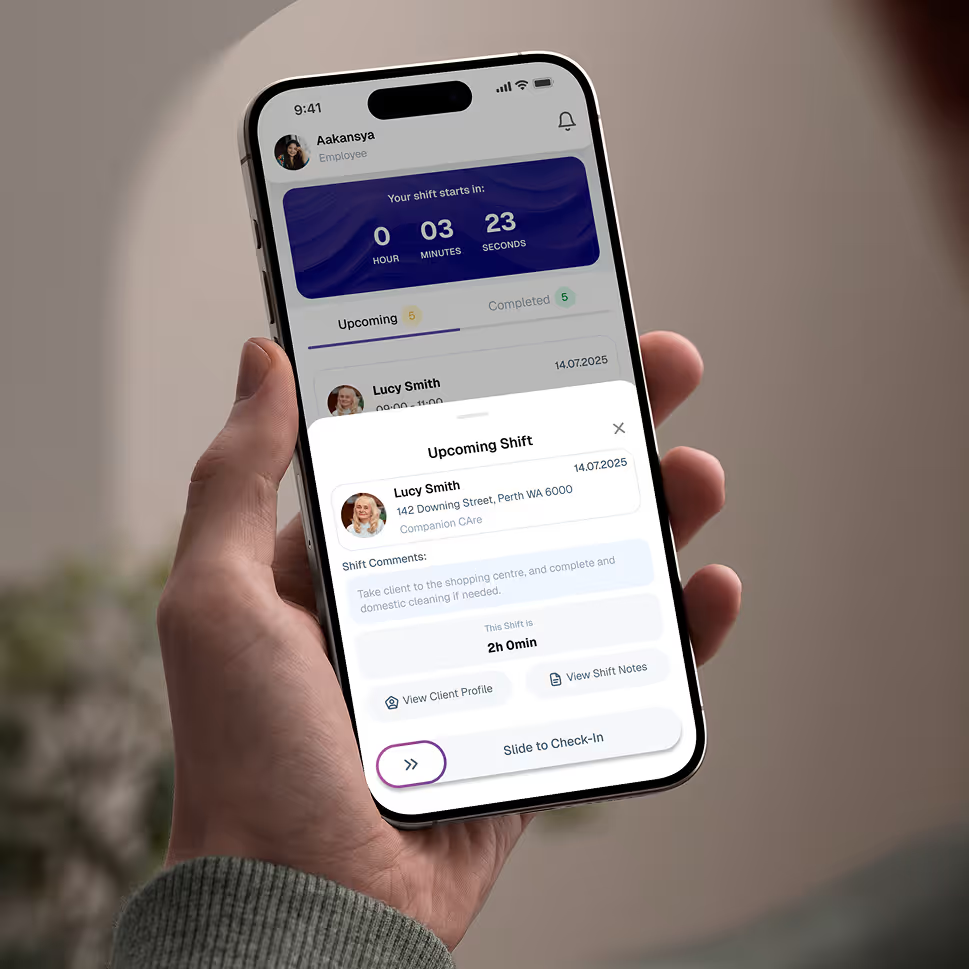
Give your team the tools they need on the road, with quick access.
Empower your workforce on the go. Clock in, check schedules, and manage care notes from anywhere. Available for iOS and Android.


Evaluate your workflow before you switch
Bring real service-delivery examples to your enterprise demo. Agree how the platform, data preparation and rollout will work for the people who use it every day.
Test a complete service workflow
Walk through participant intake, a recurring roster, a cancelled shift and a shared group service. Follow the records into staff timesheets, billable entries and an invoice run so care and finance teams can review the same example.
Check access, data and connections
Review roles, permissions and document access across teams. Agree which records will be migrated and how they will be checked. Test the accounting and payroll connections you need, including the direction and limits of each sync.
Plan the cost and rollout
Compare users, modules, setup, migration, training and support in the full cost. Check how records, locations and reporting remain manageable as you grow. Pilot the agreed workflow with a representative team before expanding it.
Frequently asked questions
How does Imploy support multi-site and regional operations for large providers?
Imploy is built with multi-branch architecture, giving executives and regional managers a centralized, real-time dashboard to monitor organizational health across all offices, SIL sites, and service regions. You can segment regional rosters, workforce availability, and financial performance while maintaining unified compliance standards and central administrative oversight.

How complex is it to migrate our data from our existing NDIS software to Imploy?
Migration depends on your current records and workflows. During planning, agree which participant, staff and operational records can be imported, what needs preparation, and how your team will check the results. Pilot the agreed workflow with a representative team before rolling it out more widely.
Can Imploy automatically interpret SCHADS Award rules and handle payroll workflows?
Imploy connects rostering and timesheets with payroll preparation and provides SCHADS-related roster alerts. Review approved hours and the accounting or payroll connections needed for your organisation during your demo. Native Single Touch Payroll filing is marked as coming soon on the payroll product page.
How does Imploy streamline NDIS bulk claims and high-volume billing?
Imploy automatically gathers completed shifts, billable tasks, and travel entries into a single claim period. The system validates required details—including NDIS item codes, client numbers, ABN, and provider registration numbers—to catch errors before submission. You can then export fully formatted, compliant NDIS bulk claim CSV files ready for upload into PRODA and myplace portals.
How does Imploy simplify NDIS Quality and Safeguards Commission audits?
Compliance tracking is built directly into daily scheduling. Imploy automatically flags expired worker screening clearances, missing mandatory qualifications, or unassigned care documents and blocks non-compliant staff from being rostered. Progress notes, incident logs, and SIL site records are logged in real time, making audit prep as simple as running a report.
Can we customize intake forms, participant fields, and reporting to match our unique processes?
Yes. Unlike rigid enterprise platforms that require costly developer setup for basic changes, Imploy includes native Custom Attributes and Custom Forms. You can easily build custom intake workflows, specialized progress notes, and tailored participant data fields to align with your organization’s exact operational requirements.
How does Imploy protect sensitive client data and manage user permissions across teams?
Imploy uses granular Role-Based Access Control (RBAC), ensuring support workers, care coordinators, regional managers, and finance teams only access data necessary for their specific roles. All data is securely stored in Australia under enterprise-grade encryption and privacy standards to protect sensitive medical and personal records.
How long does enterprise implementation take?
Timing depends on your data, integrations, configuration and training needs. Agree the scope, migration checks, pilot team and rollout stages before setting an implementation date.