Mobile shift notes and attachments
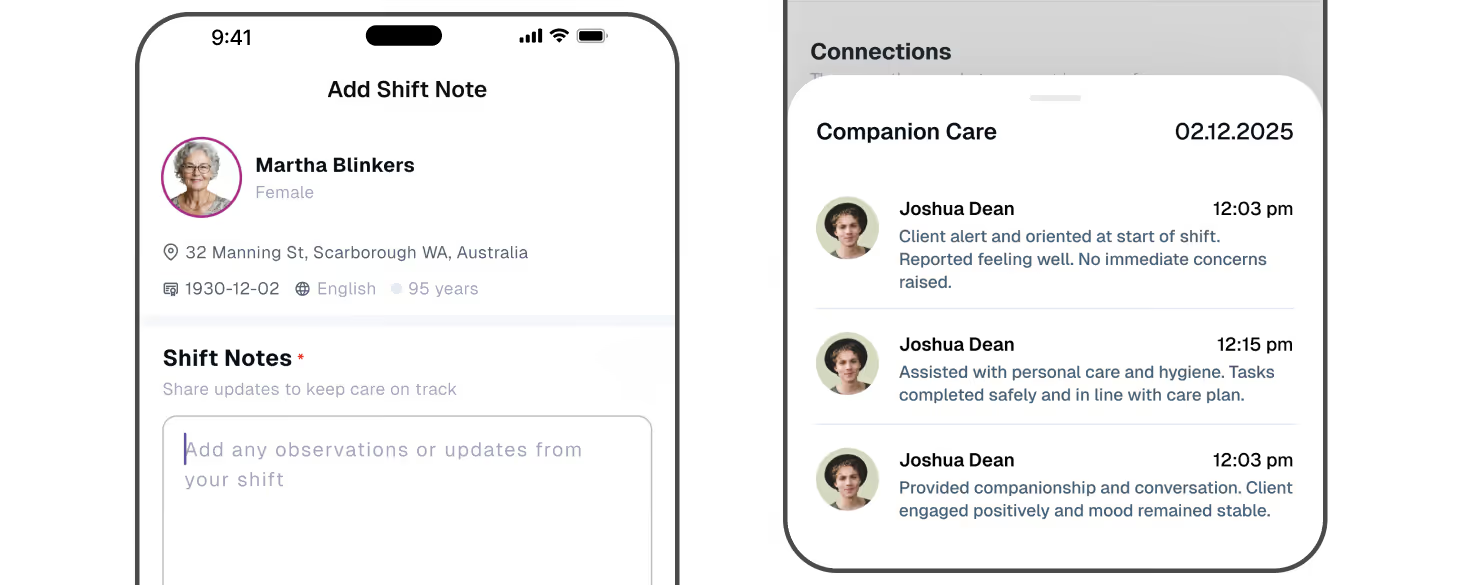
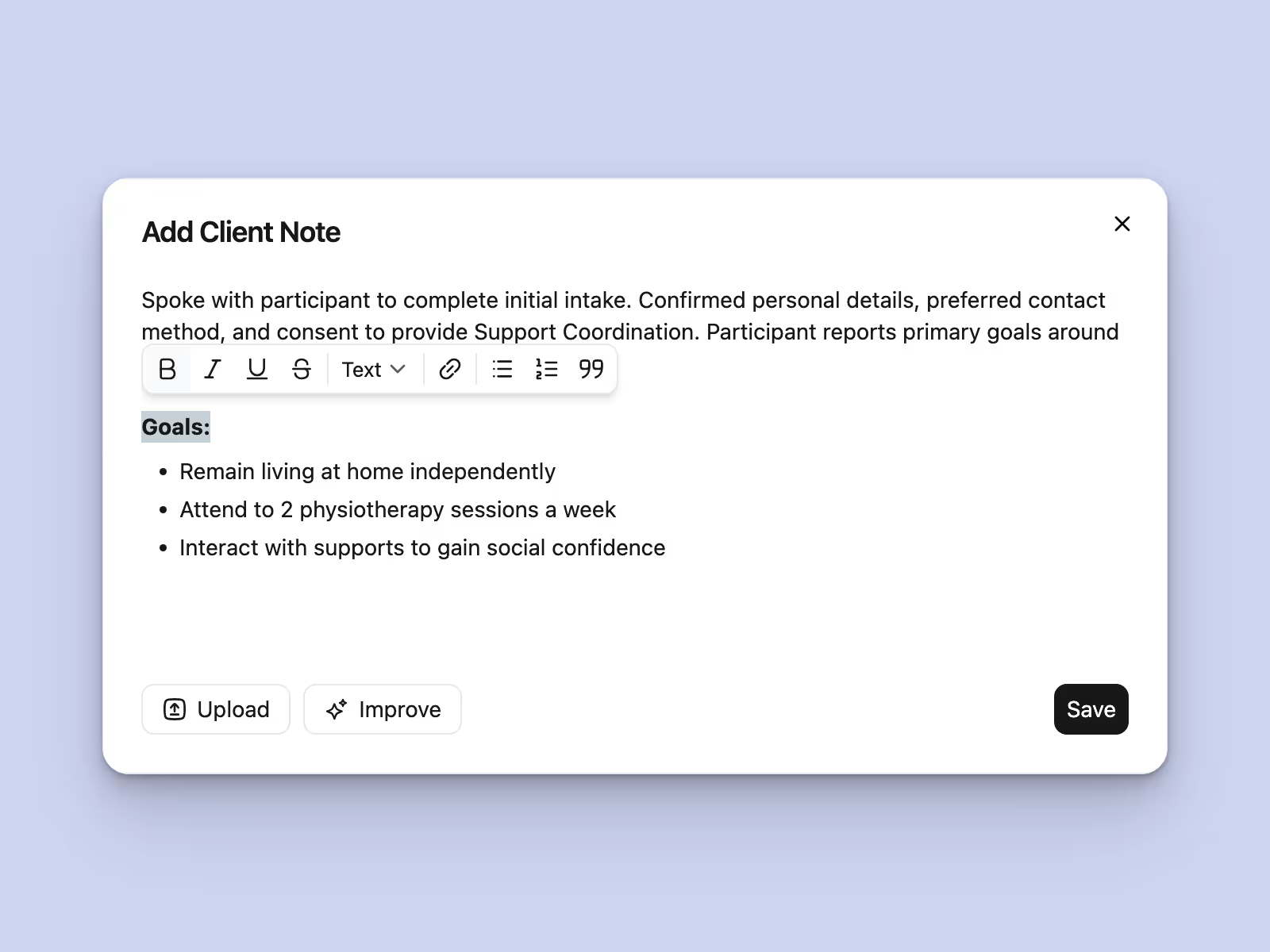
Add notes during an active shift, at check-out or after the appointment. Attach relevant photos and documents so reviewers can see supporting information alongside the worker’s observations.


Capture shift notes in Imploy, attach photos and documents, and keep each record connected to the client and shift. Give carers structured templates where needed, with AI Shift Cautions to help your team review potential risks.

Trusted by leading providers








A useful shift note describes the support delivered, the participant’s response and what needs attention next. Imploy keeps that record alongside the appointment and client, so your team can review the original information without chasing separate documents.
Add notes in the mobile app during a shift, at check-out or after the appointment.
Find the original note with client and shift context. Check wording and supporting attachments.
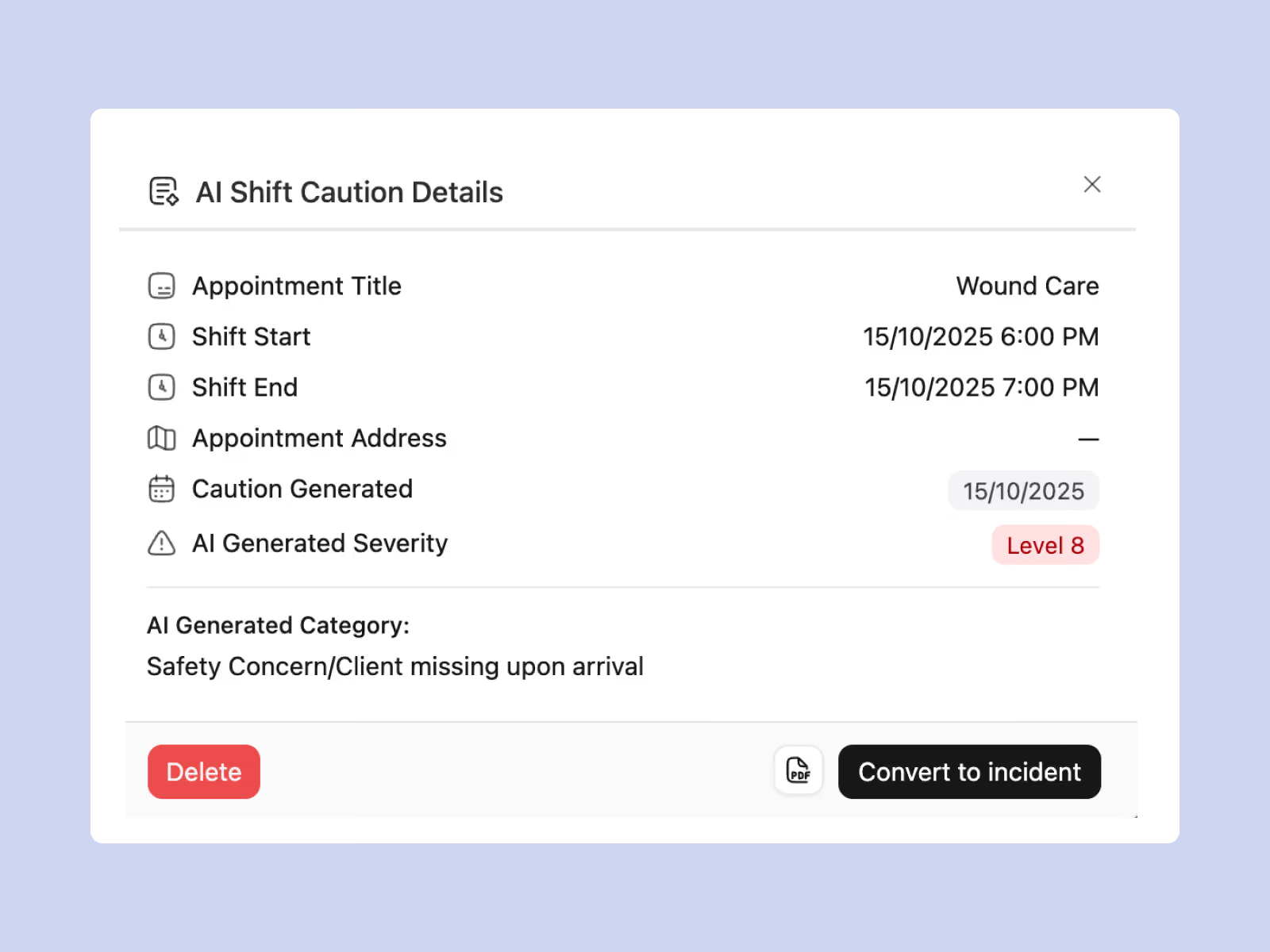
Review AI Shift Cautions and turn a caution into an incident when action is needed.
Record the facts while the details are fresh. Keep observations, participant responses and follow-up clear so the next person can understand what happened.
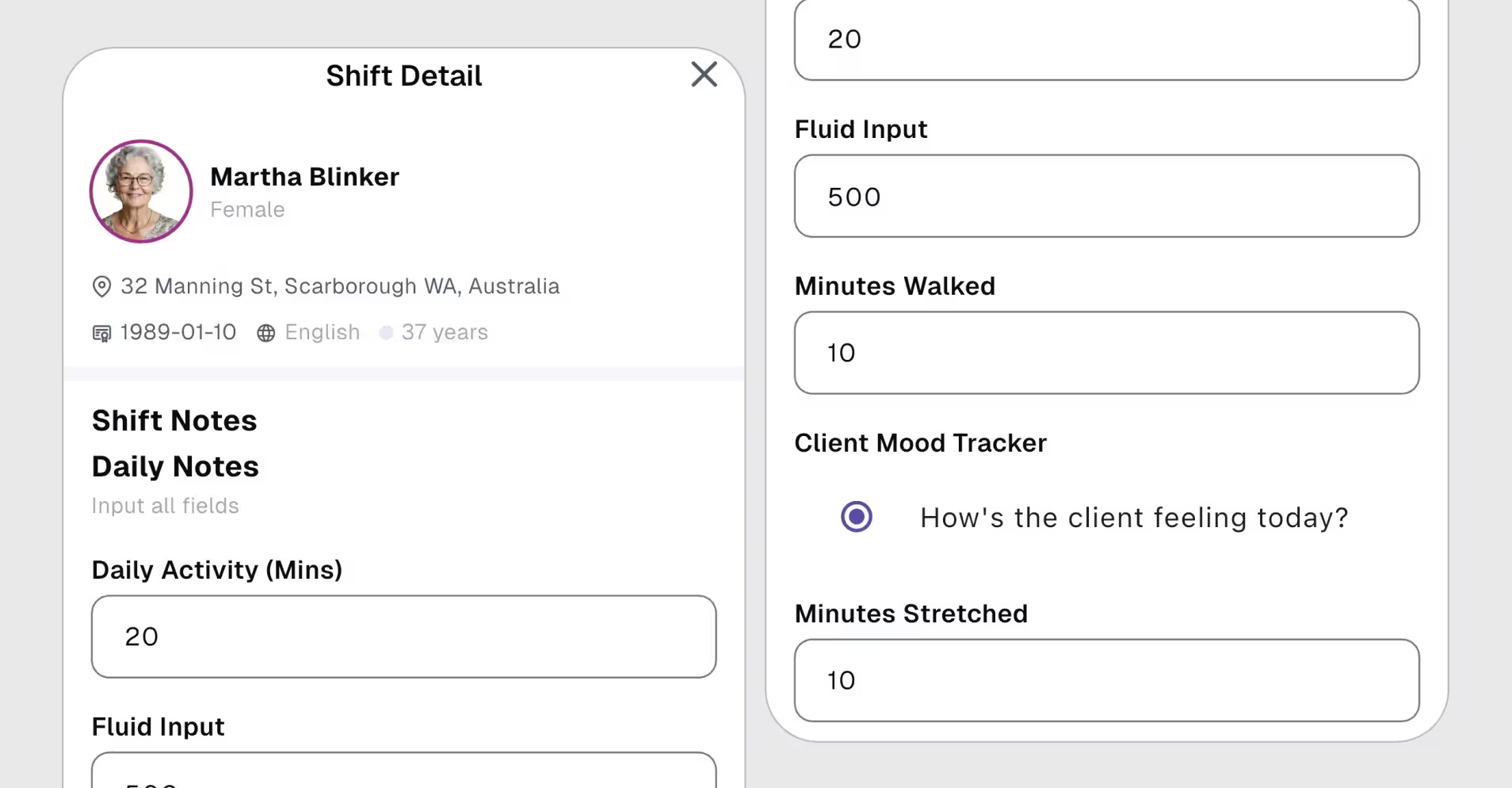
Configure a Shift Note Template on the client’s profile. Instead of a standard free-text note, carers complete the assigned form, with the fields your service needs. Required template fields must be completed before clock-out.
Use the app for capture, templates for consistent prompts and Shift Cautions for risk review. Each has a clear role, while the client and shift provide the context for your team’s next action.
Add notes during an active shift, at check-out or after the appointment. Attach relevant photos and documents so reviewers can see supporting information alongside the worker’s observations.
Prompt carers to complete a configured form instead of a standard free-text note. Choose the fields and required responses, then assign the template on the respective client’s profile.
Refine the wording of recorded information with Imploy’s note-improvement tool. The worker reviews the result before using it, checking that it accurately reflects the support and observations.
Progress notes can trigger AI Shift Cautions. Review the severity, risk category and source note together so your team can decide what needs attention and turn a caution into an incident.
Retrieve notes from the client’s profile with the relevant appointment context. Keep the record connected to the service it describes, making it easier to understand and follow up.
Give workers practical guidance on factual observations, participant responses and next steps. Pair your configured templates with examples your team can use when documenting support.
A shift note records what happened during a support shift. Progress notes also describe the participant’s response and relevant progress over time. Teams may use either term; Imploy connects the recorded note to the client and shift so it can be reviewed in context.

Yes. Configure a Shift Note Template on the client’s profile. The assigned form prompts the support worker or carer to complete its fields when recording a shift note. Where required fields are configured, they must be completed before clock-out.
Progress notes can trigger AI Shift Cautions. Staff review the original note alongside the caution’s severity and risk category. A caution can then be turned directly into an incident when follow-up is needed. AI flags support staff review and do not replace it.
Yes. Bring a sample shift note and a template your team uses. Ask us to demonstrate mobile capture, attachments, retrieval from the client’s profile and the review of a Shift Caution through to an incident. You can also review the setup and permissions your team needs.
Get ready to experience how AI can transform the way you work,and unlock smarter, more efficient workflows.