
Best SIL Software for NDIS Providers: Compare 7 Platforms
Compare seven SIL platforms across house records, occupancy, shared and overnight support, mobile records, financial handoffs, pricing and implementation.

SIL software needs to reflect how a shared home operates. A provider may need to see the home, its participants, staff coverage, support records and financial work together. A calendar that lists shifts against individual clients does not, by itself, show whether the organisation can manage occupancy, shared support or house-level oversight.
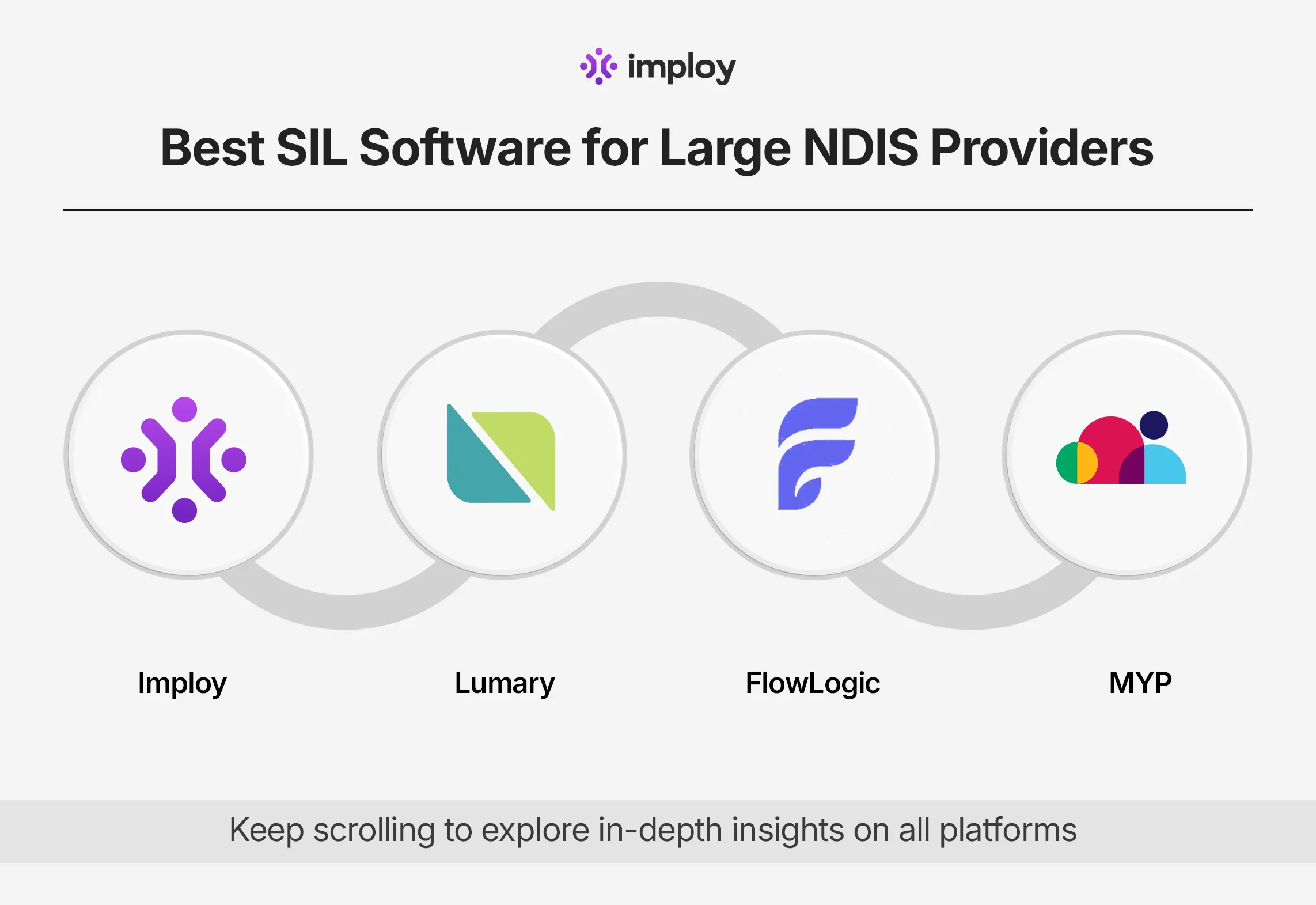
This guide compares Imploy, RotaWiz, ShiftCare, CareMaster, Lumary, FlowLogic and MYP. It covers single-home providers as well as growing and multi-site organisations. The useful distinction is the depth of the house workflow and the configuration required, rather than a vendor’s general claim to suit every provider size.
How this comparison was prepared: Imploy publishes this guide and is included in the shortlist. We reviewed the primary product, help and pricing pages linked below on 9 November 2026. This is a documented comparison, not independent hands-on testing. Recommendations reflect the workflow described, without numerical scores or a universal winner.
Reading the tables: “Confirm” means the detail was not established for the configuration reviewed; it does not mean a feature is absent. Availability can depend on plan, setup and integrations. Our recommendations are conditional on the home, service and funding scenarios you can demonstrate. A published SIL label is not treated as proof of every shared-support or overnight billing arrangement.
SIL software compared across the home workflow
| Platform | Home and participant context | Workforce and care records | Important buying check |
|---|---|---|---|
| Imploy | Sites with capacity, occupancy and linked people | Site-based roster, staff associations, notes and billable visibility | Demonstrate your shared and overnight service setup |
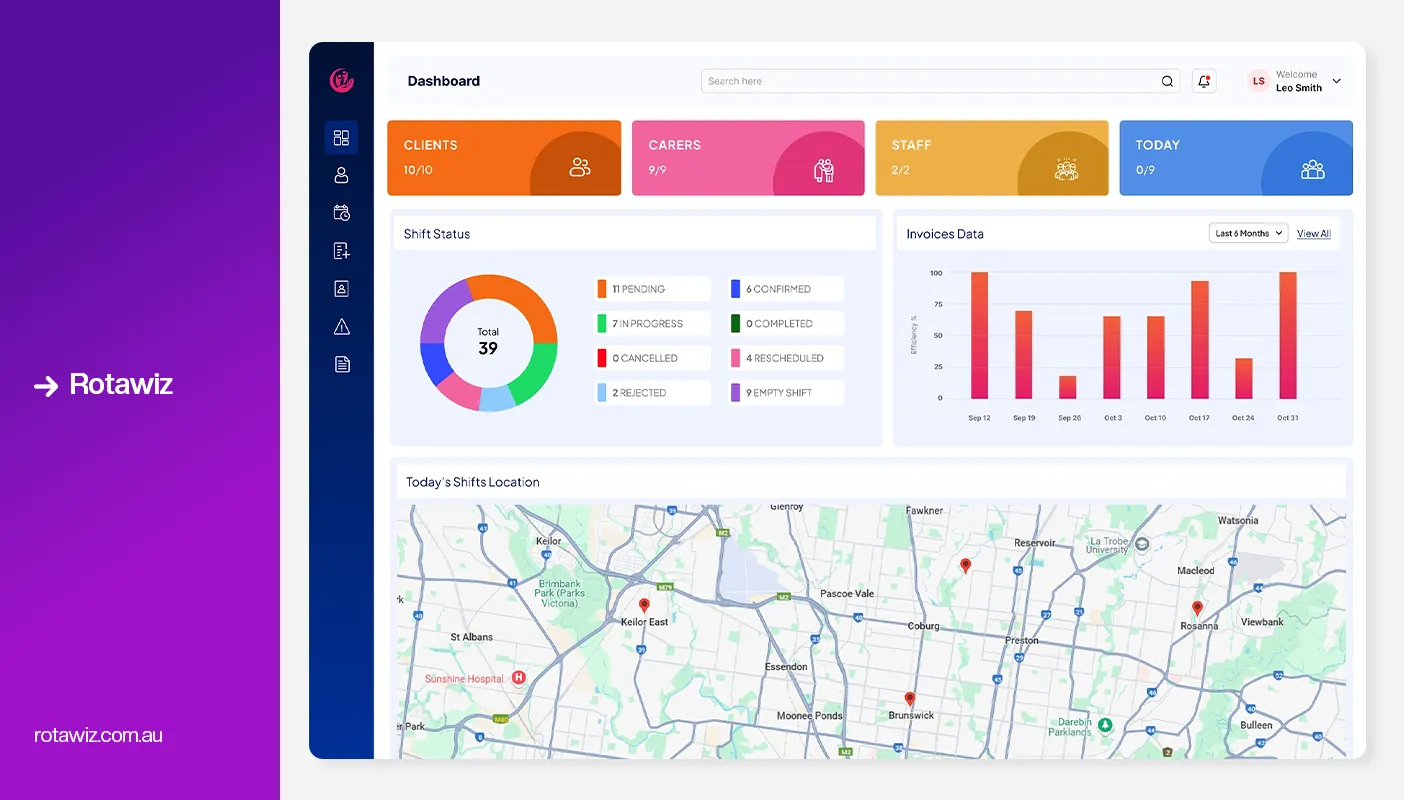
| RotaWiz | SIL and property workflows documented | Recurring coverage, worker app and provider records | Free SIL scheduling versus Premium property/integration scope |
| ShiftCare | Participant and care workflow; confirm house model | Mobile work and documented scheduling/SIL plan features | House-level records, overnight details and required plan |
| CareMaster | SIL provider support and broader property administration | Participant scheduling, worker records and case notes | Current licensed house workflow versus refresh previews |
| Lumary | Disability platform covering residential service models | Care, workforce and financial implementation scope | Required products, integrations and configuration ownership |
| FlowLogic | Shared SIL shifts linked to the home’s Area | Multiple clients with configured billing methods | Weekly versus individual support setup and changes |
| MYP | SIL records, participant budgets and service information | Ratios, shift tasks, case notes and overnight disturbance capture | Modules, permissions, portal scope and finance output |
Detailed platform assessments
1. Imploy
Suitable when: you want each SIL home represented as a Site connected with participants, support staff and office records.
Imploy’s Sites workflow gives a home its own details, capacity, status, notes and documents. Participant associations support an occupancy view, while support-worker and administrator associations show who supports and oversees the house. The Scheduler includes a Sites view, and site-level records connect with care information and billable entries.
Strength: The home is treated as a distinct operational record alongside individual participant profiles. That is useful when staff need a shared place for house information without treating the property itself as a participant.
Trade-off: House visibility does not remove the need to configure the service and funding rules correctly. A site-level billing view should be reconciled with participant services, and the precise shared-support and overnight workflow should be demonstrated for your organisation.
Check before choosing: Create one house, link participants and staff, compare occupancy with capacity and build a typical week. Make a staffing change, retrieve a support note and trace the relevant billable records with finance.
Primary feature documentation.


2. RotaWiz
Suitable when: you want SIL scheduling and provider administration with a published free starting tier and paid property functions.
RotaWiz describes SIL workflows alongside recurring rosters, worker records, notes and property administration. Its current NDIS pricing distinguishes SIL scheduling in Startup from more extensive property, accounting and operational capabilities in Premium. That separation is important for a small provider planning to add another home.
Strength: The published tier structure lets you assess the initial workflow and the cost of the broader setup separately. A team can test scheduling and mobile records before deciding what additional house administration and financial functions are required.
Trade-off: Free access should not be assumed to include all property, integration or financial controls. Check the current NDIS plan rather than a differently scoped allied-care offer, and include any participant-app or messaging add-ons in the quote.
Check before choosing: Create a home scenario, review recurring coverage and record a shift outcome. Show which property and finance functions are used, then map each demonstrated capability to the proposed subscription.
Primary feature documentation.
3. ShiftCare
Suitable when: worker scheduling and mobile care records are central to your SIL operation.
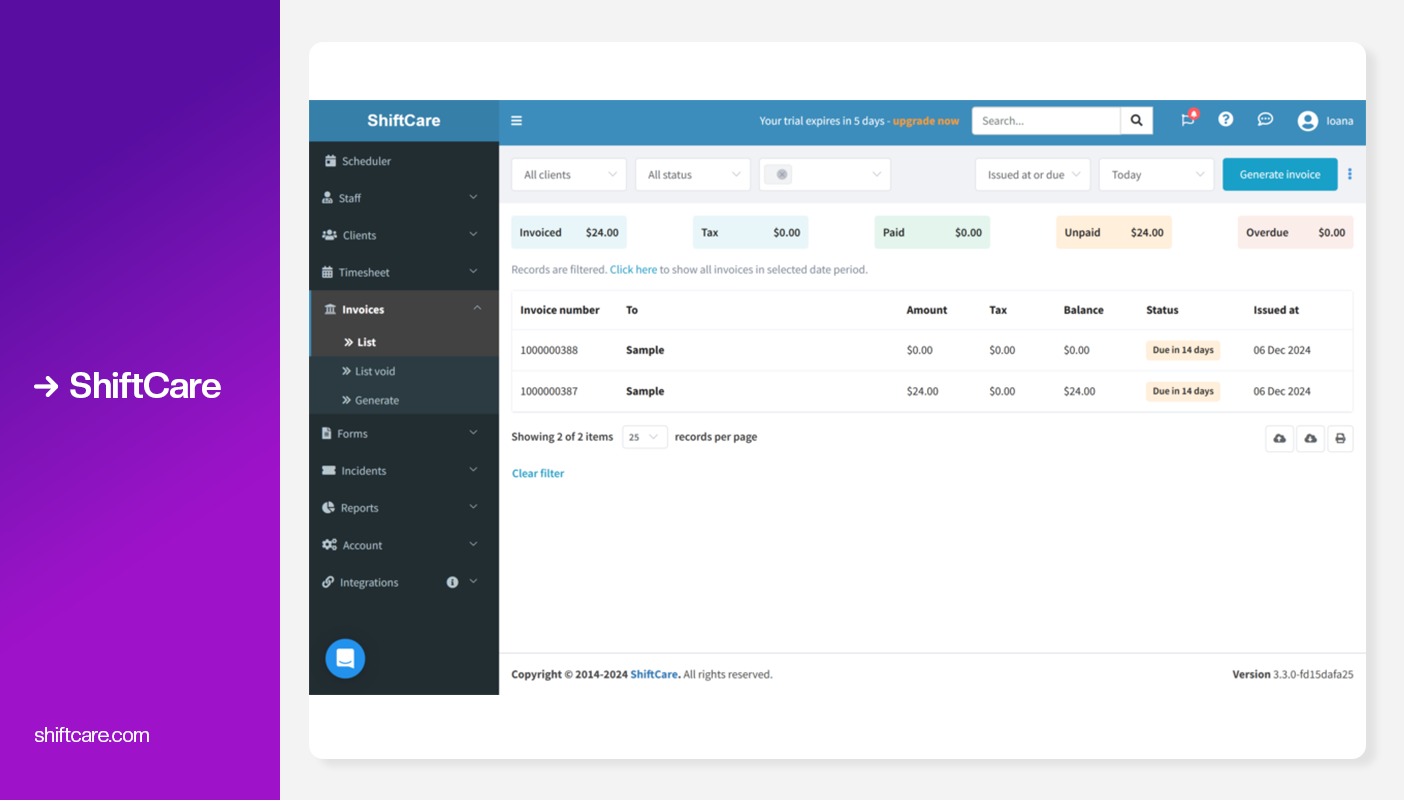
ShiftCare’s care platform combines participant information, scheduling and worker mobile access. SIL rostering appears in its current feature matrix, with capabilities varying by plan. A provider evaluating it for a home should test the specific shared-service and overnight workflow rather than assuming a general participant calendar covers the complete requirement.
Strength: It is a relevant option for a team that wants the worker’s daily experience and the coordinator’s schedule evaluated together. The mobile record and staffing change can be tested with the people who will actually use them.
Trade-off: The reviewed care and pricing material does not by itself establish your required property, occupancy or house-level financial model. Confirm those needs and the plan containing them before treating it as a full house-management replacement.
Check before choosing: Use the same home and participant scenario as other vendors. Inspect shared coverage, a worker replacement, overnight recording and the resulting evidence available to office staff. Confirm any separate systems that remain.
Primary feature documentation.
4. CareMaster
Suitable when: you want to evaluate SIL within broader participant, workforce and property administration.
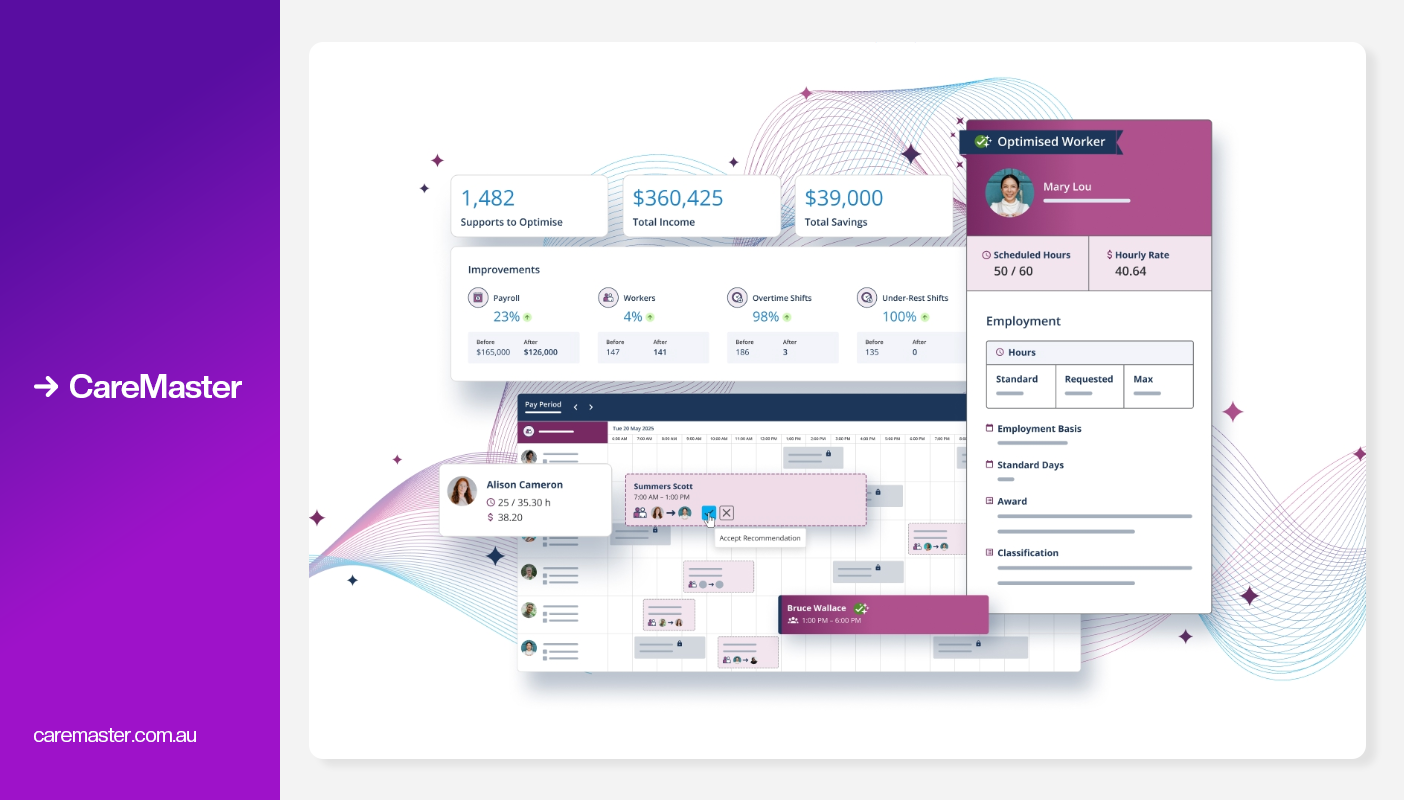
CareMaster lists SIL among supported provider types. Its published platform material covers participant and worker management, scheduling, case notes and property records. The company also publishes refresh and preview material about household coordination, so a demonstration should identify the current product and licence being offered.
Strength: A provider delivering SIL alongside other services can evaluate the connected records and allocation process rather than selecting a separate home-only application. Existing participant and workforce tools may be relevant to more than one service area.
Trade-off: A supported-provider label and future-platform preview are different kinds of evidence. Do not assume a roadmap item is available in the quoted version, or that general property records establish every occupancy, support-ratio or house-costing requirement.
Check before choosing: Demonstrate a home, its participants, a week of staffing and the related care and financial records in the actual offered product. Identify any remaining configuration or future functionality in writing.
Primary feature documentation.
5. Lumary
Suitable when: your SIL decision is part of a wider disability-service and systems implementation.
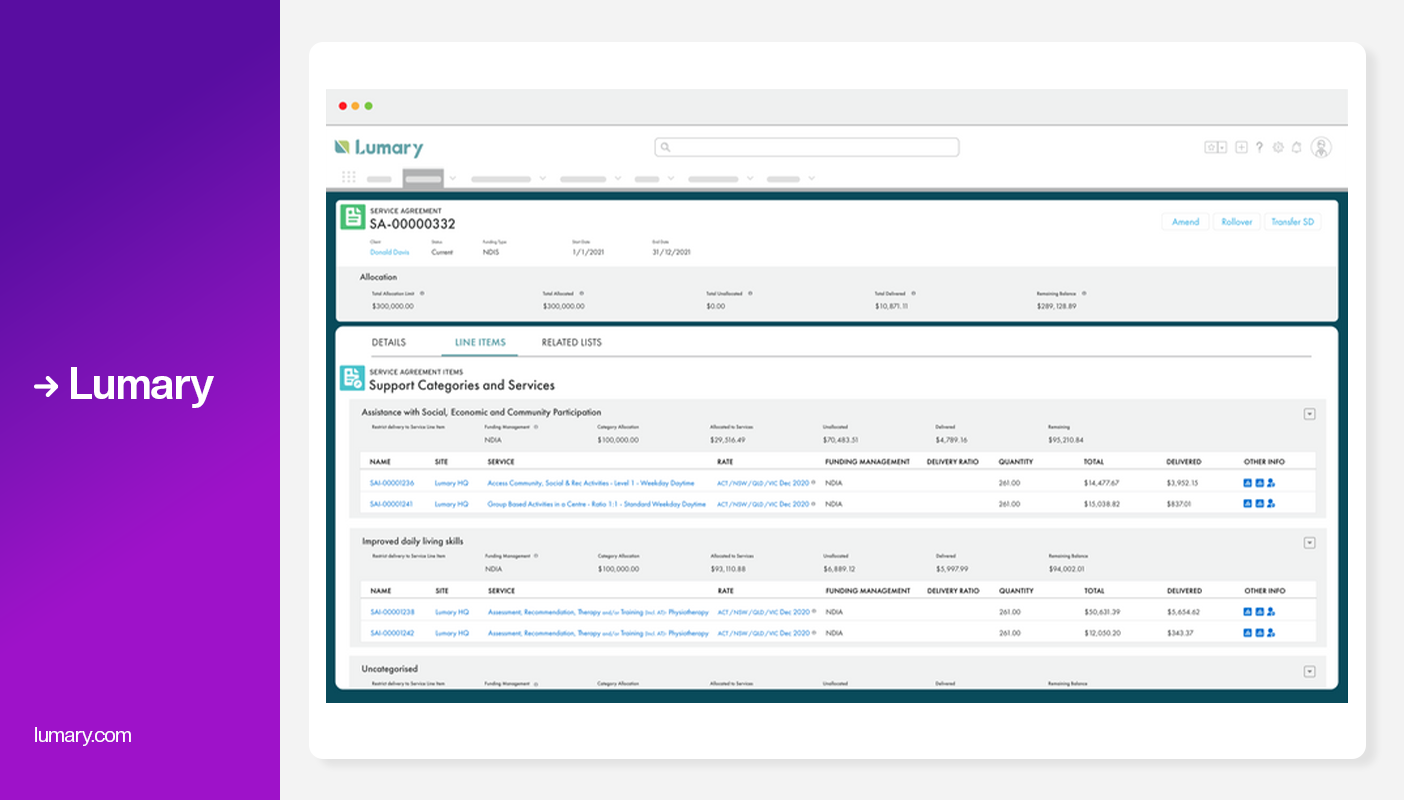
Lumary’s disability platform describes residential service models, including SIL and SDA, alongside community services. Its offering spans care and related operational workflows. The relevant comparison is the complete proposed solution, including which care, workforce and financial products are involved and how they connect.
Strength: A provider with several service lines can assess common participant and operational processes across the organisation. That can be valuable when the purchase is intended to change more than the house roster.
Trade-off: Implementation scope and ownership matter. Do not compare a configured multi-product proposal with another vendor’s entry licence alone. The organisation needs to understand migration, interfaces, training and the ongoing skills required to maintain the setup.
Check before choosing: Follow one SIL home through participant records, staffing, service evidence and finance. Ask which product owns each record, how changes move between systems and who supports the integration after go-live.
Primary feature documentation.
6. FlowLogic
Suitable when: you want a documented shared-shift model linked to a home’s Area and configured client billing.
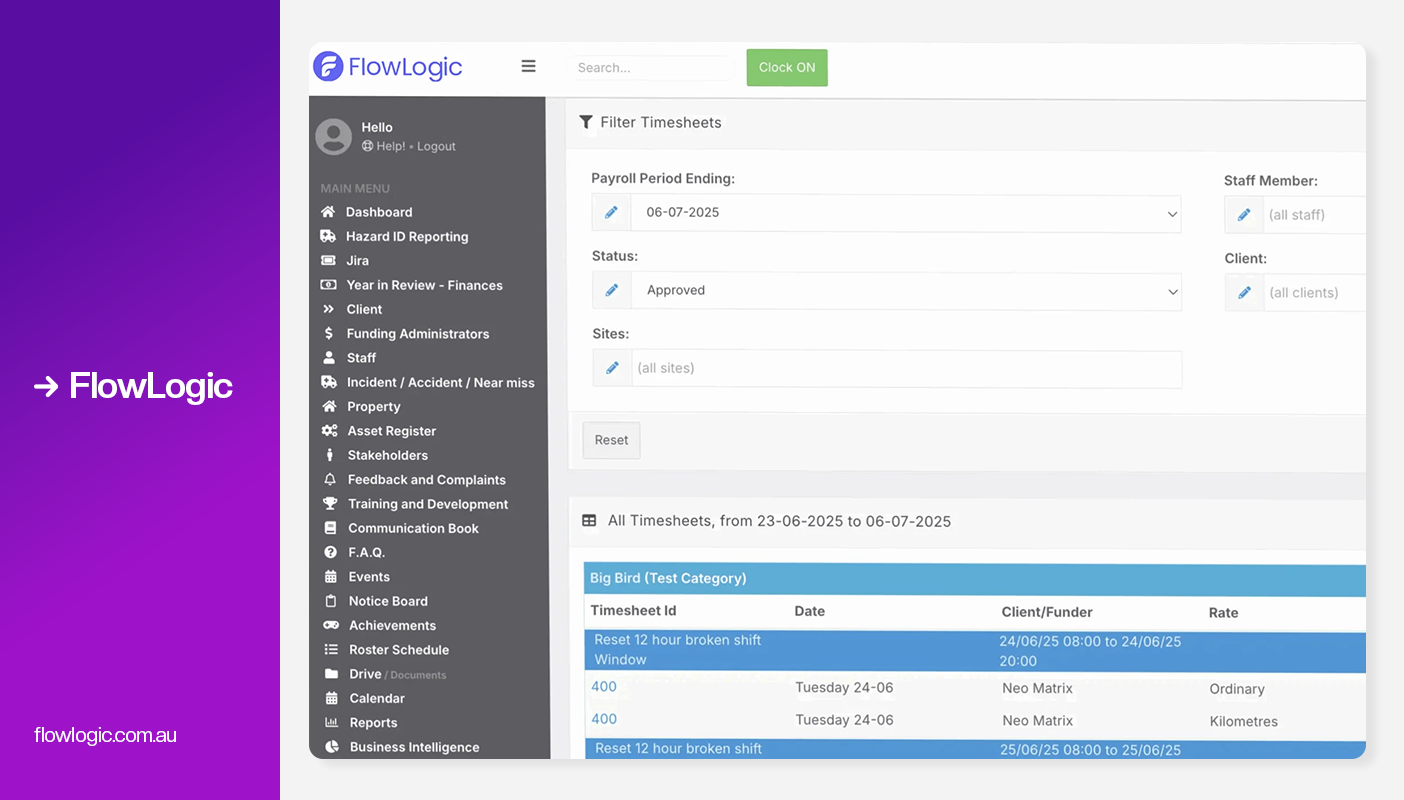
FlowLogic’s SIL guide describes a shared shift assigned to the home’s Area, with multiple clients and billing methods for the organisation’s arrangements. It distinguishes weekly and individual support workflows. This makes the connection between house scheduling and participant funding a concrete part of the demonstration.
Strength: The documented setup gives coordinators and finance a common scenario to inspect. They can evaluate the same roster record and the intended participant allocations, rather than agreeing on the appearance of the calendar alone.
Trade-off: The correct billing result depends on the configured service items, allocations and funding arrangements. The documented example is not a substitute for validating your own model, including changes in attendance, coverage or individual support.
Check before choosing: Build a shared shift, add the clients and inspect the billing method. Make a realistic change, then have finance review the output and any corrections before comparing the full implementation quote.
Primary feature documentation.
7. MYP
Suitable when: you want a SIL-specific workflow combining staff coverage, support outcomes and participant information.
MYP describes SIL roster templates, support ratios, task checklists and mobile case notes. Its SIL page also documents overnight disturbance capture and participant-budget information, together with records such as incidents and shift outcomes. These give a home-based team several concrete operational steps to test.
Strength: The published workflow reaches beyond filling a roster slot to what workers capture during support. A provider can assess the connection between a house’s staffing, the participant record and the information office staff review afterwards.
Trade-off: The full module, access and implementation scope needs confirmation. Participant or representative portal functions should be assessed against what your organisation intends to share, and financial outputs need to be reconciled with the proposed service configuration.
Check before choosing: Test a shared shift, an overnight disturbance, a note and a follow-up task. Review the coordinator, worker and authorised representative views, then inspect the records and billing outputs used by finance.
Primary feature documentation.
Pricing and plan restrictions to compare
Price check: 9 November 2026. Figures below are published subscription references, not like-for-like implementation quotes. Annual commitments, GST treatment, minimum users and promotions matter. Where a number could not be verified, the table says so rather than estimating it.
| Platform | Published reference | What changes the total |
|---|---|---|
| Imploy | Free Starter for up to five users; Premium list price $25/user/month monthly or $20/user/month billed annually, ex GST. | Current discounts, required modules and paid administrator access; Enterprise is quoted. Pricing source. |
| RotaWiz | NDIS Startup free for up to five users; Essential $6 and Premium $10/user/month. | Current NDIS plan inclusions, client-app and SMS add-ons, and tax treatment. Pricing source. |
| ShiftCare | Basic $9, Professional $15, Premium $25/user/month on monthly billing; annual rates $8/$13/$20. AUD ex GST; five-staff minimum. | Which plan contains the demonstrated workflow, plus add-ons and external subscriptions. Pricing source. |
| CareMaster | Essential $16, Standard $26, Premium $36/user/month, ex GST; Essential has a five-user minimum. | The separately listed $135/month hosting and any integration or implementation fees. Pricing source. |
| Lumary | Scope-based quote required; no standard subscription figure verified. | Required care and workforce products, implementation, integrations and ongoing administration. Pricing source. |
| FlowLogic | Tailored subscription pricing; no fixed subscription amount verified. | Onboarding choice: FlowEssential, FlowAssist or FlowPartner, and ongoing user fees. Pricing source. |
| MYP | Request a SIL-specific quote; no standard subscription amount verified. | Included modules, mobile access, portals, migration and support. Pricing source. |
Choose the shortlist around the stage of your organisation
One home or a small provider: compare Imploy and RotaWiz around setup, house records and a normal week of coverage. Include ShiftCare if mobile scheduling and worker usability are the main priority, while explicitly checking the house-level functions. Compare the complete paid configuration you would need after any free starting tier.
Adding homes: give more weight to occupancy, staff associations, responsibility and cross-home visibility. Compare the operational home model in Imploy with the documented SIL workflows in FlowLogic and MYP. Include CareMaster where its broader participant and property administration fits your service mix.
Several service lines or an existing systems programme: include Lumary and the broader configured platforms in a structured implementation assessment. Test how home-level records connect with the organisation’s care and financial systems. A successful multi-site rollout needs named configuration, migration and support owners.
A realistic SIL demonstration scenario
Use fictional participants and your normal service arrangements. Set up one home with a representative capacity, several residents, shared coverage, individual support and an overnight period. Then introduce a worker absence and a change to one participant’s service. The purpose is to test record relationships and staff actions, without assuming a generic example fits every provider.
- Identify the home record, participant associations and staff responsible for the site. Check which information belongs to the house and which remains with an individual.
- Build and publish the schedule. Review shared coverage and individual supports from both the coordinator and worker views.
- Record the worker change, a note and an overnight event. Inspect who sees the update and what office review is required.
- Follow the relevant records to participant allocations, billable entries and reports. Include finance in checking the changed scenario.
- Compare migration, training and ongoing costs for a second home as well as the initial setup. Document what remains manual.
Ask for a written answer when a critical item cannot be demonstrated. The quote should identify modules, users, integrations, permissions and the implementation work needed to produce the agreed workflow. Keep a pilot home as an acceptance test before extending the setup across the organisation.
Supporting guidance and product information
For the underlying service distinction, use the NDIA explanation of Supported Independent Living. For a related scheduling task, see our roster-of-care guide and group rostering guide. The comparison helps select a platform; the product page explains Imploy’s specific Sites workflow.
Frequently asked questions
What should SIL software help a provider manage?
SIL software should connect the home, its participants and staff with rosters, care records and the billing workflow. Assess house details, occupancy, shared and overnight services, mobile records and reporting using your own service scenarios. The right scope depends on how your organisation operates.

How should a small SIL provider choose software?
Start with one home and a normal week of services. Check setup effort, ease of use, mobile records, required billing tools and total subscription cost. Ask about minimum users, onboarding, training and plan inclusions before choosing a platform.
What should a multi-site SIL provider check?
Test visibility across several homes, responsibility for each site, staff and participant associations, reporting and integrations. Confirm how access is controlled and how data will be migrated. Include the people who manage rosters, service records and finance in the demonstration.
Is SIL software different from general rostering software?
General rostering tools focus on scheduling people and shifts. SIL operations also need clear connections between a home, its participants, staff, documents and service records. Some broader care platforms support these workflows, so assess the actual configuration rather than relying on the product label.
What should we test in a SIL software demo?
Use a representative home with shared support, an overnight shift and a roster change. Follow the records from scheduling through worker notes and office review to billable entries. Check the plan inclusions, training, migration and ongoing costs for the demonstrated workflow.