

NDIS Software Built for Small Providers
Manage your entire business from one login. The all-in-one software that handles rostering, compliance, and billing so you can focus on growing your agency.

Big Business Features, Small Business Simplicity
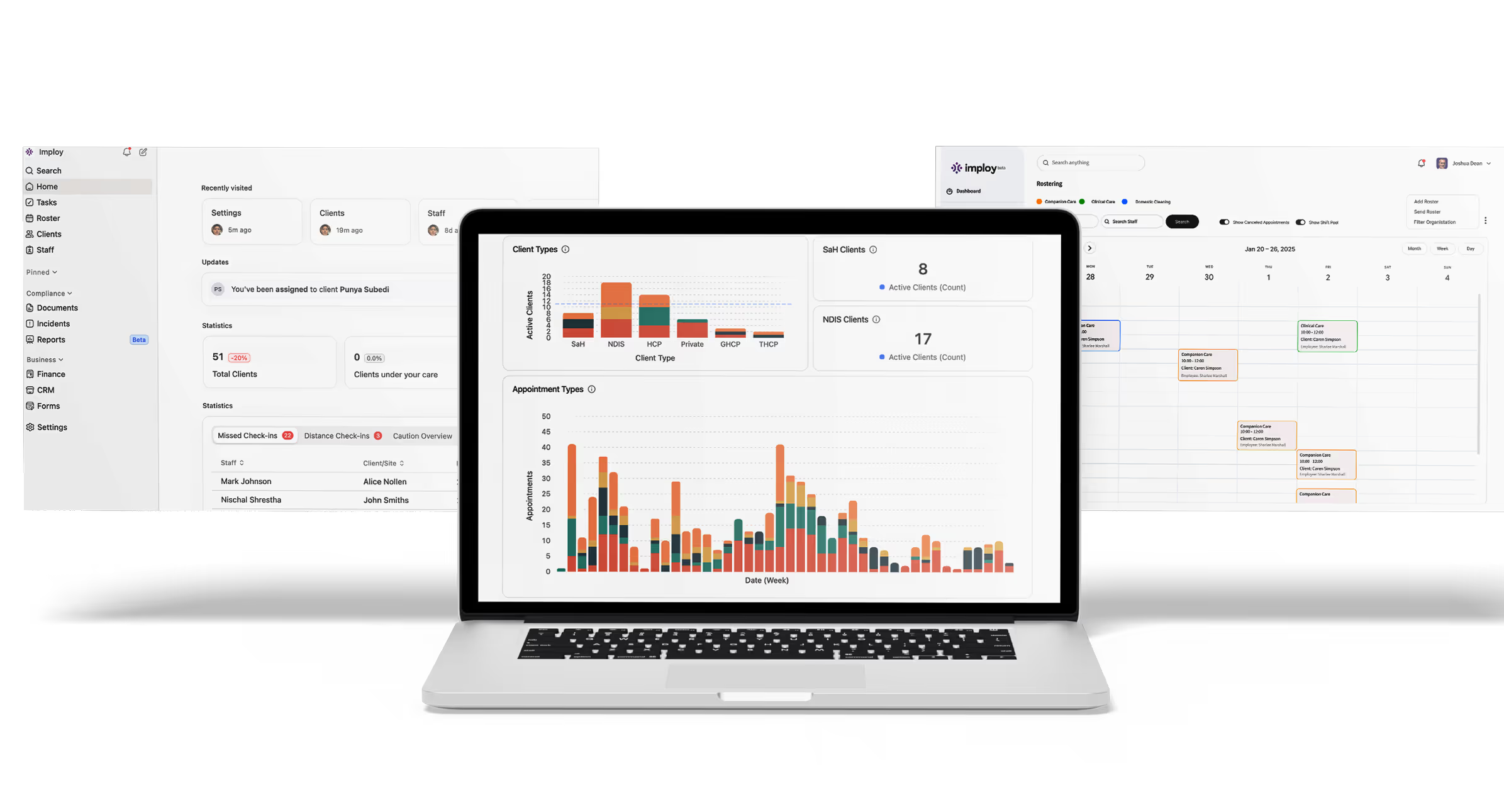
Running a small provider business means wearing every hat: Rostering Coordinator, HR Manager, and Compliance Officer.Imploy centralizes your operations so you can stop fighting fires and start focusing on service delivery. Get the robust features of enterprise software with the agility and simplicity a small business needs.
Client Management
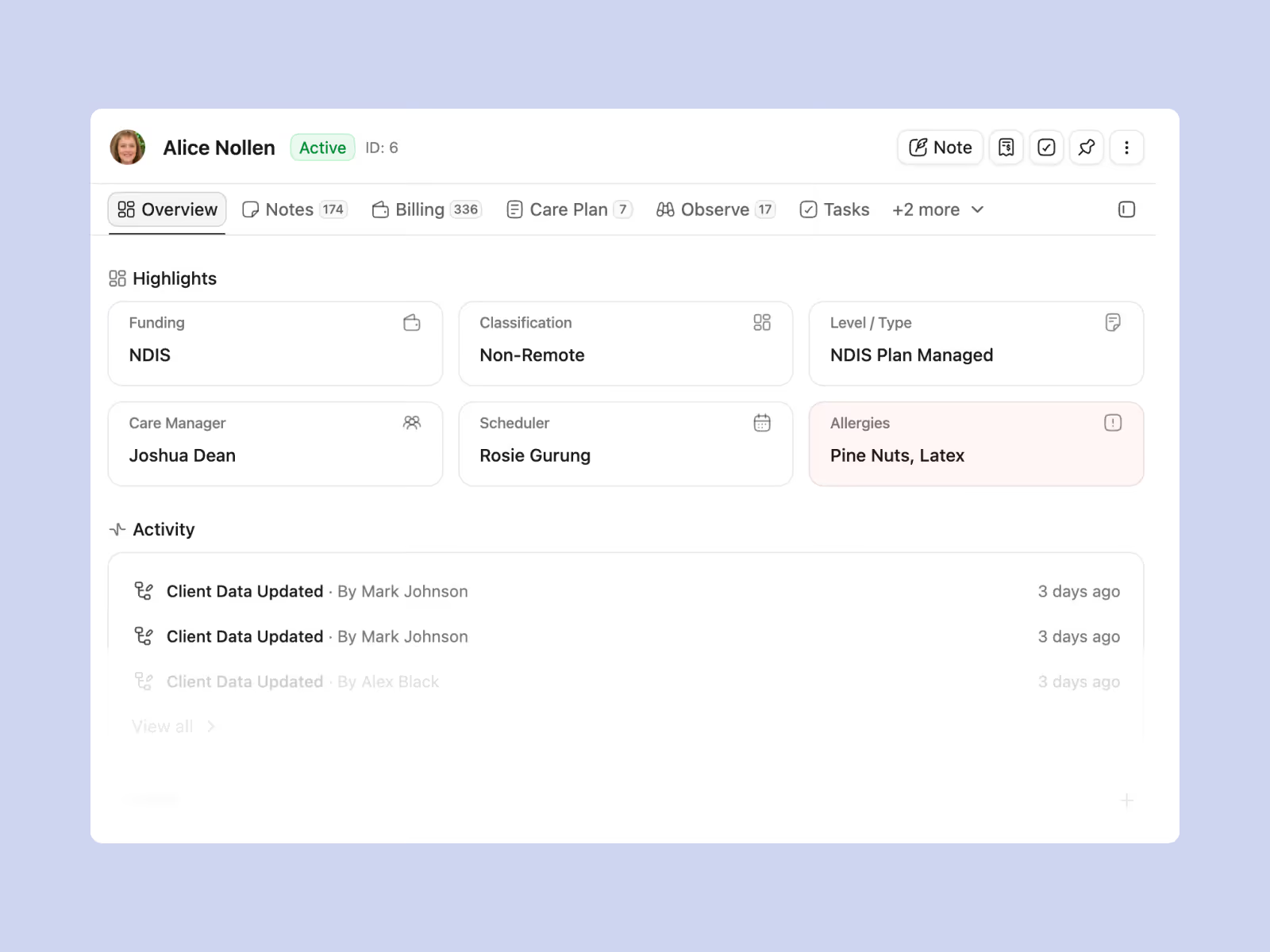
Ditch the paper files and scattered spreadsheets. Store every NDIS plan, risk assessment, and service agreement in one secure, digital profile designed for easy access by your small team.

Conflict-Free Rostering
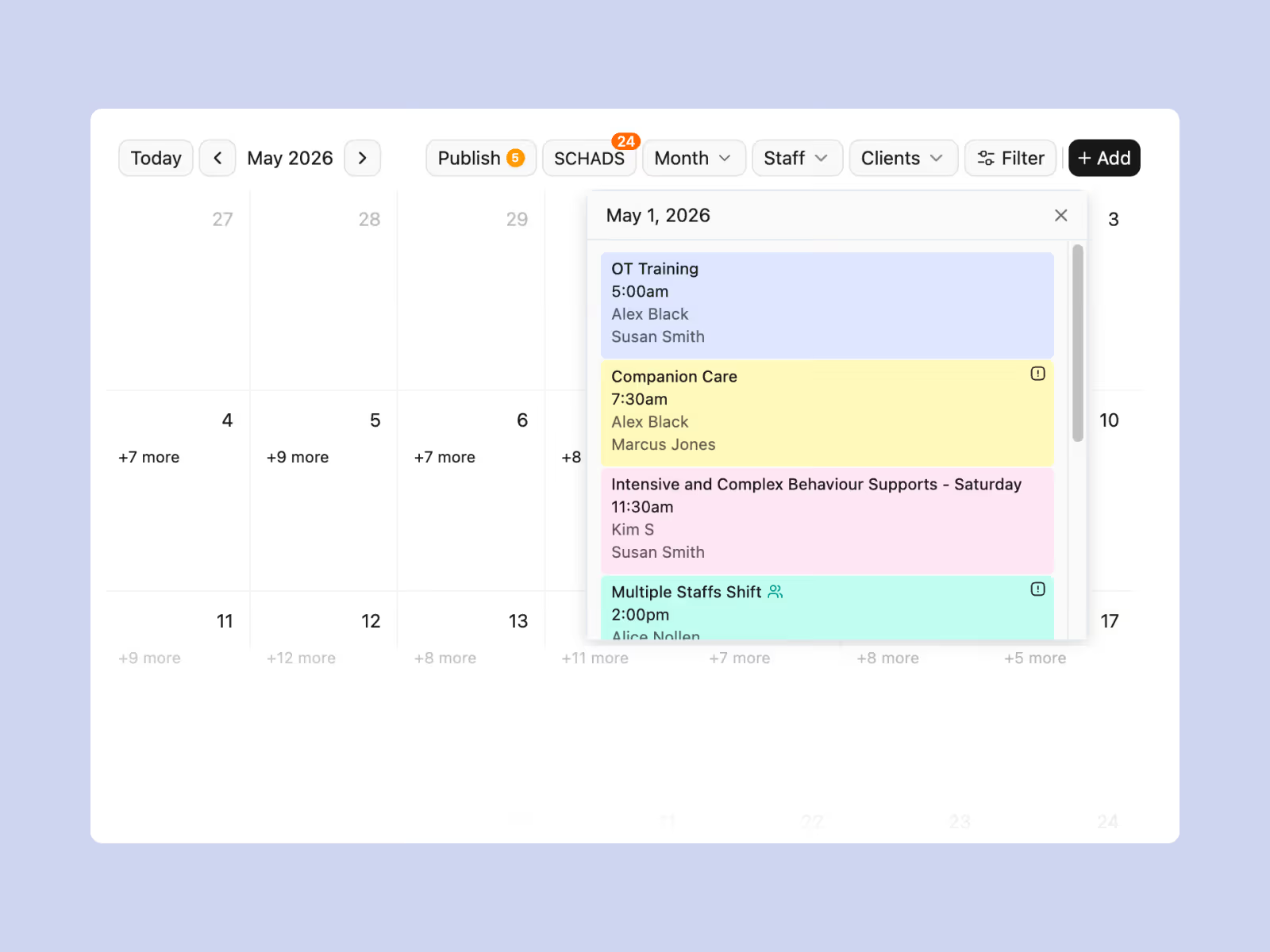
Prevent double-bookings and expensive unbillable travel. Our smart roster matches the right staff to the right participant instantly and shares shifts directly to their mobile app.
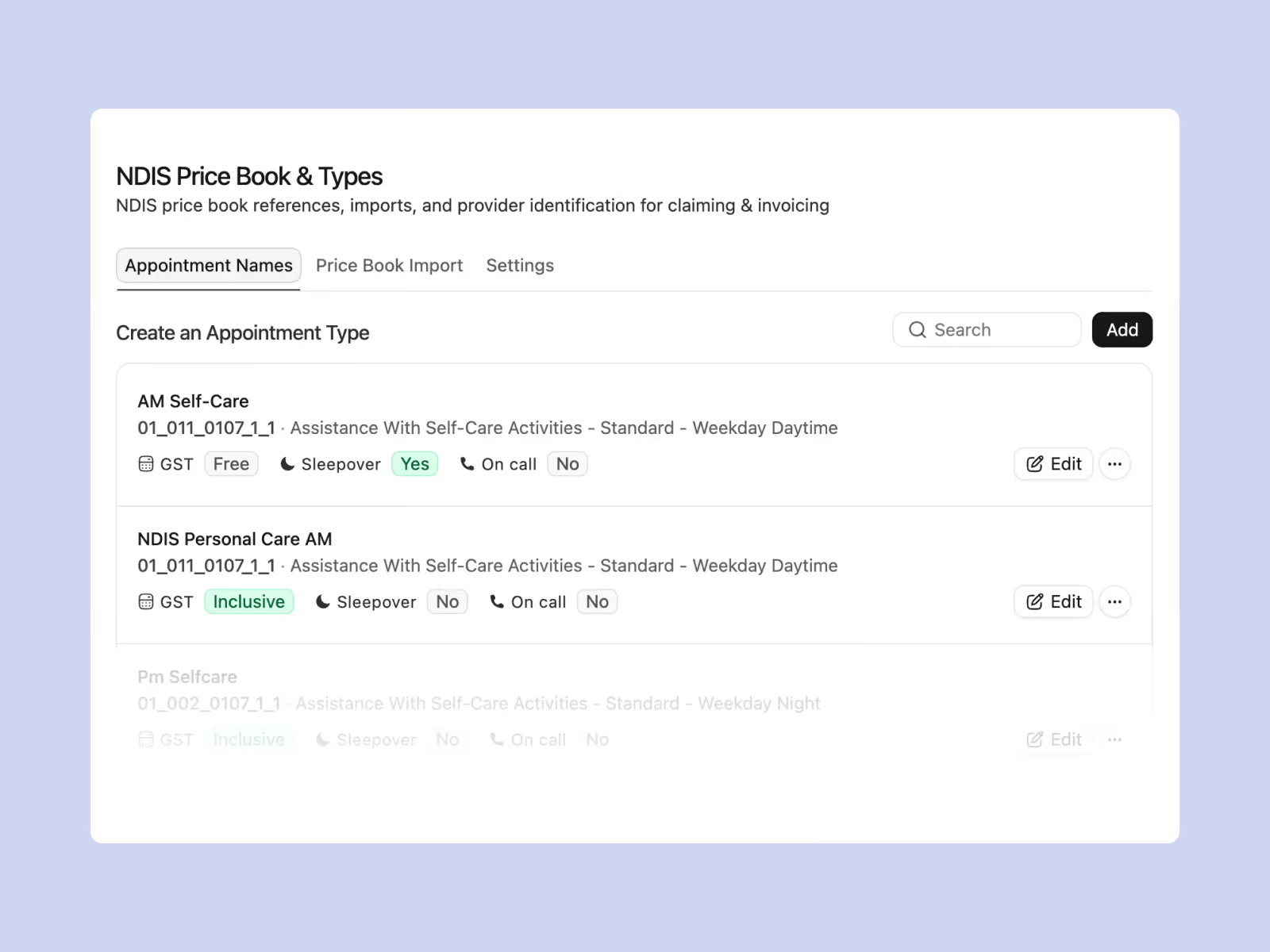
Automated NDIS Billing
Turn completed service records into billable entries, review the details and prepare invoices through your connected accounting workflow. Keep invoicing separate from the steps needed to submit and reconcile an NDIS claim.
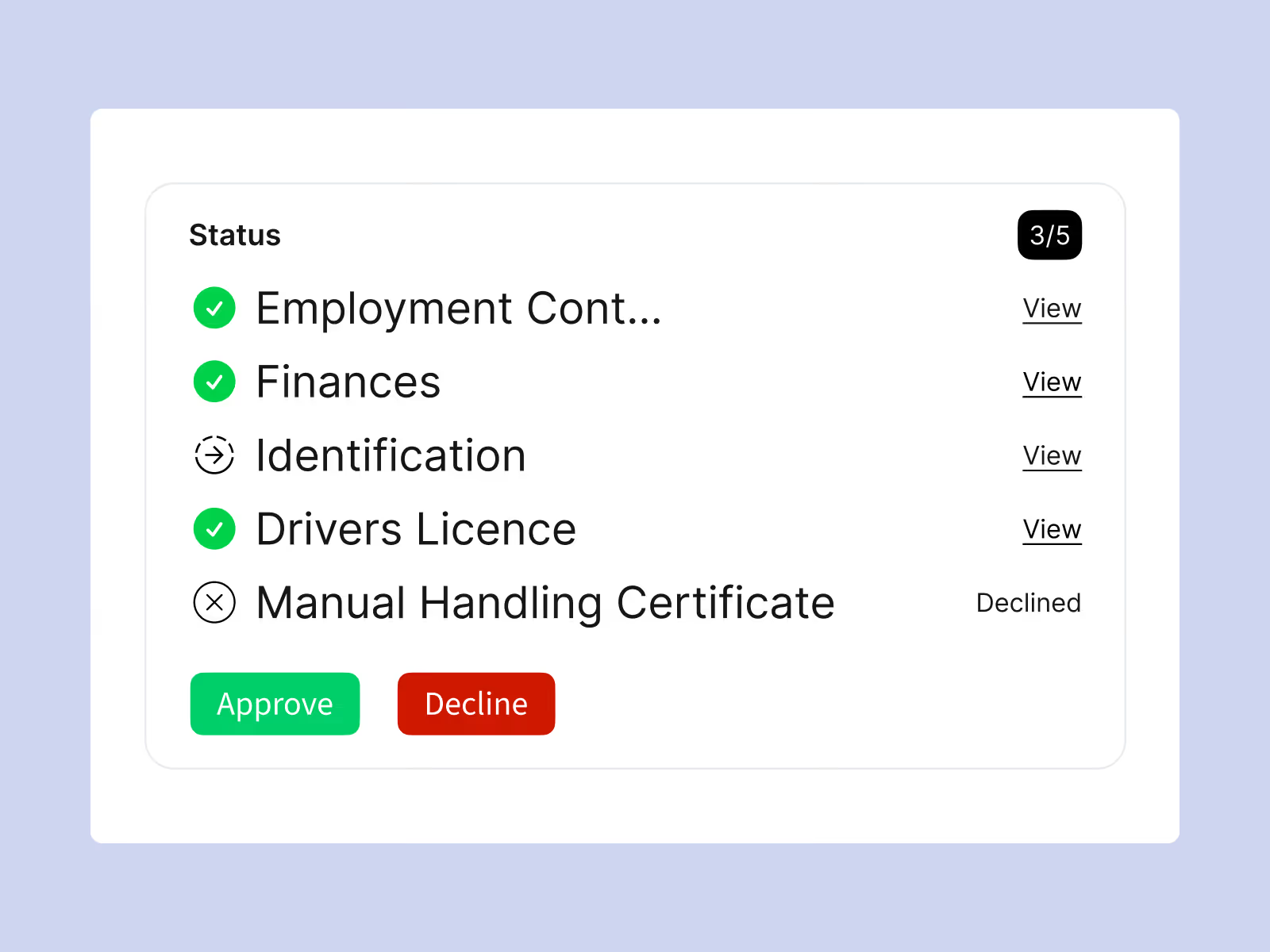
Audit-Ready Compliance
Protect your business from non-compliance risks. Track staff document expiry and ensure all mandatory checks are valid before rostering.

Start simply, with room for your team to grow
Running a small NDIS provider means coordinating participant records, rosters, staff notes and invoices with a limited team. Imploy brings those day-to-day workflows together so you can spend less time moving information between spreadsheets and separate tools.
Start with the records and workflows your team needs most. Use the same participant and workforce information across care, scheduling and billing as you add services or staff.
Choose software for the way you work today and the business you want to build. Test a real service from participant setup through the roster, staff note and invoice review before you roll it out.
Resources and Support
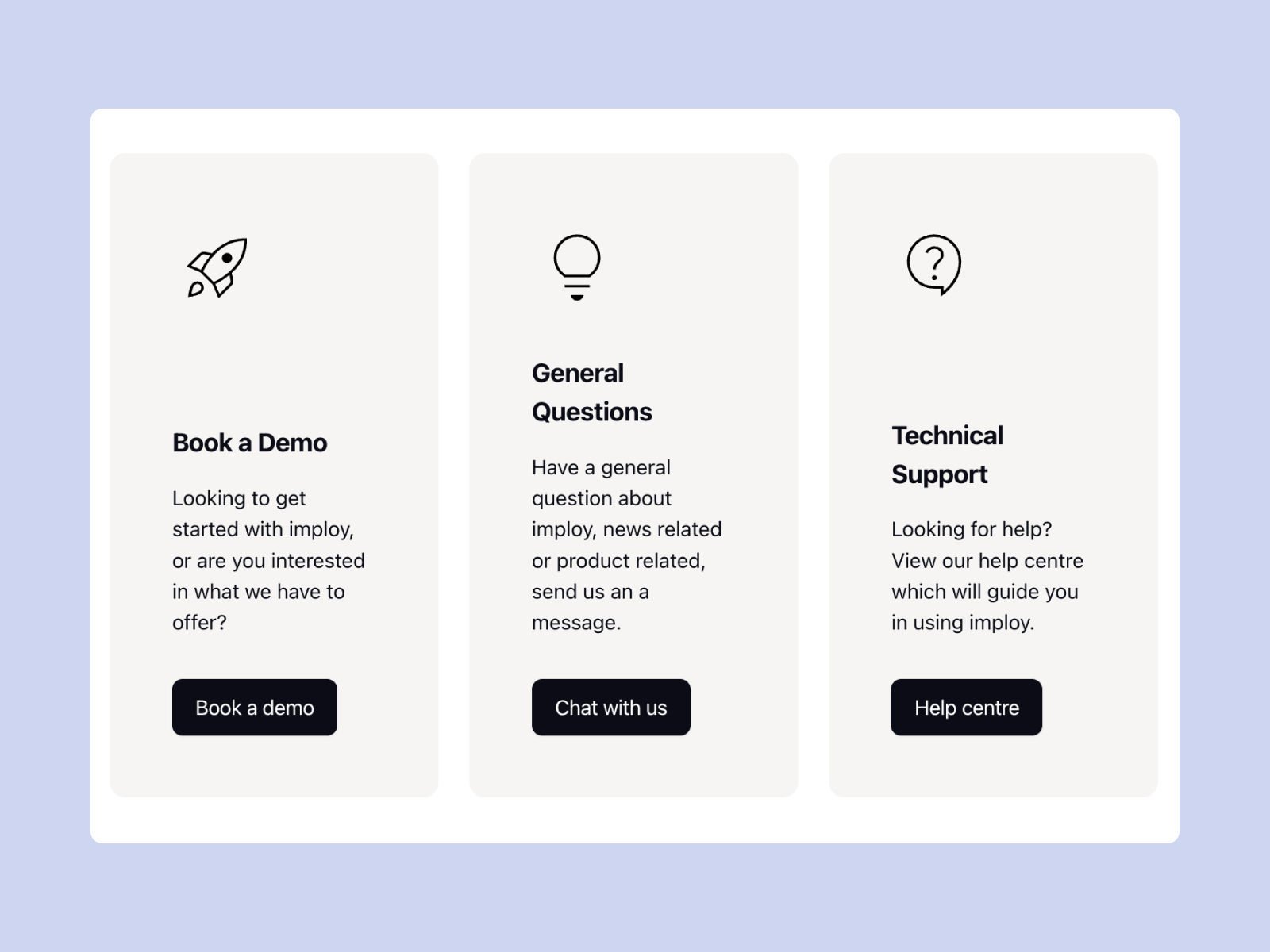
We know adopting new NDIS software can be daunting. By signing up with Imploy, you get access to a 1:1 session to set up your business with us for completely FREE.
Frequently asked questions
Is this software too complex for a small team?
Start with a small set of everyday tasks: participant setup, a recurring roster, staff notes and an invoice run. Test those with the people who will use the platform, then add more workflows as the team becomes familiar with it.

How do rostering, staff notes and billing work together?
Participant and service information connects the roster with staff time records, shift notes and billable entries. Your team can review the details and prepare invoices through the connected accounting workflow, reducing repeated entry between separate tools.
Is my data stored in Australia?
Imploy uses Australian data hosting. During setup, review user permissions, the information your team needs to access and your organisation’s record-handling requirements.
Can Imploy grow with my provider team?
You can add participants, staff and workflows as your organisation grows. Compare the current plan limits and features against your needs, including any extra setup, integration or support requirements.
How should a small provider get started?
Bring one real workflow to your demo or trial: add a participant, prepare a roster, record a shift note and review an invoice. Confirm the setup, data preparation and training your team needs before moving all services into the platform.
Can Imploy help with NDIS claims and audit records?
Keep service records, staff notes and supporting documents together for review. For eligible NDIA-managed services, prepare an NDIS bulk-claim CSV for upload through the relevant portal. Creating an invoice or exporting a file does not mean a claim has been submitted or paid.