

Manage Support at Home, from budgeting to rostering
One platform to run rostering, quarterly budgets, care delivery, invoicing, compliance and reporting under the Support at Home program. Built for Australian aged care and home care providers.
Support at Home ready. Free for up to five users, no credit card required.
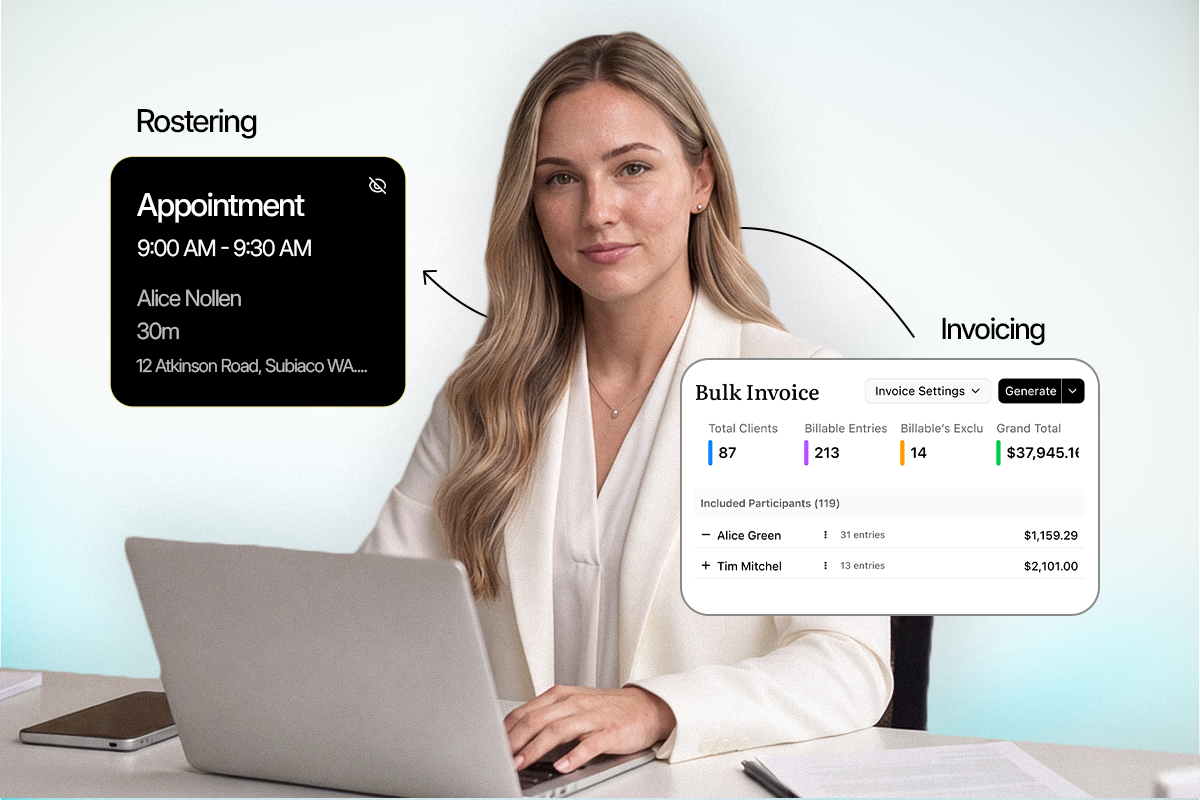
Run Support at Home with software built for it

Funding and invoicing together

Quarterly budget tracking

Compliance and reporting

Scalable service delivery
Simplify fund management
Take the pressure off preparing invoices and claims, so your team can focus on care.

Process invoices and claims in bulk to cut manual work and reduce claim errors.
Track classifications and budgets across the eight funding levels.
Turn funding data into insights so you can plan services before the quarter closes.
The whole platform, aligned to Support at Home
Efficient rosters with SCHADS aware scheduling, so pay rules are applied as you build the shift.

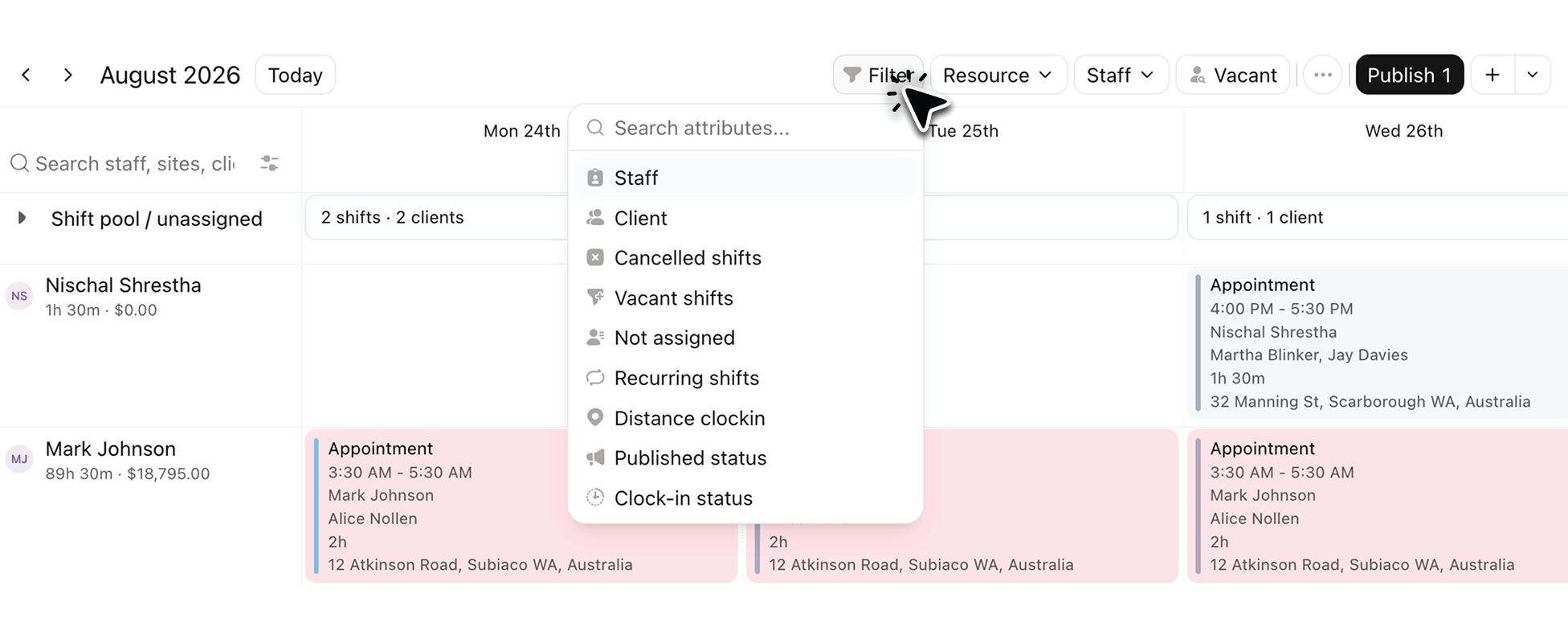
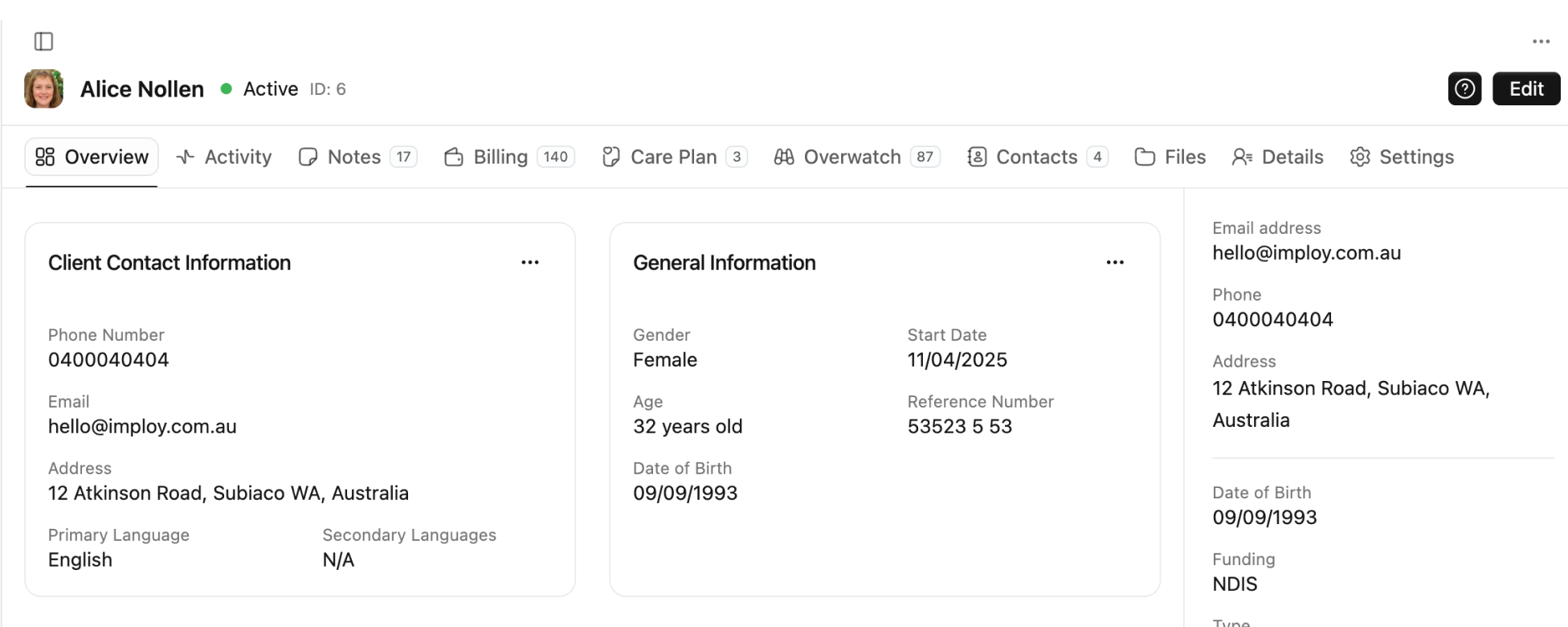
Care plans, shift notes and service records in one place, connected to each client's budget.
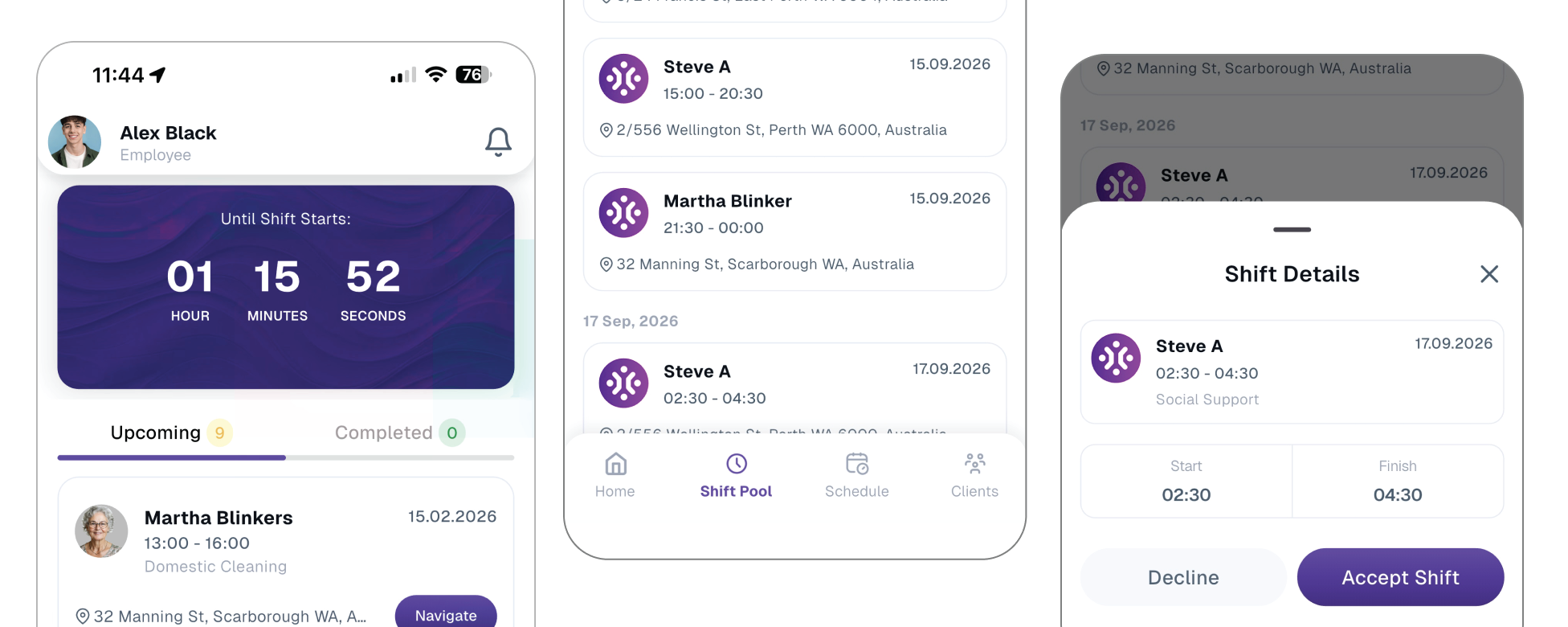
Care workers view rosters, record notes, clock in and out, and manage group and sleepover shifts on their phone.
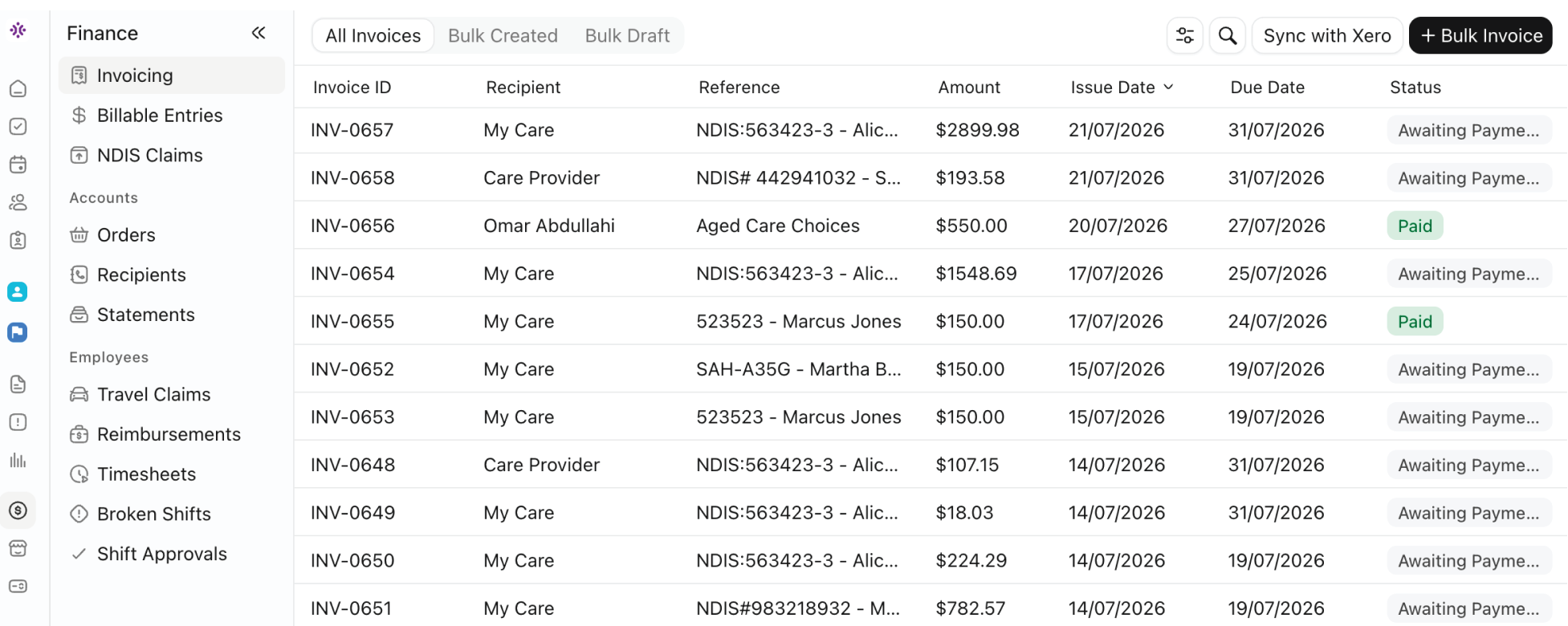
Billing, invoicing and payroll, with a Xero integration that maps hours to the correct pay items.
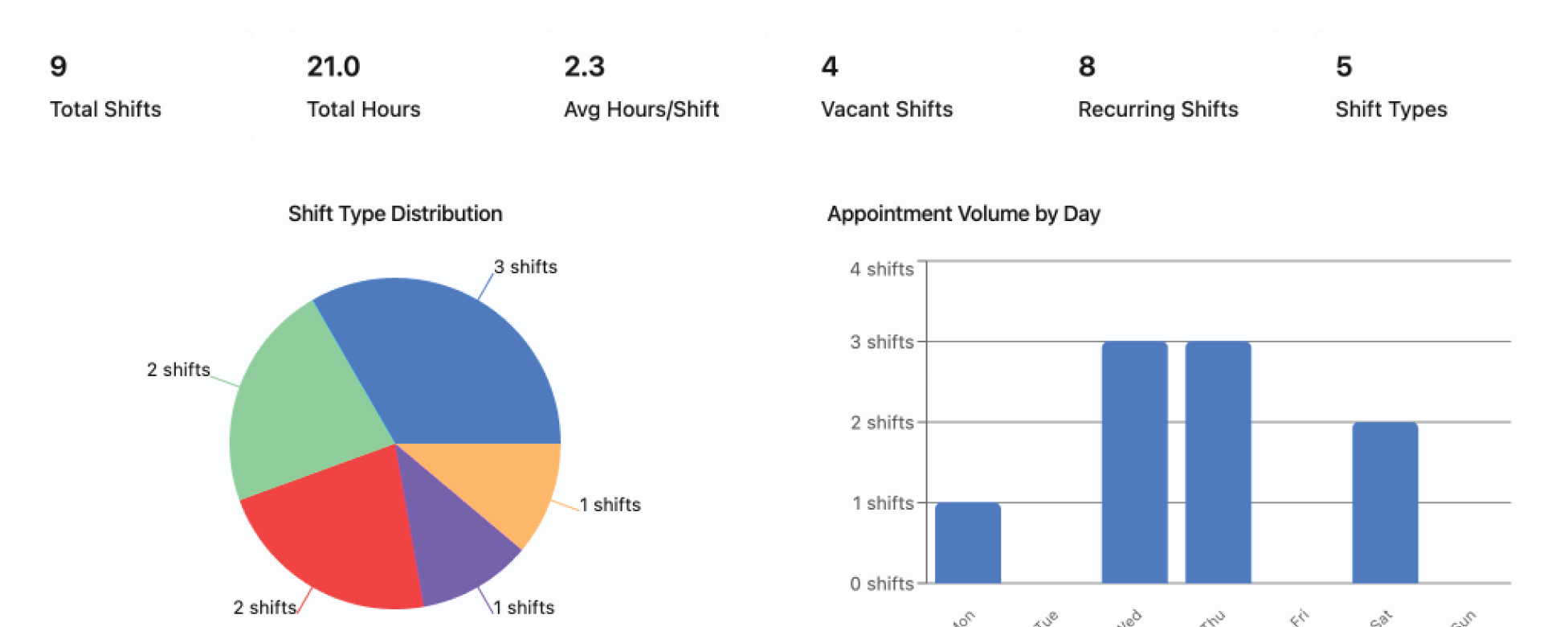
Dashboards and custom reports for service delivery, workforce, finances and claims.
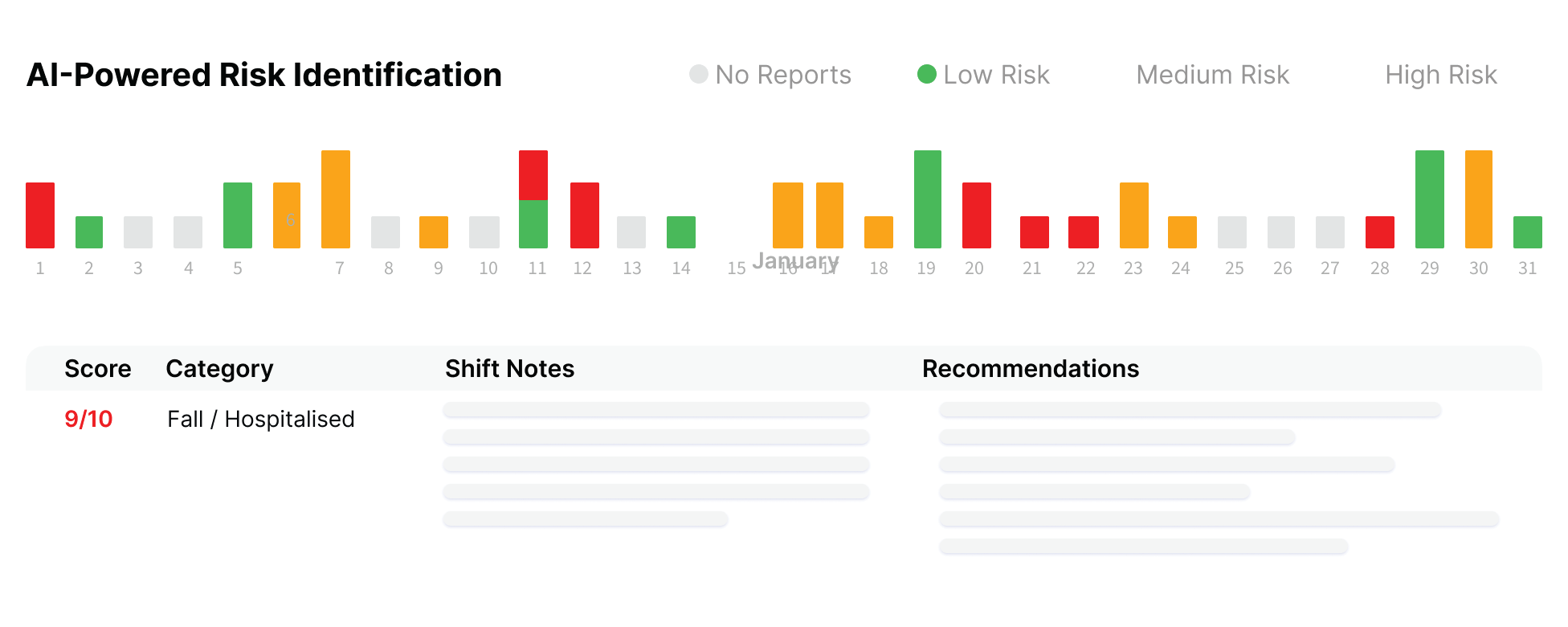
Smart shift matching, note enhancement and risk identification to reduce admin and lift quality.
The whole platform, aligned to Support at Home

From onboarding to claiming, in one flow
Onboard clients
Plan care
Roster and deliver
Invoice and claim
What Support at Home asks, and how Imploy handles it
Frequently asked questions
How does Imploy track client quarterly budgets and funding tiers?
Imploy tracks funding in real time across all eight Support at Home classification levels. The platform automatically calculates the 10% care management set-aside and breaks down spending across the three service categories—Clinical care, Independence, and Everyday living. Providers can view what has been spent, what remains, and rollover caps per client so services can be planned before funds return to the government.

How does Imploy simplify invoicing and government claiming?
Imploy connects delivered care directly to billing. Shifts and service records completed by support workers automatically flow through to generate bulk invoices and government claim batches, eliminating manual spreadsheet entry and reducing claiming errors.
How does Imploy manage SCHADS award compliance during rostering?
Imploy incorporates SCHADS-aware scheduling directly into the rostering engine. Pay rules, shift allowances, and penalty rates are applied in real time as shifts are created, preventing award breaches and ensuring accurate payroll preparation.
How does Imploy sync with accounting and payroll software?
Imploy features a built-in integration with Xero. Shift hours and billing data map directly to the corresponding pay items, allowing you to run payroll and reconcile receivables without manual re-keying.
How does the mobile app help support workers in the field?
Care workers use the Imploy mobile app to view rosters, clock in and out, document shift notes, and log delivered services on site. The app supports complex shift types, including sleepovers and group shifts, and instantly updates client budget records in real time.
What AI tools are built into Imploy to reduce admin?
Imploy includes native AI features for intelligent shift matching, shift note enhancement, and proactive risk identification. These tools assist coordinators in assigning suitable workers, lifting documentation quality, and spotting care risks early.
How does Imploy keep providers audit-ready?
Care plans, delivered shift notes, budget tracking, and invoices are unified within a single platform instead of scattered across spreadsheets. Real-time dashboards and exportable reports allow operations teams to verify compliance, track workforce output, and maintain complete audit trails for service delivery and financial claims.
How does Imploy handle client onboarding and transition from older programs?
Imploy provides client import tools to bring across records, assessments, and funding allocations for clients transitioning from Home Care Packages (HCP) or Short-Term Restorative Care (STRC). Care coordinators can allocate services immediately against the new quarterly budget framework.
