
Best NDIS Accounting Software for Small Providers (2026)
Looking for the best NDIS accounting software? Explore top tools for small providers, including Imploy, Xero, MYOB, and QuickBooks, with features and pricing.

Running an NDIS business comes with unique financial responsibilities. From managing participant funding to submitting compliant claims, providers must ensure their accounting processes are accurate, transparent, and aligned with NDIS requirements. That’s where the right accounting software becomes essential.
In this guide, we’ll explore the best NDIS accounting software for small providers, why it matters, and what to consider when choosing the right solution.
Why Accounting Software Is Important for NDIS Providers?
NDIS accounting is very different from standard business accounting. Providers deal with:
- Strict NDIS pricing arrangements
- Complex service-based invoicing
- PRODA claims and payment tracking
- Staff payroll, travel costs, and reimbursements
- Ongoing compliance and audit requirements
Using manual methods or generic tools can quickly lead to errors, delayed payments, and compliance risks.
Key benefits of using accounting software:
1. Accurate NDIS invoicing
Automates invoices based on services delivered, reducing billing errors.
2. Faster payments
Streamlines claim submissions and reduces delays in receiving funds.
3. Compliance support
Helps align invoices and records with NDIS rules and audit standards.
4. Time savings
Reduces admin workload through automation (invoicing, payroll, reporting).
5. Financial visibility
Provides real-time insights into revenue, expenses, and cash flow.
For small providers, this can mean the difference between smooth operations and constant admin stress.
What to Consider When Choosing NDIS Accounting Software?
Not all accounting tools are built for NDIS. Before choosing one, here are the key factors to evaluate:
1. NDIS Compatibility
Does the software support:
- NDIS pricing rules?
- Service-based invoicing?
- Participant budget tracking?
Generic tools may require integrations to handle these.
2. Ease of Use
Small providers often don’t have dedicated finance teams. Choose software that is:
- Easy to learn
- Simple to navigate
- Quick to set up
3. Automation Features
Automation can save hours every week. Look for:
- Auto-generated invoices
- Payroll automation
- Expense tracking
- Recurring billing
4. All-in-One Software
Managing multiple systems can quickly become time-consuming and confusing. Choosing an all-in-one platform can simplify your operations.
- Combines accounting, invoicing, payroll, and rostering in one place
- Reduces the need for multiple subscriptions and integrations
- Minimises data entry errors by keeping everything connected
- Saves time by managing finances and operations together
An all-in-one solution can help small providers streamline workflows, reduce admin, and stay organised without juggling multiple tools.
5. Scalability
Choose a solution that grows with your business - especially if you plan to expand your team or services.
6. Budget-Friendly
For small NDIS providers, affordability is key - especially in the early stages. While choosing a software, look for flexible pricing plans that suit small teams, and choose software that offers good value without adding extra tools.
Best NDIS Accounting Software for Small Providers
1. Imploy - All‑in‑One NDIS Accounting & Operations Platform
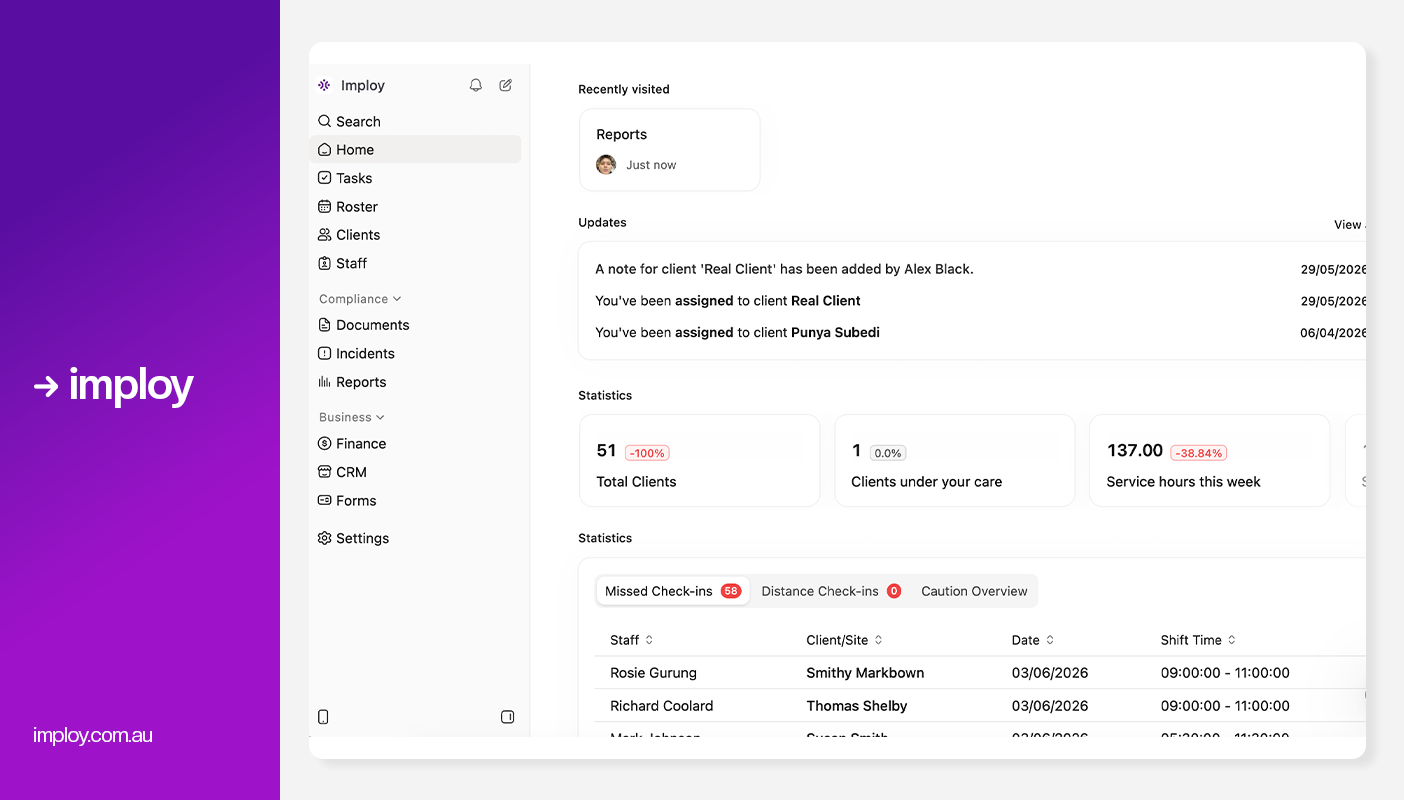
Built specifically for NDIS and care providers, Imploy combines accounting, rostering, payroll, invoicing, and compliance into a single platform - making it a true end‑to‑end solution for small providers.
Key Features
- Automated bulk invoicing from shifts, travel, services, expenses.
- Real‑time participant budget tracking and alerts.
- Built-in NDIS pricing guide.
- Staff expenses and reimbursement tracking.
- Seamless integration with Xero for payment.
- Smart rostering to quickly assign and adjust shifts with real-time availability and conflict checks.
- Care Management to store client records, update care plans, and track progress in one system.
- Mobile app for staff (clock‑in/out, notes, schedules).
- AI Features:
- Smart Shift Matching: Uses AI to assign the most suitable support worker based on the client’s needs, staff location, availability, skills, and previous interactions -helping reduce travel time and boost consistency.
- Intelligent Note Enhancement: Refines rough shift notes into clear, well-structured summaries by improving tone, grammar, and extracting key insights -enhancing compliance and communication.
- AI Powered Risk Identification: Uses AI to analyze shift notes for key phrases, rating risk from 0 to 10, with plans to allow converting high-risk notes into incidents.
- AI Chatbot (Enterprise only, on request): Provides role-based access to company data, including shifts, client information, and financial data, available exclusively for enterprise customers upon request.
Pros
- Designed specifically for NDIS & HCP providers.
- All-in-one solution reduces the need for multiple systems
- Live funding visibility and audit‑ready reporting.
- Advanced AI features.
- Dedicated mobile app for support workers.
- Free entry-level plan for small teams.
Cons
- May offer more features than very small providers initially need
- Starter Plan: Free for up to 5 users - includes essential features like care management, rostering, and mobile access
- Premium Plan: $17 per user/month - includes SCHADS Awards, Bulk Client Invoicing AI Scheduler, Human Resources Module, Accounts Module, Unlimited Users
- Enterprise Plan: Provided on request from the Sales Team
2. Xero
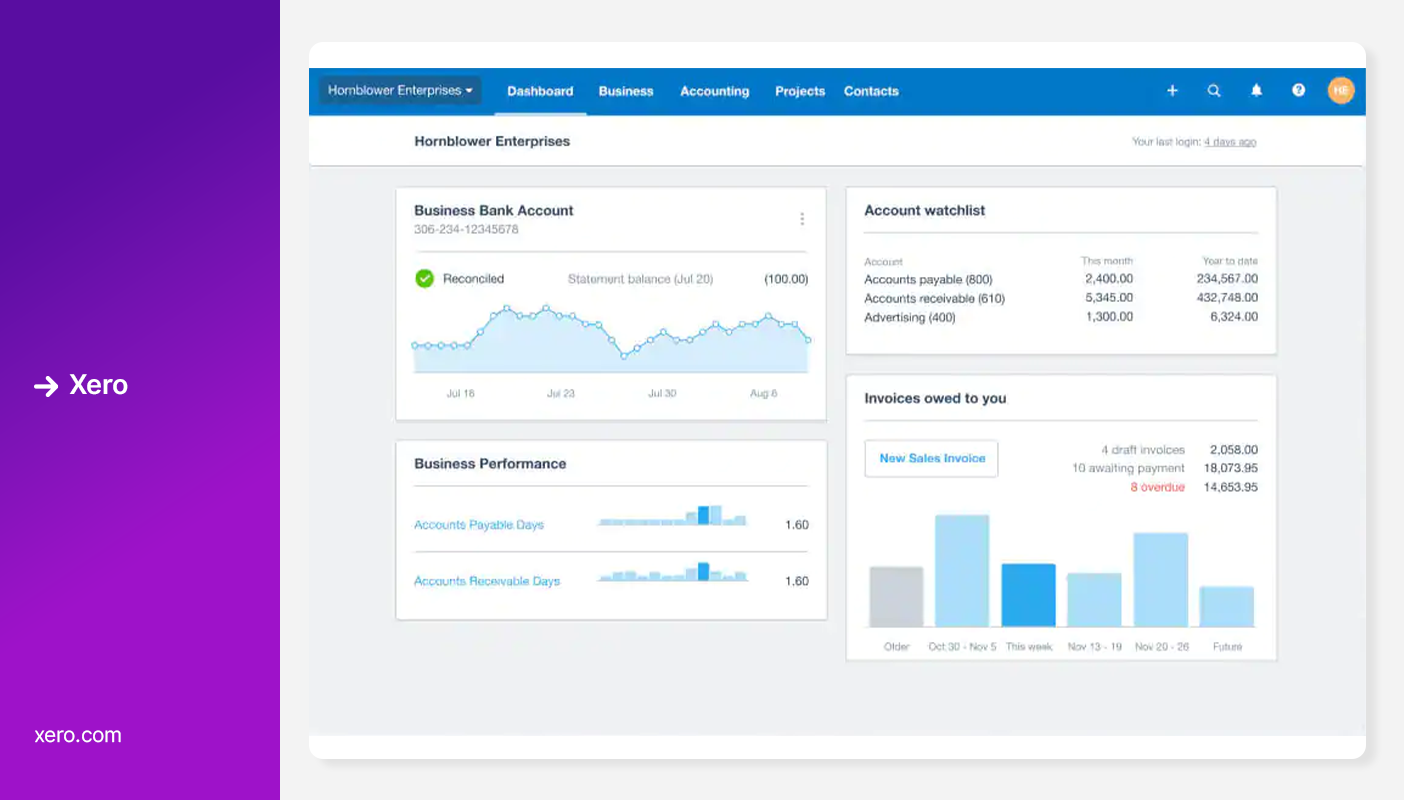
Xero is a powerful cloud‑based accounting platform used by thousands of small businesses. While not NDIS‑specific, it offers flexible financial tools and integrates easily with NDIS rostering and billing systems to support compliant invoicing and reporting.
Key Features:
- Cloud‑based accounting with bank feeds and reconciliation
- Invoicing, expense tracking, GST/BAS reporting
- Payroll support and Single Touch Payroll (Australia)
- Integrations with third‑party apps and add‑ons
Pros:
- Strong bookkeeping and real‑time financial reporting
- User‑friendly interface with guided setup and tutorials
- Automated bank feeds simplify reconciliation
- Strong reporting and dashboard insights for small to mid‑sized businesses
Cons:
- Not NDIS‑specific - requires integrations for claims and compliance
- Payroll features limited on lower tiers
- Pricing can increase with payroll and extra users
- Requires additional software for other NDIS features
Pricing:
- Starter/Ignite: $75/month - basic accounting
- Grow/Standard: $100/month - unlimited transactions
- Comprehensive: $130/month - payroll, multi‑currency
3. MYOB
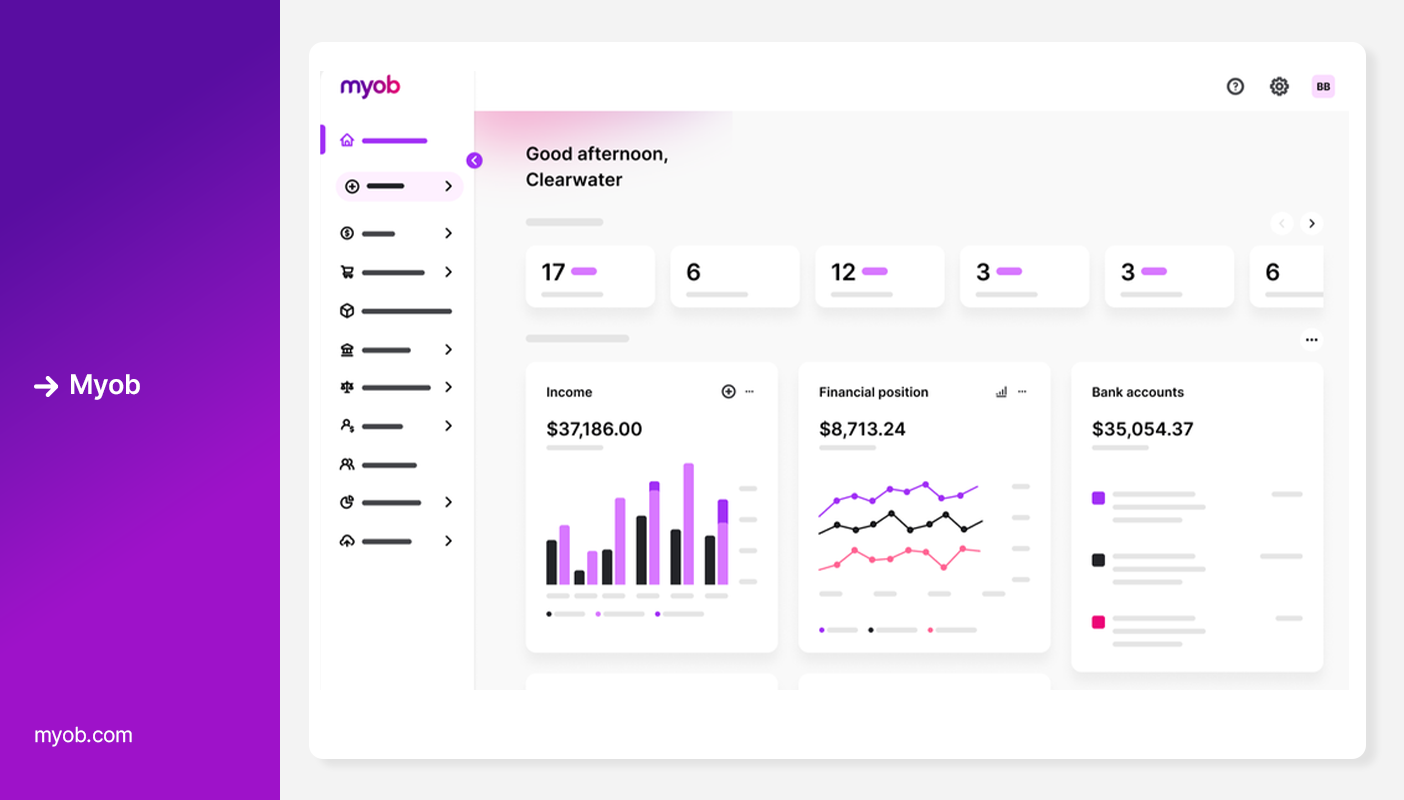
A long‑established name in Australian accounting software, MYOB delivers reliable bookkeeping, GST/BAS reporting, and payroll features. It’s a solid option for small providers who want strong financial controls with NDIS integrations.
Key Features:
- Invoicing & quotes for clients and suppliers.
- Accounting & cash flow tracking, including GST/BAS.
- Payroll support with Single Touch Payroll (STP) compliance.
- Expense & job/project tracking.
- Inventory management and multi‑currency (higher plans).
Pros
- Built‑in Australian compliance for ATO reporting and BAS lodgement.
- Mobile and desktop access for on-the-go management.
- AI features to automate tasks and reduce manual work.
- Scalable plans suitable for small to medium businesses.
Cons
- Not NDIS‑specific - requires integrations for claims, service-based invoicing, and participant management.
- Can be complex for beginners.
- Add‑ons may increase the overall cost.
- User interface is less modern than some cloud-native competitors.
- Requires additional software for other NDIS features.
Pricing:
- Solo: $11/month - Basic invoicing, income/expenses tracking.
- Business Lite: $35/month for 2 users - Invoicing, GST/BAS, bank feeds, limited payroll.
- Business Pro: $70/month with multiple users - Adds more payroll and reporting tools.
- Business Plus / AccountRight: $165/month with multiple users- Advanced reporting, inventory, multi‑location, multi‑currency.
4. QuickBooks
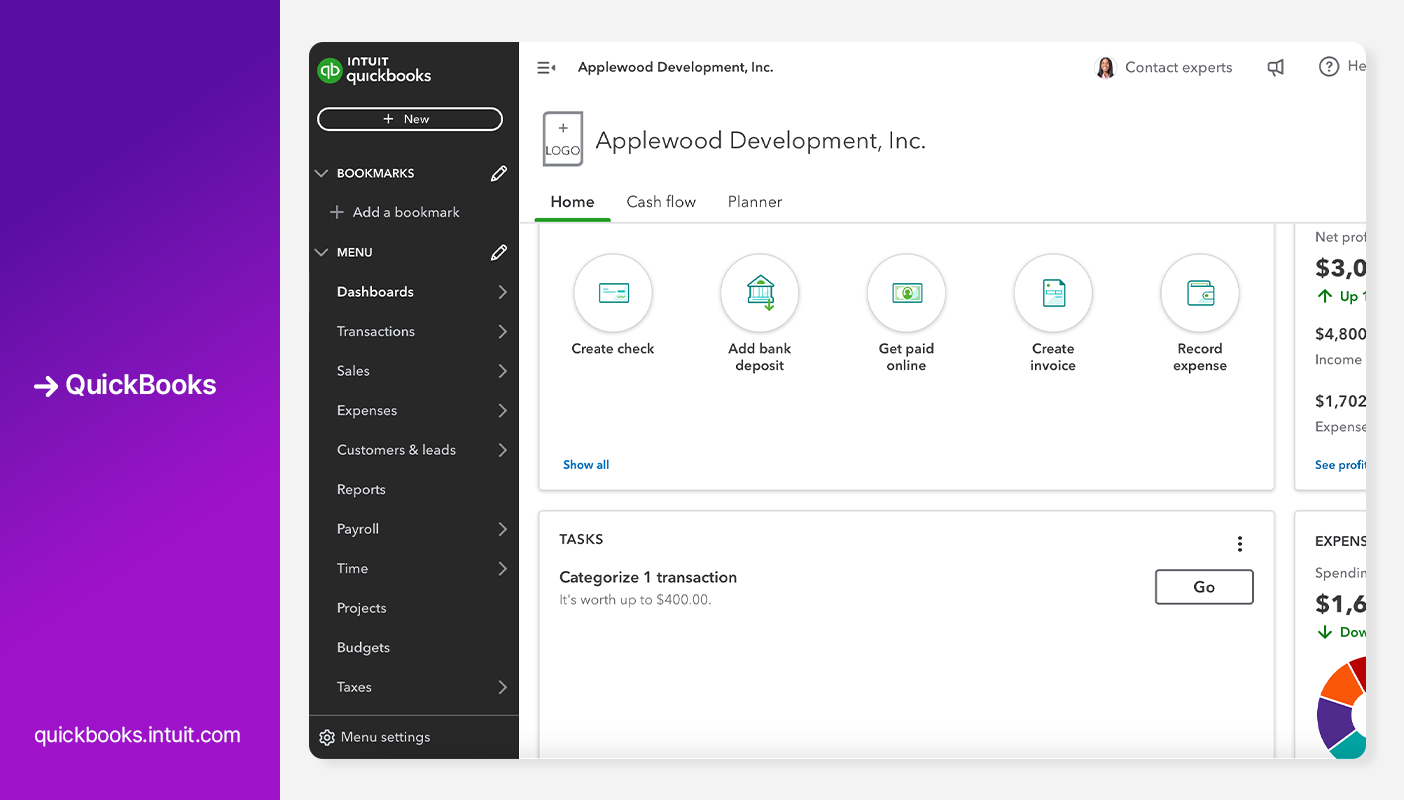
QuickBooks is a cloud‑based accounting platform designed to help small to midsize businesses manage bookkeeping, invoicing, expenses, payroll, reporting, and financial insights from anywhere.
Key Features:
- Cloud accounting with bank feeds and automated reconciliation.
- Invoicing, expense tracking, and cash flow management.
- Financial reporting (profit & loss, balance sheet, etc.).
- Payroll support and employee management (additional subscription).
Pros:
- Strong bookkeeping and comprehensive financial tools.
- Cloud access from any device with real‑time data.
- Large ecosystem of integrations (750+ apps).
- Automated workflows and AI assist to reduce manual work.
- Customisable reporting and dashboards.
Cons:
- Not NDIS‑specific - needs integrations for claims and compliance.
- Pricing and subscription tiers can become costly.
- Requires additional software for other NDIS features.
- Some advanced features (like detailed inventory/time tracking) require higher plans.
Pricing:
- Simple Start: $33/month for 1 user- Basic accounting features (invoicing, expense tracking)
- Essentials: $60/month for 3 users- Adds multiple users and enhanced reporting
- Plus: $84/month for 5 users - Includes budgeting, project tracking, and inventory features
- Advanced: $125/month for 25 users - Advanced reporting, automation, custom roles, and priority support.
Comparison Table
Why Imploy is the Best Alternative for NDIS Providers?
For small and mid-sized NDIS providers, choosing the right accounting and operations software can make or break efficiency. Imploy stands out because it is designed specifically for NDIS and aged care services, unlike general accounting tools such as Xero, MYOB, or QuickBooks.
Key Reasons Imploy Excels:
- NDIS-Centric Design: Imploy handles PRODA claims, participant budgets, and service-based billing seamlessly, ensuring compliance with NDIS rules.
- All-in-One Platform: Accounting, invoicing, payroll, rostering, and care management are integrated into a single system, eliminating the need for multiple subscriptions or manual data transfers.
- Real-Time Budget Tracking: Providers can see participant funding balances in real time, reducing overspending and errors.
- Xero and Quickbooks Integration: Imploy can integrate with Xero for advanced accounting and reporting, combining NDIS-specific functionality with powerful financial tools.
- Automated Workflows: Shift-to-invoice automation, bulk claims, and automated reconciliations save hours of administrative work each week.
- Mobile & Flexible: Staff can clock in/out, access schedules, and manage care notes via mobile apps, making rostering and reporting simpler.
In short, Imploy not only streamlines financial operations but also aligns perfectly with NDIS compliance and care management needs, making it the most practical and efficient choice for providers focused on both care and administration.
Final Thoughts
Choosing the right accounting software is a critical decision for any NDIS provider - especially small businesses looking to balance compliance, efficiency, and cost.
While tools like Xero, MYOB, and QuickBooks offer strong accounting capabilities, they are not built specifically for NDIS workflows. This means providers often need additional systems to manage rostering, invoicing, and compliance - leading to higher costs and more admin work.
On the other hand, NDIS-specific platforms like Imploy provide a more streamlined approach by combining accounting, operations, and compliance in one place. This not only reduces manual work but also helps providers stay audit-ready and focused on delivering quality care.
FAQs
1. What is the best accounting software for small NDIS providers?
The best option depends on your needs. All-in-one platforms like Imploy are ideal for providers who want accounting, invoicing, and compliance in one system, while tools like Xero or MYOB are better for standalone accounting with integrations.
2. Can I use general accounting software for NDIS?
Yes, tools like Xero, MYOB, and QuickBooks can be used for NDIS businesses. However, they are not NDIS-specific and usually require additional software for rostering, care management, CRM. and compliance.
3. What features should I look for in NDIS accounting software?
Key features include service-based invoicing, NDIS pricing support, payroll, expense tracking, PRODA integration, and reporting. All-in-one platforms may also include rostering and care management.
4. Is all-in-one software better for small providers?
Yes, all-in-one software can be more efficient for small providers as it reduces the need for multiple tools, lowers admin workload, and keeps all data in one place.
5. Can accounting software help with NDIS compliance?
Yes, the right software can help ensure invoices align with NDIS pricing, maintain accurate records, and prepare for audits - reducing compliance risks.