
🏷️ Mid-Season Sale: Lock in your 1-year rate!
Deal ends in
00
Days
00
Hours
00
Minutes
00
Seconds
Save Now!

Compare Imploy with other NDIS software.

Compare Imploy with ShiftCare, Astalty, VisualCare, CareVision, Vertex360 and AlayaCare. Review rostering, client records, mobile workflows and pricing models, then test the tasks your team needs in a demo.

Vertex360

Imploy vs Vertex360

Vertex360 publishes participant-tier pricing and tools for participant records, rostering, invoicing and mobile workers. Compare the total cost for your participant numbers and staff roles, including onboarding, migration and contract terms.
Full comparison

Imploy

Vertex360

Pricing model
Rostering
Available
Available
Client records
Available
Available
Staff mobile app
Available
Available
Invoicing
Premium
Available
Payroll & awards
Premium tools
Confirm setup
Trial / free option
Starter: 5 users
7-day trial
VisualCare

Imploy vs VisualCare

VisualCare offers Essential, Advanced and Enterprise plans for NDIS and aged care teams. Pricing is tailored to the provider. Compare roster planning, participant records, the vWorker app and the payroll-file workflow against your team's requirements.
Full comparison

Imploy

VisualCare

Pricing model
Rostering
Available
Available
Client records
Available
Available
Staff mobile app
Available
Available
Invoicing
Premium
Available
Payroll & awards
Premium tools
Pay Cat Connect
Trial / free option
Starter: 5 users
Ask about trial
Astalty

Imploy vs Astalty

Astalty publishes separate rates for standard users and support workers. Its tools cover participant records, support coordination and invoicing, with scheduling available on Premium. Compare user roles, scheduling requirements and add-ons when assessing the full subscription.
Full comparison

Imploy

Astalty

Pricing model
Rostering
Available
Premium add-on
Client records
Available
Available
Staff mobile app
Available
Available
Invoicing
Premium
Available
Payroll & awards
Premium tools
Check add-ons
Trial / free option
Starter: 5 users
14-day trial
CareVision

Imploy vs CareVision

CareVision provides NDIS and home-care tools for care records, scheduling, rostering, billing and mobile care delivery. Request a current quote and compare the modules, implementation work and ongoing support needed for your services.
Full comparison

Imploy

CareVision

Pricing model
Rostering
Available
Available
Client records
Available
Available
Staff mobile app
Available
Available
Invoicing
Premium
Available
Payroll & awards
Premium tools
Confirm setup
Trial / free option
Starter: 5 users
Ask about trial
ShiftCare

Imploy vs ShiftCare

ShiftCare publishes Basic, Professional and Premium plans with per-user pricing. Features vary by plan; Premium includes SCHADS checks and shift costing. Compare the same billing cycle, staff numbers, required modules and add-ons when reviewing the cost.
Learn more

Imploy

ShiftCare

Pricing model
Rostering
Available
Available
Client records
Available
Available
Staff mobile app
Available
Available
Invoicing
Premium
Available
Payroll & awards
Premium tools
Premium tools
Trial / free option
Starter: 5 users
7-day trial
AlayaCare

Imploy vs AlayaCare

AlayaCare offers home, community and residential care solutions, including scheduling, care planning, mobile documentation and financial workflows. Compare the appropriate product and solution tier for your organisation, then confirm pricing and implementation scope with its team.
Learn more

Imploy

AlayaCare

Pricing model
Rostering
Available
Available
Client records
Available
Available
Staff mobile app
Available
Available
Invoicing
Premium
Available
Payroll & awards
Premium tools
Confirm setup
Trial / free option
Starter: 5 users
Ask about trial

Explore Imploy's core workflows
Choose the modules your team needs

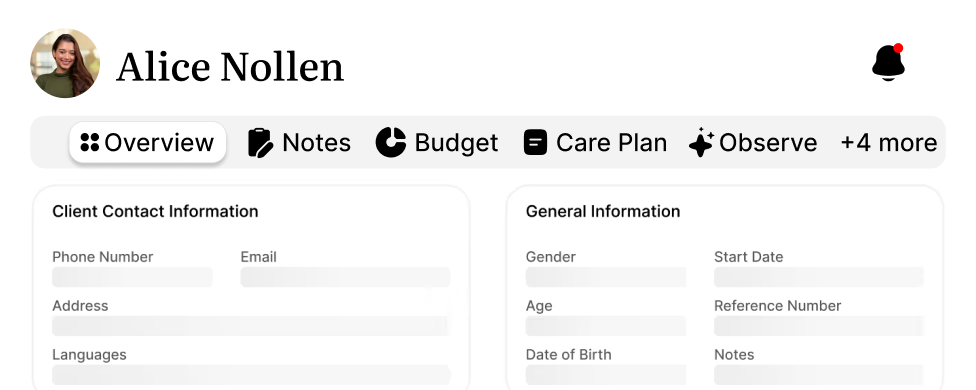
Care Management

Keep participant details, care plans, documents and notes together so your team can review the same client context.
Explore features
Imploy client records management screen with contact details
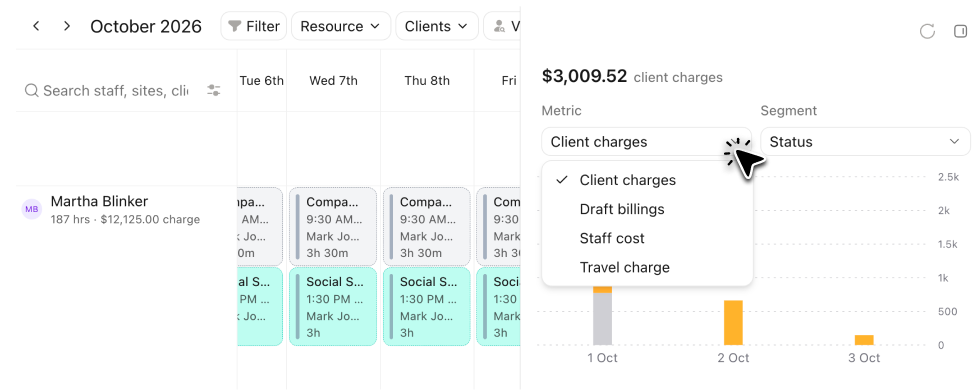
Rostering

Build recurring rosters, review worker availability and coverage, and share schedules with your team.
Explore features
Imploy roster with a real-time financial summary of client charges
Mobile App

Check shifts, clock in and out, and capture notes through the staff mobile app.

Explore features
Mobile app screen showing client details on the left with photo, name Alex Nelson, male, address in Australia
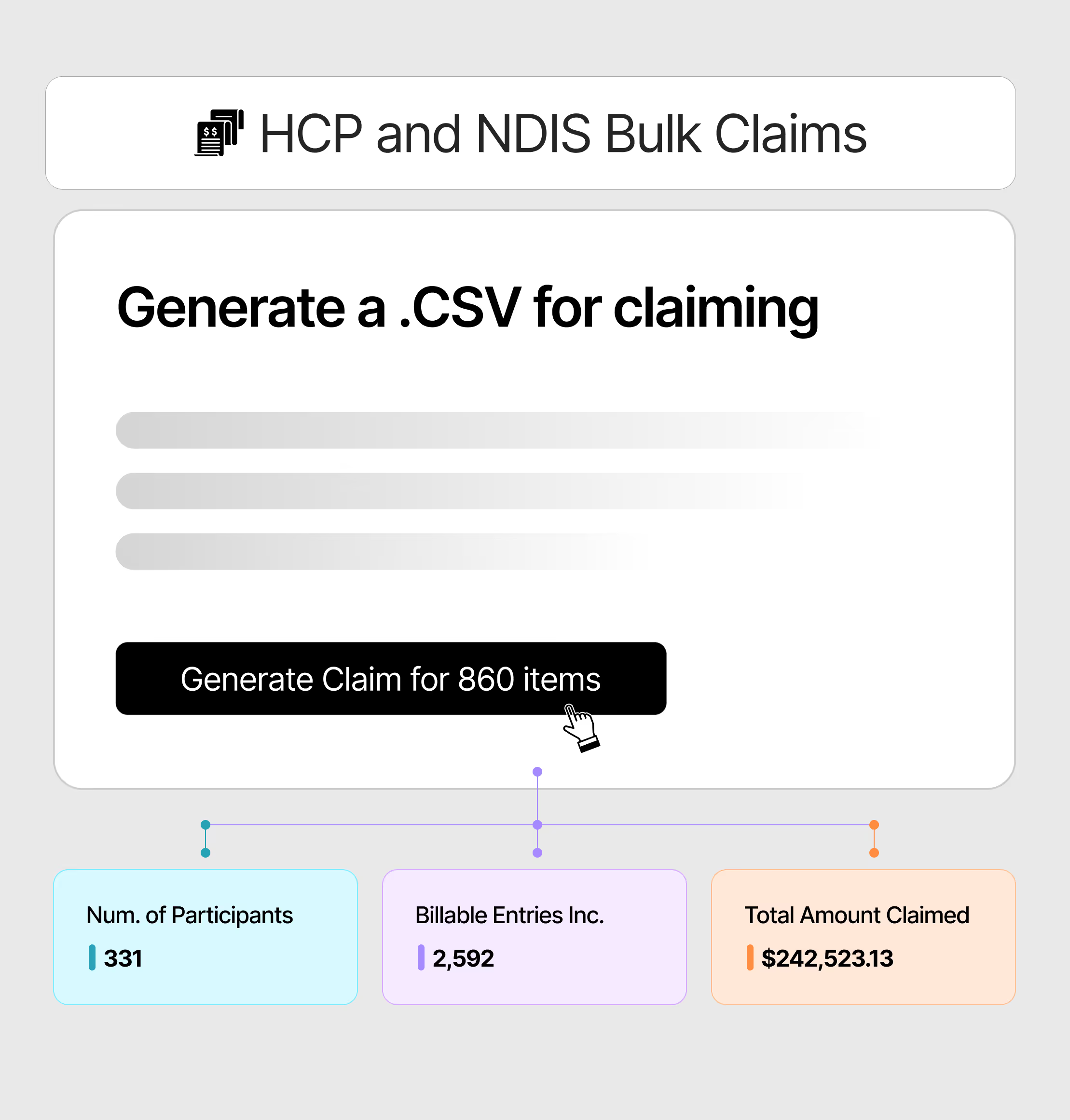
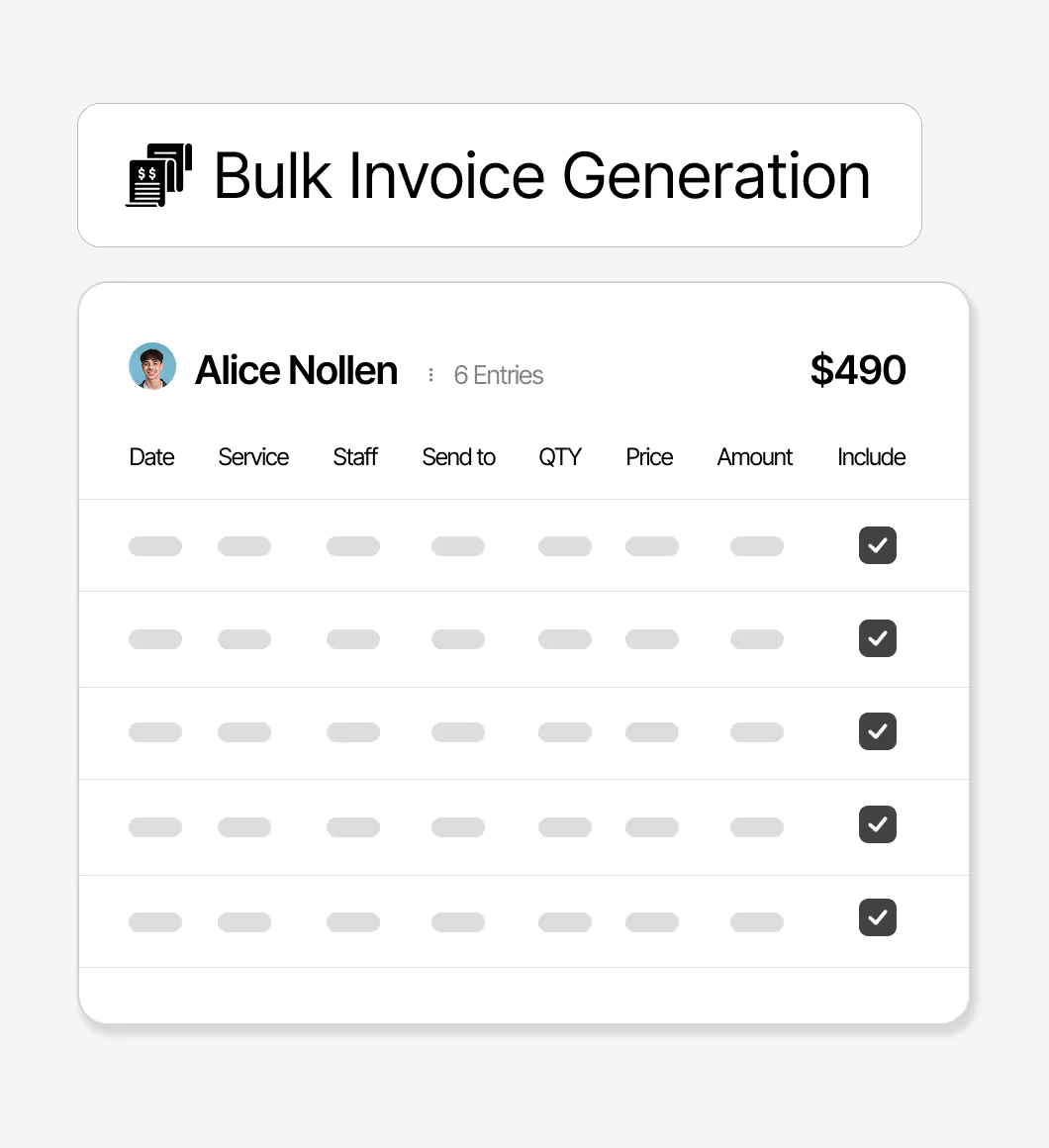
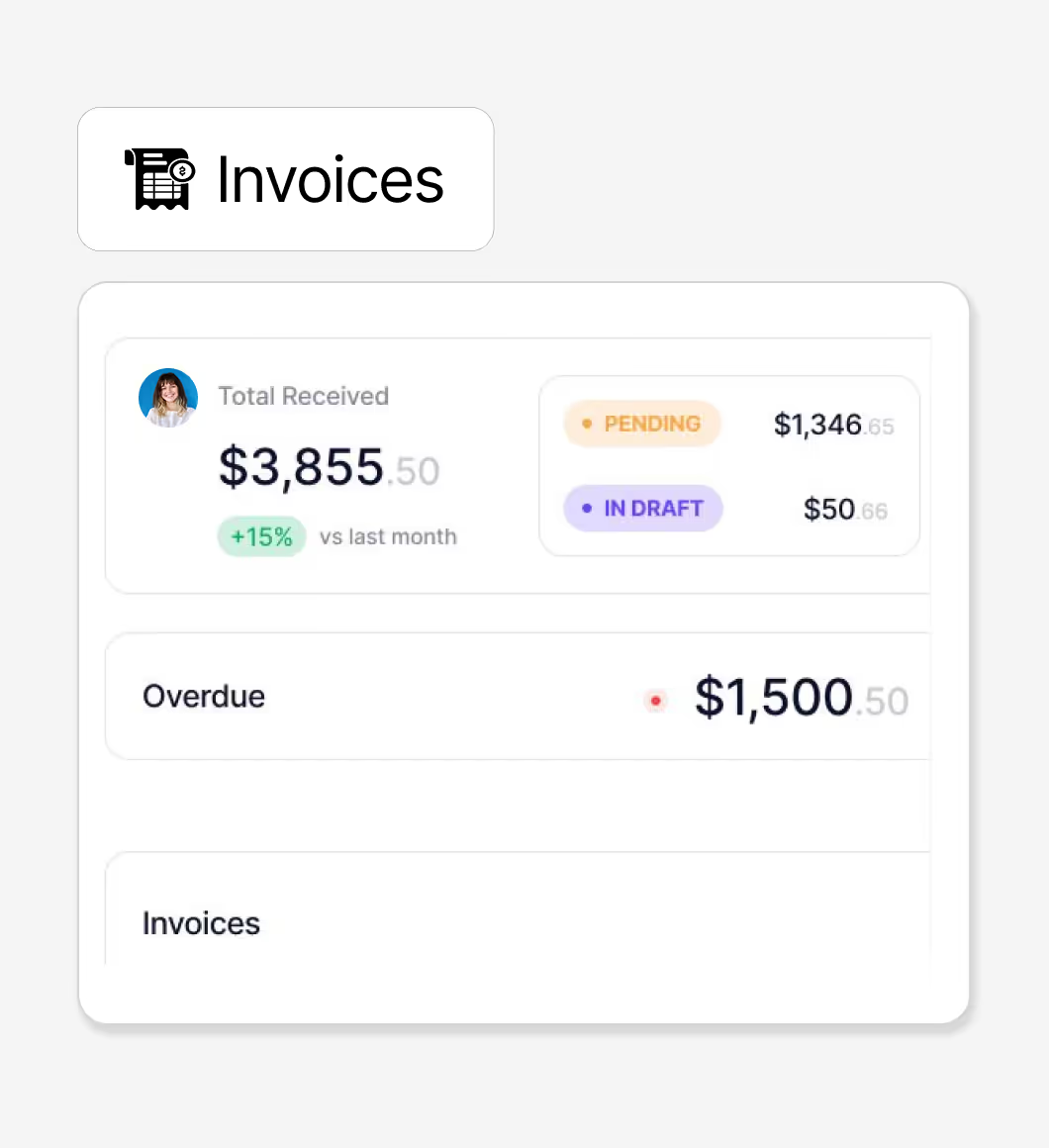
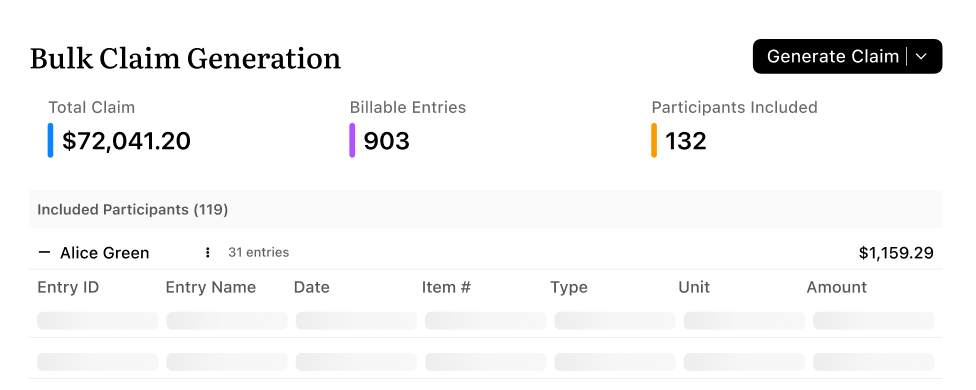
Bulk Invoicing

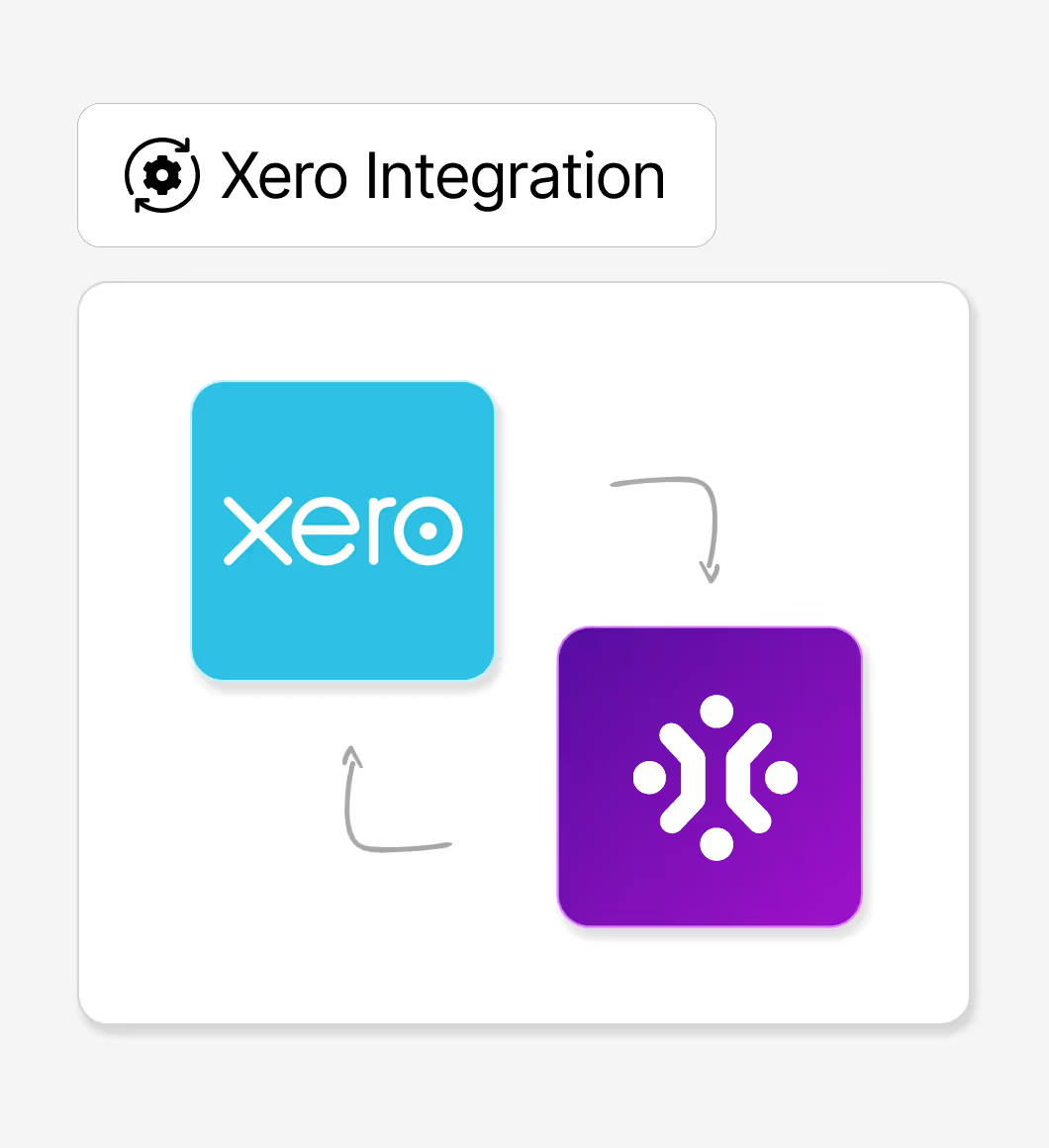
Review completed service records and billable entries before preparing invoices. Confirm your accounting setup and sync requirements.
Explore features
Imploy bulk claim generation screen with total claim and billable entries
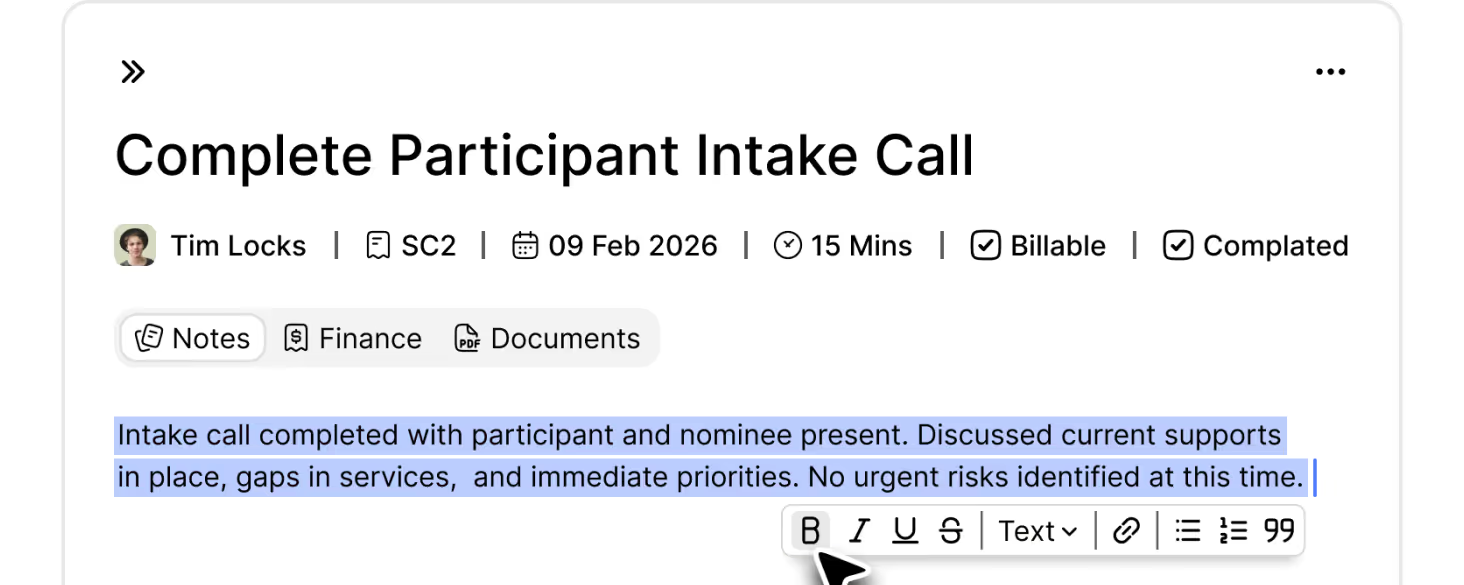
Billable Tasks

A central Task Board gives you control of your caseload, with billing and time management per task.
Explore features
Task titled 'Complete Participant Intake Call' assigned to Tim Locks, scheduled for 09 Feb 2026 lasting 15 minutes
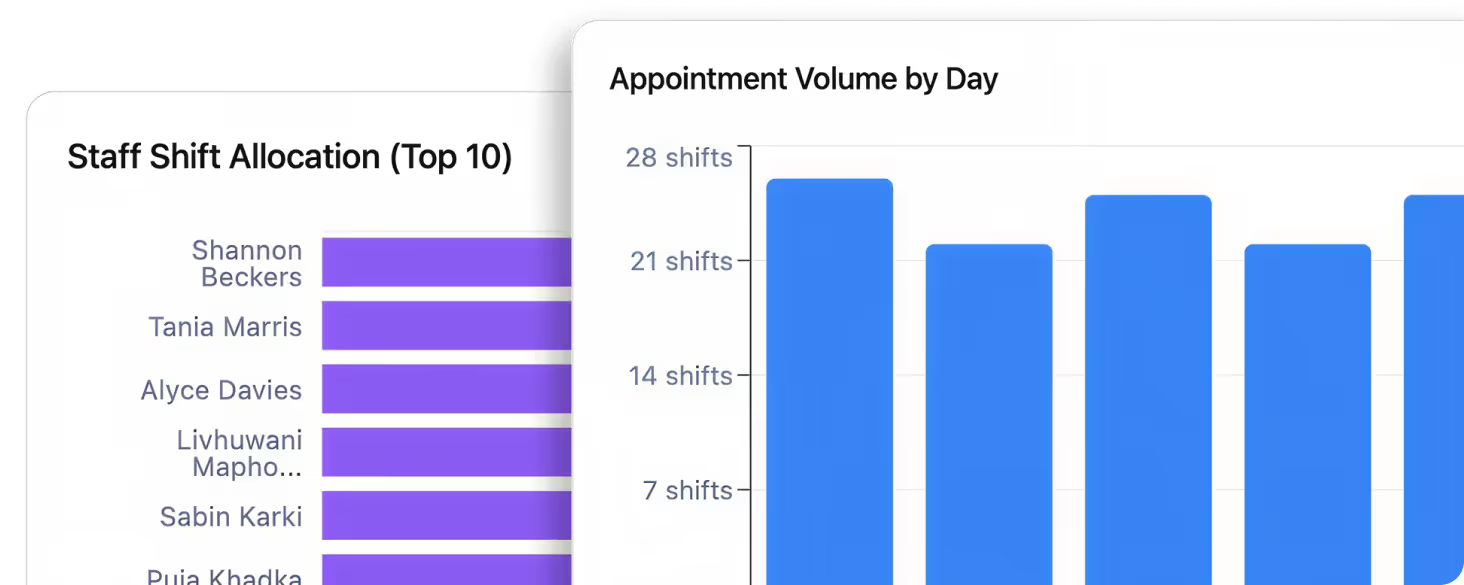
Reporting & Compliance

Keep operational records organised and use reports to review services, documents and follow-up.
Explore features
Partial view of two charts: a purple horizontal bar chart titled 'Staff Shift Allocation (Top 10)' listing names

Choose the right Imploy plan

Free Starter covers core workflows for up to five users and 5GB storage. Compare Premium for SCHADS Awards, bulk client invoicing, Accounts and Human Resources.
Check the current module, support and capacity options before choosing.

Compare Imploy plans
Open laptop on a white desk showing a digital calendar with scheduled companion care shifts and user details on screen
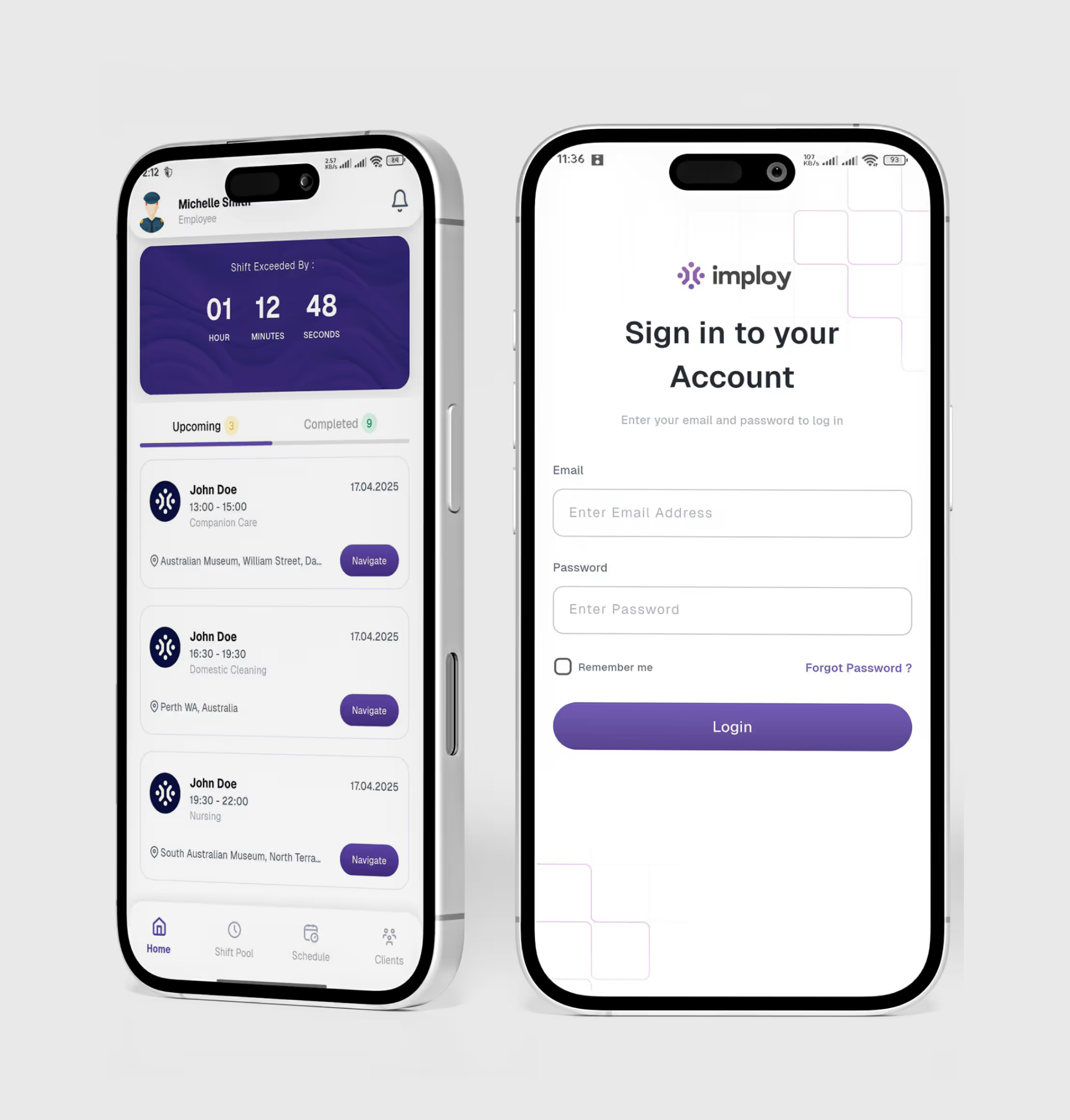
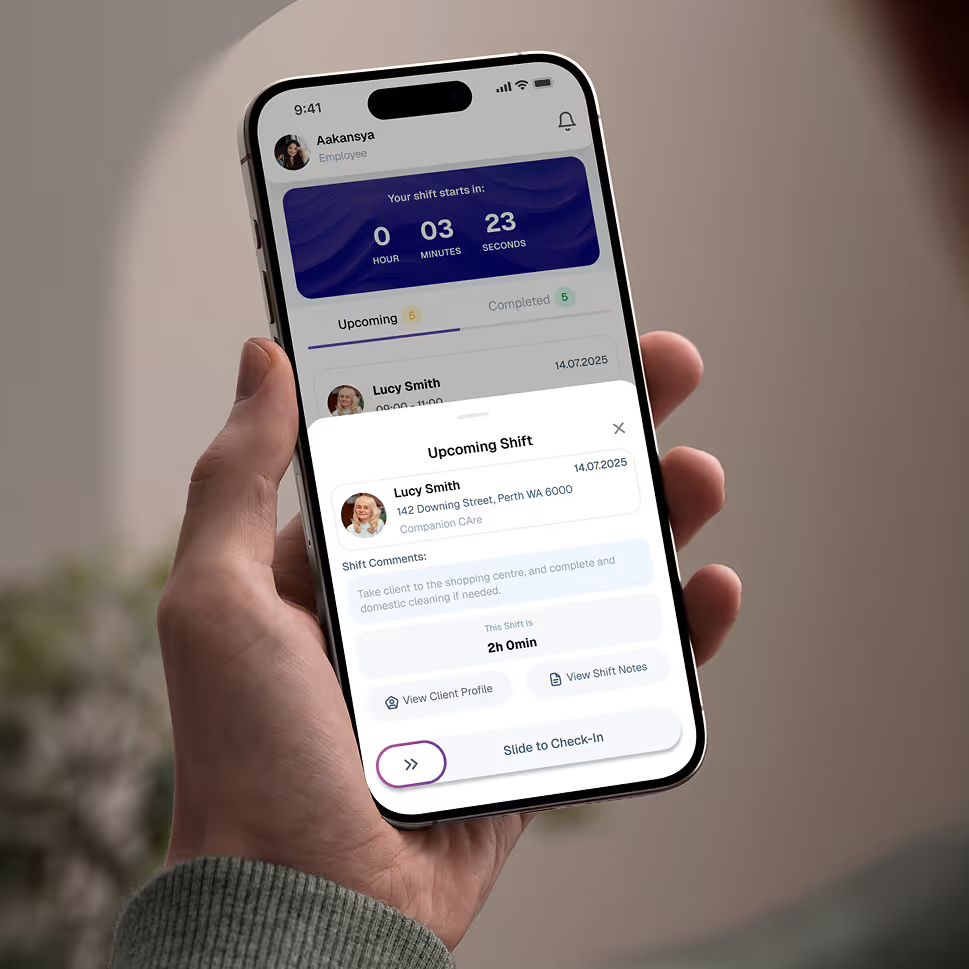
Hand holding a smartphone displaying an employee app screen for upcoming shift at Companion Care with countdown timer

Give your team the tools they need on the road, with quick access.

Empower your workforce on the go. Clock in, check schedules, and manage care notes from anywhere. Available for iOS and Android.

Frequently Asked Questions

How should I compare NDIS software for my provider team?

Use the same participant numbers, user roles and billing cycle when comparing costs. Test a real workflow from the participant record to the roster, mobile note and invoice review. Check module access, data migration, training, support and contract terms.

Icon - Elements Webflow Library - BRIX Templates

How do Imploy's free and paid plans compare?

Free Starter includes core care management, support coordination, rostering and the staff mobile app for up to five users and 5GB storage. Compare Premium for SCHADS Awards, bulk client invoicing, Accounts and Human Resources. Check the pricing page for the current plan comparison.

Icon - Elements Webflow Library - BRIX Templates

How was this software comparison checked?

Reviewed on 16 November 2026 using the vendors' public product and pricing pages. Available means the vendor describes that capability; it does not mean every plan includes it. Confirm setup or ask about trial means the detail needs confirmation with the vendor. Pricing, features and terms can change.

Icon - Elements Webflow Library - BRIX Templates

Experience the Imploy difference with AI

Get ready to experience how AI can transform the way you work,and unlock smarter, more efficient workflows.
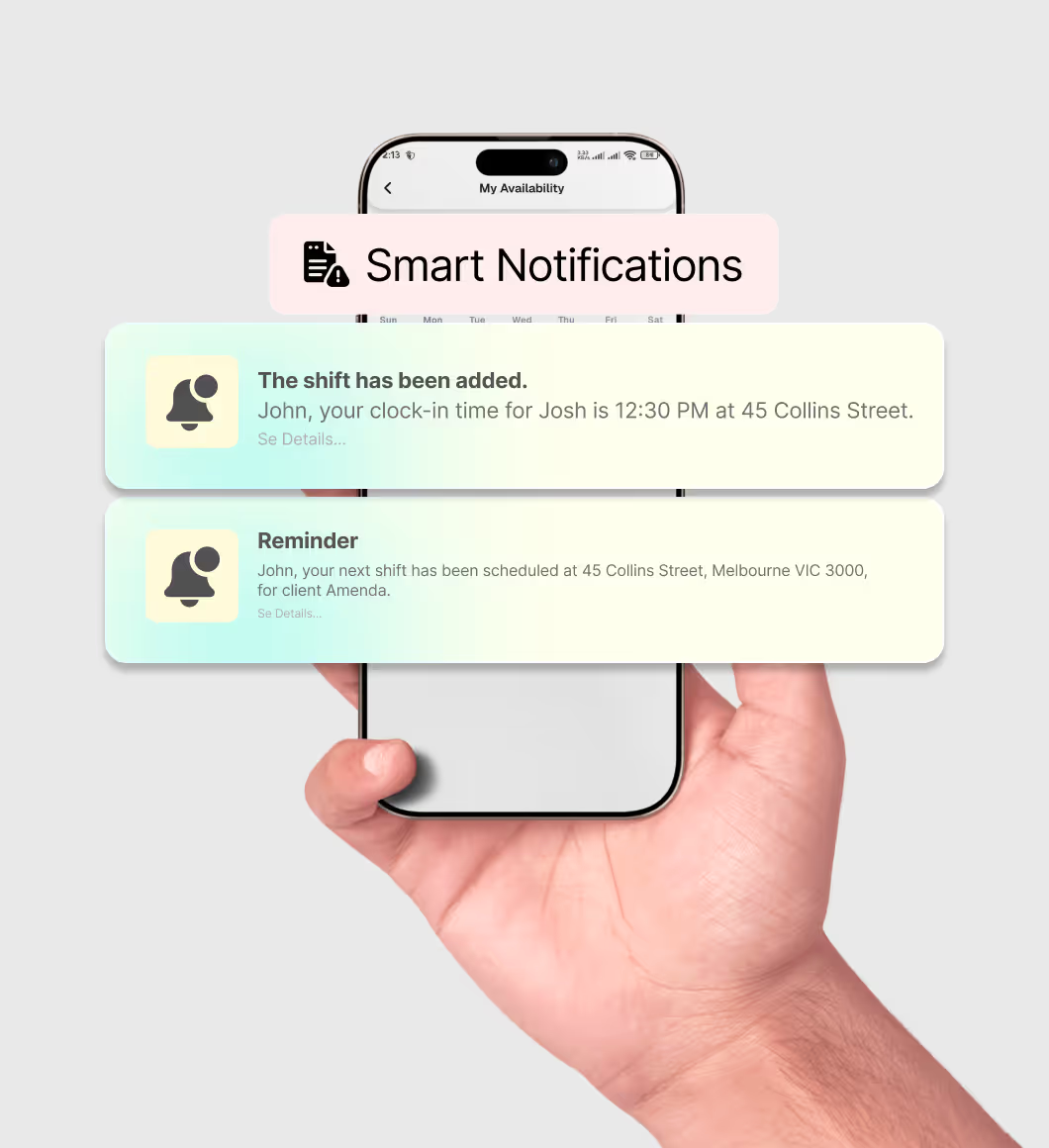
Two horizontal notification bars with orange bell icons on their left side, stacked vertically on a black background.