

NDIS CRM Software for Participant Management
Keep participant profiles, contacts, plans, documents and notes together in one NDIS CRM. Connect the client record with rostering and invoicing, so your team can follow the participant from intake to ongoing support.

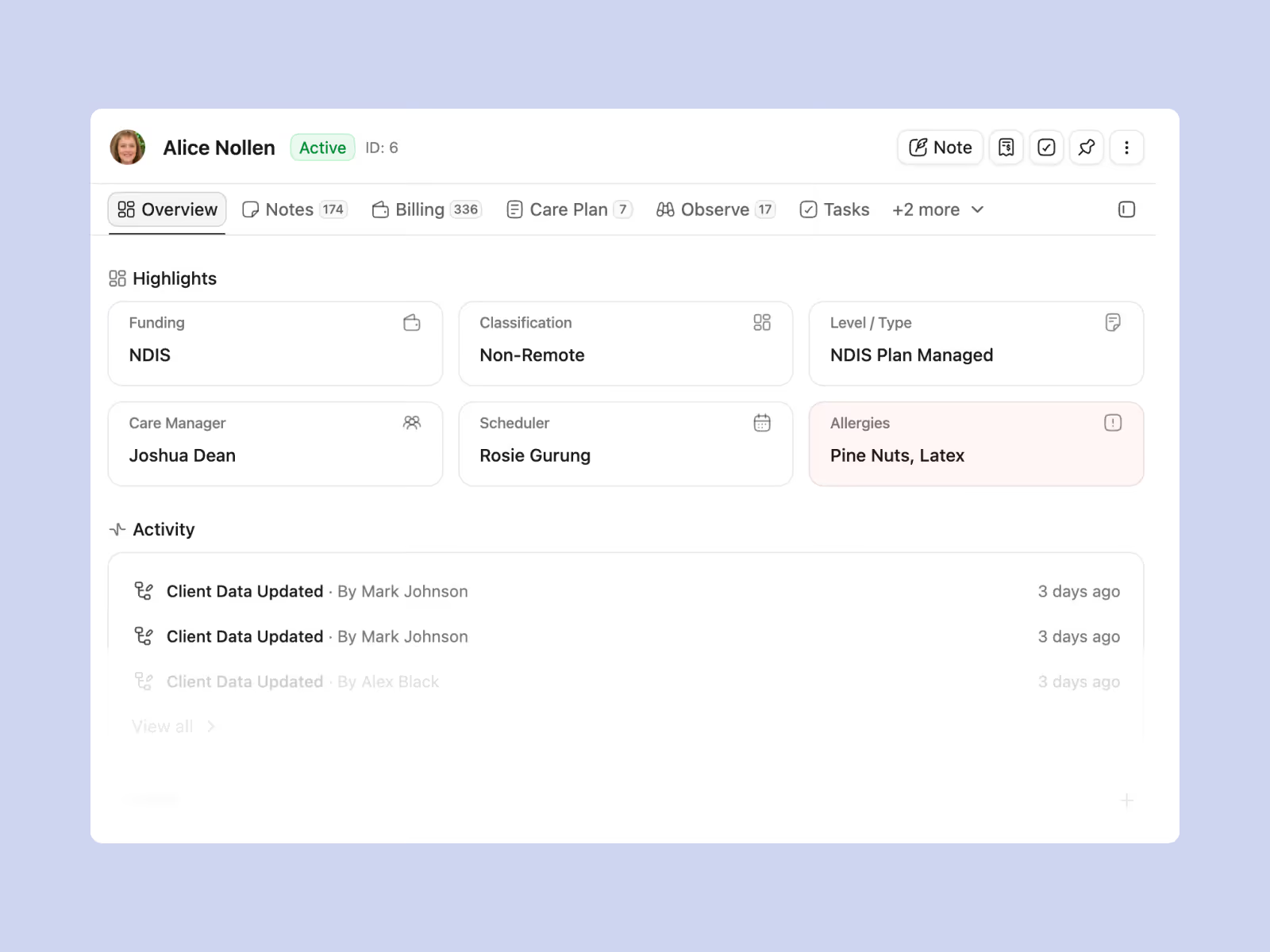
One participant record, from intake to follow-up.
Build a practical participant record for the people delivering care. Bring intake details, plans, service agreements, goals and shift notes into one place, then connect that context with the roster and billing workflow.


Participant profiles for everyday care
Start with the participant's contact details, support needs and key documents. Keep plan information and service agreements with the client record so coordinators and administrators can find the context they need.

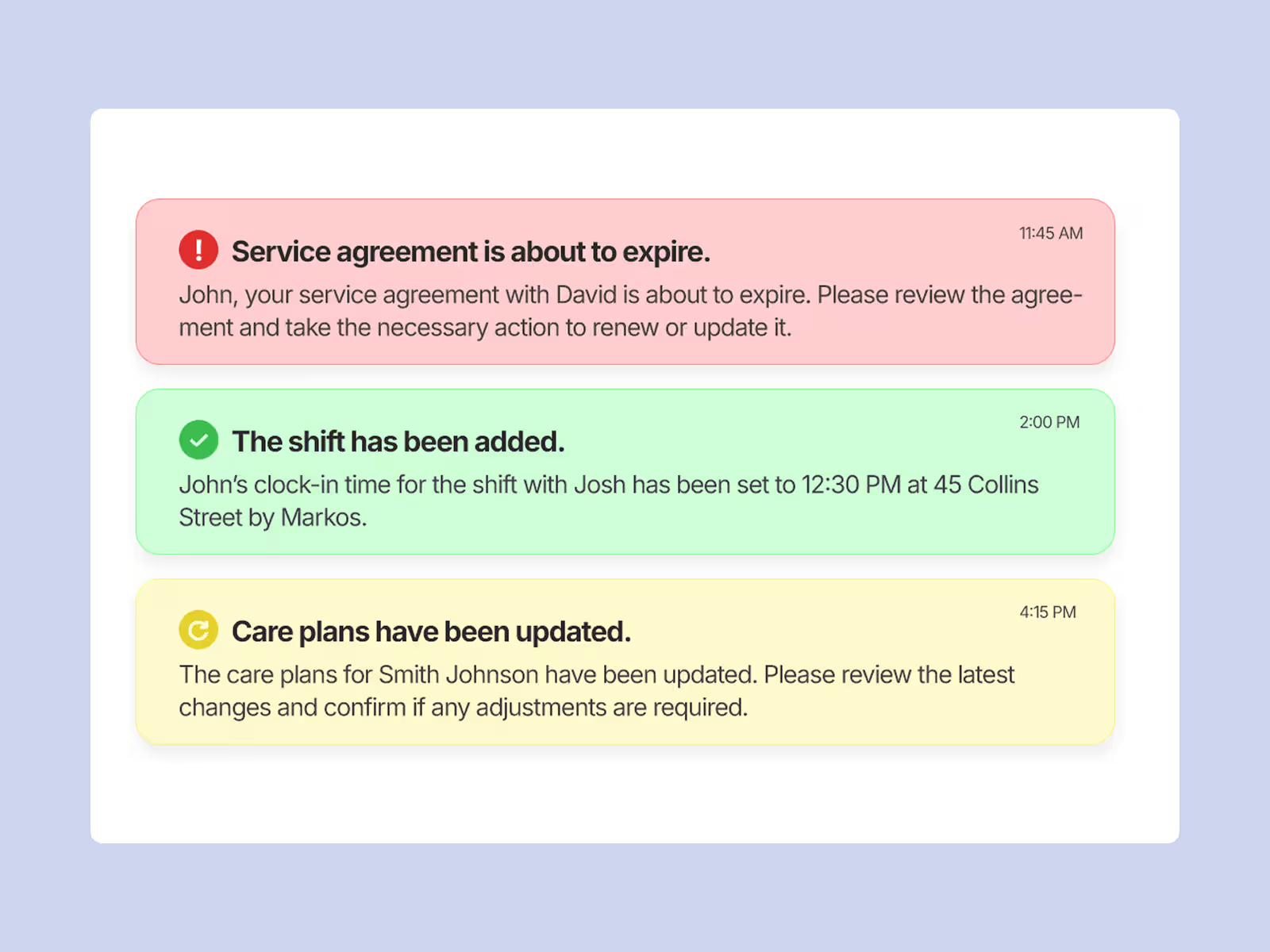
Tasks and follow-up for your team
Assign follow-up tasks and use notifications to keep upcoming reviews and expiry dates visible. Review what needs attention alongside the records your team manages.
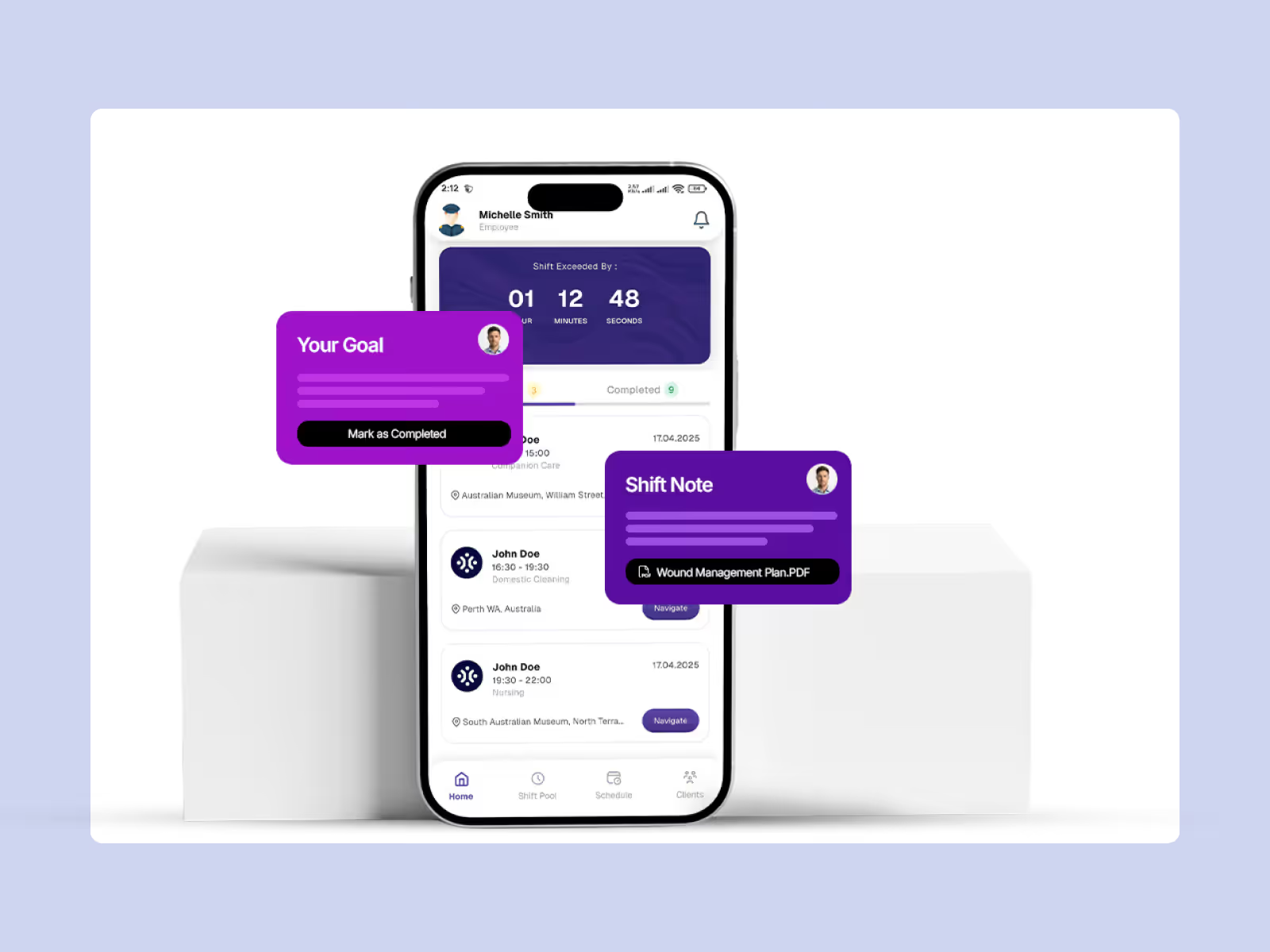
Participant goals and shift notes
Keep recorded participant goals visible and capture shift notes from the mobile app. Give the next worker and the office team a shared record of what happened during support.
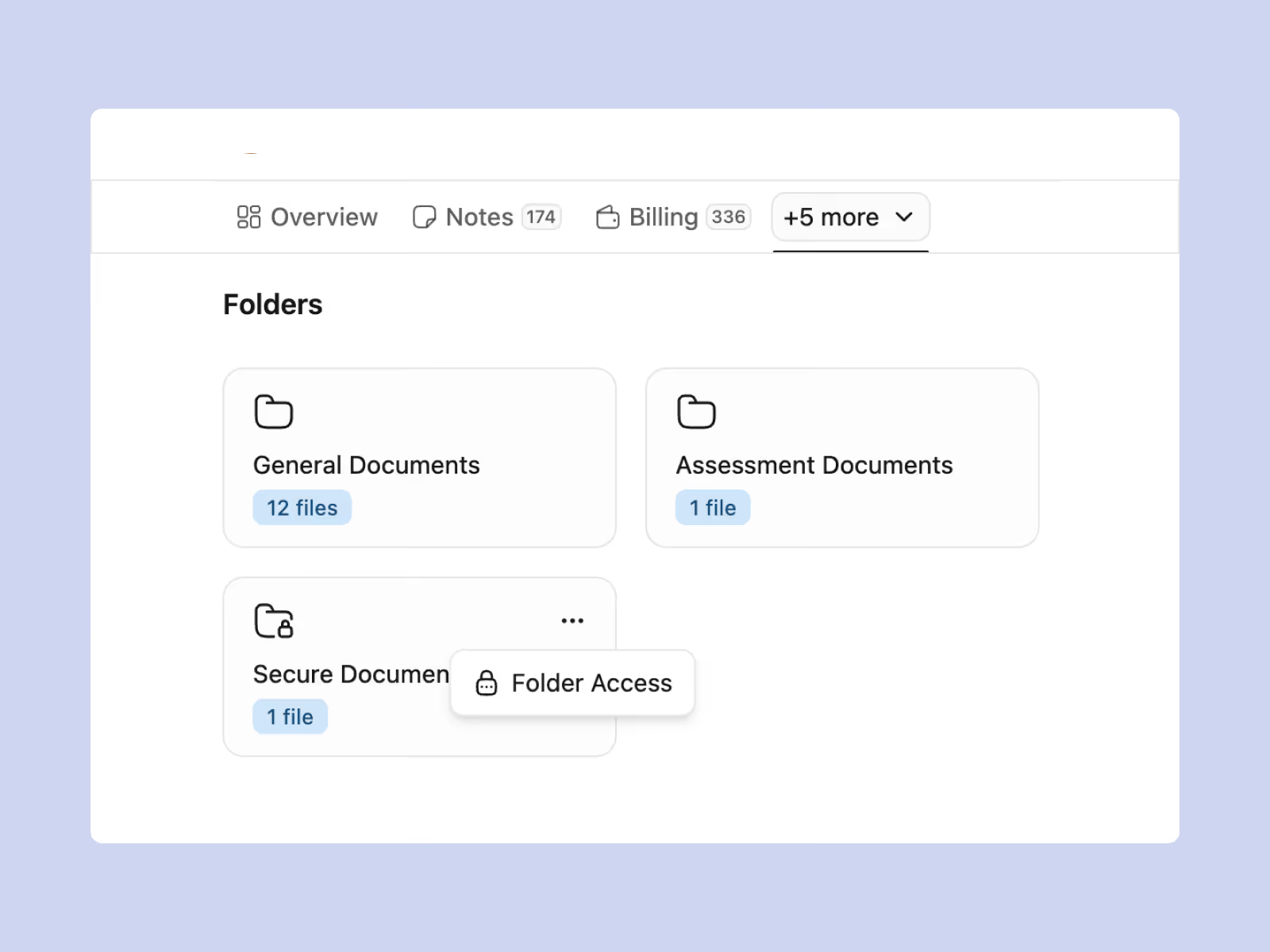
Participant documents, ready to review
Store service agreements, care documents and risk assessments with the participant record. Keep the information organised so your team can find it for a review, a handover or the next support visit.
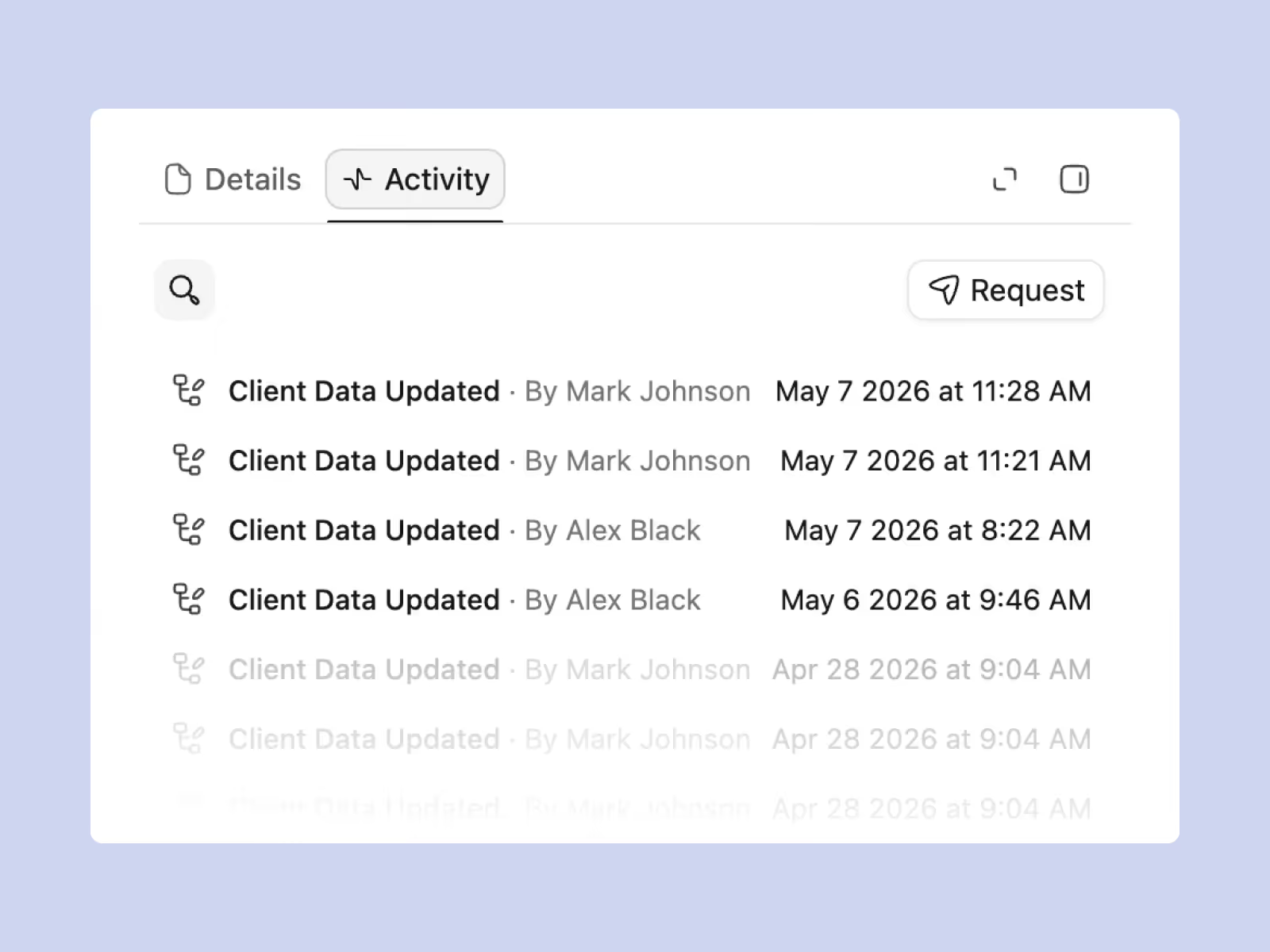
A shared history for continuing care
Review previous case notes and logged interactions before the next conversation or support visit. Help coordinators and administrators keep track of the participant's situation.

Client management built around care teams
Imploy is built by a provider, for providers. We understand the complexities of delivering quality care while maintaining personalized relationships with a growing list of participants. We have also built a provider company and struggled with fragmented data and lost notes instead of focusing on care. Imploy is an NDIS CRM Software for sole traders and providers because we’ve solved the problems you face every day.
To empower care providers through intuitive, efficient, and compliant software that simplifies relationship management, supports staff, and enhances the lives of the people they care for.
We envision a future where care providers of all sizes have access to the tools and technology they need to grow sustainably, meet regulatory demands, and focus on what matters most—delivering better outcomes for clients and communities.
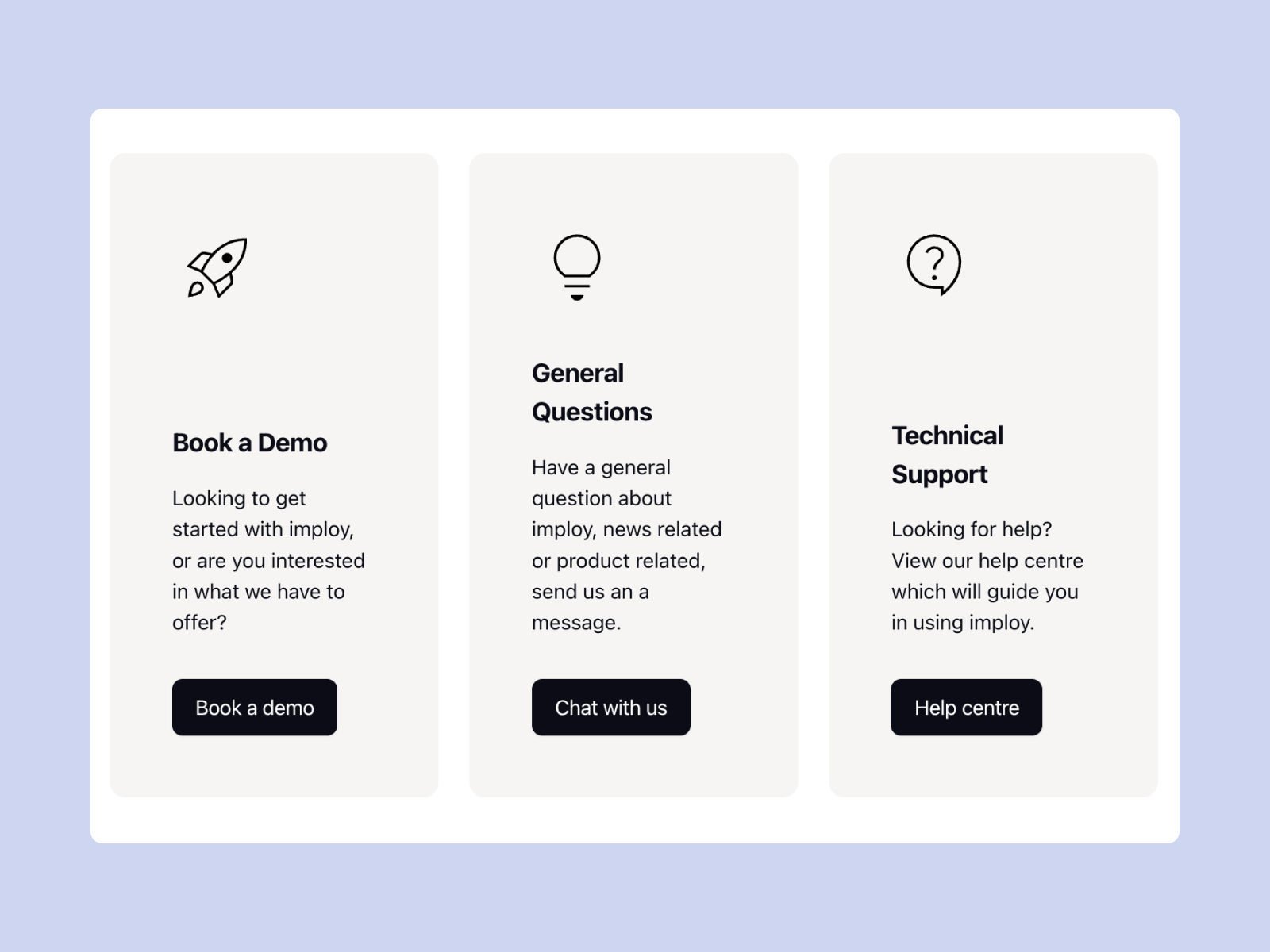
Resources and Support
Moving participant records into a new CRM takes planning. Explore Imploy's onboarding support and help articles, then compare the modules and plan that fit your team.
Frequently asked questions
What is NDIS CRM software used for?
NDIS CRM software brings participant contacts, plan details, documents, goals and notes into a shared client record. In Imploy, that participant context also connects with rostering and invoicing workflows.

Can I customise participant intake forms?
Yes. Use Imploy's form tools to collect the information needed for different services and participant workflows. Review the available form and client-management modules when comparing plans.
Does the CRM connect with rostering and invoicing?
Yes. Imploy keeps participant information in the same platform as the roster and billing tools. Check the modules included in your chosen plan for the workflows you want to use.
Can I keep participant goals and notes together?
Record goals in the participant profile and keep case notes and shift records available to your team. This gives coordinators and administrators useful context when reviewing support and following up.
Can I compare CRM plans before signing up?
Yes. Review the pricing page to compare Free Starter, Premium and Enterprise. Check user and storage limits, included modules and support before deciding what suits your provider team.
How does the CRM help with reviews and follow-up?
Keep service agreements, care documents, notes and assigned tasks organised around the client record. Use the available notifications to bring approaching dates and follow-up to your team's attention.