

NDIS accounting software for connected billing
Connect service records, billable entries, invoices and claim exports with your accounting workflow. Review billing status and funding information alongside participant records.

Connect service delivery with your finance team
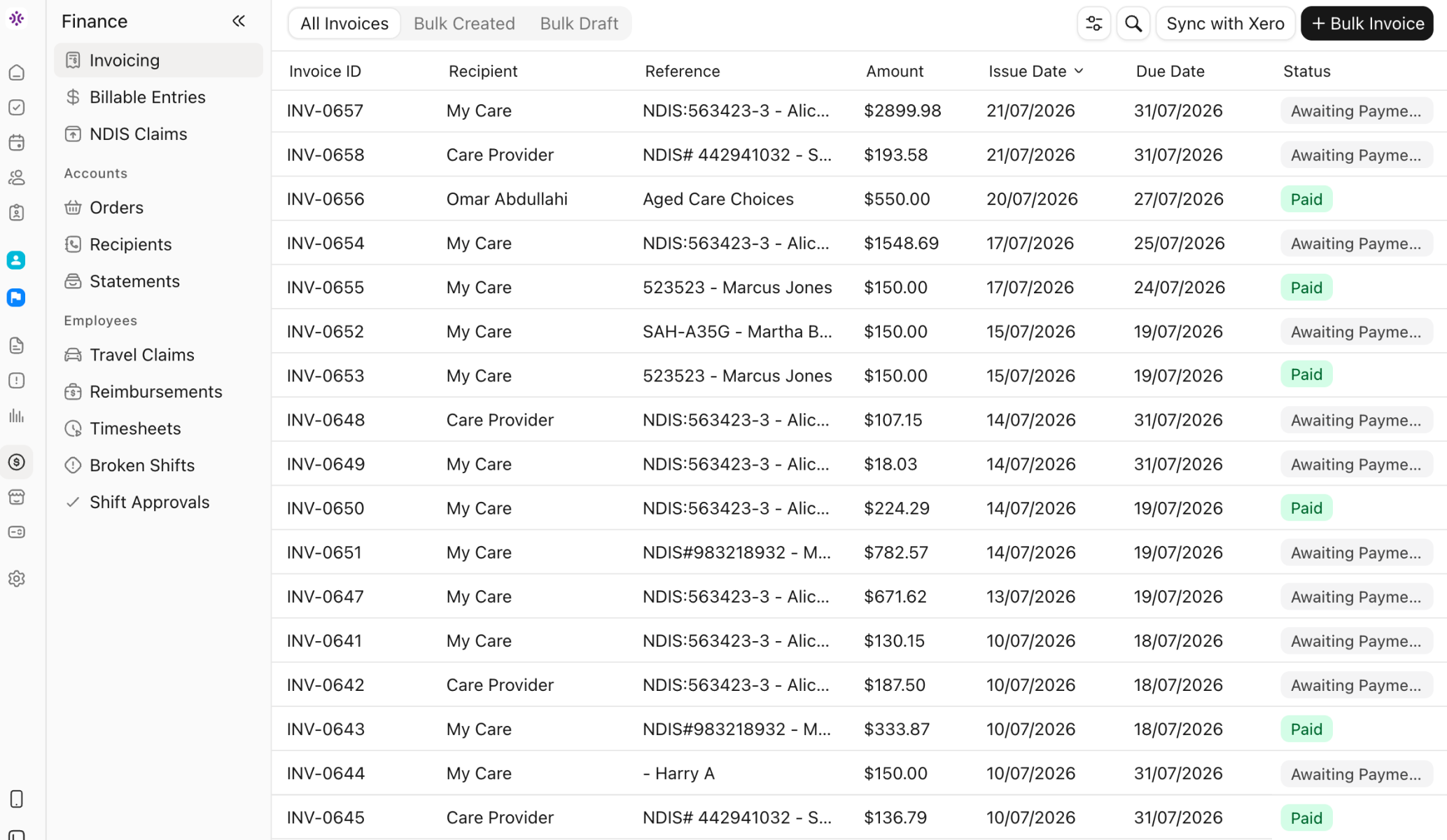
Bring the records behind each charge into one operational workflow. Imploy helps NDIS and home care providers review billable services, prepare invoices and claim CSV files, and connect invoice information with their accounting system.
Billable Entries & Invoice Batches
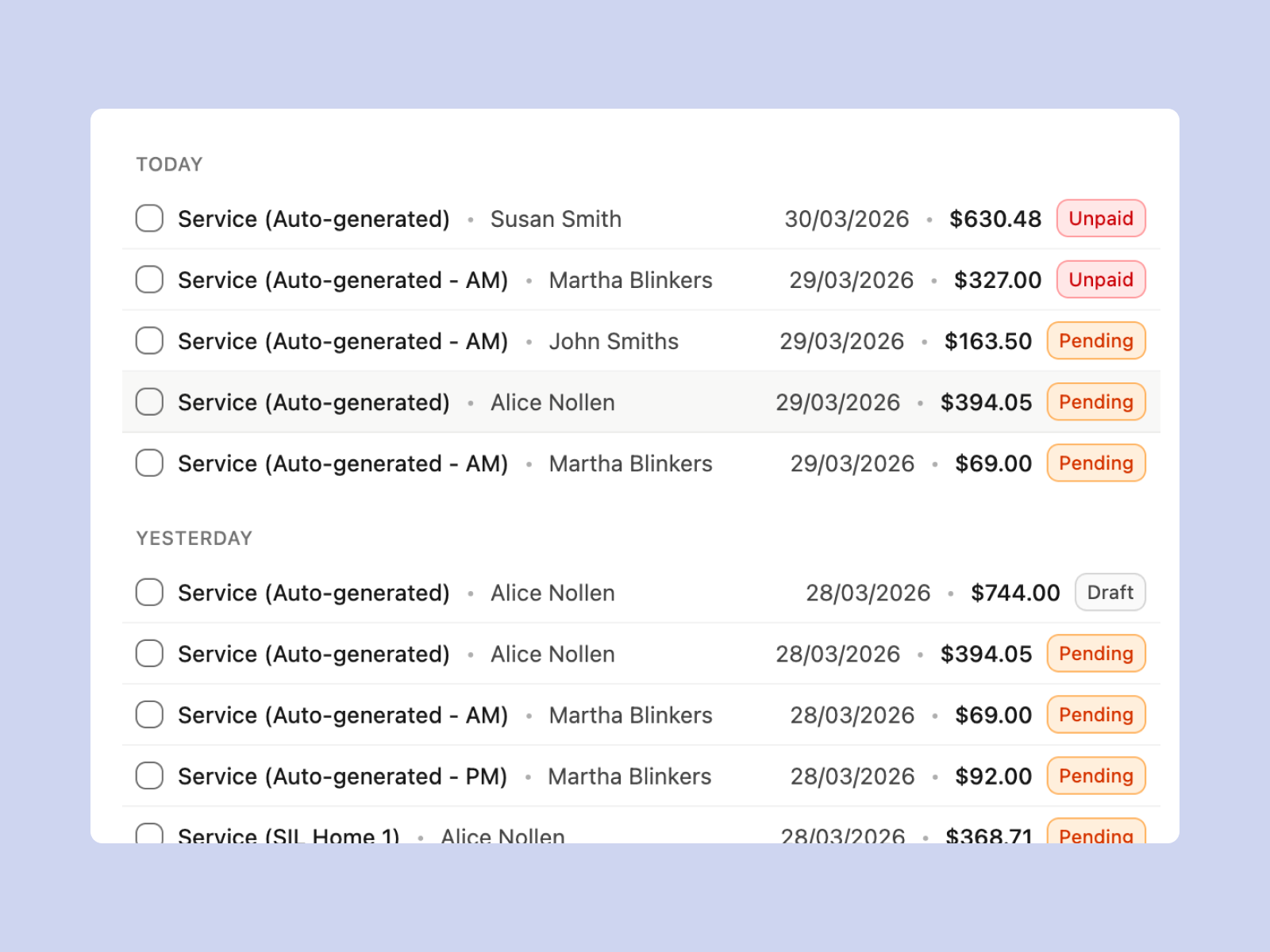
Prepare invoice batches from eligible service, task, travel, reimbursement and manual billable entries. Review clients, recipients, included records and totals before generating invoices through the connected accounting provider.

NDIS Claim CSV Preparation
Group eligible billable entries into a claim period, review the included records and export an NDIS CSV for portal upload. Keep preparation and review connected with the source service information.
Home Care Financial Statements
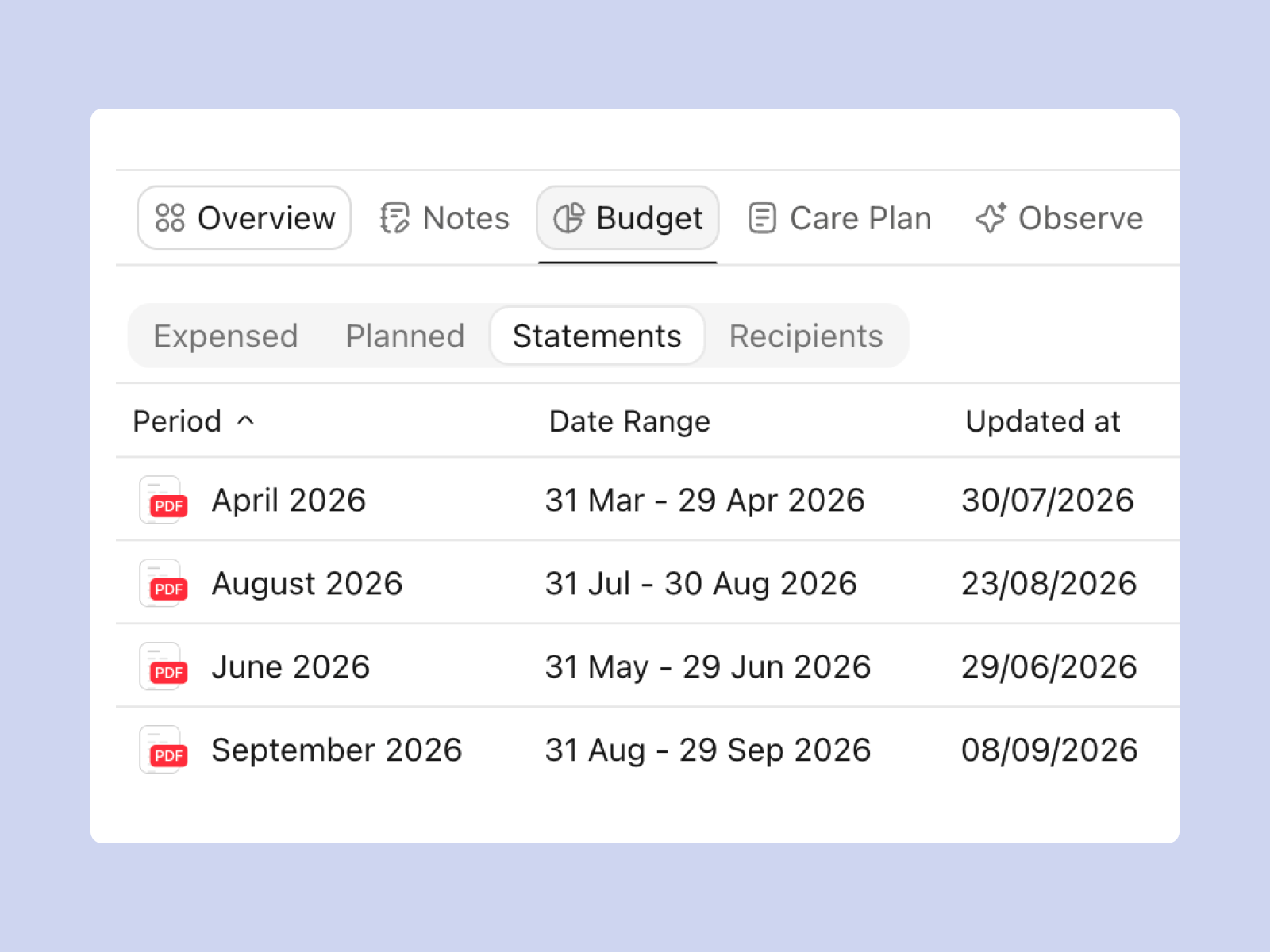
For home care workflows, generate client financial statements using the configured budget and recorded expenses. Select the statement period and download the PDF for your team to review and share.
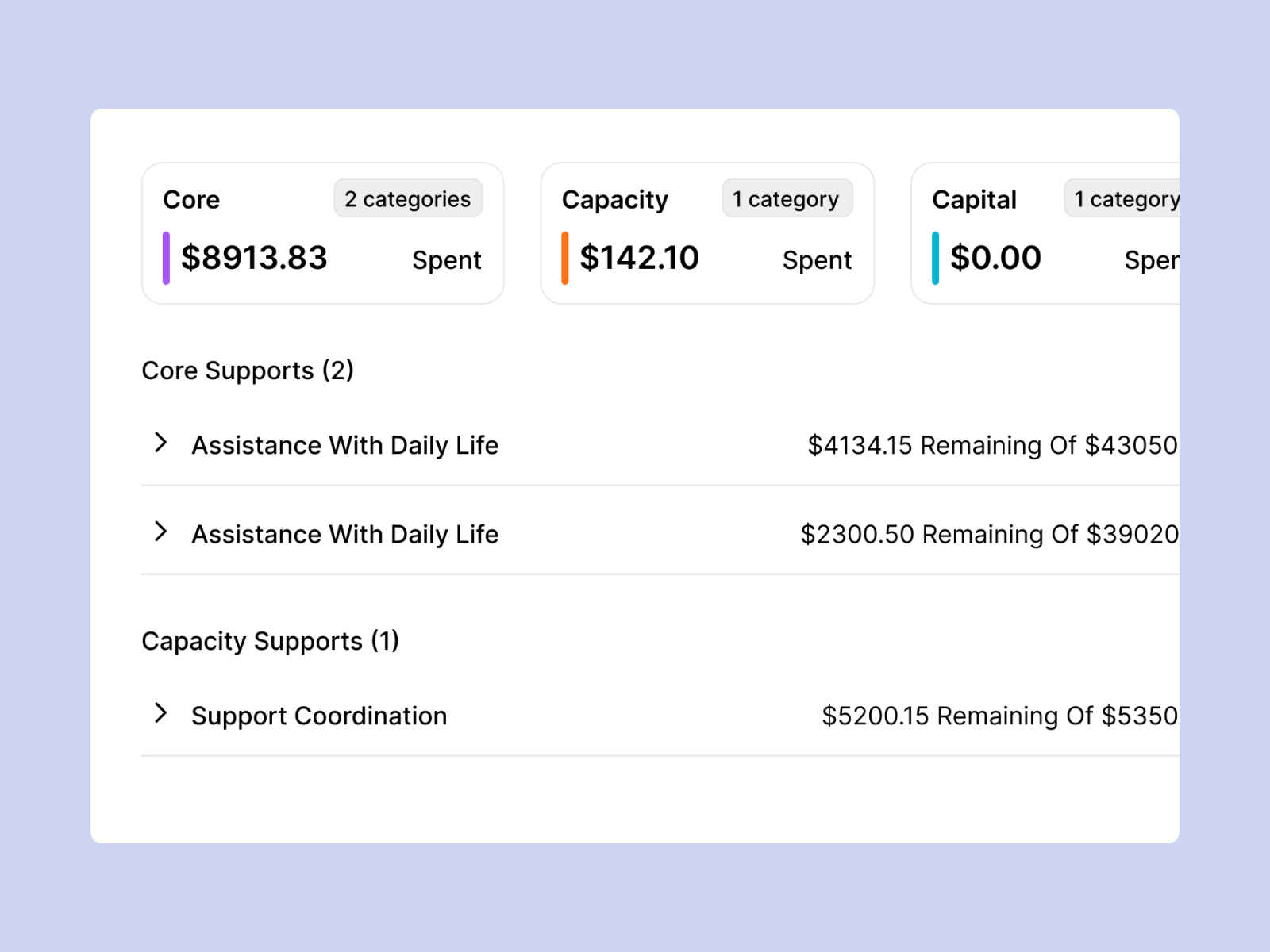
Participant Funding Visibility
Review funding information held in Imploy alongside participant and service records. Give coordinators and finance staff context for checking the amounts, categories and recorded activity used in their workflow.
Travel Claims & Reimbursement Records
Bring staff travel and reimbursement records into the finance review. Keep the supporting details with the relevant service information when deciding which costs belong in billing.

Connect billing with your accounting workflow
Use Imploy to review service charges, invoice batches and linked billing records. Xero and QuickBooks connect the invoice workflow with your accounting system; QuickBooks is documented as beta. Confirm the connection and setup your finance team will use in a demonstration.

A finance workflow that fits your provider team
Keep service delivery, participant records and the charges being reviewed in the same operational platform. Coordinators can follow the context behind a billable entry, while finance staff review invoice recipients, batches and linked records before the accounting handover.
Connect supported invoice workflows with Xero or QuickBooks, which is documented as beta. Use the accounting system for business bookkeeping, reconciliation and financial reporting, with Imploy connecting the service-billing information your teams work from.
For a small team, test a typical billing period and the setup effort involved. For a growing or multi-site provider, include invoice volume, recipient rules, staff responsibilities and the reports your finance team needs in the demonstration.
Plan your finance setup
Bring a representative billing period to a demonstration. Review the accounting connection, client and recipient setup, service records and the outputs your team needs before agreeing on the rollout.
Frequently asked questions
Questions about Imploy’s accounting-connected finance workflows.
What does Imploy’s NDIS accounting software help manage?
Imploy connects service records with billable entries, invoices, NDIS claim exports and participant funding information. Supported accounting connections link that workflow with Xero or QuickBooks. Your finance team continues its business bookkeeping, reconciliation and financial reporting in the accounting system.

How is participant funding information used?
Review the funding amounts, categories and service-related information recorded in Imploy. These views help coordinators understand the information held in the platform and check it against participant agreements and the team’s source records.
Which accounting connections can we use?
Xero and QuickBooks are documented for invoice generation and status sync. QuickBooks is currently labelled beta. Connect the chosen accounting system before using accounting-dependent invoicing actions and review its setup and PDF behaviour with your finance team.
How do NDIS claim exports work?
Create a claim period, review eligible billable entries and exclude anything that should not be exported. Imploy generates an NDIS CSV for the provider to upload to the portal. Export status and the claim’s payment status are separate records to review.
How do we get started or migrate records?
Start by reviewing your accounting connection, client and recipient details, service records and billing process with the Imploy team. Confirm the records, import options, migration responsibilities and support included in your rollout before moving the workflow.
What should we check in an accounting software demo?
Bring one representative billing period. Trace service records through billable entries, invoice recipients, invoice generation, accounting sync and payment-status review. Include a claim CSV, a correction and the reports or statements your team needs.